



BlogDatacenter, Residential, ISP or Mobile: Which to Pick When You Buy Proxies
Datacenter, Residential, ISP or Mobile: Which to Pick When You Buy Proxies
 Shashank Jain
26 Nov 2026
5 min read
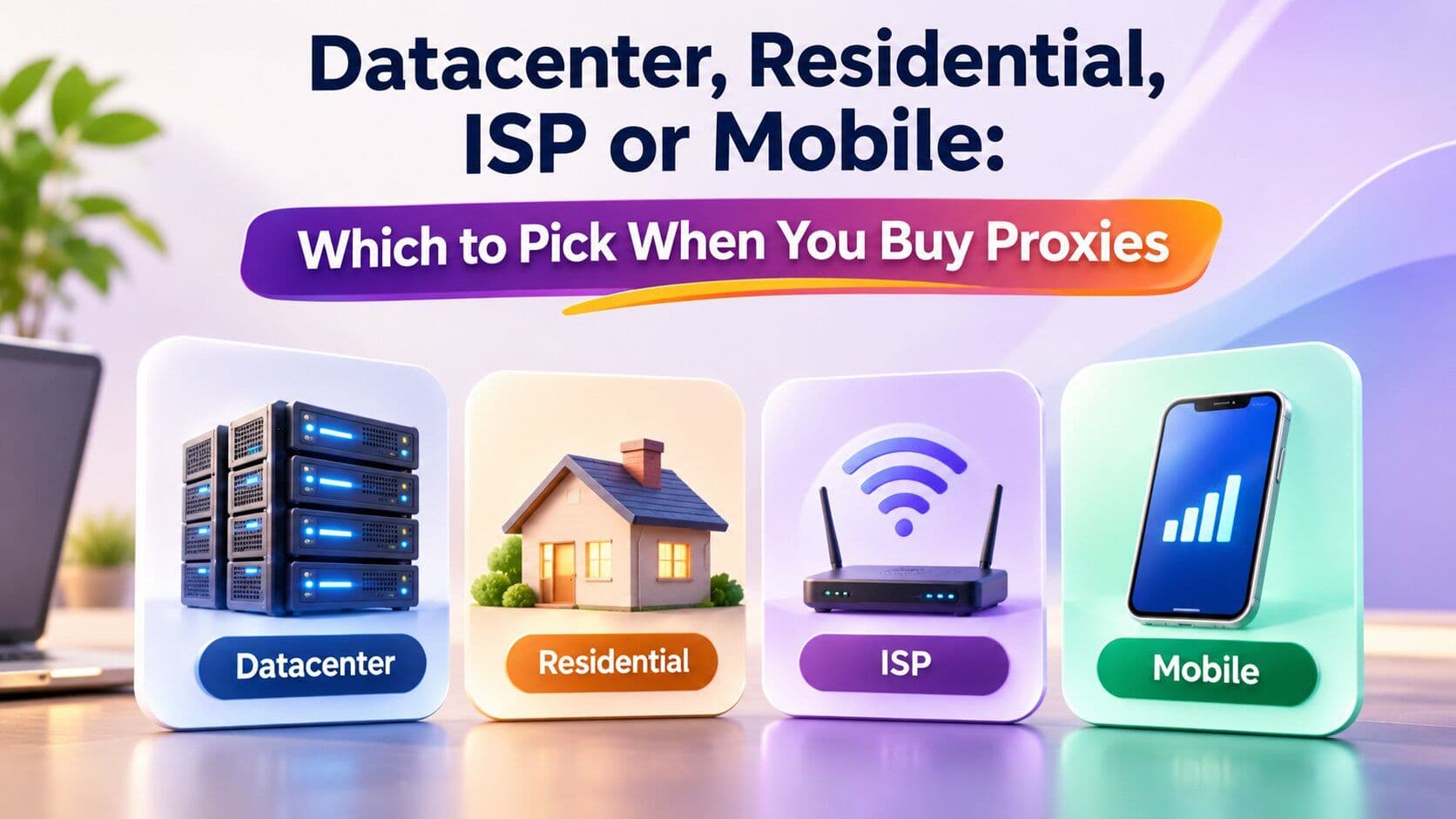
Datacenter, Residential, ISP or Mobile: Which to Pick When You Buy Proxies
The first time I had to choose a proxy type, I went straight for the priciest option, assuming it had to be the best. It was slower than expected and far more than the job needed. The task was a simple weekly check of public product pages, and a basic datacenter address would have handled it fine.
If you are about to buy proxies for the first time, the common types can look like a price ladder. They are not. Each comes from a different kind of network and suits different legitimate work, from site monitoring and SEO checks to software testing and ad verification. The right pick depends on the task, not the price tag.
Where addresses come from and what datacenter proxies offer
Every IP address belongs to someone. Large blocks are assigned to hosting companies and cloud operators, and that is where datacenter proxies live. Other blocks go to internet providers, who hand addresses to homes and offices. Mobile carriers hold their own ranges for phones. The proxy type mostly describes which pool an address comes from.
That origin matters because websites can usually tell what kind of network an address belongs to. A request from a hosting range looks like a server, while one from a home connection looks like a person. Neither is good or bad. It only changes how a site treats your traffic and what you see.
Datacenter proxies run on servers in hosting facilities. They are the easiest kind to supply in large numbers, so they are usually the most affordable option. For many technical jobs, such as checking your own sites from different countries, testing an API or watching public pages that welcome automated visits, they are all you need.
Their limitation is that they do not look like ordinary users. Some sites show different content to hosting ranges or handle them more strictly, and that can skew a test meant to mirror a customer's experience. If you need exactly what a household visitor sees, a datacenter address may give you a slightly different page.
The big strength of datacenter proxies is consistency. They sit on fast links close to major network hubs, so response times are short and steady. Sessions rarely drop, and a dedicated address normally stays the same for as long as you keep it. For scheduled automated tests, that predictability often matters more than anything else.
That stability also makes troubleshooting easier. When a test fails, you can rule out the proxy quickly, because its behavior hardly changes between runs. With rotating home addresses, a failure might come from a slow connection somewhere far away, and pinning it down takes longer. Predictable infrastructure keeps your results about your own product.
It is also worth asking whether an address is shared or dedicated. A shared address serves several customers at once, so its history and behavior depend partly on strangers. A dedicated one is yours alone for as long as you keep it, which makes results easier to compare between runs. For tests that repeat every week, that is usually worth paying a little more for.
Residential, ISP and mobile proxies
Residential proxies use addresses that internet providers assign to real homes, so a request looks like it comes from a household connection. That helps when the task depends on seeing what local customers see: regional prices, local search results or ads aimed at home users. Speed varies more, since the connection behind the address is ordinary.
ISP proxies, sometimes called static residential, are hosted on servers but use address ranges registered to internet providers. The result is a hybrid. Sites see an address from a consumer network, while you get much of the speed and stability of a data center. The address usually stays fixed, which suits long sessions.
That middle ground makes ISP proxies sensible for ongoing jobs where a datacenter address gets treated differently but rotating home addresses would be overkill. Think of a daily check of regional pages, or a QA suite run against your own staging site from abroad. They typically cost more than datacenter addresses and less than mobile ones.
Mobile proxies route traffic through carrier networks. Carriers often share one public address among many phones, so the view through a mobile IP is the view a commuter on that network gets. For legitimate work, that is the main value: seeing how a page, an app or an ad behaves on a phone connection.
That matters for app testing, mobile ad checks and pages that change for carrier traffic. Because many phones sit behind one address, a session through a carrier network is also less predictable than one through a fixed server address, which is worth remembering when a test has to run unattended.
Before you commit, look at what a provider actually lists. With Geek Proxy or any other seller, check which address types are on offer, which countries they cover and what tasks each plan is meant for. For residential addresses, also ask how they are sourced, since reputable networks rely on people who knowingly agreed to share their connection.
Matching the proxy type to the task
My rule of thumb: start with the cheapest type that gives a faithful result and move up only when it falls short. Datacenter addresses cover testing your own services, uptime checks and most public monitoring. Residential and ISP addresses fit local search checks, regional price views and ad verification for home users.
Before comparing offers, I write the task down in one plain sentence: which pages, seen from which places, how often, and how long each session has to last. That sentence usually settles the type on its own. A job that needs one fixed address for hours points one way, while a quick look at regional prices from many places points another.
Requirements also drift over time. A project that began as monitoring your own site may later add checks of local search results, and the old addresses stop showing the right picture. Mixing types within one setup is normal. I keep a short note for each job saying which type it uses and why, so the choice can be revisited calmly instead of guessed again.
Mobile addresses belong to app testing and campaigns that target phones; for almost anything else they are an expensive answer to a question nobody asked. Run a short trial before a large plan and measure what you need: locations, session length and speed. Paying for a premium type when a basic one does the job is an easy way to overspend.
Related Tags
AI Tools→
Related Categories
AI Tools→
Featured Placement
Get your AI tool featured in articles like this
Reach users actively discovering AI tools on PoweredbyAI and build SEO backlinks that improve your visibility on Google.
High-intent trafficSEO backlinksLong term visibility
Get FeaturedTrusted by 25,000+ AI tools and growing startups
Get Your AI Tool Featured in High-Traffic Blogs & Articles
Get featured on PoweredByAI and reach users actively discovering tools like yours. Build powerful SEO backlinks that help you rank on Google and drive consistent organic traffic.
✔
Sponsored blog features with targeted reach
✔
Guest articles with do-follow backlinks
✔
Contextual link placements for SEO boost
Trusted by 25,000+ AI tools and growing startups
Enjoyed this? Talk AI tools with other founders and builders.
Join our Slack communityRecent Blogs
→





 , Product of