



BlogTesting the Same Product Shot in Three AI Video Modes with Seedance 3.0
Testing the Same Product Shot in Three AI Video Modes with Seedance 3.0
 Shashank Jain
26 Nov 2026
5 min read
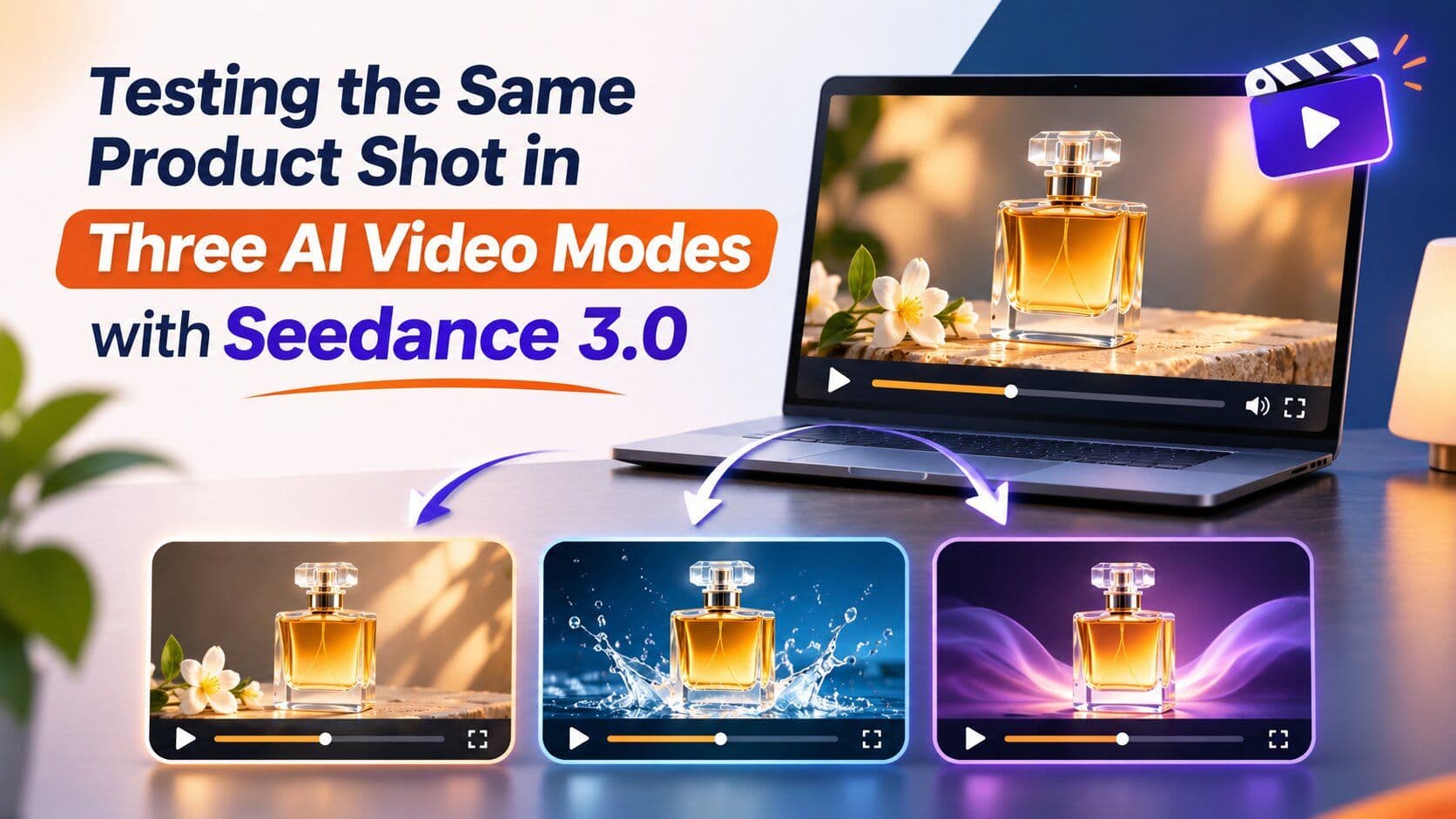
Testing the Same Product Shot in Three AI Video Modes with Seedance 3.0
For a short demo of a portable desk lamp, I would give a video model one shot to solve. The lamp starts folded flat on a desk, a hand opens it, and light falls over the corner of a notebook. The camera stays close enough to see the hinge turn. That brief action gives me several things I can actually compare: the lamp’s shape, the motion of the hand, the position of the notebook and the instant when the light appears. I would work with a real lamp as the source of those references and keep a clean clip of the real action beside the drafts.
Each generation mode would answer a different production question. Text-to-video can help with the mood and composition. An image reference can give the product a recognizable starting position. A motion clip and a guide sound can help shape the action. My first experiment in seedance 3.0 would keep the same scene, framing goal and length across all three passes. That way, a better result in one area does not disappear inside a dozen other changes I made between drafts.
Find the camera height with a text brief
For the first pass I would describe a close view from the left side of the desk, low enough to see the lamp turn as the hand lifts its upper arm. The notebook sits near the far edge, and the desk gets a little brighter when the lamp opens. I would leave brand marks and exact dimensions out of this sketch. I want to know if a side view lets the audience understand the hinge, or whether a slight overhead angle shows the object in a more useful way. The model can produce both compositions from similar prompts.
I would compare the results at the point where the lamp is half open. A side-on view may show the silhouette well but leave the hand obscuring the joint. An overhead view may give the hand more room but flatten the movement of the hinge. If both angles look a little busy, I would revise the Seedance 3.0 prompt to keep the camera fixed and move the notebook farther from the hand. Two clear silhouettes in one frame can do more for the opening than a long, expensive-looking camera move.
Give the second pass the real lamp
For the image-to-video draft, I would photograph the lamp folded on the desk from the angle that looked best. The photograph should show the actual outline and the place where the upper arm meets the base. A gray or neutral desktop helps the edge of the lamp stay clear. I would lock the camera position, then take a second photo with the lamp open from the same angle. Even if I only supply the first image in a generation, the second gives me a useful reference when I review the result.
In Seedance 3.0, I would specify a single turn at the hinge and say when the light should begin to spread across the notebook. I would watch for the arm becoming longer, the base changing shape and the hand drifting through the lamp. Those are reasons to change the plan for the shot. The generated draft can be useful as a camera reference even when the turning action needs to be filmed. If the hand comes in too early, I would try keeping the folded lamp alone in the frame for half a second and compare the silhouette at the same moment.
Let the third pass borrow the timing of a real movement
For the multimodal draft, I would shoot a phone clip of the real hinge from nearby. The operator can open it twice, one time slowly and one time at the speed they normally do. I would pick the take where the movement stays steady and a clean pause follows the opening. A separate recording of the hinge click gives me a sound cue that I can match to the end of the movement. The main image reference will still come from the planned camera position. The motion clip can then contribute the pace without making me adopt its composition.
I would describe those roles explicitly in Seedance 3.0. The photo sets the start and framing, the video gives the opening movement, and the audio marks the instant the lamp settles. If the draft puts the click before the arm stops, I can fix the timing in the edit or use the draft to decide where to place the sound on the live-action shot. When I compare the three takes, I would keep openings and endings at the same points on the timeline. That makes it possible to spot whether the better rhythm comes from the motion itself or simply from giving it a little more time.
Keep the pass that answers the production question
The final video would probably use a real clip of the lamp opening. The outline, material and movement of the hinge all describe what someone would buy. The three sketches can still contribute to the work. The text pass could suggest a straightforward angle, the image pass could show that the notebook is clearer on one side, and the multimodal pass could settle where the sound belongs. I would arrange the clips in the editor before doing further generation. A short test at the actual export size may immediately show which version reads well on a phone.
If the first three drafts have left one choice open, I would use seedance 3.0 pricing as a planning reference and budget another pass around that choice alone. For example, I might compare two timings for when light reaches the paper while using the same image and motion references. I would put a time limit on that comparison and keep notes on the prompt change. Once I can give the camera operator a height, a place for the notebook and a specific action for the hand, the test has done its job. I can then film the same short movement with the real lamp and carry the most readable version of it into the finished demo.
Related Tags
AI Tools→
Related Categories
AI Tools→
Featured Placement
Get your AI tool featured in articles like this
Reach users actively discovering AI tools on PoweredbyAI and build SEO backlinks that improve your visibility on Google.
High-intent trafficSEO backlinksLong term visibility
Get FeaturedTrusted by 25,000+ AI tools and growing startups
Get Your AI Tool Featured in High-Traffic Blogs & Articles
Get featured on PoweredByAI and reach users actively discovering tools like yours. Build powerful SEO backlinks that help you rank on Google and drive consistent organic traffic.
✔
Sponsored blog features with targeted reach
✔
Guest articles with do-follow backlinks
✔
Contextual link placements for SEO boost
Trusted by 25,000+ AI tools and growing startups
Enjoyed this? Talk AI tools with other founders and builders.
Join our Slack communityRecent Blogs
→


 , Product of