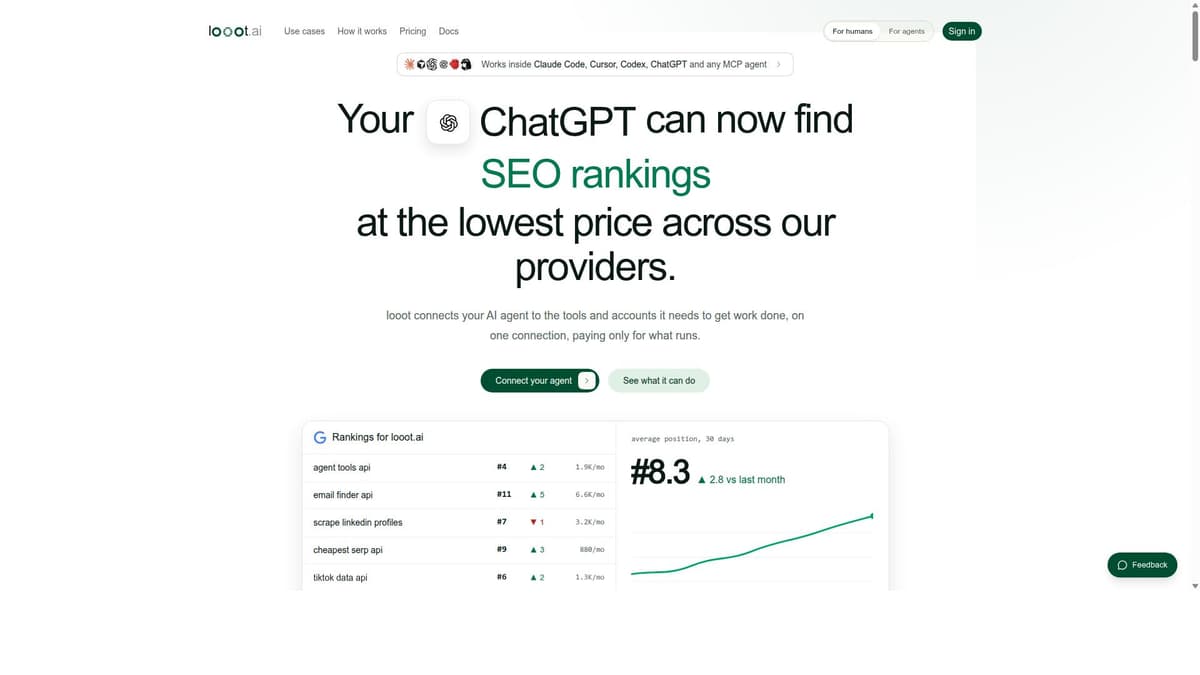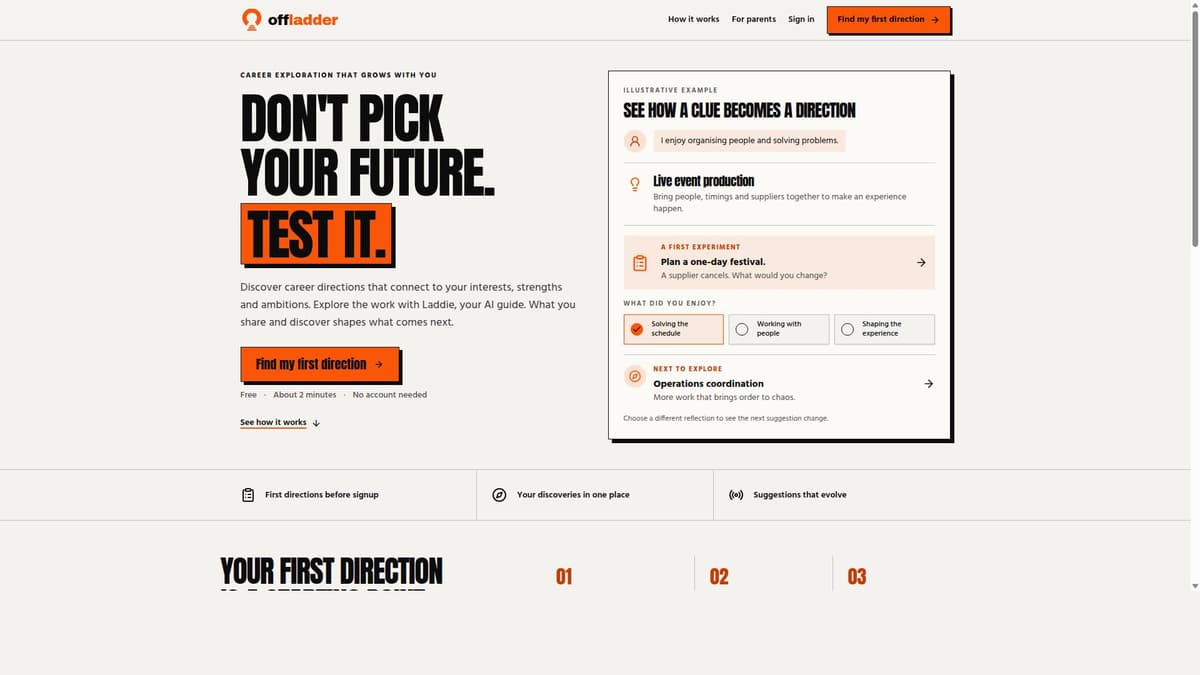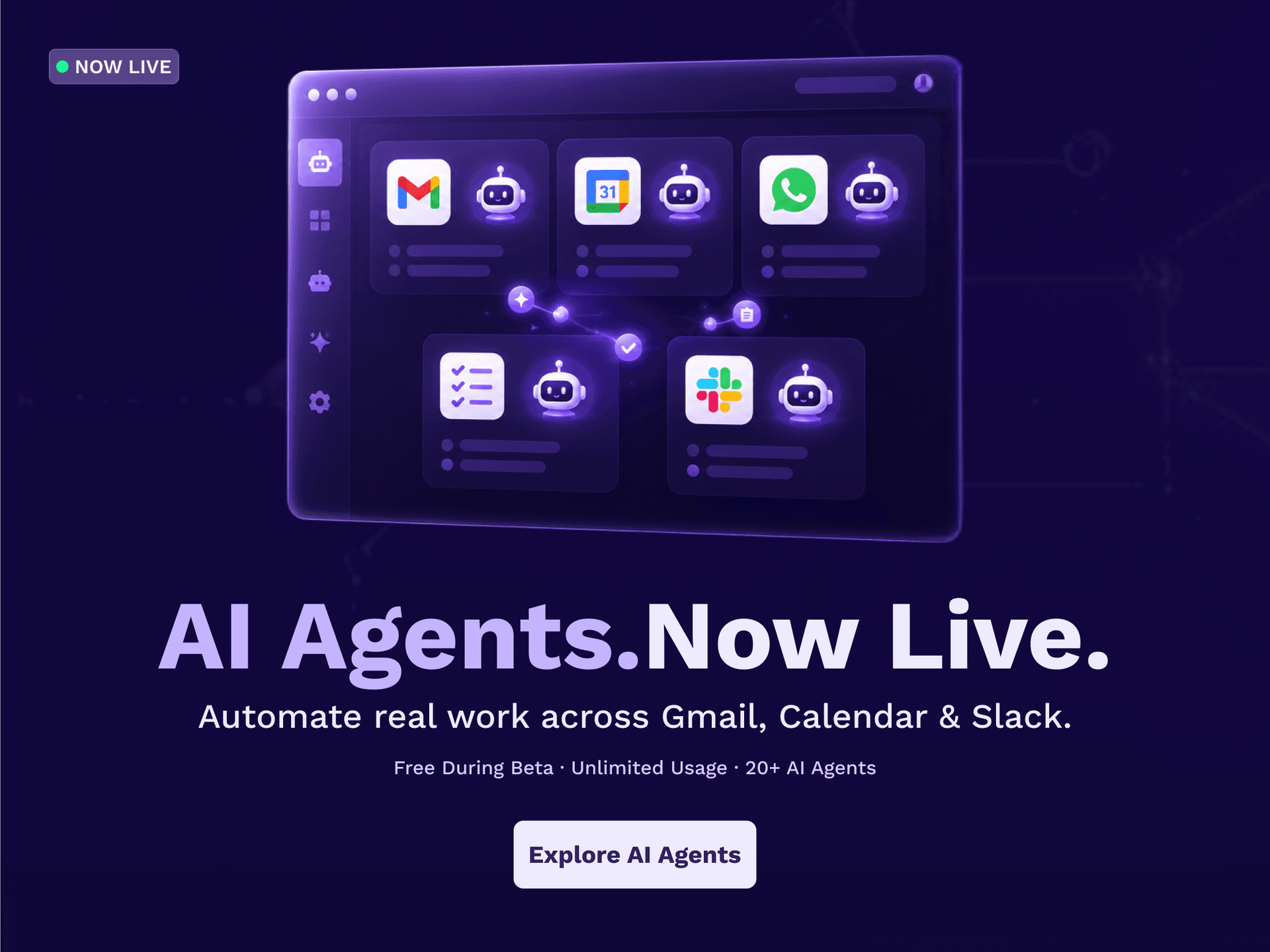

🚀 Zaprep: Your Socials on Steroids. Start free — automate 1,000 DMs/month & turn engagement into leads. with 1,000 automated DMs/month.
25,000+ AI Tools Listed
Featured sponsor tools
Sponsored Partners
Featured Tools
Recent Tools
View More →Clippo
Imagine turning your software development into a visual command room where you are the tech lead and your AI agents work together in parallel. Instead of wrestling with dozens of lost terminal tabs and constantly copy-pasting the same briefings, Clippo provides an infinite visual canvas where you assemble your AI dev team, delegate tasks, and monitor code progress in real time, with full freedom to arrange your workspace however you like. [COMPATIBILITY] Clippo is a visual orchestration canvas that works alongside the AI tools you already use every day (such as Claude Code, OpenAI Codex, Gemini CLI, OpenCode, Aider, Copilot CLI, or local engines like Ollama and LM Studio). WSL and Docker are supported out of the box. WHAT YOU CAN DO WITH CLIPPO: • Your AI dev team in parallel: Assign agents to different fronts: one building the backend API, another writing test suites, and another refactoring the frontend. See everyone working side by side on a single screen. Know instantly who is coding and who is done without window switching. • Project binder (Project, Plan, and Walkthrough): Keep your agents aligned with a structured binder right on the canvas: 1. Project: overall architecture, stack guidelines, and team conventions. 2. Plan: step-by-step implementation roadmap for review before execution. 3. Walkthrough: executive delivery report with diff summaries and verification checklists. Connect a cable from any note to a terminal and the agent absorbs that context immediately. No re-prompting needed. • ClipSurf: web browsing and eyes for any agent: An embedded browser on the canvas for both you and your agents. It lets terminal agents and CLI models without built-in web access browse docs, research solutions online, and test the local web app they just built, live in front of you. • Persistent memory with local AI (token savings): Agents no longer lose context between sessions: Clippo keeps a local memory that learns your project over time, storing architectural decisions, solved pitfalls, and coding standards. A lightweight local model retrieves relevant memories on demand, which cuts token usage and keeps context across sessions. • Clippo IDE: inspect and polish before Git: A visual code editor built into the canvas. Browse project files, review agent-generated code with syntax highlighting, inspect Git diffs, and make quick edits before committing with a single keystroke. You stay in full control of your repository. • Lightweight, fast and 100% private: No bloated web wrappers that eat up your RAM. Clippo opens fast, stays light, and leaves your CPU and memory free for compiling and development. Your files, notes, and prompts never leave your PC: zero account creation, zero login, zero tracking. START FOR FREE: The free plan includes a complete workspace: unlimited terminals, notes, Clippo IDEs, ClipSurfs, and Spaces inside it. To work across multiple projects at once, the Clippo Pro add-on unlocks unlimited workspaces with a one-time purchase from the Microsoft Store. Requirements: Windows 11 (version 22H2 or higher, x64). Developed by Thiago Grião.

Latest AI News
View All News →Hey AI Founders!!
Submit your tool today.
Showcase your AI tool to 100,000+ annual visitors actively exploring AI products.
Recent Blogs
View More
Why AI Platforms Are Moving Toward More Flexible Model Selection
8 hours ago • 5 minutes 17 seconds

Best Email Verification Tools for Startups on a Budget
13 hours ago • 8 minutes 43 seconds

Best Continuous Testing Tools for Agile and DevOps Teams
8 days ago • 9 minutes 11 seconds

How to Launch an AI Tool in 2026: A Step-by-Step Plan
10 days ago • 4 minutes 6 seconds
Frequently Asked Questions
How do I use PoweredbyAI?
+Browse or search the directory by category, use case, or keyword. Each tool page includes a description, pricing model, and a direct link to get started. Create a free account to save favorites and track tools you want to revisit.

How is PoweredbyAI different from other AI tools?
+PoweredbyAI is not an AI tool itself — it is a curated directory of 25,000+ AI tools, updated daily. We cover every category from writing and image generation to coding and automation, with verified listings, user reviews, and exclusive discounts negotiated directly with vendors.
How frequently do you update the PoweredbyAI directory?
+The directory is updated daily. New tools submitted by developers are reviewed and listed within 24–48 hours. We also monitor existing listings for pricing changes, feature updates, and tool shutdowns so the information stays accurate.
Do I get any discounts from PoweredbyAI?
+Yes. The Exclusive Deals section features verified discounts and lifetime deals from AI tool providers. Deals are negotiated directly with vendors and refreshed regularly. Some deals are only available through PoweredbyAI and cannot be found on the tools' own websites.
Is PoweredbyAI free to use?
+Yes, browsing the directory is completely free. You can search tools, read descriptions, and access deals without creating an account. A free account unlocks the ability to save favorites and submit tools for listing.
How do I submit my AI tool to PoweredbyAI?
+Click the Submit Tool link in the navigation bar and fill out the submission form with your tool's name, category, description, and pricing. Submissions are reviewed within 24–48 hours. Featured and promoted placement options are also available for additional visibility.
Submit your Tool
PoweredByAI.app is an AI Tools Directory helping individuals, businesses, and creators discover the best AI tools for writing, coding, design, productivity, and more.
© 2026 , Product of011BQ. All rights reserved.