
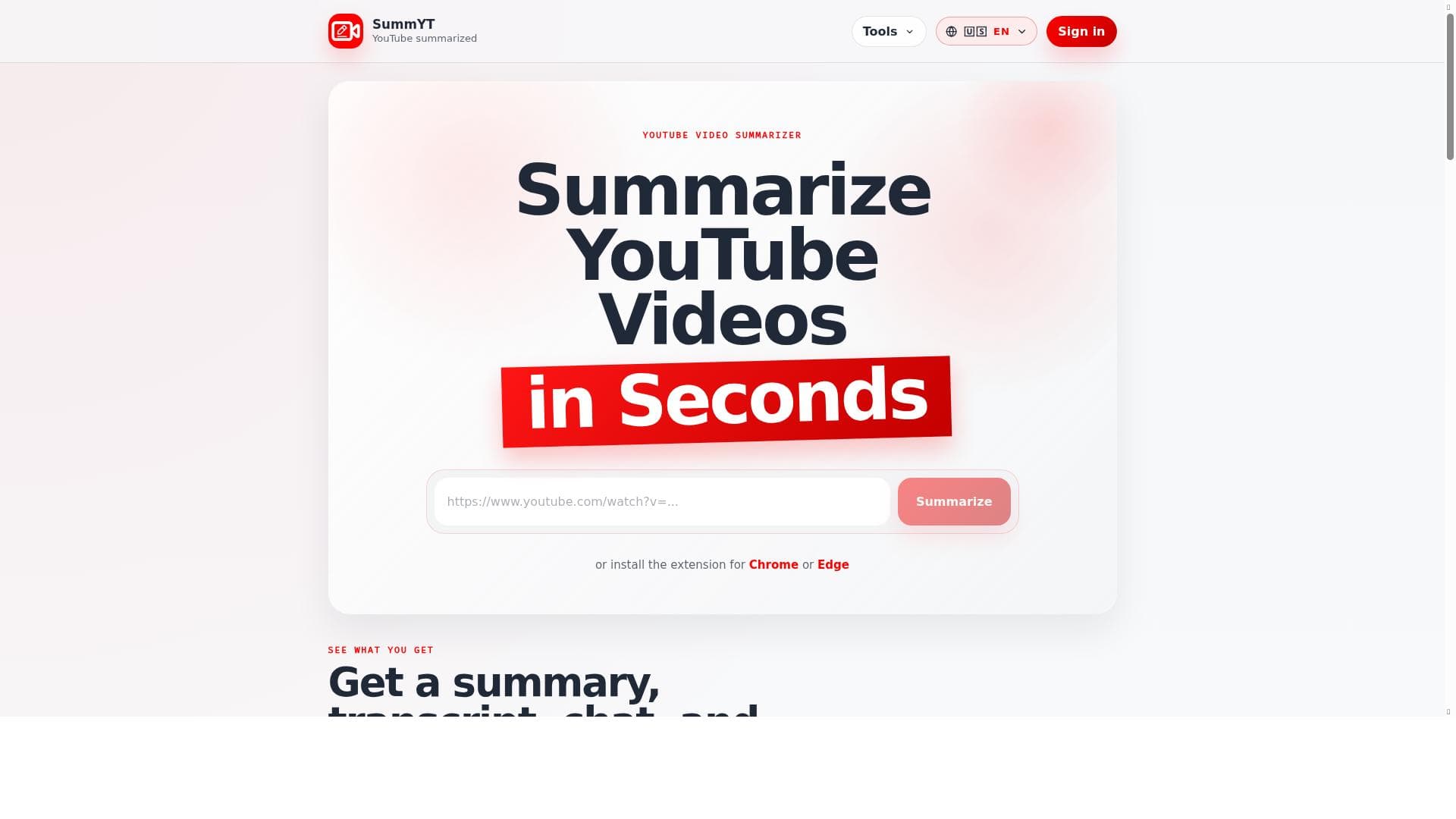


YouTube Summarized leverages AI to quickly generate detailed notes and transcripts from any YouTube video, making it ideal for students, professionals, and content creators who want to save time and extract key insights effortlessly. Its unique chat feature and browser extensions provide an interactive and seamless experience directly within YouTube.

Description
Create high quality notes for almost any YouTube video. Summarize long-form content such as podcasts, video lectures and more. New users receive free credits for trying out the extension. Additional Summary Credits can be purchased at a discounted price for early adopters.
Detailed Description
YouTube Summarized is an innovative AI-powered tool designed to transform how users consume and retain information from YouTube videos. Its core purpose is to generate high-quality, concise notes and summaries from almost any YouTube video, making it easier to digest long-form content such as podcasts, video lectures, tutorials, and interviews. By converting lengthy videos into manageable summaries and transcripts, YouTube Summarized helps users save time and enhance productivity, allowing them to focus on the key points without watching the entire video. This tool is especially valuable in educational, professional, and content creation contexts where quick comprehension and review are essential. The tool offers several key features that set it apart. Users can quickly summarize YouTube videos simply by pasting the video link into the platform, which then processes the content to provide a detailed summary alongside the full video transcript. This dual output allows users to either skim the summary for a quick overview or consult the transcript for in-depth review. Additionally, YouTube Summarized includes an interactive chat feature that lets users engage with the video content conversationally, asking questions or requesting clarifications based on the video’s information. All generated content — including videos, summaries, transcripts, and chat interactions — is saved in a personal library, enabling easy access and organization for future reference. To enhance usability, browser extensions for Chrome and Edge are available, allowing seamless integration and quick summarization directly while browsing YouTube without needing to leave the platform. YouTube Summarized is ideal for a wide range of users. Students and educators benefit from the ability to quickly extract lecture highlights and study notes. Professionals and researchers can efficiently review webinars, interviews, and presentations without investing time in watching full videos. Content creators and marketers can repurpose summarized content for blogs, social media, or newsletters. Podcast listeners who prefer reading can also use the tool to convert audio-visual content into readable summaries. Its versatility makes it a valuable productivity aid for anyone who regularly consumes long-form video content and needs to capture essential insights swiftly. Regarding pricing, YouTube Summarized offers a free tier that provides new users with complimentary credits to try out the extension and experience its capabilities firsthand. For users who require more extensive usage, additional Summary Credits can be purchased at discounted rates, especially for early adopters. This flexible pricing model allows users to scale their usage according to their needs without a large upfront commitment. Compared to alternatives, YouTube Summarized stands out due to its combination of transcript generation, summary creation, and interactive chat functionality all within a single platform. Many competing tools focus solely on summarization or transcription, but YouTube Summarized’s chat feature enables a more dynamic and personalized interaction with video content. Its browser extensions also provide a smoother workflow by integrating directly with YouTube, unlike some tools that require manual uploads or separate interfaces. However, users should consider that the quality of summaries and transcripts may vary depending on the video's audio clarity and complexity of content. As with many AI-based tools, it may occasionally miss nuanced details or context, so it is advisable to review summaries critically, especially for academic or professional use. Additionally, while the free credits offer a good introduction, heavy users will need to invest in additional credits, which may be a consideration for budget-conscious users. Overall, YouTube Summarized is a powerful and user-friendly tool that significantly enhances the way users interact with YouTube content, making it an indispensable assistant for efficient learning, research, and content creation.
Tool Features
- Summarize YouTube videos quickly by pasting the video link
- Provides video transcripts along with summaries
- Includes a chat feature to interact with the video content
- Saves videos, summaries, transcripts, and chats in a personal library
- Browser extensions available for Chrome and Edge for seamless use while browsing YouTube
Description
YouTube Summarized leverages AI to quickly generate detailed notes and transcripts from any YouTube video, making it ideal for students, professionals, and content creators who want to save time and extract key insights effortlessly. Its unique chat feature and browser extensions provide an interactive and seamless experience directly within YouTube.
Create high quality notes for almost any YouTube video. Summarize long-form content such as podcasts, video lectures and more. New users receive free credits for trying out the extension. Additional Summary Credits can be purchased at a discounted price for early adopters.
Detailed Description
YouTube Summarized is an innovative AI-powered tool designed to transform how users consume and retain information from YouTube videos. Its core purpose is to generate high-quality, concise notes and summaries from almost any YouTube video, making it easier to digest long-form content such as podcasts, video lectures, tutorials, and interviews. By converting lengthy videos into manageable summaries and transcripts, YouTube Summarized helps users save time and enhance productivity, allowing them to focus on the key points without watching the entire video. This tool is especially valuable in educational, professional, and content creation contexts where quick comprehension and review are essential. The tool offers several key features that set it apart. Users can quickly summarize YouTube videos simply by pasting the video link into the platform, which then processes the content to provide a detailed summary alongside the full video transcript. This dual output allows users to either skim the summary for a quick overview or consult the transcript for in-depth review. Additionally, YouTube Summarized includes an interactive chat feature that lets users engage with the video content conversationally, asking questions or requesting clarifications based on the video’s information. All generated content — including videos, summaries, transcripts, and chat interactions — is saved in a personal library, enabling easy access and organization for future reference. To enhance usability, browser extensions for Chrome and Edge are available, allowing seamless integration and quick summarization directly while browsing YouTube without needing to leave the platform. YouTube Summarized is ideal for a wide range of users. Students and educators benefit from the ability to quickly extract lecture highlights and study notes. Professionals and researchers can efficiently review webinars, interviews, and presentations without investing time in watching full videos. Content creators and marketers can repurpose summarized content for blogs, social media, or newsletters. Podcast listeners who prefer reading can also use the tool to convert audio-visual content into readable summaries. Its versatility makes it a valuable productivity aid for anyone who regularly consumes long-form video content and needs to capture essential insights swiftly. Regarding pricing, YouTube Summarized offers a free tier that provides new users with complimentary credits to try out the extension and experience its capabilities firsthand. For users who require more extensive usage, additional Summary Credits can be purchased at discounted rates, especially for early adopters. This flexible pricing model allows users to scale their usage according to their needs without a large upfront commitment. Compared to alternatives, YouTube Summarized stands out due to its combination of transcript generation, summary creation, and interactive chat functionality all within a single platform. Many competing tools focus solely on summarization or transcription, but YouTube Summarized’s chat feature enables a more dynamic and personalized interaction with video content. Its browser extensions also provide a smoother workflow by integrating directly with YouTube, unlike some tools that require manual uploads or separate interfaces. However, users should consider that the quality of summaries and transcripts may vary depending on the video's audio clarity and complexity of content. As with many AI-based tools, it may occasionally miss nuanced details or context, so it is advisable to review summaries critically, especially for academic or professional use. Additionally, while the free credits offer a good introduction, heavy users will need to invest in additional credits, which may be a consideration for budget-conscious users. Overall, YouTube Summarized is a powerful and user-friendly tool that significantly enhances the way users interact with YouTube content, making it an indispensable assistant for efficient learning, research, and content creation.
Frequently Asked Questions
What is YouTube Summarized?
YouTube Summarized is an AI-powered tool that creates high-quality summaries and transcripts of YouTube videos, allowing users to quickly grasp the main points of long-form content such as podcasts, lectures, and interviews.
How much does YouTube Summarized cost?
YouTube Summarized offers free credits to new users for trying out the extension. Additional Summary Credits can be purchased at discounted prices, especially for early adopters, allowing flexible usage based on individual needs.
Who is YouTube Summarized best for?
It is best suited for students, educators, professionals, researchers, content creators, and podcast listeners who want to efficiently extract and review key information from lengthy YouTube videos.
What are the main features of YouTube Summarized?
Key features include quick video summarization by pasting links, detailed video transcripts, an interactive chat feature to engage with content, a personal library to save videos and summaries, and browser extensions for Chrome and Edge for seamless use.
Does YouTube Summarized offer a free trial?
Yes, new users receive free credits to try the extension and experience its summarization and transcription features before purchasing additional credits.
What integrations does YouTube Summarized support?
YouTube Summarized integrates directly with YouTube through browser extensions available for Chrome and Edge, enabling users to summarize videos seamlessly while browsing.
How does YouTube Summarized work?
Users paste a YouTube video link into the tool or use the browser extension while watching a video. The AI then processes the video to generate a summary and transcript, which can be saved and interacted with via a chat feature in the user’s personal library.
Reviews
No reviews yet. Be the first to share your experience.




















































