

Is this your AI tool? Claim it today.
Verify ownership, manage your profile, and unlock growth features.
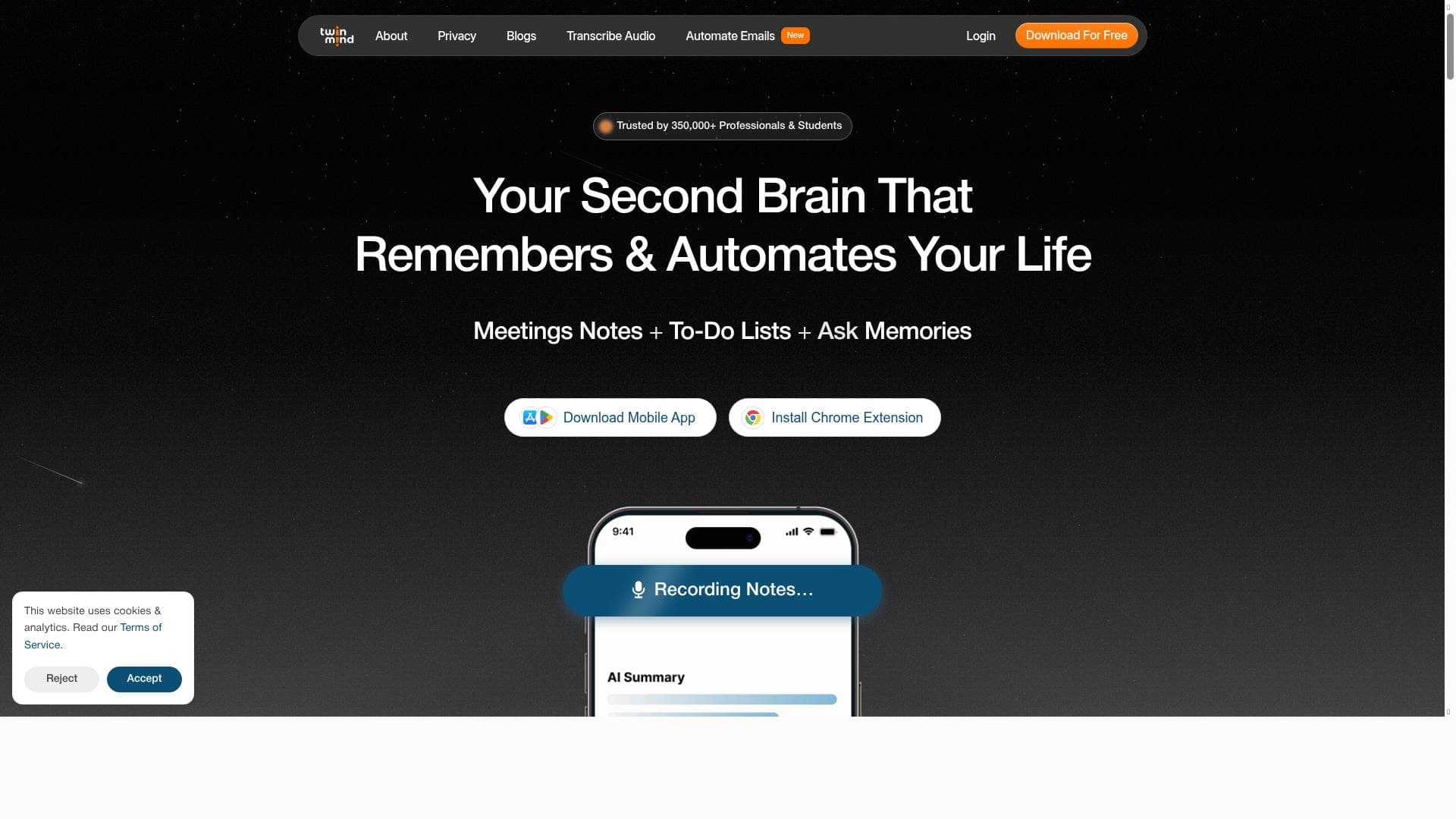
TwinMind is a context-aware AI assistant that transforms meetings and interviews by providing real-time ideas, notes, and summaries, all while enabling hands-free writing across multiple content types. Perfect for professionals who want to stay focused and productive, TwinMind supports over 140 languages and integrates seamlessly as both an app and Chrome extension.

Description
TwinMind is your AI sidekick that knows all the context. Get real-time ideas on what to say next during meetings & interviews! Search the web or ask anything about your browser tabs, PDFs, and YouTube videos. Write emails, reports or any text without typing.
Detailed Description
TwinMind is an advanced AI-powered assistant designed to enhance productivity and communication by providing real-time contextual support during meetings, interviews, and everyday work tasks. Its core purpose is to act as a seamless sidekick that understands the context of your conversations and digital environment, enabling you to generate ideas, write content, and extract insights without interrupting your workflow. Whether you are engaged in a live discussion or reviewing documents and media, TwinMind offers intelligent suggestions on what to say next, helps summarize conversations instantly, and allows you to search across multiple sources such as browser tabs, PDFs, and YouTube videos. This makes it an indispensable tool for professionals who need to stay focused and efficient in dynamic settings. One of TwinMind's standout features is its ability to create real-time meeting notes automatically, capturing key points as discussions unfold. This eliminates the need for manual note-taking and ensures that no important detail is missed. Alongside this, it provides instant meeting summaries that distill lengthy conversations into concise, actionable insights, saving users valuable time when reviewing or sharing meeting outcomes. The tool also offers advanced discussion analysis, helping users understand sentiment, identify action items, and track topics covered. Supporting over 140 languages, TwinMind caters to a global audience, making it suitable for multinational teams and diverse communication needs. Accessibility is another strength, with the tool available both as a dedicated app and a Chrome extension, allowing users to integrate it effortlessly into their preferred workflows. TwinMind is ideal for professionals who frequently participate in meetings, interviews, or collaborative sessions where capturing and responding to information quickly is crucial. Business executives, project managers, recruiters, journalists, and content creators can all benefit from its capabilities. For example, during interviews, TwinMind can suggest relevant questions or responses based on the conversation's context, enhancing engagement and thoroughness. In business meetings, it helps track decisions and follow-ups without distraction. Additionally, its ability to write emails, reports, or any text without typing makes it a powerful assistant for anyone looking to reduce manual writing effort and improve communication clarity. The pricing model for TwinMind follows a freemium approach, allowing users to access core functionalities at no cost while offering premium features and enhanced capabilities through paid plans. This structure enables individuals and teams to try the tool risk-free and scale their usage based on needs. The freemium plan typically includes essential features such as real-time notes and summaries, while advanced discussion analysis, multi-language support, and extended integration options may require subscription upgrades. Compared to alternatives, TwinMind stands out due to its deep contextual awareness and multi-source search capabilities. Many AI assistants focus solely on note-taking or transcription, but TwinMind combines these with intelligent suggestions and the ability to interact with diverse content types like PDFs and YouTube videos. Its broad language support and availability as both an app and browser extension also provide flexibility that some competitors lack. However, users should consider that as a relatively new tool, it may still be evolving in terms of integration breadth and customization options compared to more established platforms. Notable limitations include potential dependency on internet connectivity for real-time processing and the accuracy of AI-generated suggestions, which may vary depending on the complexity of the conversation or content. Users should verify critical information independently and use TwinMind as a productivity enhancer rather than a sole source of truth. Additionally, while the freemium model is accessible, some advanced features require payment, which might be a consideration for budget-conscious users. Overall, TwinMind offers a compelling blend of AI-driven assistance tailored to modern communication challenges, making it a valuable asset for professionals seeking to optimize their meeting and writing workflows.
Tool Features
- Real-time meeting notes creation
- Instant meeting summaries
- Discussion analysis
- Supports 140+ languages
- Available as an app and Chrome extension
Description
TwinMind is a context-aware AI assistant that transforms meetings and interviews by providing real-time ideas, notes, and summaries, all while enabling hands-free writing across multiple content types. Perfect for professionals who want to stay focused and productive, TwinMind supports over 140 languages and integrates seamlessly as both an app and Chrome extension.
TwinMind is your AI sidekick that knows all the context. Get real-time ideas on what to say next during meetings & interviews! Search the web or ask anything about your browser tabs, PDFs, and YouTube videos. Write emails, reports or any text without typing.
Detailed Description
TwinMind is an advanced AI-powered assistant designed to enhance productivity and communication by providing real-time contextual support during meetings, interviews, and everyday work tasks. Its core purpose is to act as a seamless sidekick that understands the context of your conversations and digital environment, enabling you to generate ideas, write content, and extract insights without interrupting your workflow. Whether you are engaged in a live discussion or reviewing documents and media, TwinMind offers intelligent suggestions on what to say next, helps summarize conversations instantly, and allows you to search across multiple sources such as browser tabs, PDFs, and YouTube videos. This makes it an indispensable tool for professionals who need to stay focused and efficient in dynamic settings. One of TwinMind's standout features is its ability to create real-time meeting notes automatically, capturing key points as discussions unfold. This eliminates the need for manual note-taking and ensures that no important detail is missed. Alongside this, it provides instant meeting summaries that distill lengthy conversations into concise, actionable insights, saving users valuable time when reviewing or sharing meeting outcomes. The tool also offers advanced discussion analysis, helping users understand sentiment, identify action items, and track topics covered. Supporting over 140 languages, TwinMind caters to a global audience, making it suitable for multinational teams and diverse communication needs. Accessibility is another strength, with the tool available both as a dedicated app and a Chrome extension, allowing users to integrate it effortlessly into their preferred workflows. TwinMind is ideal for professionals who frequently participate in meetings, interviews, or collaborative sessions where capturing and responding to information quickly is crucial. Business executives, project managers, recruiters, journalists, and content creators can all benefit from its capabilities. For example, during interviews, TwinMind can suggest relevant questions or responses based on the conversation's context, enhancing engagement and thoroughness. In business meetings, it helps track decisions and follow-ups without distraction. Additionally, its ability to write emails, reports, or any text without typing makes it a powerful assistant for anyone looking to reduce manual writing effort and improve communication clarity. The pricing model for TwinMind follows a freemium approach, allowing users to access core functionalities at no cost while offering premium features and enhanced capabilities through paid plans. This structure enables individuals and teams to try the tool risk-free and scale their usage based on needs. The freemium plan typically includes essential features such as real-time notes and summaries, while advanced discussion analysis, multi-language support, and extended integration options may require subscription upgrades. Compared to alternatives, TwinMind stands out due to its deep contextual awareness and multi-source search capabilities. Many AI assistants focus solely on note-taking or transcription, but TwinMind combines these with intelligent suggestions and the ability to interact with diverse content types like PDFs and YouTube videos. Its broad language support and availability as both an app and browser extension also provide flexibility that some competitors lack. However, users should consider that as a relatively new tool, it may still be evolving in terms of integration breadth and customization options compared to more established platforms. Notable limitations include potential dependency on internet connectivity for real-time processing and the accuracy of AI-generated suggestions, which may vary depending on the complexity of the conversation or content. Users should verify critical information independently and use TwinMind as a productivity enhancer rather than a sole source of truth. Additionally, while the freemium model is accessible, some advanced features require payment, which might be a consideration for budget-conscious users. Overall, TwinMind offers a compelling blend of AI-driven assistance tailored to modern communication challenges, making it a valuable asset for professionals seeking to optimize their meeting and writing workflows.
Frequently Asked Questions
What is TwinMind?
TwinMind is an AI-powered assistant designed to provide real-time contextual support during meetings, interviews, and other work tasks by generating ideas, creating notes, summarizing discussions, and enabling hands-free writing across various content types.
How much does TwinMind cost?
TwinMind offers a freemium pricing model, allowing users to access core features for free, with premium plans available that unlock advanced capabilities such as enhanced discussion analysis and multi-language support.
Who is TwinMind best for?
TwinMind is ideal for professionals like business executives, project managers, recruiters, journalists, and content creators who frequently participate in meetings or interviews and need efficient note-taking, summarization, and writing assistance.
What are the main features of TwinMind?
Key features include real-time meeting notes creation, instant meeting summaries, discussion analysis, support for over 140 languages, and availability as both a standalone app and a Chrome extension.
Does TwinMind offer a free trial?
Yes, TwinMind’s freemium model allows users to try essential features for free without a time limit, providing an opportunity to evaluate the tool before opting for premium plans.
What integrations does TwinMind support?
TwinMind integrates directly with your browser via its Chrome extension and supports searching and interacting with browser tabs, PDFs, and YouTube videos, enabling seamless access to diverse content during use.
How does TwinMind work?
TwinMind uses AI to understand the context of your meetings and digital content, generating real-time suggestions, notes, and summaries by analyzing conversations and documents, which helps users stay engaged and productive without manual typing.
Socials
Use ToolReviews
No reviews yet. Be the first to share your experience.




















































