

Is this your AI tool? Claim it today.
Verify ownership, manage your profile, and unlock growth features.
Recap is an AI-driven tool that transforms your scattered notes, bookmarks, and files into concise email roundups delivered when you're most likely to read them. Ideal for professionals and students alike, it combines self-organizing workspaces with AI summaries to help you effortlessly review and retain important information without manual organization.

Description
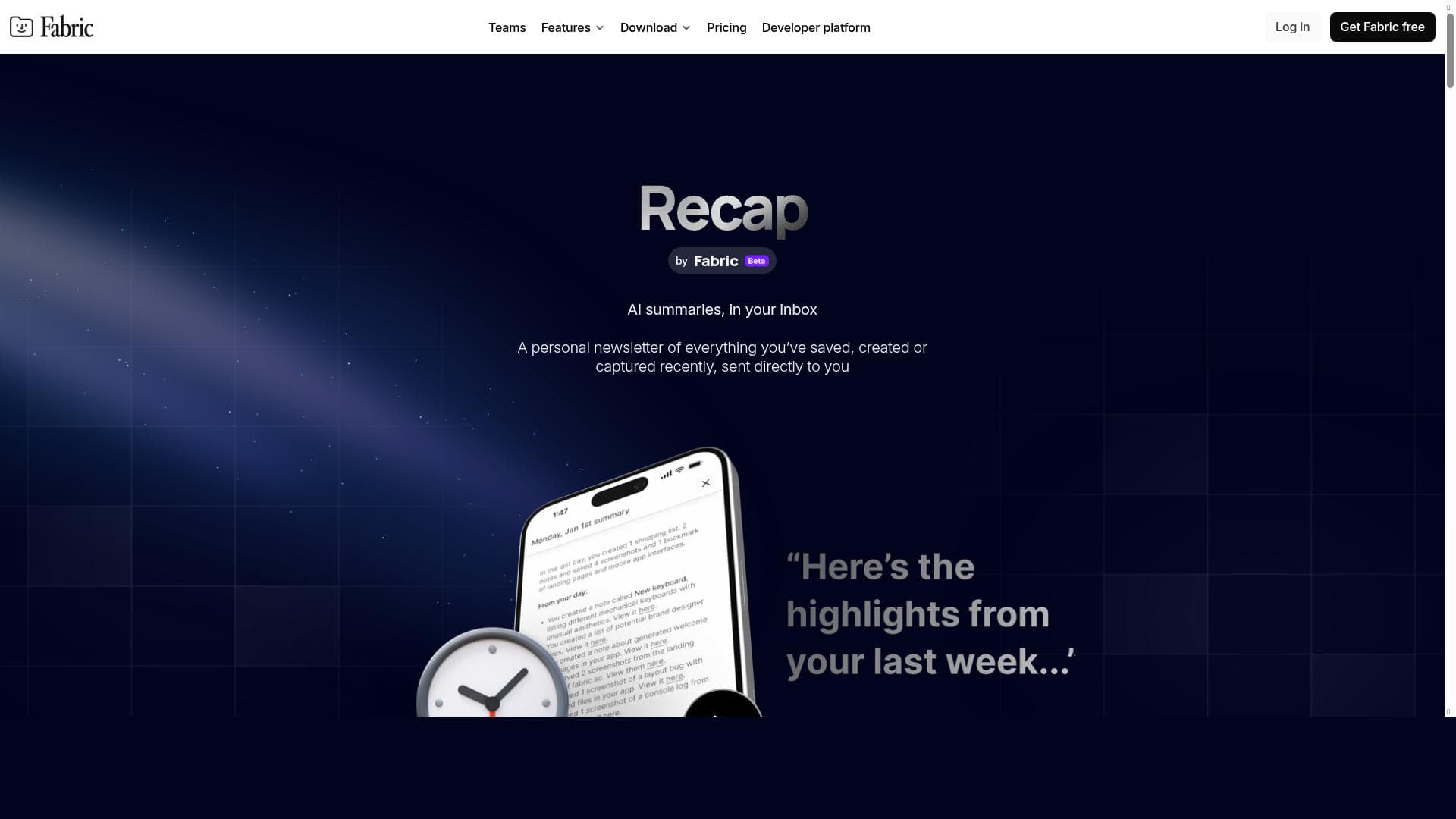
⏪ Recap – an AI generated email roundup of your recent notes and bookmarks. Get your "read it later" content regularly sent to your email when you'll actually read it. With a convenient AI summary for each file, note or link, helping you reflect and review
Detailed Description
Recap is an innovative AI-powered tool designed to streamline the way you manage and revisit your digital notes, bookmarks, and files. Its core purpose is to deliver a personalized, AI-generated email roundup of your recent saved content, ensuring that your 'read it later' items are sent to your inbox precisely when you are most likely to engage with them. This unique approach helps users stay organized and informed without the need for manual sorting or constant reminders. By providing concise AI summaries for each file, note, or link, Recap facilitates quick reflection and review, making it easier to retain important information and avoid forgetting valuable insights. One of Recap's standout features is its self-organizing workspace, which automatically categorizes and manages your notes, screenshots, links, and files across multiple drives and cloud services. This eliminates the tedious task of manual organization, allowing users to focus on consuming and utilizing their content rather than managing it. The integrated file explorer supports seamless access to documents stored in various locations, enhancing productivity by centralizing your digital resources. The user interface is designed to be minimal and calm, reducing cognitive overload and creating a pleasant environment for information review. Recap is particularly well-suited for professionals, students, researchers, and anyone who frequently collects and references digital content. For example, knowledge workers who save numerous articles, reports, and notes can benefit from receiving regular summaries that distill key points, helping them stay updated without re-reading entire documents. Students can use Recap to consolidate lecture notes and study materials, while researchers can keep track of relevant papers and data effortlessly. The tool’s ability to prevent information loss by reminding users of important saved content makes it invaluable for maintaining continuity in complex projects or ongoing learning. The pricing model for Recap follows a freemium approach, allowing users to access core functionalities at no cost while offering premium features for advanced needs. This makes it accessible to a broad audience, from casual users to power users requiring more extensive integration or customization options. Details on specific premium tiers and pricing can be found on their official website, ensuring transparency and flexibility. Compared to alternative solutions, Recap stands out by combining AI-generated summaries with timed email delivery, which is uncommon among typical note-taking or bookmarking tools. While many apps focus solely on storage or manual organization, Recap automates the review process and adapts to users’ reading habits, enhancing engagement and retention. Its multi-cloud file explorer and self-organizing capabilities further differentiate it from competitors that may only support single platforms or require manual tagging and sorting. However, potential users should consider that Recap’s effectiveness depends on the quality and quantity of input data; sparse or inconsistent note-taking may limit the value of its summaries. Additionally, as an email-based roundup service, it may not suit users who prefer real-time notifications or in-app browsing. Privacy-conscious users should review the platform’s data handling policies, especially since it accesses multiple cloud drives and generates content summaries. Overall, Recap offers a compelling blend of automation, AI intelligence, and user-centric design to transform how individuals manage and revisit their digital knowledge assets.
Tool Features
- Self-organizing workspace
- File explorer for multiple drives and clouds
- Integration of notes, screenshots, links, and files
- Minimal and calm user interface
- No manual organizing required
- Helps prevent forgetting important information
Description
Recap is an AI-driven tool that transforms your scattered notes, bookmarks, and files into concise email roundups delivered when you're most likely to read them. Ideal for professionals and students alike, it combines self-organizing workspaces with AI summaries to help you effortlessly review and retain important information without manual organization.
⏪ Recap – an AI generated email roundup of your recent notes and bookmarks. Get your "read it later" content regularly sent to your email when you'll actually read it. With a convenient AI summary for each file, note or link, helping you reflect and review
Detailed Description
Recap is an innovative AI-powered tool designed to streamline the way you manage and revisit your digital notes, bookmarks, and files. Its core purpose is to deliver a personalized, AI-generated email roundup of your recent saved content, ensuring that your 'read it later' items are sent to your inbox precisely when you are most likely to engage with them. This unique approach helps users stay organized and informed without the need for manual sorting or constant reminders. By providing concise AI summaries for each file, note, or link, Recap facilitates quick reflection and review, making it easier to retain important information and avoid forgetting valuable insights. One of Recap's standout features is its self-organizing workspace, which automatically categorizes and manages your notes, screenshots, links, and files across multiple drives and cloud services. This eliminates the tedious task of manual organization, allowing users to focus on consuming and utilizing their content rather than managing it. The integrated file explorer supports seamless access to documents stored in various locations, enhancing productivity by centralizing your digital resources. The user interface is designed to be minimal and calm, reducing cognitive overload and creating a pleasant environment for information review. Recap is particularly well-suited for professionals, students, researchers, and anyone who frequently collects and references digital content. For example, knowledge workers who save numerous articles, reports, and notes can benefit from receiving regular summaries that distill key points, helping them stay updated without re-reading entire documents. Students can use Recap to consolidate lecture notes and study materials, while researchers can keep track of relevant papers and data effortlessly. The tool’s ability to prevent information loss by reminding users of important saved content makes it invaluable for maintaining continuity in complex projects or ongoing learning. The pricing model for Recap follows a freemium approach, allowing users to access core functionalities at no cost while offering premium features for advanced needs. This makes it accessible to a broad audience, from casual users to power users requiring more extensive integration or customization options. Details on specific premium tiers and pricing can be found on their official website, ensuring transparency and flexibility. Compared to alternative solutions, Recap stands out by combining AI-generated summaries with timed email delivery, which is uncommon among typical note-taking or bookmarking tools. While many apps focus solely on storage or manual organization, Recap automates the review process and adapts to users’ reading habits, enhancing engagement and retention. Its multi-cloud file explorer and self-organizing capabilities further differentiate it from competitors that may only support single platforms or require manual tagging and sorting. However, potential users should consider that Recap’s effectiveness depends on the quality and quantity of input data; sparse or inconsistent note-taking may limit the value of its summaries. Additionally, as an email-based roundup service, it may not suit users who prefer real-time notifications or in-app browsing. Privacy-conscious users should review the platform’s data handling policies, especially since it accesses multiple cloud drives and generates content summaries. Overall, Recap offers a compelling blend of automation, AI intelligence, and user-centric design to transform how individuals manage and revisit their digital knowledge assets.
Frequently Asked Questions
What is Recap?
Recap is an AI-powered tool that generates email roundups of your recent notes, bookmarks, and files, providing AI summaries to help you review and reflect on your saved content without manual organization.
How much does Recap cost?
Recap offers a freemium pricing model, allowing users to access basic features for free, with premium plans available for advanced functionalities. Detailed pricing information is available on their website.
Who is Recap best for?
Recap is ideal for professionals, students, researchers, and anyone who regularly collects digital content and wants an automated way to review and retain important information efficiently.
What are the main features of Recap?
Key features include a self-organizing workspace, file explorer supporting multiple drives and clouds, integration of notes, screenshots, links, and files, a minimal and calm user interface, and AI-generated summaries delivered via email.
Does Recap offer a free trial?
Recap operates on a freemium model, providing free access to core features without a time-limited trial, enabling users to experience the tool before opting for premium plans.
What integrations does Recap support?
Recap integrates with multiple cloud storage services and drives, allowing seamless access and organization of notes, screenshots, links, and files across various platforms.
How does Recap work?
Recap automatically collects your recent notes, bookmarks, and files from connected drives and clouds, generates AI-powered summaries for each item, and sends you a curated email roundup timed to when you're most likely to read it.
Reviews
No reviews yet. Be the first to share your experience.




















































