

Is this your AI tool? Claim it today.
Verify ownership, manage your profile, and unlock growth features.
Pathlit is a voice-first email client that reimagines inbox management by enabling users to send emails via voice commands, auto-sort messages with plain English, and receive daily digests. Perfect for busy professionals and Gmail users seeking hands-free, efficient email workflows with enhanced privacy through on-device processing.

Description
Introducing Pathlit – the voice-first email client reimagining your inbox. Speak to send, auto-sort emails with plain English, and enjoy daily digests. Integrate with Gmail, secure on-device processing, and powerful features. Join 130+ others in beta now!
Detailed Description
Pathlit is an innovative voice-first email client designed to transform the way users interact with their inboxes. Its core purpose is to simplify email management by allowing users to send emails through voice commands, automatically sort incoming messages using natural, plain English instructions, and receive concise daily digests summarizing their email activity. By integrating seamlessly with Gmail and leveraging secure on-device processing, Pathlit offers a modern, efficient, and privacy-conscious approach to email communication. This tool is currently in beta with over 130 users actively testing and refining its capabilities. At the heart of Pathlit’s functionality is its voice-first interface, which enables users to compose and send emails simply by speaking, eliminating the need for typing and streamlining communication. This is particularly useful for professionals on the go or those who prefer hands-free operation. The auto-sorting feature uses plain English commands to categorize and prioritize emails, making inbox organization intuitive and less time-consuming. Additionally, Pathlit provides daily digests that summarize key email interactions, helping users stay informed without being overwhelmed by constant notifications. Pathlit also emphasizes security and accessibility. It supports secure email address login and robust user authentication to protect user data. Form validation with clear error messages ensures a smooth user experience, while its responsive design and accessibility features make it usable across a wide range of devices and by users with diverse needs. The on-device processing of sensitive information further enhances privacy by minimizing data transmission to external servers. This tool is ideal for business professionals, executives, and anyone who manages a high volume of emails daily and seeks a more efficient, voice-driven workflow. Use cases include busy executives who need to handle emails while multitasking, remote workers who benefit from hands-free email management, and individuals who want to reduce inbox clutter through smart sorting. Pathlit’s integration with Gmail makes it especially appealing to users already embedded in the Google ecosystem. Pathlit offers a freemium pricing model, allowing users to access core features for free with the option to upgrade for additional capabilities as they become available. This approach lowers the barrier to entry and encourages users to explore the tool’s potential without upfront costs. Compared to traditional email clients, Pathlit stands out by prioritizing voice interaction and natural language commands, which are not commonly found in mainstream email applications. While many email clients offer sorting and filtering, Pathlit’s use of plain English commands for auto-sorting is a unique and user-friendly innovation. Its focus on on-device processing also distinguishes it from competitors that rely heavily on cloud-based data handling, offering enhanced privacy. However, as a tool currently in beta, Pathlit may have limitations such as occasional bugs, evolving feature sets, and a smaller user base compared to established email clients. Users should consider these factors and the potential need for ongoing updates as the platform matures. Additionally, its reliance on voice commands may not suit all environments or user preferences, and some users might prefer more traditional input methods. Overall, Pathlit presents a compelling, forward-thinking solution for those looking to revolutionize their email experience through voice-first technology, smart automation, and strong security measures.
Tool Features
- Secure email address login
- User authentication
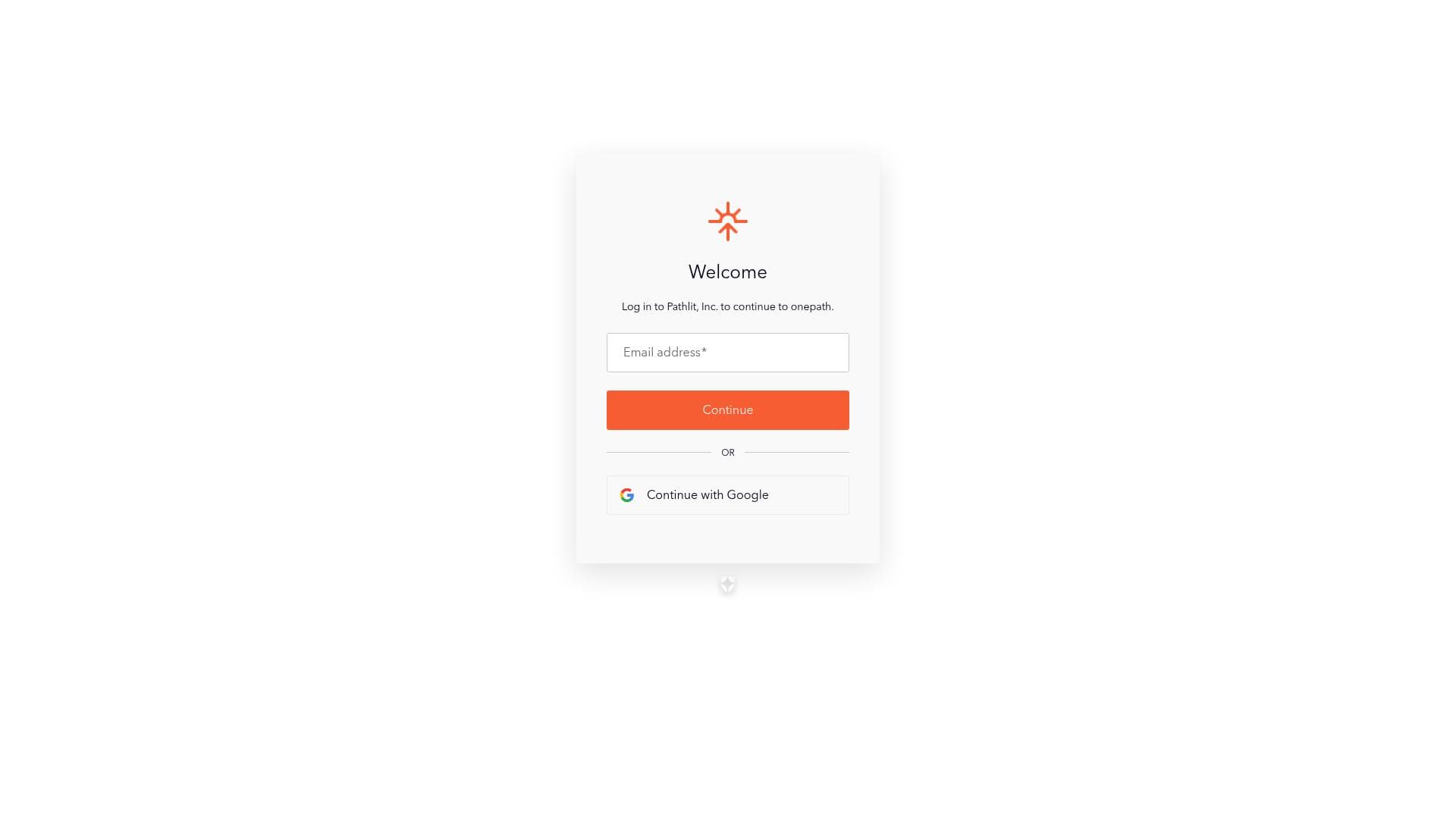
- Form validation with error messages
- Responsive design with accessibility features
Description
Pathlit is a voice-first email client that reimagines inbox management by enabling users to send emails via voice commands, auto-sort messages with plain English, and receive daily digests. Perfect for busy professionals and Gmail users seeking hands-free, efficient email workflows with enhanced privacy through on-device processing.
Introducing Pathlit – the voice-first email client reimagining your inbox. Speak to send, auto-sort emails with plain English, and enjoy daily digests. Integrate with Gmail, secure on-device processing, and powerful features. Join 130+ others in beta now!
Detailed Description
Pathlit is an innovative voice-first email client designed to transform the way users interact with their inboxes. Its core purpose is to simplify email management by allowing users to send emails through voice commands, automatically sort incoming messages using natural, plain English instructions, and receive concise daily digests summarizing their email activity. By integrating seamlessly with Gmail and leveraging secure on-device processing, Pathlit offers a modern, efficient, and privacy-conscious approach to email communication. This tool is currently in beta with over 130 users actively testing and refining its capabilities. At the heart of Pathlit’s functionality is its voice-first interface, which enables users to compose and send emails simply by speaking, eliminating the need for typing and streamlining communication. This is particularly useful for professionals on the go or those who prefer hands-free operation. The auto-sorting feature uses plain English commands to categorize and prioritize emails, making inbox organization intuitive and less time-consuming. Additionally, Pathlit provides daily digests that summarize key email interactions, helping users stay informed without being overwhelmed by constant notifications. Pathlit also emphasizes security and accessibility. It supports secure email address login and robust user authentication to protect user data. Form validation with clear error messages ensures a smooth user experience, while its responsive design and accessibility features make it usable across a wide range of devices and by users with diverse needs. The on-device processing of sensitive information further enhances privacy by minimizing data transmission to external servers. This tool is ideal for business professionals, executives, and anyone who manages a high volume of emails daily and seeks a more efficient, voice-driven workflow. Use cases include busy executives who need to handle emails while multitasking, remote workers who benefit from hands-free email management, and individuals who want to reduce inbox clutter through smart sorting. Pathlit’s integration with Gmail makes it especially appealing to users already embedded in the Google ecosystem. Pathlit offers a freemium pricing model, allowing users to access core features for free with the option to upgrade for additional capabilities as they become available. This approach lowers the barrier to entry and encourages users to explore the tool’s potential without upfront costs. Compared to traditional email clients, Pathlit stands out by prioritizing voice interaction and natural language commands, which are not commonly found in mainstream email applications. While many email clients offer sorting and filtering, Pathlit’s use of plain English commands for auto-sorting is a unique and user-friendly innovation. Its focus on on-device processing also distinguishes it from competitors that rely heavily on cloud-based data handling, offering enhanced privacy. However, as a tool currently in beta, Pathlit may have limitations such as occasional bugs, evolving feature sets, and a smaller user base compared to established email clients. Users should consider these factors and the potential need for ongoing updates as the platform matures. Additionally, its reliance on voice commands may not suit all environments or user preferences, and some users might prefer more traditional input methods. Overall, Pathlit presents a compelling, forward-thinking solution for those looking to revolutionize their email experience through voice-first technology, smart automation, and strong security measures.
Frequently Asked Questions
What is Pathlit?
Pathlit is a voice-first email client designed to simplify inbox management by allowing users to send emails through voice commands, auto-sort messages using plain English, and receive daily email digests. It integrates with Gmail and emphasizes privacy with secure on-device processing.
How much does Pathlit cost?
Pathlit operates on a freemium pricing model, offering core features for free with options to upgrade for additional functionalities as they become available.
Who is Pathlit best for?
Pathlit is ideal for business professionals, executives, remote workers, and anyone who manages a high volume of emails daily and prefers a hands-free, voice-driven email experience, especially those using Gmail.
What are the main features of Pathlit?
Key features include voice-activated email sending, auto-sorting emails with plain English commands, daily email digests, secure email address login, user authentication, form validation with error messages, responsive design, accessibility features, and on-device data processing for enhanced privacy.
Does Pathlit offer a free trial?
Pathlit offers a freemium plan that allows users to access core features for free, effectively serving as a free trial with the option to upgrade later.
What integrations does Pathlit support?
Pathlit currently integrates with Gmail, allowing users to manage their Gmail inbox through its voice-first interface and automation features.
How does Pathlit work?
Pathlit works by connecting to your Gmail account and enabling you to interact with your inbox using voice commands to send emails and plain English instructions to sort messages. It processes sensitive data on your device to maintain privacy and provides daily summaries of your email activity.
Reviews
No reviews yet. Be the first to share your experience.




















































