

Is this your AI tool? Claim it today.
Verify ownership, manage your profile, and unlock growth features.
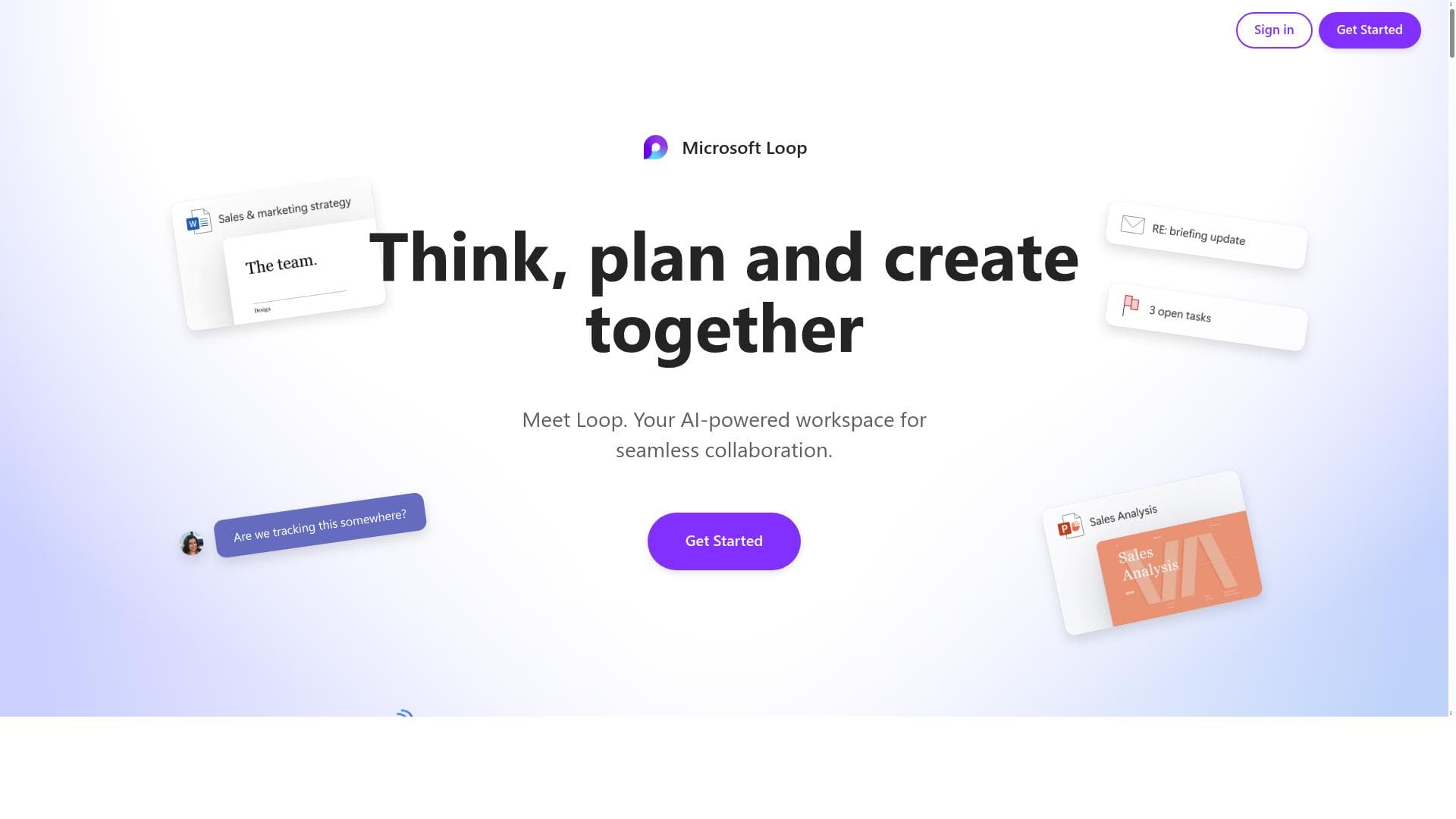
Microsoft Loop transforms teamwork by enabling real-time coauthoring and seamless integration across Microsoft 365 apps, creating a dynamic workspace for collaborative planning and creation. Ideal for remote and hybrid teams, it streamlines communication and content management, making complex projects easier to manage and innovate on together.

Description
Think, plan, and create together like never before
Detailed Description
Microsoft Loop is a cutting-edge collaborative workspace designed to revolutionize the way teams think, plan, and create together. At its core, Loop serves as a dynamic platform that brings people and ideas into a single, flexible environment, enabling seamless real-time collaboration. Whether you are brainstorming, managing projects, or coauthoring documents, Loop integrates these activities into one unified experience that enhances productivity and creativity. The tool is built to support fluid teamwork by breaking down traditional barriers between applications and workflows, making collaboration more intuitive and efficient. One of Microsoft Loop’s standout features is its real-time coauthoring capability, which allows multiple collaborators to work simultaneously on the same page. This live editing experience ensures that all team members stay in sync, reducing delays and miscommunication. Loop also boasts deep integration with other Microsoft applications such as Teams, Outlook, and OneNote, allowing users to embed Loop components directly within these apps. This interoperability means that content created in Loop can be easily accessed, shared, and updated across the Microsoft ecosystem, streamlining workflows and minimizing context switching. The collaborative workspace itself is highly versatile, providing users with a flexible canvas to organize tasks, ideas, and content. Loop supports the creation of components like lists, tables, notes, and task trackers that can be managed collectively. This organization and management of shared content empower teams to maintain clarity and focus on their objectives, regardless of the complexity of the project. Additionally, Loop’s interface is designed to be intuitive and user-friendly, enabling users of varying technical skill levels to contribute effectively. Microsoft Loop is ideal for a wide range of users, from small teams and startups to large enterprises. It is particularly beneficial for remote and hybrid teams that require constant, real-time collaboration across different locations. Project managers, content creators, educators, and product development teams can leverage Loop to streamline planning, brainstorming sessions, and document coauthoring. Use cases include collaborative project planning, meeting note-taking, content creation, and cross-functional team coordination. Regarding pricing, Microsoft Loop offers a freemium model, making it accessible for individual users and small teams to start without upfront costs. The free tier provides essential collaboration features, while premium plans unlock advanced integrations, increased storage, and enhanced administrative controls suited for larger organizations. This flexible pricing structure allows users to scale their usage based on their needs and team size. When compared to alternatives like Google Workspace or Notion, Microsoft Loop distinguishes itself through its deep integration with the Microsoft 365 suite and its focus on real-time, component-based collaboration. Unlike traditional document editors, Loop’s modular approach allows components to be reused and updated across multiple contexts, reducing duplication and improving consistency. However, users should consider that Loop’s full potential is best realized within the Microsoft ecosystem, which might limit its appeal for teams relying heavily on non-Microsoft tools. Some limitations to note include the current dependency on Microsoft account sign-ins and the need for a stable internet connection to fully utilize real-time collaboration features. Additionally, while Loop is rapidly evolving, some advanced project management features found in dedicated tools may still be under development. Organizations should evaluate their specific collaboration needs and existing software stack to determine if Loop aligns well with their workflows. In summary, Microsoft Loop is a powerful, flexible collaboration platform that enhances teamwork through real-time coauthoring, seamless Microsoft 365 integration, and a versatile shared workspace. Its ability to unify planning, creation, and organization in one place makes it an invaluable tool for modern teams aiming to boost productivity and innovation.
Tool Features
- Real-time coauthoring with multiple collaborators on the same page
- Integration with other Microsoft applications
- Collaborative workspace for planning and creating
- Supports organization and management of shared content
Description
Microsoft Loop transforms teamwork by enabling real-time coauthoring and seamless integration across Microsoft 365 apps, creating a dynamic workspace for collaborative planning and creation. Ideal for remote and hybrid teams, it streamlines communication and content management, making complex projects easier to manage and innovate on together.
Think, plan, and create together like never before
Detailed Description
Microsoft Loop is a cutting-edge collaborative workspace designed to revolutionize the way teams think, plan, and create together. At its core, Loop serves as a dynamic platform that brings people and ideas into a single, flexible environment, enabling seamless real-time collaboration. Whether you are brainstorming, managing projects, or coauthoring documents, Loop integrates these activities into one unified experience that enhances productivity and creativity. The tool is built to support fluid teamwork by breaking down traditional barriers between applications and workflows, making collaboration more intuitive and efficient. One of Microsoft Loop’s standout features is its real-time coauthoring capability, which allows multiple collaborators to work simultaneously on the same page. This live editing experience ensures that all team members stay in sync, reducing delays and miscommunication. Loop also boasts deep integration with other Microsoft applications such as Teams, Outlook, and OneNote, allowing users to embed Loop components directly within these apps. This interoperability means that content created in Loop can be easily accessed, shared, and updated across the Microsoft ecosystem, streamlining workflows and minimizing context switching. The collaborative workspace itself is highly versatile, providing users with a flexible canvas to organize tasks, ideas, and content. Loop supports the creation of components like lists, tables, notes, and task trackers that can be managed collectively. This organization and management of shared content empower teams to maintain clarity and focus on their objectives, regardless of the complexity of the project. Additionally, Loop’s interface is designed to be intuitive and user-friendly, enabling users of varying technical skill levels to contribute effectively. Microsoft Loop is ideal for a wide range of users, from small teams and startups to large enterprises. It is particularly beneficial for remote and hybrid teams that require constant, real-time collaboration across different locations. Project managers, content creators, educators, and product development teams can leverage Loop to streamline planning, brainstorming sessions, and document coauthoring. Use cases include collaborative project planning, meeting note-taking, content creation, and cross-functional team coordination. Regarding pricing, Microsoft Loop offers a freemium model, making it accessible for individual users and small teams to start without upfront costs. The free tier provides essential collaboration features, while premium plans unlock advanced integrations, increased storage, and enhanced administrative controls suited for larger organizations. This flexible pricing structure allows users to scale their usage based on their needs and team size. When compared to alternatives like Google Workspace or Notion, Microsoft Loop distinguishes itself through its deep integration with the Microsoft 365 suite and its focus on real-time, component-based collaboration. Unlike traditional document editors, Loop’s modular approach allows components to be reused and updated across multiple contexts, reducing duplication and improving consistency. However, users should consider that Loop’s full potential is best realized within the Microsoft ecosystem, which might limit its appeal for teams relying heavily on non-Microsoft tools. Some limitations to note include the current dependency on Microsoft account sign-ins and the need for a stable internet connection to fully utilize real-time collaboration features. Additionally, while Loop is rapidly evolving, some advanced project management features found in dedicated tools may still be under development. Organizations should evaluate their specific collaboration needs and existing software stack to determine if Loop aligns well with their workflows. In summary, Microsoft Loop is a powerful, flexible collaboration platform that enhances teamwork through real-time coauthoring, seamless Microsoft 365 integration, and a versatile shared workspace. Its ability to unify planning, creation, and organization in one place makes it an invaluable tool for modern teams aiming to boost productivity and innovation.
Frequently Asked Questions
What is Microsoft Loop?
Microsoft Loop is a collaborative workspace platform designed to help teams think, plan, and create together in real time. It enables multiple users to coauthor content simultaneously while integrating seamlessly with other Microsoft 365 applications.
How much does Microsoft Loop cost?
Microsoft Loop offers a freemium pricing model, providing essential features for free with options to upgrade to premium plans that include advanced integrations, increased storage, and enhanced administrative controls for larger teams.
Who is Microsoft Loop best for?
Microsoft Loop is best suited for remote and hybrid teams, project managers, content creators, educators, and any collaborative groups that require real-time coauthoring and integrated planning tools within the Microsoft ecosystem.
What are the main features of Microsoft Loop?
Key features include real-time coauthoring with multiple collaborators, integration with Microsoft applications like Teams and Outlook, a flexible collaborative workspace for planning and creating, and tools to organize and manage shared content effectively.
Does Microsoft Loop offer a free trial?
Microsoft Loop provides a free tier with core collaboration features, allowing users to try the platform without cost. Premium features are available through paid plans that can be explored after signing up.
What integrations does Microsoft Loop support?
Microsoft Loop integrates deeply with Microsoft 365 applications such as Teams, Outlook, OneNote, and more, enabling users to embed Loop components within these apps and maintain synchronized content across the Microsoft ecosystem.
How does Microsoft Loop work?
Microsoft Loop works by providing a shared, flexible workspace where users can create and edit components like lists, tables, and notes in real time. These components can be embedded and updated across various Microsoft apps, facilitating seamless collaboration and content management.
Socials
Use ToolReviews
No reviews yet. Be the first to share your experience.




















































