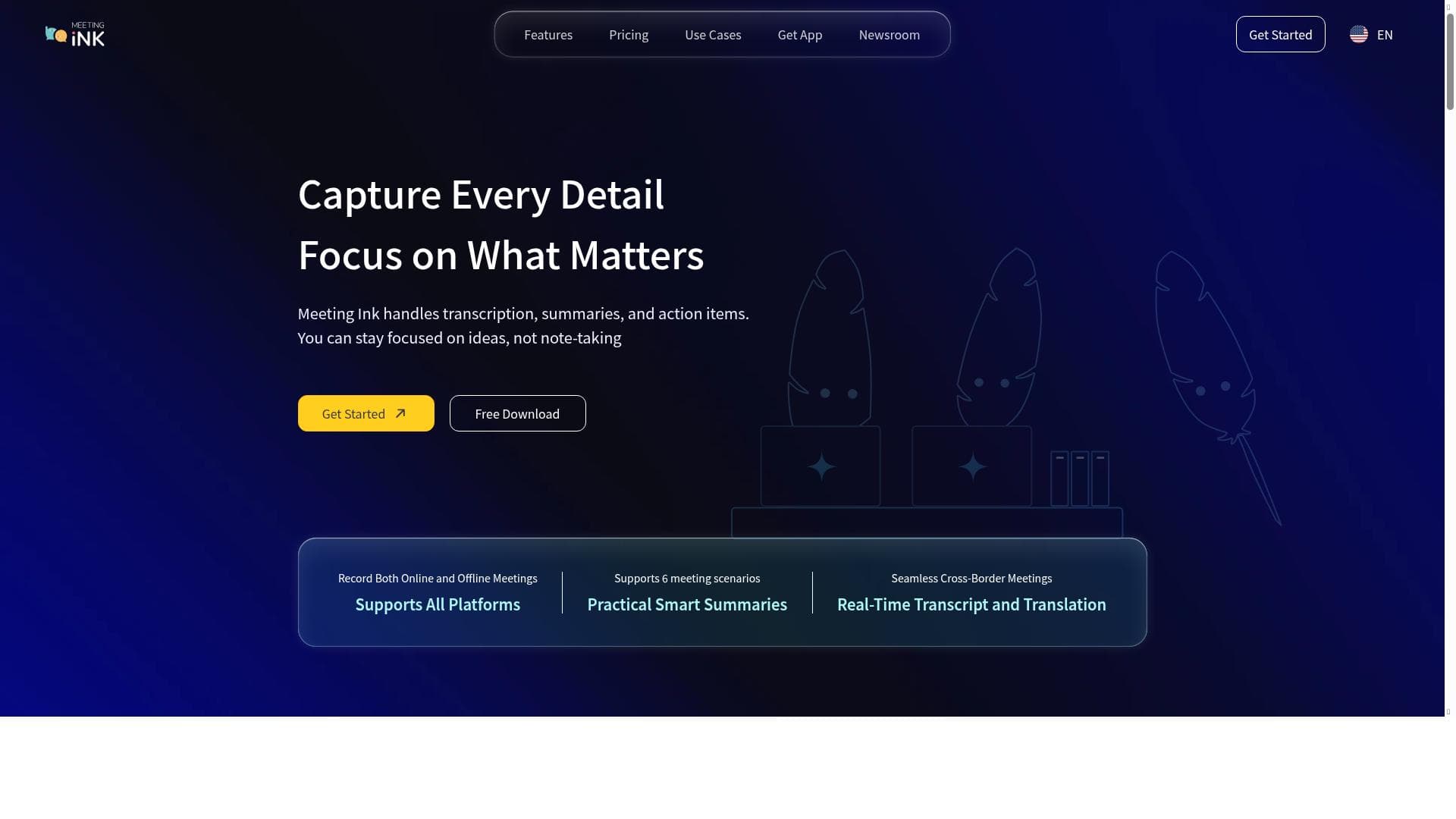


Meeting Ink is an AI-powered meeting assistant that delivers real-time transcription, translation, and role-specific summaries across over 30 languages. Perfect for global teams and busy professionals, it integrates seamlessly with major platforms like Zoom and Microsoft Teams to ensure accurate, accessible meeting documentation and enhanced collaboration.

Description
Meeting Ink is an AI-powered tool that transcribes and summarizes online meetings in real time or after the call. It features live transcription, real-time translation, speaker identification, and role-specific summaries tailored to each participant's needs. Supporting over 30 languages and compatible with all major meeting platforms, it ensures seamless communication and accurate documentation.
Detailed Description
Meeting Ink is an advanced AI-powered tool designed to revolutionize the way online meetings are documented and understood. Its core purpose is to provide accurate, real-time transcription and summarization of virtual meetings, enabling participants to focus on the conversation without worrying about note-taking or missing key points. Meeting Ink leverages generative AI models to transcribe spoken content into text with high accuracy, supporting over 30 languages, which makes it a versatile solution for global teams. Whether used during the meeting or post-call, it ensures that all discussions are captured comprehensively and can be reviewed or shared easily. One of the standout features of Meeting Ink is its live transcription capability, which converts speech into text as the meeting progresses. This is complemented by real-time translation, allowing participants who speak different languages to follow along seamlessly. The tool also incorporates speaker identification, which attributes statements to the correct individuals, enhancing clarity in multi-person meetings. Beyond transcription, Meeting Ink generates smart summaries tailored to each participant’s role, highlighting the most relevant information for their specific needs. This role-specific summarization helps reduce information overload and ensures that everyone receives actionable insights pertinent to their responsibilities. Additionally, Meeting Ink supports integration with all major meeting platforms including Zoom, Google Meet, Microsoft Teams, and Webex, making it easy to incorporate into existing workflows without disruption. Meeting Ink is ideal for professionals who rely heavily on virtual meetings, such as project managers, team leaders, sales teams, and customer support representatives. It is particularly useful for multinational organizations where language barriers can hinder communication. Use cases include capturing detailed meeting minutes, generating follow-up action items, enabling accessibility for hearing-impaired participants, and providing multilingual support to global teams. Educational institutions and remote learning environments can also benefit from its transcription and translation features to enhance student engagement and comprehension. The pricing model for Meeting Ink follows a freemium approach, allowing users to access basic transcription and summarization features at no cost. This makes it accessible for individuals and small teams to try out the service before committing to paid plans. Premium tiers likely offer enhanced capabilities such as longer transcription durations, advanced AI summarization options, priority customer support, and additional language packs. This flexible pricing structure caters to a wide range of users, from freelancers and startups to large enterprises. When compared to alternatives, Meeting Ink stands out due to its combination of real-time transcription, multi-language support, and role-specific summaries. While many transcription tools offer basic speech-to-text functionality, Meeting Ink’s AI-driven summarization and speaker identification add significant value by improving meeting productivity and clarity. Its broad compatibility with popular meeting platforms also ensures a smooth user experience without the need for complex setup or switching between apps. However, some competitors might offer deeper integrations with specific enterprise software or more extensive customization options, which could be considerations for organizations with specialized needs. Despite its strengths, users should be aware of potential limitations. The accuracy of transcription and translation can vary depending on audio quality, speaker accents, and background noise. While AI models continue to improve, occasional errors or misattributions may occur, necessitating manual review for critical documentation. Additionally, the freemium plan may impose restrictions on usage limits or features, requiring upgrades for heavy users. Privacy and data security are also important factors to consider, and users should verify how Meeting Ink handles sensitive meeting content and complies with relevant regulations. Overall, Meeting Ink offers a powerful, user-friendly solution for enhancing virtual meeting productivity through AI-driven transcription and summarization. Its multilingual support, real-time capabilities, and platform compatibility make it a valuable tool for diverse professional environments seeking to streamline communication and documentation.
Tool Features
- Generative AI transcription for meetings
- Smart summaries of meeting content
- Supports multiple platforms including Zoom, Google Meet, Microsoft Teams, and Webex
Description
Meeting Ink is an AI-powered meeting assistant that delivers real-time transcription, translation, and role-specific summaries across over 30 languages. Perfect for global teams and busy professionals, it integrates seamlessly with major platforms like Zoom and Microsoft Teams to ensure accurate, accessible meeting documentation and enhanced collaboration.
Meeting Ink is an AI-powered tool that transcribes and summarizes online meetings in real time or after the call. It features live transcription, real-time translation, speaker identification, and role-specific summaries tailored to each participant's needs. Supporting over 30 languages and compatible with all major meeting platforms, it ensures seamless communication and accurate documentation.
Detailed Description
Meeting Ink is an advanced AI-powered tool designed to revolutionize the way online meetings are documented and understood. Its core purpose is to provide accurate, real-time transcription and summarization of virtual meetings, enabling participants to focus on the conversation without worrying about note-taking or missing key points. Meeting Ink leverages generative AI models to transcribe spoken content into text with high accuracy, supporting over 30 languages, which makes it a versatile solution for global teams. Whether used during the meeting or post-call, it ensures that all discussions are captured comprehensively and can be reviewed or shared easily. One of the standout features of Meeting Ink is its live transcription capability, which converts speech into text as the meeting progresses. This is complemented by real-time translation, allowing participants who speak different languages to follow along seamlessly. The tool also incorporates speaker identification, which attributes statements to the correct individuals, enhancing clarity in multi-person meetings. Beyond transcription, Meeting Ink generates smart summaries tailored to each participant’s role, highlighting the most relevant information for their specific needs. This role-specific summarization helps reduce information overload and ensures that everyone receives actionable insights pertinent to their responsibilities. Additionally, Meeting Ink supports integration with all major meeting platforms including Zoom, Google Meet, Microsoft Teams, and Webex, making it easy to incorporate into existing workflows without disruption. Meeting Ink is ideal for professionals who rely heavily on virtual meetings, such as project managers, team leaders, sales teams, and customer support representatives. It is particularly useful for multinational organizations where language barriers can hinder communication. Use cases include capturing detailed meeting minutes, generating follow-up action items, enabling accessibility for hearing-impaired participants, and providing multilingual support to global teams. Educational institutions and remote learning environments can also benefit from its transcription and translation features to enhance student engagement and comprehension. The pricing model for Meeting Ink follows a freemium approach, allowing users to access basic transcription and summarization features at no cost. This makes it accessible for individuals and small teams to try out the service before committing to paid plans. Premium tiers likely offer enhanced capabilities such as longer transcription durations, advanced AI summarization options, priority customer support, and additional language packs. This flexible pricing structure caters to a wide range of users, from freelancers and startups to large enterprises. When compared to alternatives, Meeting Ink stands out due to its combination of real-time transcription, multi-language support, and role-specific summaries. While many transcription tools offer basic speech-to-text functionality, Meeting Ink’s AI-driven summarization and speaker identification add significant value by improving meeting productivity and clarity. Its broad compatibility with popular meeting platforms also ensures a smooth user experience without the need for complex setup or switching between apps. However, some competitors might offer deeper integrations with specific enterprise software or more extensive customization options, which could be considerations for organizations with specialized needs. Despite its strengths, users should be aware of potential limitations. The accuracy of transcription and translation can vary depending on audio quality, speaker accents, and background noise. While AI models continue to improve, occasional errors or misattributions may occur, necessitating manual review for critical documentation. Additionally, the freemium plan may impose restrictions on usage limits or features, requiring upgrades for heavy users. Privacy and data security are also important factors to consider, and users should verify how Meeting Ink handles sensitive meeting content and complies with relevant regulations. Overall, Meeting Ink offers a powerful, user-friendly solution for enhancing virtual meeting productivity through AI-driven transcription and summarization. Its multilingual support, real-time capabilities, and platform compatibility make it a valuable tool for diverse professional environments seeking to streamline communication and documentation.
Frequently Asked Questions
What is Meeting Ink?
Meeting Ink is an AI-powered tool that transcribes and summarizes online meetings in real time or after the call. It offers live transcription, real-time translation, speaker identification, and role-specific summaries to help participants capture and understand meeting content effectively.
How much does Meeting Ink cost?
Meeting Ink uses a freemium pricing model, providing basic transcription and summarization features for free, with premium plans available that offer extended capabilities, longer usage limits, and additional features.
Who is Meeting Ink best for?
Meeting Ink is ideal for professionals who participate in frequent online meetings, such as project managers, sales teams, educators, and multinational organizations needing multilingual support and accurate meeting documentation.
What are the main features of Meeting Ink?
Key features include generative AI transcription, smart summaries tailored to participant roles, real-time translation in over 30 languages, speaker identification, and compatibility with major meeting platforms like Zoom, Google Meet, Microsoft Teams, and Webex.
Does Meeting Ink offer a free trial?
Yes, Meeting Ink offers a freemium plan that allows users to access basic features for free, enabling them to try the service before upgrading to paid plans with enhanced functionalities.
What integrations does Meeting Ink support?
Meeting Ink supports integration with all major online meeting platforms, including Zoom, Google Meet, Microsoft Teams, and Webex, ensuring seamless use within existing workflows.
How does Meeting Ink work?
Meeting Ink uses advanced AI models to transcribe spoken content from online meetings in real time or post-call. It identifies speakers, translates languages on the fly, and generates customized summaries based on each participant’s role to enhance meeting productivity and clarity.
Socials
Use ToolReviews
No reviews yet. Be the first to share your experience.




















































