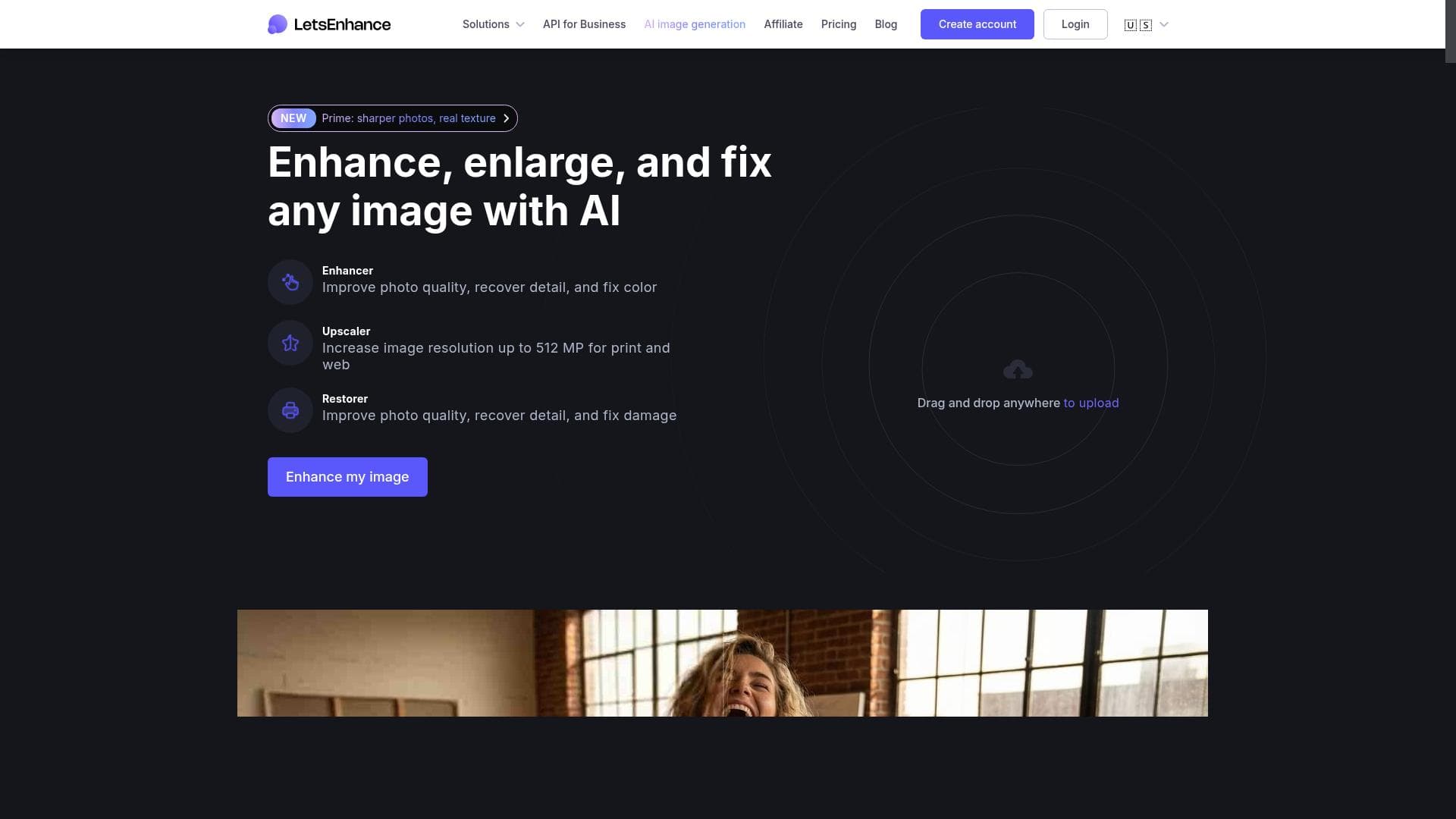


Let's Enhance is an AI-powered image upscaler and enhancer that transforms any photo or artwork into a high-resolution masterpiece with just one click. Ideal for photographers, designers, and e-commerce professionals, it offers up to 16x upscaling without quality loss and seamless online or API access, making image enhancement effortless and accessible.

Description
Let's Enhance is an automated AI image upscaler and fixer. Make anything from old photos to digital art, from portraits to landscapes, from logos to product images look their best in one click. Upscale up to 16x without losing quality.
Detailed Description
Let's Enhance is a powerful AI-driven image enhancement platform designed to automatically upscale and improve the quality of images with minimal user effort. Its core purpose is to transform any type of image — be it old photographs, digital artwork, portraits, landscapes, logos, or product photos — into high-resolution, visually stunning versions without compromising on clarity or detail. Leveraging advanced machine learning algorithms, Let's Enhance can upscale images up to 16 times their original size while preserving sharpness and reducing noise, making it an ideal solution for users who need to improve image quality quickly and efficiently. The tool's key features include an AI image enhancer that intelligently adjusts colors, tones, and textures to restore and improve image quality. The image upscaler uses deep learning models to increase resolution and detail, allowing users to enlarge images for printing or digital use without pixelation. Additionally, Let's Enhance offers an image generator and editor, enabling users to create new images or fine-tune existing ones directly within the platform. It supports both online access via a user-friendly web interface and API integration for developers seeking to incorporate image enhancement capabilities into their own applications or workflows. The platform is designed to be accessible, offering a free-to-start model that allows users to test its capabilities before committing to paid plans. Let's Enhance is best suited for a wide range of users including photographers, graphic designers, marketing professionals, e-commerce businesses, and content creators who require high-quality images for various purposes. Photographers can restore and enlarge old or low-resolution photos, while designers can enhance digital artwork or logos for print and web use. E-commerce businesses benefit by improving product images to increase customer engagement and sales. Additionally, agencies and developers can leverage the API to automate image enhancement at scale, integrating it seamlessly into their existing workflows. The pricing model for Let's Enhance follows a freemium approach. Users can start for free, gaining access to basic features and a limited number of image enhancements. For more extensive use, including higher resolution upscaling and batch processing, paid plans are available that offer increased credits, priority processing, and access to advanced features. This flexible pricing structure makes it accessible for individual users and scalable for enterprise needs. Compared to alternatives, Let's Enhance stands out due to its combination of ease of use, powerful AI models, and versatility. While some competing tools focus solely on upscaling or basic enhancement, Let's Enhance provides a comprehensive suite including image generation and editing, all accessible online or via API. Its ability to upscale images up to 16x without quality loss is particularly notable, as many other tools struggle with maintaining detail at high enlargement factors. Furthermore, the platform's intuitive interface and free starting tier lower the barrier for users new to AI image enhancement. However, there are some considerations to keep in mind. The quality of enhancement can vary depending on the original image's condition and complexity; extremely low-quality or heavily compressed images may not achieve perfect results. Additionally, while the free tier is useful for testing, serious users will likely need to invest in paid plans to unlock the full potential of the tool, especially for commercial or bulk applications. Finally, as with any AI-based tool, users should review enhanced images carefully to ensure that automated adjustments meet their specific aesthetic or branding requirements. Overall, Let's Enhance offers a robust, user-friendly solution for anyone looking to improve image quality effortlessly. Its advanced AI capabilities, flexible access options, and broad applicability make it a valuable asset for creative professionals and businesses alike.
Tool Features
- AI image enhancer
- Image upscaler
- Image generator
- Image editor
- Online and API access
- Free to start
Description
Let's Enhance is an AI-powered image upscaler and enhancer that transforms any photo or artwork into a high-resolution masterpiece with just one click. Ideal for photographers, designers, and e-commerce professionals, it offers up to 16x upscaling without quality loss and seamless online or API access, making image enhancement effortless and accessible.
Let's Enhance is an automated AI image upscaler and fixer. Make anything from old photos to digital art, from portraits to landscapes, from logos to product images look their best in one click. Upscale up to 16x without losing quality.
Detailed Description
Let's Enhance is a powerful AI-driven image enhancement platform designed to automatically upscale and improve the quality of images with minimal user effort. Its core purpose is to transform any type of image — be it old photographs, digital artwork, portraits, landscapes, logos, or product photos — into high-resolution, visually stunning versions without compromising on clarity or detail. Leveraging advanced machine learning algorithms, Let's Enhance can upscale images up to 16 times their original size while preserving sharpness and reducing noise, making it an ideal solution for users who need to improve image quality quickly and efficiently. The tool's key features include an AI image enhancer that intelligently adjusts colors, tones, and textures to restore and improve image quality. The image upscaler uses deep learning models to increase resolution and detail, allowing users to enlarge images for printing or digital use without pixelation. Additionally, Let's Enhance offers an image generator and editor, enabling users to create new images or fine-tune existing ones directly within the platform. It supports both online access via a user-friendly web interface and API integration for developers seeking to incorporate image enhancement capabilities into their own applications or workflows. The platform is designed to be accessible, offering a free-to-start model that allows users to test its capabilities before committing to paid plans. Let's Enhance is best suited for a wide range of users including photographers, graphic designers, marketing professionals, e-commerce businesses, and content creators who require high-quality images for various purposes. Photographers can restore and enlarge old or low-resolution photos, while designers can enhance digital artwork or logos for print and web use. E-commerce businesses benefit by improving product images to increase customer engagement and sales. Additionally, agencies and developers can leverage the API to automate image enhancement at scale, integrating it seamlessly into their existing workflows. The pricing model for Let's Enhance follows a freemium approach. Users can start for free, gaining access to basic features and a limited number of image enhancements. For more extensive use, including higher resolution upscaling and batch processing, paid plans are available that offer increased credits, priority processing, and access to advanced features. This flexible pricing structure makes it accessible for individual users and scalable for enterprise needs. Compared to alternatives, Let's Enhance stands out due to its combination of ease of use, powerful AI models, and versatility. While some competing tools focus solely on upscaling or basic enhancement, Let's Enhance provides a comprehensive suite including image generation and editing, all accessible online or via API. Its ability to upscale images up to 16x without quality loss is particularly notable, as many other tools struggle with maintaining detail at high enlargement factors. Furthermore, the platform's intuitive interface and free starting tier lower the barrier for users new to AI image enhancement. However, there are some considerations to keep in mind. The quality of enhancement can vary depending on the original image's condition and complexity; extremely low-quality or heavily compressed images may not achieve perfect results. Additionally, while the free tier is useful for testing, serious users will likely need to invest in paid plans to unlock the full potential of the tool, especially for commercial or bulk applications. Finally, as with any AI-based tool, users should review enhanced images carefully to ensure that automated adjustments meet their specific aesthetic or branding requirements. Overall, Let's Enhance offers a robust, user-friendly solution for anyone looking to improve image quality effortlessly. Its advanced AI capabilities, flexible access options, and broad applicability make it a valuable asset for creative professionals and businesses alike.
Frequently Asked Questions
What is Let's Enhance?
Let's Enhance is an automated AI-based platform that improves and upscales images, allowing users to enhance old photos, digital art, logos, and more by increasing resolution and quality without losing detail.
How much does Let's Enhance cost?
Let's Enhance offers a freemium pricing model where users can start for free with limited features and credits. Paid plans provide additional credits, higher resolution upscaling, batch processing, and advanced features.
Who is Let's Enhance best for?
It's ideal for photographers, graphic designers, marketers, e-commerce businesses, content creators, and developers who need to enhance image quality quickly and efficiently for print, web, or commercial use.
What are the main features of Let's Enhance?
Key features include AI-powered image enhancement, upscaling up to 16x without quality loss, image generation, editing tools, online web access, and API integration for automated workflows.
Does Let's Enhance offer a free trial?
Yes, Let's Enhance provides a free-to-start option that allows users to try basic features and enhance a limited number of images before upgrading to paid plans.
What integrations does Let's Enhance support?
Let's Enhance supports API access, enabling integration with other applications and workflows for automated image enhancement and upscaling.
How does Let's Enhance work?
It uses advanced AI and deep learning algorithms to analyze images, intelligently enhance colors and details, reduce noise, and upscale resolution up to 16 times while preserving image quality.
Socials
Use ToolReviews
No reviews yet. Be the first to share your experience.




















































