Featured in:Best AI Education Tools
Get featured →🚀 Zaprep: Your Socials on Steroids. Start free — automate 1,000 DMs/month & turn engagement into leads. with 1,000 automated DMs/month.



✦
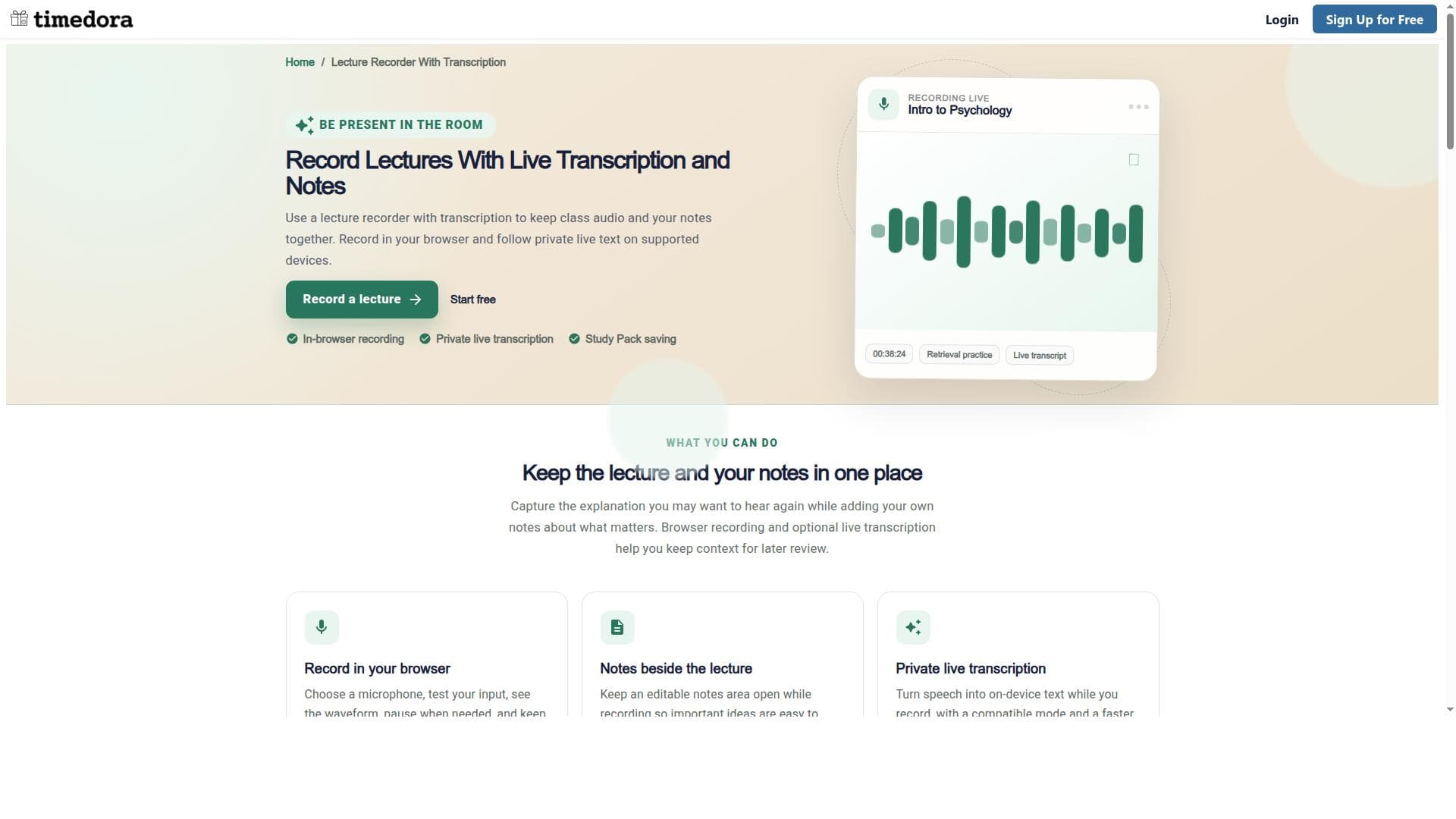
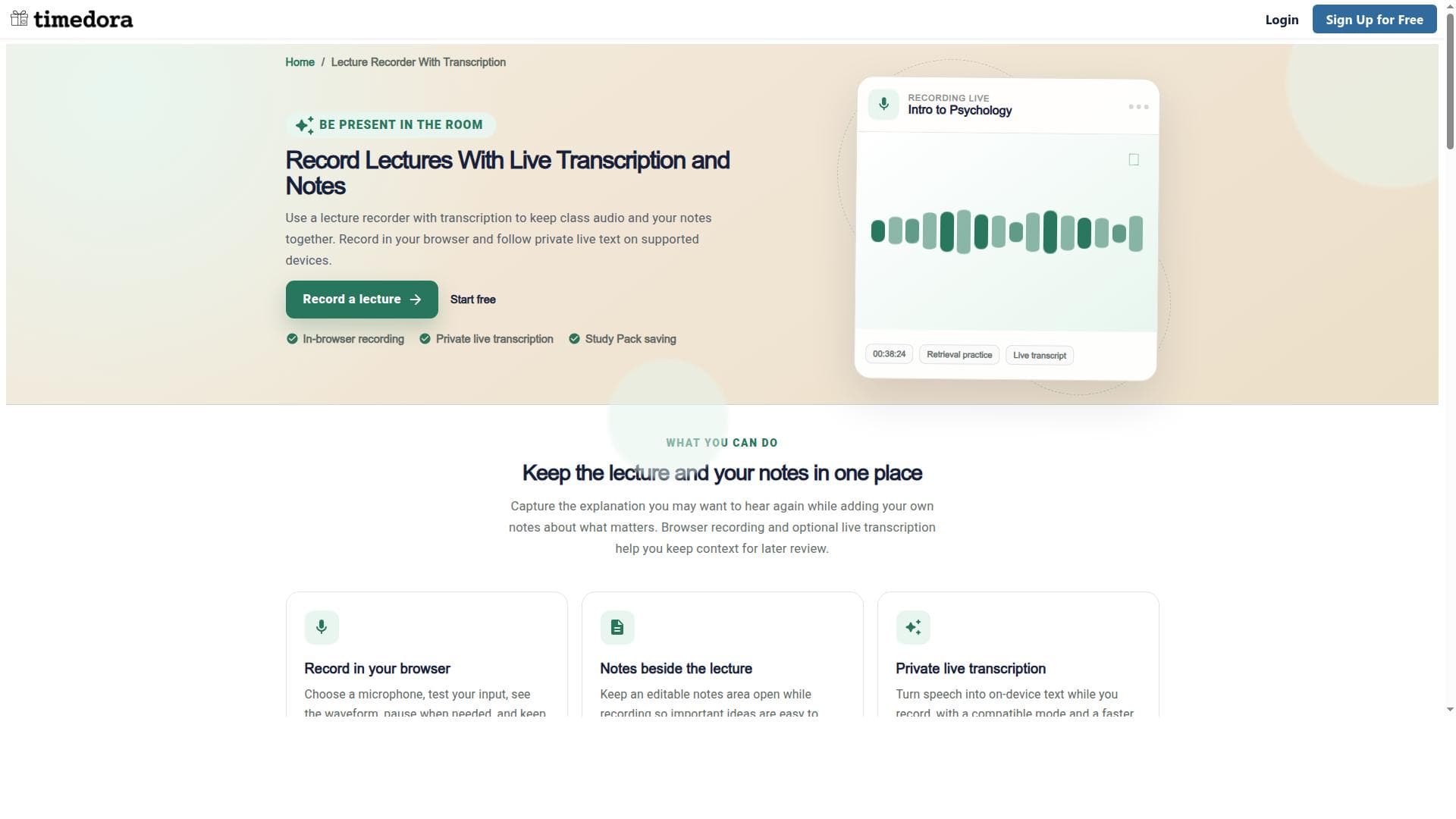
Lecture Recorder With Live Transcription & Notes is a browser-based tool that records lectures while providing real-time transcription, enabling users to save and revisit key audio explanations effortlessly. Ideal for students and educators, it enhances study efficiency by combining audio, text, and notes in an organized Study Pack.
Description
Timedora helps students record lectures in their browser while taking notes beside the audio. Optional private, on-device live transcription is available on supported devices. Students can choose and test a microphone, pause recordings, replay saved audio, and save finished recordings to a subject Study Pack alongside related course materials. It is designed for learners who want to focus in class and revisit detailed explanations later. Get consent from everyone involved before recording. Transcripts may need corrections, especially in noisy rooms.
Detailed Description
Lecture Recorder With Live Transcription & Notes is a browser-based tool designed to enhance the learning experience by enabling students to record lectures while simultaneously generating live transcriptions. Its core purpose is to provide an efficient and accessible way to capture spoken content during classes, seminars, or study sessions, allowing users to revisit and review key explanations with ease. By integrating audio recording with real-time transcription, the tool bridges the gap between auditory and textual learning, helping students retain information more effectively and organize their study materials in a convenient digital format. One of the standout features of this tool is its ability to record lectures directly within the user's web browser, eliminating the need for additional software or hardware. This seamless accessibility means students can start recording instantly on supported devices without interrupting their workflow. The live transcription feature works concurrently with the audio recording, converting spoken words into text in real time. This transcription is particularly valuable for users who benefit from reading along as they listen or who want to quickly locate specific parts of a lecture without replaying the entire audio. Additionally, the tool allows users to save the recorded class audio into a personalized Study Pack. This Study Pack acts as a curated repository where students can store multiple recordings along with their transcriptions and notes. The ability to revisit key explanations easily within this organized collection enhances study efficiency, enabling learners to focus on important concepts and review material at their own pace. The notes functionality further supports active learning by allowing users to annotate recordings, highlight critical points, or add personal insights directly linked to the audio and transcription. Lecture Recorder With Live Transcription & Notes is best suited for students, educators, and lifelong learners who attend lectures, workshops, or any spoken presentations. It is particularly useful for those who struggle with note-taking during fast-paced lectures or who want to ensure they do not miss any critical information. The tool supports diverse learning styles by combining auditory and visual elements, making it ideal for users who benefit from multimodal study approaches. It can also serve professionals who participate in meetings or training sessions and need accurate records for later reference. Regarding pricing and plans, the tool is accessible via its website, and while specific pricing details are not explicitly stated in the provided information, it is common for such educational tools to offer free basic access with optional premium features or subscription plans. Users interested in advanced capabilities or extended storage might expect tiered pricing options. Prospective users should visit the official website to obtain the most current information on pricing and available plans. When compared to alternatives, Lecture Recorder With Live Transcription & Notes stands out due to its browser-based convenience and integrated live transcription, which many traditional recording apps lack. Unlike standalone audio recorders or separate transcription services, this tool combines both functionalities in a single platform optimized for study purposes. Its Study Pack feature also differentiates it by providing an organized environment tailored for academic review, rather than just raw audio or text files. However, users should consider device compatibility for live transcription, as this feature is supported only on certain devices, which may limit accessibility for some. Notable limitations include the dependency on supported devices for live transcription, which may affect users with incompatible hardware or operating systems. Additionally, as a browser-based tool, performance might vary depending on internet connectivity and browser capabilities. Users should also be aware that transcription accuracy can be influenced by audio quality, accents, and background noise, which is a common challenge for automated transcription services. Despite these considerations, Lecture Recorder With Live Transcription & Notes offers a robust and user-friendly solution for capturing and reviewing spoken content, making it a valuable asset for students and educators aiming to improve study effectiveness and information retention.
Tool Features
- Record lectures in your browser
- Live transcription on supported devices
- Save class audio to a Study Pack
- Revisit key explanations easily
Description
✦
Lecture Recorder With Live Transcription & Notes is a browser-based tool that records lectures while providing real-time transcription, enabling users to save and revisit key audio explanations effortlessly. Ideal for students and educators, it enhances study efficiency by combining audio, text, and notes in an organized Study Pack.
Timedora helps students record lectures in their browser while taking notes beside the audio. Optional private, on-device live transcription is available on supported devices. Students can choose and test a microphone, pause recordings, replay saved audio, and save finished recordings to a subject Study Pack alongside related course materials. It is designed for learners who want to focus in class and revisit detailed explanations later. Get consent from everyone involved before recording. Transcripts may need corrections, especially in noisy rooms.
Detailed Description
Lecture Recorder With Live Transcription & Notes is a browser-based tool designed to enhance the learning experience by enabling students to record lectures while simultaneously generating live transcriptions. Its core purpose is to provide an efficient and accessible way to capture spoken content during classes, seminars, or study sessions, allowing users to revisit and review key explanations with ease. By integrating audio recording with real-time transcription, the tool bridges the gap between auditory and textual learning, helping students retain information more effectively and organize their study materials in a convenient digital format. One of the standout features of this tool is its ability to record lectures directly within the user's web browser, eliminating the need for additional software or hardware. This seamless accessibility means students can start recording instantly on supported devices without interrupting their workflow. The live transcription feature works concurrently with the audio recording, converting spoken words into text in real time. This transcription is particularly valuable for users who benefit from reading along as they listen or who want to quickly locate specific parts of a lecture without replaying the entire audio. Additionally, the tool allows users to save the recorded class audio into a personalized Study Pack. This Study Pack acts as a curated repository where students can store multiple recordings along with their transcriptions and notes. The ability to revisit key explanations easily within this organized collection enhances study efficiency, enabling learners to focus on important concepts and review material at their own pace. The notes functionality further supports active learning by allowing users to annotate recordings, highlight critical points, or add personal insights directly linked to the audio and transcription. Lecture Recorder With Live Transcription & Notes is best suited for students, educators, and lifelong learners who attend lectures, workshops, or any spoken presentations. It is particularly useful for those who struggle with note-taking during fast-paced lectures or who want to ensure they do not miss any critical information. The tool supports diverse learning styles by combining auditory and visual elements, making it ideal for users who benefit from multimodal study approaches. It can also serve professionals who participate in meetings or training sessions and need accurate records for later reference. Regarding pricing and plans, the tool is accessible via its website, and while specific pricing details are not explicitly stated in the provided information, it is common for such educational tools to offer free basic access with optional premium features or subscription plans. Users interested in advanced capabilities or extended storage might expect tiered pricing options. Prospective users should visit the official website to obtain the most current information on pricing and available plans. When compared to alternatives, Lecture Recorder With Live Transcription & Notes stands out due to its browser-based convenience and integrated live transcription, which many traditional recording apps lack. Unlike standalone audio recorders or separate transcription services, this tool combines both functionalities in a single platform optimized for study purposes. Its Study Pack feature also differentiates it by providing an organized environment tailored for academic review, rather than just raw audio or text files. However, users should consider device compatibility for live transcription, as this feature is supported only on certain devices, which may limit accessibility for some. Notable limitations include the dependency on supported devices for live transcription, which may affect users with incompatible hardware or operating systems. Additionally, as a browser-based tool, performance might vary depending on internet connectivity and browser capabilities. Users should also be aware that transcription accuracy can be influenced by audio quality, accents, and background noise, which is a common challenge for automated transcription services. Despite these considerations, Lecture Recorder With Live Transcription & Notes offers a robust and user-friendly solution for capturing and reviewing spoken content, making it a valuable asset for students and educators aiming to improve study effectiveness and information retention.
Frequently Asked Questions
What is Lecture Recorder With Live Transcription & Notes?
It is a browser-based tool that allows users to record lectures while simultaneously generating live transcriptions, helping students capture and review spoken content efficiently.
How much does Lecture Recorder With Live Transcription & Notes cost?
Specific pricing details are not provided, but users can visit the official website to learn about available plans, which may include free access and premium subscription options.
Who is Lecture Recorder With Live Transcription & Notes best for?
This tool is ideal for students, educators, and professionals who want to record lectures or meetings and benefit from live transcription and organized study materials.
What are the main features of Lecture Recorder With Live Transcription & Notes?
Key features include browser-based lecture recording, live transcription on supported devices, saving audio into a Study Pack, and easy revisiting of key explanations and notes.
Does Lecture Recorder With Live Transcription & Notes offer a free trial?
The information provided does not specify a free trial; users should check the official website for the most current details on trial availability.
What integrations does Lecture Recorder With Live Transcription & Notes support?
No specific integrations are mentioned; the tool primarily operates within the browser environment to provide recording and transcription functionalities.
How does Lecture Recorder With Live Transcription & Notes work?
Users record lectures directly in their browser, and on supported devices, the tool transcribes the audio live. Recordings and transcriptions are saved into a Study Pack for easy review and note-taking.
Socials
Use ToolReviews
0 reviews
No reviews yet. Be the first to share your experience.
Sponsored Tools













































Recommended Tools
Stay updated on latest Ai tools
Get the latest insights, Join our newsletter
Read and trusted by 50,000+ readers
Join the biggest AI Community
Our community and staff are here to help!
Your feedback will help Alice AI improve in future versions.








Submit your Tool


PoweredByAI.app is an AI Tools Directory helping individuals, businesses, and creators discover the best AI tools for writing, coding, design, productivity, and more.
© 2026 , Product of011BQ. All rights reserved.