Featured in:Best AI Education Tools
Get featured →🚀 Zaprep: Your Socials on Steroids. Start free — automate 1,000 DMs/month & turn engagement into leads. with 1,000 automated DMs/month.



✦
How to Draw is a free, beginner-friendly platform offering step-by-step drawing tutorials that simplify art learning for kids and novices. Its clear visual guides and easy lessons make it perfect for anyone wanting to build foundational drawing skills without prior experience or cost.
Description
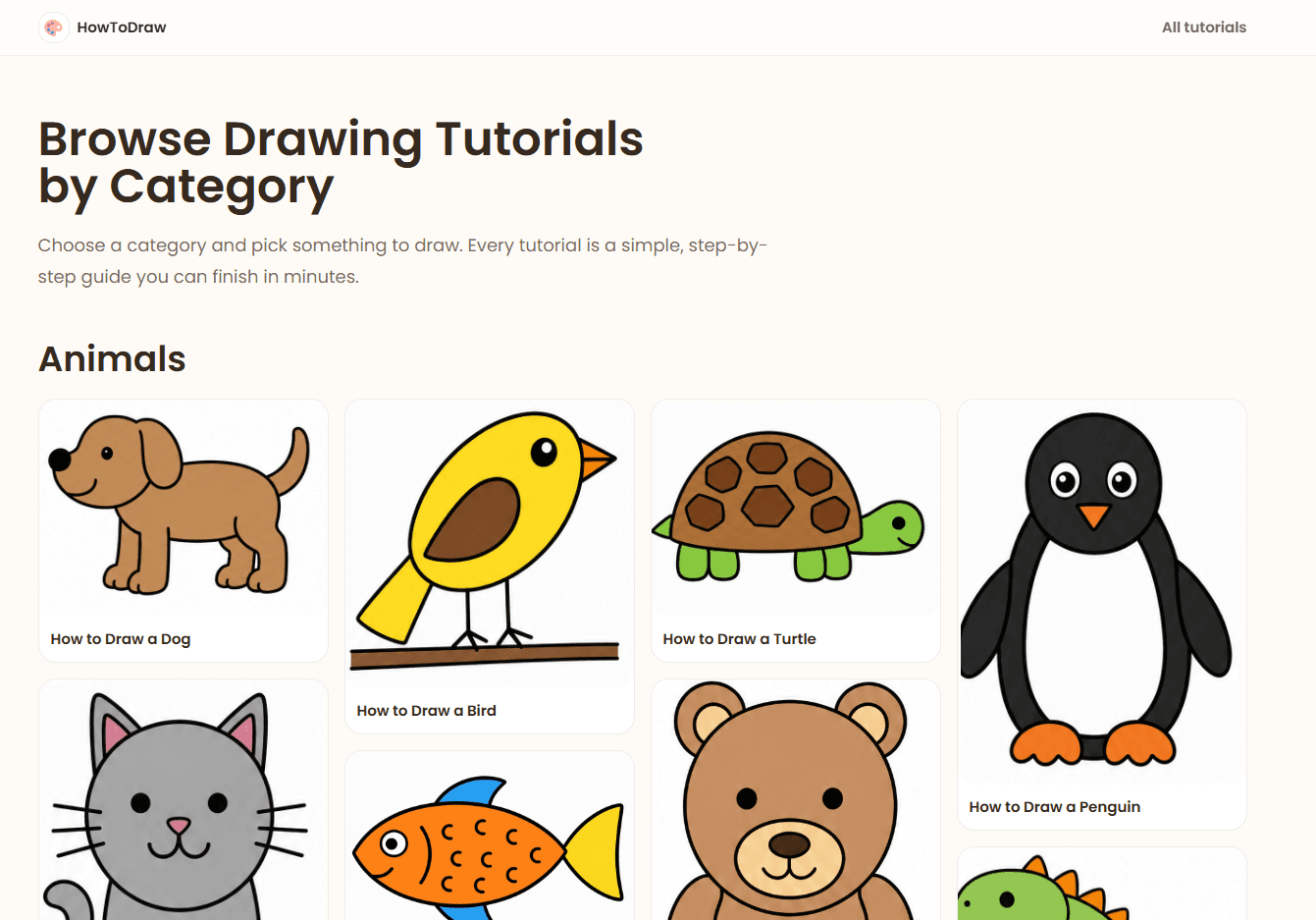
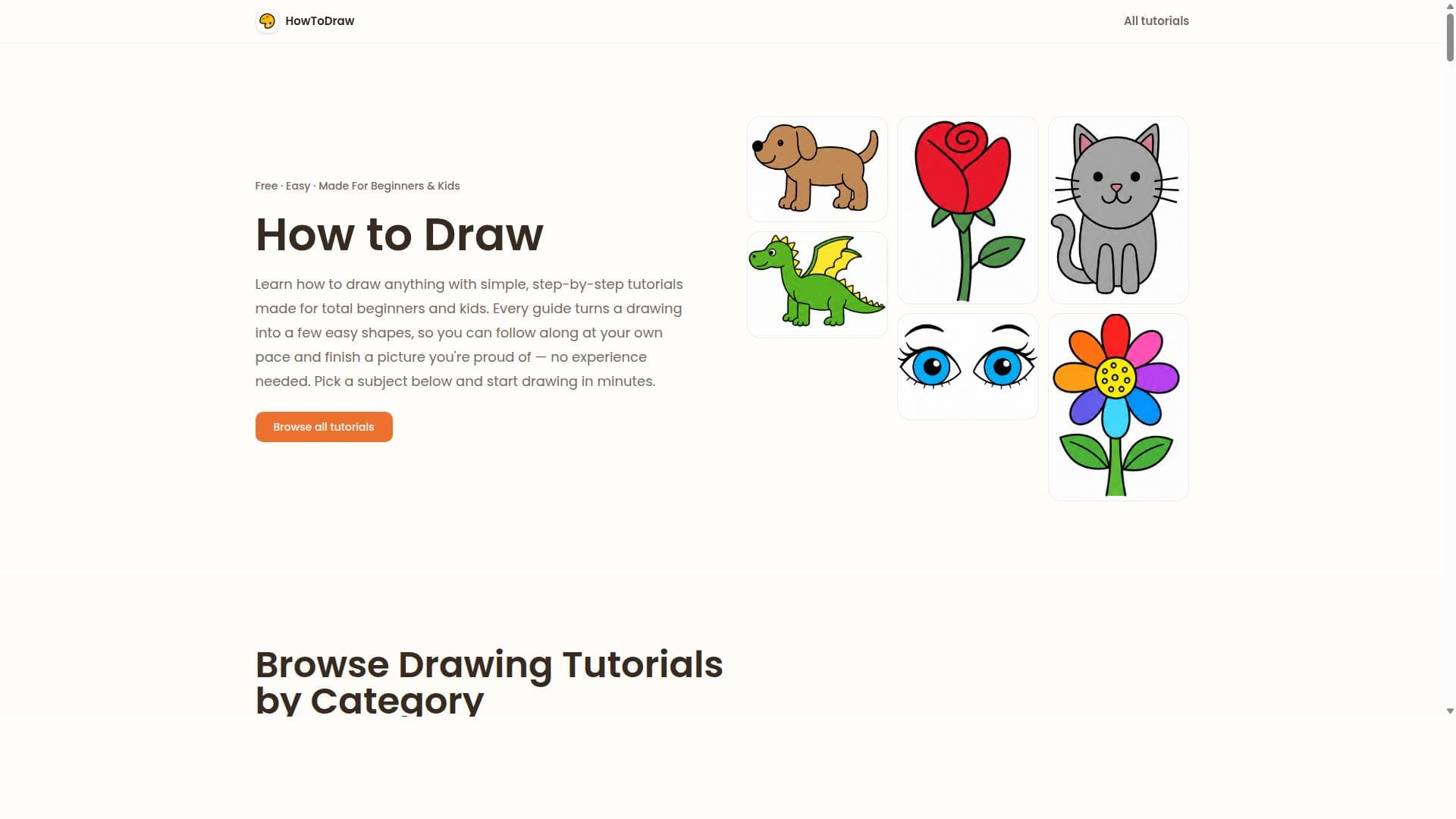
How to Draw offers free, easy step-by-step drawing tutorials designed for beginners and kids. Users can learn to draw animals, people, food, and more by following simple shapes and clear beginner-friendly lessons with visual references, requiring no prior experience.
Detailed Description
How to Draw is an intuitive online platform dedicated to teaching drawing skills through free, easy-to-follow step-by-step tutorials. Its core purpose is to make drawing accessible to absolute beginners and children by breaking down complex images into simple shapes and manageable steps. The platform covers a wide range of subjects including animals, people, food, and everyday objects, allowing users to build foundational drawing skills without any prior experience. By focusing on clarity and simplicity, How to Draw removes the intimidation factor often associated with learning art, encouraging users to develop their creativity and confidence at their own pace. The tool’s key features center around its structured, beginner-friendly approach. Each tutorial guides users through the drawing process incrementally, starting with basic shapes and gradually adding details to complete the image. Visual references accompany each step, providing clear examples that help users understand proportions and form. Simple practice prompts encourage users to try variations and experiment with their own style, reinforcing learning through repetition and creativity. Importantly, How to Draw requires no sign-up or payment, making it freely accessible to anyone with an internet connection. This ease of access combined with its straightforward lessons makes it an ideal resource for educators, parents, and self-learners. How to Draw is best suited for beginners of all ages, particularly children and young learners who are just starting to explore drawing. It is also valuable for hobbyists who want to improve their basic skills or for teachers seeking ready-made lesson plans to support art education. Specific use cases include classroom activities, homeschooling art lessons, after-school programs, and casual practice at home. Because the tutorials focus on fundamental shapes and stepwise progression, users can build a solid foundation before moving on to more advanced techniques. The platform is completely free to use, with no subscription plans or premium tiers. This makes it highly accessible compared to many other art education tools that require payment or membership. Users can simply visit the website and start drawing immediately, without any barriers or hidden costs. Compared to alternative drawing tutorial sites or apps, How to Draw stands out for its simplicity and focus on beginners. While some platforms offer advanced features like digital drawing tools, community sharing, or AI-generated art suggestions, How to Draw keeps the experience straightforward and distraction-free. This makes it particularly effective for young learners or those who prefer a traditional step-by-step learning style. However, it may lack some of the interactive or gamified elements found in other apps designed for digital art creation. One notable limitation is that How to Draw is primarily focused on 2D line drawings and does not provide advanced lessons in shading, color theory, or digital art techniques. Users looking to progress beyond basic sketches may need to supplement their learning with other resources. Additionally, the website does not currently offer mobile apps or offline access, which could limit usability in low-connectivity environments. Despite these considerations, How to Draw remains a valuable, no-cost resource for anyone seeking to learn drawing fundamentals in a clear and approachable way.
Tool Features
- Step-by-step drawing tutorials
- Beginner-friendly lessons
- Simple practice prompts
- Visual references
- No experience needed
- Free to use
Description
✦
How to Draw is a free, beginner-friendly platform offering step-by-step drawing tutorials that simplify art learning for kids and novices. Its clear visual guides and easy lessons make it perfect for anyone wanting to build foundational drawing skills without prior experience or cost.
How to Draw offers free, easy step-by-step drawing tutorials designed for beginners and kids. Users can learn to draw animals, people, food, and more by following simple shapes and clear beginner-friendly lessons with visual references, requiring no prior experience.
Detailed Description
How to Draw is an intuitive online platform dedicated to teaching drawing skills through free, easy-to-follow step-by-step tutorials. Its core purpose is to make drawing accessible to absolute beginners and children by breaking down complex images into simple shapes and manageable steps. The platform covers a wide range of subjects including animals, people, food, and everyday objects, allowing users to build foundational drawing skills without any prior experience. By focusing on clarity and simplicity, How to Draw removes the intimidation factor often associated with learning art, encouraging users to develop their creativity and confidence at their own pace. The tool’s key features center around its structured, beginner-friendly approach. Each tutorial guides users through the drawing process incrementally, starting with basic shapes and gradually adding details to complete the image. Visual references accompany each step, providing clear examples that help users understand proportions and form. Simple practice prompts encourage users to try variations and experiment with their own style, reinforcing learning through repetition and creativity. Importantly, How to Draw requires no sign-up or payment, making it freely accessible to anyone with an internet connection. This ease of access combined with its straightforward lessons makes it an ideal resource for educators, parents, and self-learners. How to Draw is best suited for beginners of all ages, particularly children and young learners who are just starting to explore drawing. It is also valuable for hobbyists who want to improve their basic skills or for teachers seeking ready-made lesson plans to support art education. Specific use cases include classroom activities, homeschooling art lessons, after-school programs, and casual practice at home. Because the tutorials focus on fundamental shapes and stepwise progression, users can build a solid foundation before moving on to more advanced techniques. The platform is completely free to use, with no subscription plans or premium tiers. This makes it highly accessible compared to many other art education tools that require payment or membership. Users can simply visit the website and start drawing immediately, without any barriers or hidden costs. Compared to alternative drawing tutorial sites or apps, How to Draw stands out for its simplicity and focus on beginners. While some platforms offer advanced features like digital drawing tools, community sharing, or AI-generated art suggestions, How to Draw keeps the experience straightforward and distraction-free. This makes it particularly effective for young learners or those who prefer a traditional step-by-step learning style. However, it may lack some of the interactive or gamified elements found in other apps designed for digital art creation. One notable limitation is that How to Draw is primarily focused on 2D line drawings and does not provide advanced lessons in shading, color theory, or digital art techniques. Users looking to progress beyond basic sketches may need to supplement their learning with other resources. Additionally, the website does not currently offer mobile apps or offline access, which could limit usability in low-connectivity environments. Despite these considerations, How to Draw remains a valuable, no-cost resource for anyone seeking to learn drawing fundamentals in a clear and approachable way.
Frequently Asked Questions
What is How to Draw?
How to Draw is an online platform that provides free, easy-to-follow step-by-step drawing tutorials designed specifically for beginners and children. It helps users learn to draw various subjects by breaking down images into simple shapes and clear instructions.
How much does How to Draw cost?
How to Draw is completely free to use with no subscription fees or premium plans. Users can access all tutorials and features without any payment.
Who is How to Draw best for?
It is best suited for beginners of all ages, especially children and young learners, as well as hobbyists and educators looking for simple, accessible drawing lessons.
What are the main features of How to Draw?
The main features include step-by-step drawing tutorials, beginner-friendly lessons, simple practice prompts, visual references, and no prior experience required. The platform is also free to use.
Does How to Draw offer a free trial?
Since How to Draw is entirely free, there is no need for a free trial. All content is accessible without any sign-up or payment.
What integrations does How to Draw support?
How to Draw does not currently support integrations with other software or platforms. It is a standalone web-based tool.
How does How to Draw work?
Users select a tutorial and follow the step-by-step instructions that break down the drawing into simple shapes and stages. Visual references guide the process, allowing users to replicate and practice drawing various subjects easily.
Socials
Use ToolReviews
0 reviews
No reviews yet. Be the first to share your experience.
Sponsored Tools











































Recommended Tools
Stay updated on latest Ai tools
Get the latest insights, Join our newsletter
Read and trusted by 50,000+ readers
Join the biggest AI Community
Our community and staff are here to help!
Your feedback will help Alice AI improve in future versions.








Submit your Tool


PoweredByAI.app is an AI Tools Directory helping individuals, businesses, and creators discover the best AI tools for writing, coding, design, productivity, and more.
© 2026 , Product of011BQ. All rights reserved.