
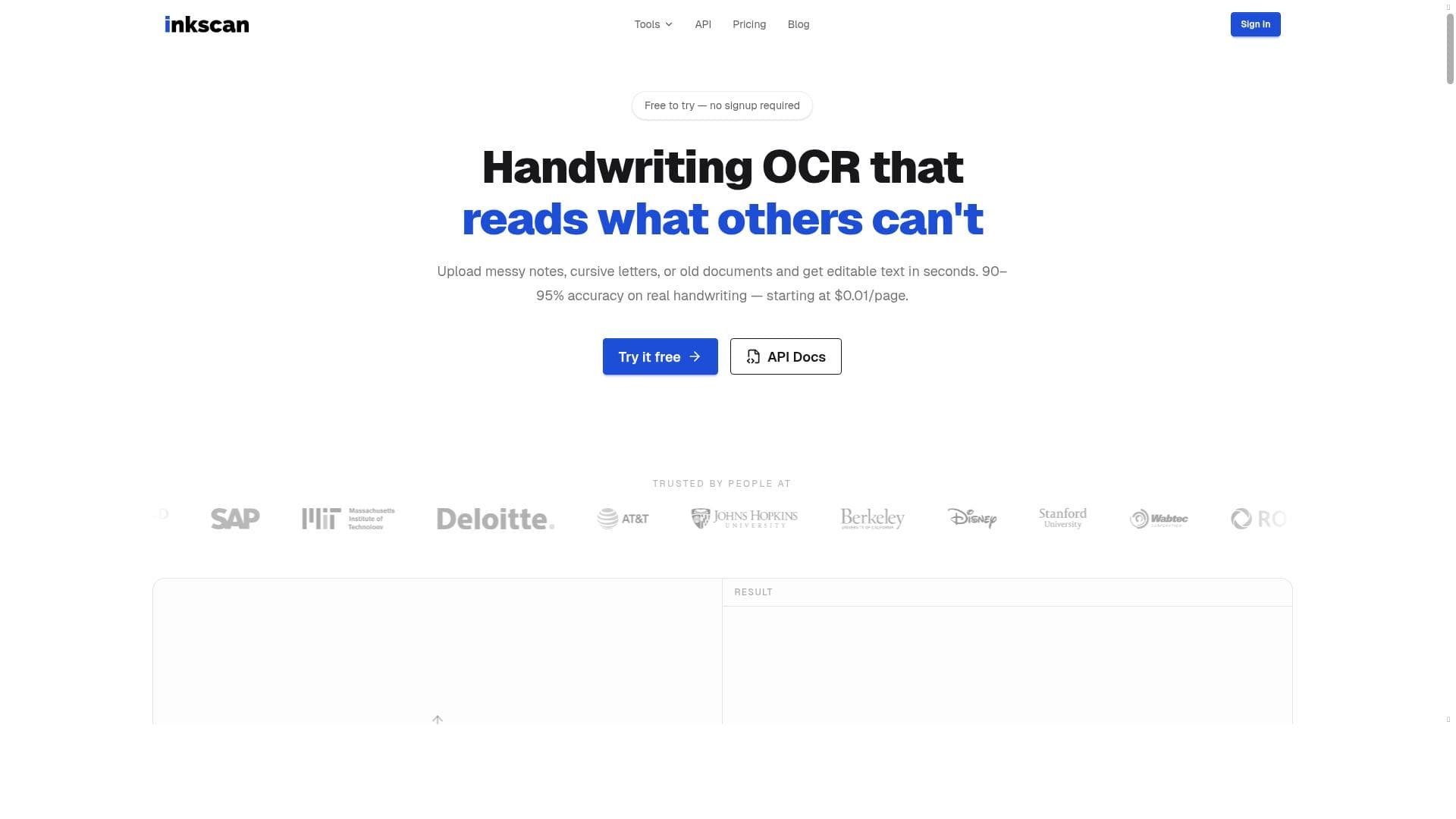


InkScan is a high-accuracy handwriting OCR tool that converts handwritten notes, cursive letters, and old documents into editable text, boasting 90-95% accuracy. Ideal for students, researchers, and businesses, it offers a free trial, API integration, and affordable pay-per-page pricing starting at just $0.01, making digitizing handwritten content effortless and cost-effective.

Description
InkScan is a handwriting OCR tool that converts handwritten notes, cursive letters, and old documents into editable text with an accuracy of 90-95%. It offers a free trial and provides an API for integration, with pricing starting at $0.01 per page.
Detailed Description
InkScan is a specialized handwriting OCR (Optical Character Recognition) tool designed to convert handwritten notes, cursive letters, and even old, faded documents into fully editable digital text. Its core purpose is to bridge the gap between analog handwritten content and digital workflows, enabling users to easily digitize and manipulate handwritten information with high accuracy. By leveraging advanced OCR technology tailored specifically for handwriting recognition, InkScan addresses a common challenge faced by students, researchers, archivists, and professionals who regularly work with handwritten materials. This tool transforms static handwritten documents into searchable, editable text files, streamlining data entry, note-taking, and archival processes. One of InkScan’s standout features is its ability to accurately recognize a wide variety of handwriting styles, including cursive script and historical documents that often pose difficulties for generic OCR tools. With an accuracy rate ranging between 90-95%, it ensures that the converted text requires minimal manual correction, saving users significant time and effort. InkScan supports multiple handwriting formats and can handle diverse document conditions, from fresh notes to aged papers. Additionally, it offers an easy-to-use interface for manual uploads as well as an API for seamless integration into existing digital systems or applications. This API enables developers and businesses to embed InkScan’s handwriting recognition capabilities directly into their software, automating workflows such as digitizing handwritten forms, transcribing meeting notes, or processing archival materials. InkScan is particularly well-suited for a variety of user groups. Students and educators can digitize handwritten lecture notes or assignments for easier review and sharing. Researchers and historians benefit from its ability to convert old manuscripts and cursive letters into editable text, facilitating analysis and preservation. Businesses that handle handwritten forms or records can integrate InkScan’s API to automate data entry and reduce human error. Moreover, creative professionals and writers who prefer handwriting their drafts can quickly convert their work into digital formats for editing and publishing. The tool’s versatility makes it a valuable asset across educational, professional, and archival domains. Regarding pricing, InkScan offers a flexible and affordable model starting at just $0.01 per page, making it accessible for individual users and scalable for enterprise needs. The availability of a free trial allows potential users to test the tool’s capabilities and accuracy before committing financially. This pricing structure is competitive compared to other handwriting OCR solutions, which often charge higher fees or require subscription commitments. The pay-per-page model ensures users only pay for what they use, providing cost efficiency for varying volumes of document processing. When compared to alternative handwriting OCR tools, InkScan stands out due to its high accuracy specifically tailored for cursive and older documents, a niche often underserved by general OCR software. Many competing tools focus primarily on printed text recognition and struggle with the nuances of handwriting, especially cursive styles. InkScan’s dedicated approach and API availability offer greater flexibility and integration potential than many standalone apps. However, while InkScan excels in accuracy, users should be aware that extremely poor handwriting or severely damaged documents may still require manual review and correction. Additionally, as with any OCR technology, the quality of the input image significantly affects the output, so proper scanning or photographing of documents is recommended. In summary, InkScan is a powerful, accurate, and cost-effective handwriting OCR tool that transforms handwritten and historical documents into editable digital text. Its robust feature set, including support for cursive and old documents, API integration, and affordable pricing, makes it an excellent choice for students, researchers, businesses, and anyone needing to digitize handwritten content efficiently. While it may have some limitations with very poor handwriting or document quality, its overall performance and ease of use position it as a leading solution in the handwriting OCR space.
Tool Features
- Converts handwritten notes to editable text
- Supports cursive letters and old documents
- 90-95% accuracy
- Free to try
- API available
- Pricing starts at $0.01 per page
Description
InkScan is a high-accuracy handwriting OCR tool that converts handwritten notes, cursive letters, and old documents into editable text, boasting 90-95% accuracy. Ideal for students, researchers, and businesses, it offers a free trial, API integration, and affordable pay-per-page pricing starting at just $0.01, making digitizing handwritten content effortless and cost-effective.
InkScan is a handwriting OCR tool that converts handwritten notes, cursive letters, and old documents into editable text with an accuracy of 90-95%. It offers a free trial and provides an API for integration, with pricing starting at $0.01 per page.
Detailed Description
InkScan is a specialized handwriting OCR (Optical Character Recognition) tool designed to convert handwritten notes, cursive letters, and even old, faded documents into fully editable digital text. Its core purpose is to bridge the gap between analog handwritten content and digital workflows, enabling users to easily digitize and manipulate handwritten information with high accuracy. By leveraging advanced OCR technology tailored specifically for handwriting recognition, InkScan addresses a common challenge faced by students, researchers, archivists, and professionals who regularly work with handwritten materials. This tool transforms static handwritten documents into searchable, editable text files, streamlining data entry, note-taking, and archival processes. One of InkScan’s standout features is its ability to accurately recognize a wide variety of handwriting styles, including cursive script and historical documents that often pose difficulties for generic OCR tools. With an accuracy rate ranging between 90-95%, it ensures that the converted text requires minimal manual correction, saving users significant time and effort. InkScan supports multiple handwriting formats and can handle diverse document conditions, from fresh notes to aged papers. Additionally, it offers an easy-to-use interface for manual uploads as well as an API for seamless integration into existing digital systems or applications. This API enables developers and businesses to embed InkScan’s handwriting recognition capabilities directly into their software, automating workflows such as digitizing handwritten forms, transcribing meeting notes, or processing archival materials. InkScan is particularly well-suited for a variety of user groups. Students and educators can digitize handwritten lecture notes or assignments for easier review and sharing. Researchers and historians benefit from its ability to convert old manuscripts and cursive letters into editable text, facilitating analysis and preservation. Businesses that handle handwritten forms or records can integrate InkScan’s API to automate data entry and reduce human error. Moreover, creative professionals and writers who prefer handwriting their drafts can quickly convert their work into digital formats for editing and publishing. The tool’s versatility makes it a valuable asset across educational, professional, and archival domains. Regarding pricing, InkScan offers a flexible and affordable model starting at just $0.01 per page, making it accessible for individual users and scalable for enterprise needs. The availability of a free trial allows potential users to test the tool’s capabilities and accuracy before committing financially. This pricing structure is competitive compared to other handwriting OCR solutions, which often charge higher fees or require subscription commitments. The pay-per-page model ensures users only pay for what they use, providing cost efficiency for varying volumes of document processing. When compared to alternative handwriting OCR tools, InkScan stands out due to its high accuracy specifically tailored for cursive and older documents, a niche often underserved by general OCR software. Many competing tools focus primarily on printed text recognition and struggle with the nuances of handwriting, especially cursive styles. InkScan’s dedicated approach and API availability offer greater flexibility and integration potential than many standalone apps. However, while InkScan excels in accuracy, users should be aware that extremely poor handwriting or severely damaged documents may still require manual review and correction. Additionally, as with any OCR technology, the quality of the input image significantly affects the output, so proper scanning or photographing of documents is recommended. In summary, InkScan is a powerful, accurate, and cost-effective handwriting OCR tool that transforms handwritten and historical documents into editable digital text. Its robust feature set, including support for cursive and old documents, API integration, and affordable pricing, makes it an excellent choice for students, researchers, businesses, and anyone needing to digitize handwritten content efficiently. While it may have some limitations with very poor handwriting or document quality, its overall performance and ease of use position it as a leading solution in the handwriting OCR space.
Frequently Asked Questions
What is InkScan?
InkScan is a handwriting OCR tool that converts handwritten notes, cursive letters, and old documents into editable digital text with high accuracy, enabling easy digitization and editing of handwritten content.
How much does InkScan cost?
InkScan pricing starts at $0.01 per page processed. It also offers a free trial so users can test the tool before committing to paid usage.
Who is InkScan best for?
InkScan is ideal for students, educators, researchers, archivists, businesses handling handwritten forms, and creative professionals who need to digitize and edit handwritten or historical documents.
What are the main features of InkScan?
Key features include converting handwritten notes to editable text, supporting cursive and old documents, delivering 90-95% accuracy, providing a free trial, offering an API for integration, and affordable pay-per-page pricing.
Does InkScan offer a free trial?
Yes, InkScan provides a free trial allowing users to evaluate its handwriting OCR capabilities before purchasing.
What integrations does InkScan support?
InkScan offers an API that enables integration of its handwriting OCR functionality into other applications and digital workflows for automated document processing.
How does InkScan work?
InkScan uses advanced OCR technology specialized in handwriting recognition to analyze scanned or photographed handwritten documents, including cursive and old texts, converting them into editable and searchable digital text.
Reviews
No reviews yet. Be the first to share your experience.




















































