ImageToBlackAndWhite
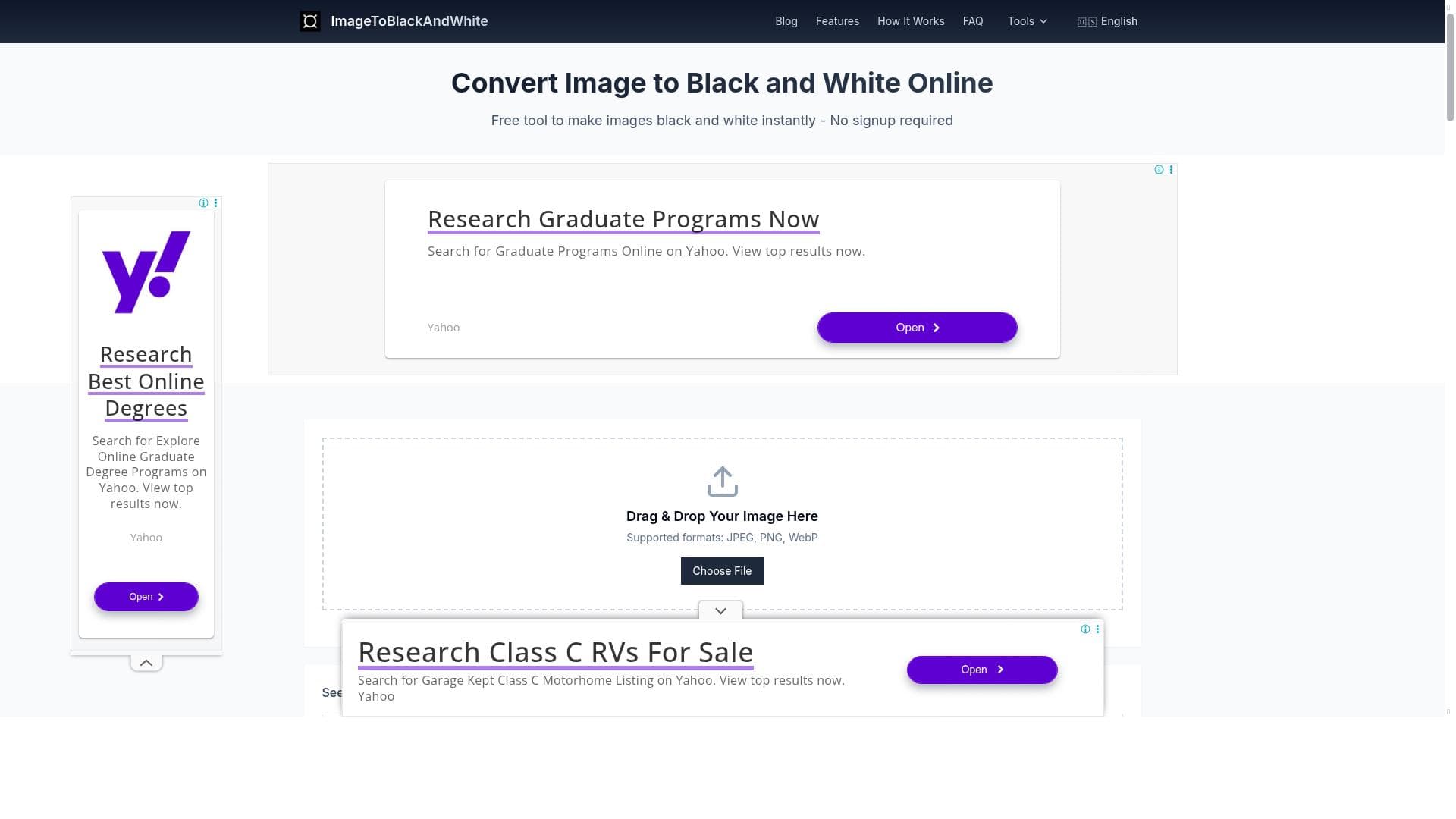


ImageToBlackAndWhite is a free, web-based tool that instantly converts color photos into professional-quality black and white images with adjustable contrast, brightness, and grain effects. Perfect for photographers, marketers, and creatives seeking a simple yet powerful solution without the complexity of traditional editing software.

Description
ImageToBlackAndWhite offers a seamless solution for anyone looking to create professional black and white images without technical expertise or expensive software. Our web-based converter instantly transforms color photos into timeless monochrome masterpieces while preserving detail and texture. Unlike traditional photo editing software that requires a steep learning curve, our tool simplifies the entire process down to just a few clicks. Whether you're a photographer seeking to enhance composition, a business professional creating marketing materials, or a student working on a creative project, our converter delivers professional-quality results every time. With features like adjustable contrast, brightness control, and grain effects, you can fine-tune your black and white conversions to achieve the perfect balance between light and dark areas. The instant preview function lets you see changes in real-time before downloading, ensuring you get exactly the look you want. Best of all, ImageToBlackAndWhite is completely free with no hidden costs, processes images directly in your browser for maximum privacy, and supports all major image formats including JPG, PNG, and WebP.
Detailed Description
ImageToBlackAndWhite is a specialized web-based tool designed to convert color photographs into high-quality black and white images effortlessly. Its core purpose is to provide users—from novices to professionals—with a straightforward and accessible way to create timeless monochrome photos without the need for complex software or advanced technical skills. By focusing solely on black and white conversion, the tool ensures that every image retains its essential details and textures, resulting in artistic and visually compelling outputs that highlight composition and contrast. The tool offers several key features that enhance the user experience and output quality. Instant conversion allows users to upload any color image and receive a black and white version within seconds, eliminating long processing times. Adjustable contrast and brightness controls give users the flexibility to fine-tune the tonal range of their images, enabling them to emphasize shadows or highlights as desired. Additionally, grain effects can be applied to add a classic film-like texture, further enhancing the artistic appeal of the photos. An instant preview function is integrated into the interface, allowing users to see real-time changes as they adjust settings, ensuring they achieve the perfect look before downloading the final image. The tool supports all major image formats, including JPG, PNG, and WebP, making it compatible with a wide variety of source files. ImageToBlackAndWhite is ideal for a diverse range of users. Photographers can use it to enhance the composition of their shots by focusing on light and shadow without the distraction of color. Business professionals can create striking marketing materials and presentations that benefit from the classic and elegant aesthetic of black and white imagery. Students and creatives working on projects can easily produce artistic visuals without investing in expensive software or learning complex editing techniques. Its browser-based operation ensures privacy and convenience, as images are processed locally without uploading to external servers. In terms of pricing, ImageToBlackAndWhite stands out by being completely free to use with no hidden fees or subscription plans. This makes it an attractive option for users who need professional-quality black and white conversions without financial commitment. The free access also means users can experiment and use the tool as often as needed without restrictions. Compared to traditional photo editing software like Adobe Photoshop or Lightroom, which require significant expertise and investment, ImageToBlackAndWhite offers a much simpler and faster alternative focused specifically on monochrome conversion. While those professional tools provide extensive editing capabilities, they can be overwhelming for users who only need to convert images to black and white. Other online converters may offer similar functionality but often lack advanced controls such as contrast adjustment, brightness tuning, and grain effects, which ImageToBlackAndWhite includes to enhance creative control. However, there are some limitations to consider. Since the tool is specialized for black and white conversion, it does not offer broader photo editing features such as cropping, retouching, or color correction. Users needing comprehensive image manipulation will still require dedicated software. Additionally, as a browser-based tool, performance may depend on the user's device and internet connection, although processing is done locally to protect privacy. Overall, ImageToBlackAndWhite is a powerful, user-friendly, and cost-free solution for anyone looking to transform their color photos into striking black and white images quickly and with professional results. Its focused feature set, ease of use, and privacy-conscious design make it an excellent choice for photographers, creatives, and professionals alike.
Tool Features
- Instant conversion of color photos to black and white
- Professional quality black and white image output
- Free to use online tool
- User-friendly interface for easy image upload and conversion
Description
ImageToBlackAndWhite is a free, web-based tool that instantly converts color photos into professional-quality black and white images with adjustable contrast, brightness, and grain effects. Perfect for photographers, marketers, and creatives seeking a simple yet powerful solution without the complexity of traditional editing software.
ImageToBlackAndWhite offers a seamless solution for anyone looking to create professional black and white images without technical expertise or expensive software. Our web-based converter instantly transforms color photos into timeless monochrome masterpieces while preserving detail and texture. Unlike traditional photo editing software that requires a steep learning curve, our tool simplifies the entire process down to just a few clicks. Whether you're a photographer seeking to enhance composition, a business professional creating marketing materials, or a student working on a creative project, our converter delivers professional-quality results every time. With features like adjustable contrast, brightness control, and grain effects, you can fine-tune your black and white conversions to achieve the perfect balance between light and dark areas. The instant preview function lets you see changes in real-time before downloading, ensuring you get exactly the look you want. Best of all, ImageToBlackAndWhite is completely free with no hidden costs, processes images directly in your browser for maximum privacy, and supports all major image formats including JPG, PNG, and WebP.
Detailed Description
ImageToBlackAndWhite is a specialized web-based tool designed to convert color photographs into high-quality black and white images effortlessly. Its core purpose is to provide users—from novices to professionals—with a straightforward and accessible way to create timeless monochrome photos without the need for complex software or advanced technical skills. By focusing solely on black and white conversion, the tool ensures that every image retains its essential details and textures, resulting in artistic and visually compelling outputs that highlight composition and contrast. The tool offers several key features that enhance the user experience and output quality. Instant conversion allows users to upload any color image and receive a black and white version within seconds, eliminating long processing times. Adjustable contrast and brightness controls give users the flexibility to fine-tune the tonal range of their images, enabling them to emphasize shadows or highlights as desired. Additionally, grain effects can be applied to add a classic film-like texture, further enhancing the artistic appeal of the photos. An instant preview function is integrated into the interface, allowing users to see real-time changes as they adjust settings, ensuring they achieve the perfect look before downloading the final image. The tool supports all major image formats, including JPG, PNG, and WebP, making it compatible with a wide variety of source files. ImageToBlackAndWhite is ideal for a diverse range of users. Photographers can use it to enhance the composition of their shots by focusing on light and shadow without the distraction of color. Business professionals can create striking marketing materials and presentations that benefit from the classic and elegant aesthetic of black and white imagery. Students and creatives working on projects can easily produce artistic visuals without investing in expensive software or learning complex editing techniques. Its browser-based operation ensures privacy and convenience, as images are processed locally without uploading to external servers. In terms of pricing, ImageToBlackAndWhite stands out by being completely free to use with no hidden fees or subscription plans. This makes it an attractive option for users who need professional-quality black and white conversions without financial commitment. The free access also means users can experiment and use the tool as often as needed without restrictions. Compared to traditional photo editing software like Adobe Photoshop or Lightroom, which require significant expertise and investment, ImageToBlackAndWhite offers a much simpler and faster alternative focused specifically on monochrome conversion. While those professional tools provide extensive editing capabilities, they can be overwhelming for users who only need to convert images to black and white. Other online converters may offer similar functionality but often lack advanced controls such as contrast adjustment, brightness tuning, and grain effects, which ImageToBlackAndWhite includes to enhance creative control. However, there are some limitations to consider. Since the tool is specialized for black and white conversion, it does not offer broader photo editing features such as cropping, retouching, or color correction. Users needing comprehensive image manipulation will still require dedicated software. Additionally, as a browser-based tool, performance may depend on the user's device and internet connection, although processing is done locally to protect privacy. Overall, ImageToBlackAndWhite is a powerful, user-friendly, and cost-free solution for anyone looking to transform their color photos into striking black and white images quickly and with professional results. Its focused feature set, ease of use, and privacy-conscious design make it an excellent choice for photographers, creatives, and professionals alike.
Frequently Asked Questions
What is ImageToBlackAndWhite?
ImageToBlackAndWhite is an online tool that converts color images into black and white photos quickly and easily, offering professional-quality results with adjustable settings for contrast, brightness, and grain.
How much does ImageToBlackAndWhite cost?
ImageToBlackAndWhite is completely free to use with no hidden fees or subscription plans.
Who is ImageToBlackAndWhite best for?
It is ideal for photographers, business professionals, students, and creatives who want to produce high-quality black and white images without technical expertise or expensive software.
What are the main features of ImageToBlackAndWhite?
Key features include instant color to black and white conversion, adjustable contrast and brightness controls, grain effect application, real-time preview, support for major image formats, and a user-friendly interface.
Does ImageToBlackAndWhite offer a free trial?
Since the tool is entirely free to use, there is no need for a trial period.
What integrations does ImageToBlackAndWhite support?
ImageToBlackAndWhite operates as a standalone web-based tool and does not currently offer integrations with other software or platforms.
How does ImageToBlackAndWhite work?
Users upload a color image through the web interface, then the tool processes the image locally in the browser to convert it into black and white. Users can adjust settings like contrast, brightness, and grain, preview changes in real-time, and download the final image.
Reviews
No reviews yet. Be the first to share your experience.















































