
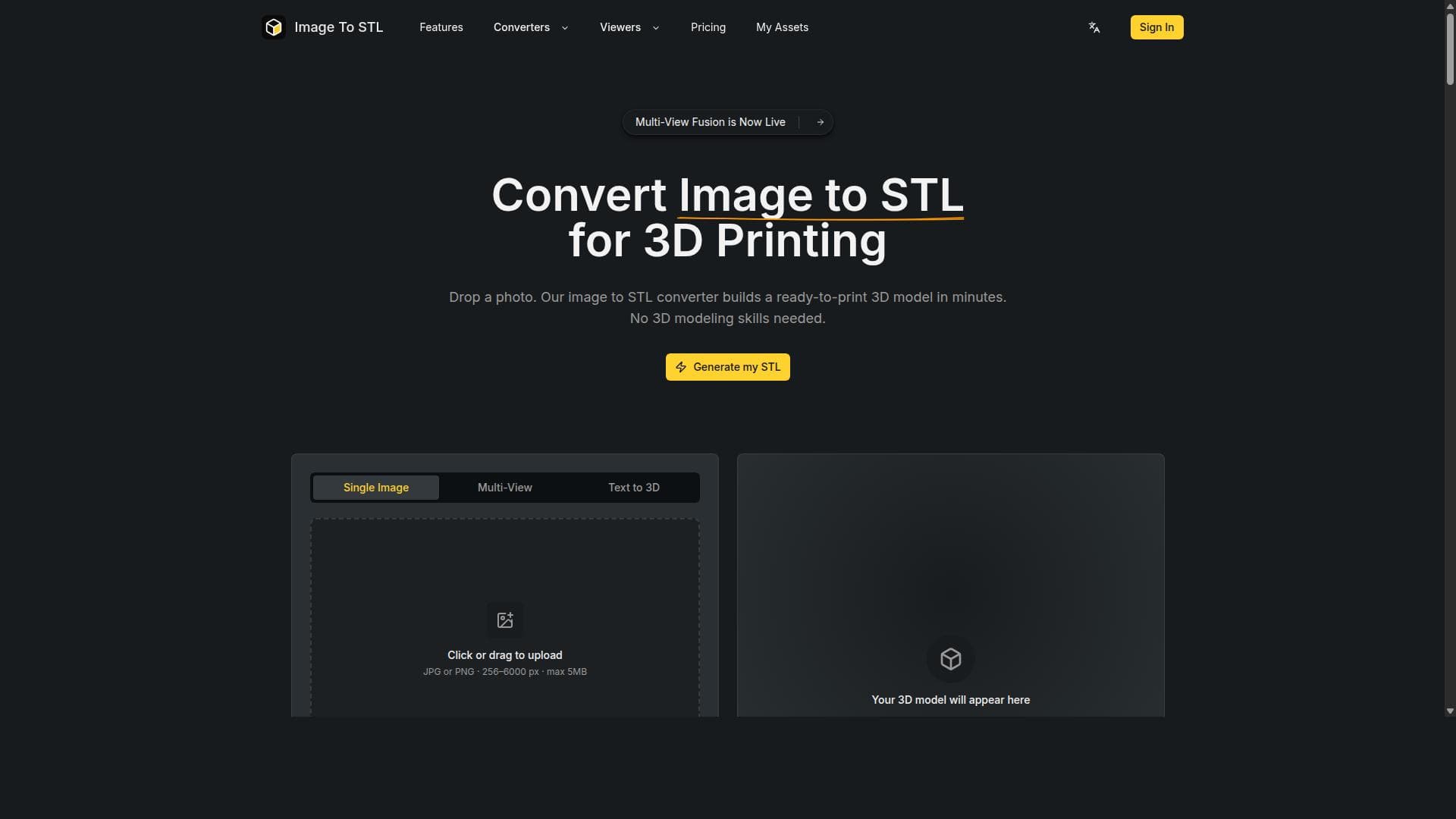


Image to STL Converter is a free, AI-powered online tool that effortlessly transforms JPG and PNG images into 3D printable STL and GLB models within minutes—no CAD skills required. Ideal for hobbyists, educators, and designers, it makes 3D model creation accessible, fast, and cost-free.

Description
Image to STL Converter is a free AI-powered online tool that converts JPG and PNG images into 3D printable STL and GLB models within minutes. It requires no CAD skills, making 3D model generation accessible to everyone.
Detailed Description
Image to STL Converter is an innovative AI-powered online tool designed to transform simple 2D images into fully 3D printable models. Its core purpose is to democratize 3D model creation by enabling users without any CAD (Computer-Aided Design) experience to generate STL and GLB files quickly and effortlessly. By uploading common image formats such as JPG or PNG, users can convert their images into 3D models suitable for printing or digital use within minutes. This tool leverages advanced AI algorithms to interpret the visual data from the images and convert them into detailed 3D geometries, removing the traditional complexity and steep learning curve associated with 3D modeling software. The key features of Image to STL Converter center around its simplicity, speed, and accessibility. It supports the conversion of JPG and PNG images into two popular 3D model formats: STL, widely used for 3D printing, and GLB, a format optimized for web and AR/VR applications. The AI-powered conversion process intelligently analyzes the image’s contours, shading, and depth cues to create an accurate 3D representation. This eliminates the need for manual modeling or CAD skills, making it ideal for beginners or those who want to rapidly prototype ideas. The tool is entirely web-based and free to use, allowing instant access without any software installation or subscription fees. Model generation is fast, typically completed within minutes, enabling users to iterate quickly and bring their concepts to life without delay. Image to STL Converter is best suited for hobbyists, educators, designers, and small businesses looking to create 3D printable objects from simple images. For example, artists can convert their sketches or logos into physical models, educators can create tactile learning aids from diagrams, and entrepreneurs can prototype product concepts without investing in expensive CAD software. It is also useful for makers and 3D printing enthusiasts who want to customize objects or create unique gifts. Because the tool requires no prior 3D modeling knowledge, it opens the door for a wide range of users to explore 3D printing and digital fabrication. Regarding pricing, Image to STL Converter is completely free to use. There are no subscription plans, hidden fees, or usage limits publicly stated, making it an accessible option for anyone interested in 3D model generation. This free access lowers barriers to entry and encourages experimentation and creativity without financial commitment. Compared to traditional 3D modeling software and other image-to-3D converters, Image to STL Converter stands out for its ease of use and speed. While professional CAD tools offer more customization and precision, they require significant expertise and time investment. Other online converters may not leverage AI or may only support limited formats. Image to STL Converter’s AI-driven approach provides a balance of automation and quality, making it a practical choice for quick, straightforward conversions. However, it may not replace advanced CAD software for complex or highly detailed modeling needs. Some notable limitations include the dependency on the quality and type of input images. Highly complex or low-contrast images may not convert accurately, and the tool is primarily designed for relatively simple shapes and designs. Additionally, while the generated models are suitable for 3D printing, users may need to perform further refinement or scaling in dedicated 3D software for professional applications. The lack of integrations with other design platforms or export formats beyond STL and GLB may also limit workflows for some users. Despite these considerations, Image to STL Converter remains a powerful and accessible tool for rapidly turning 2D images into 3D models without technical barriers.
Tool Features
- Converts images (JPG/PNG) to 3D printable STL and GLB models
- AI-powered conversion process
- No CAD skills required
- Fast model generation in minutes
- Free to use
Description
Image to STL Converter is a free, AI-powered online tool that effortlessly transforms JPG and PNG images into 3D printable STL and GLB models within minutes—no CAD skills required. Ideal for hobbyists, educators, and designers, it makes 3D model creation accessible, fast, and cost-free.
Image to STL Converter is a free AI-powered online tool that converts JPG and PNG images into 3D printable STL and GLB models within minutes. It requires no CAD skills, making 3D model generation accessible to everyone.
Detailed Description
Image to STL Converter is an innovative AI-powered online tool designed to transform simple 2D images into fully 3D printable models. Its core purpose is to democratize 3D model creation by enabling users without any CAD (Computer-Aided Design) experience to generate STL and GLB files quickly and effortlessly. By uploading common image formats such as JPG or PNG, users can convert their images into 3D models suitable for printing or digital use within minutes. This tool leverages advanced AI algorithms to interpret the visual data from the images and convert them into detailed 3D geometries, removing the traditional complexity and steep learning curve associated with 3D modeling software. The key features of Image to STL Converter center around its simplicity, speed, and accessibility. It supports the conversion of JPG and PNG images into two popular 3D model formats: STL, widely used for 3D printing, and GLB, a format optimized for web and AR/VR applications. The AI-powered conversion process intelligently analyzes the image’s contours, shading, and depth cues to create an accurate 3D representation. This eliminates the need for manual modeling or CAD skills, making it ideal for beginners or those who want to rapidly prototype ideas. The tool is entirely web-based and free to use, allowing instant access without any software installation or subscription fees. Model generation is fast, typically completed within minutes, enabling users to iterate quickly and bring their concepts to life without delay. Image to STL Converter is best suited for hobbyists, educators, designers, and small businesses looking to create 3D printable objects from simple images. For example, artists can convert their sketches or logos into physical models, educators can create tactile learning aids from diagrams, and entrepreneurs can prototype product concepts without investing in expensive CAD software. It is also useful for makers and 3D printing enthusiasts who want to customize objects or create unique gifts. Because the tool requires no prior 3D modeling knowledge, it opens the door for a wide range of users to explore 3D printing and digital fabrication. Regarding pricing, Image to STL Converter is completely free to use. There are no subscription plans, hidden fees, or usage limits publicly stated, making it an accessible option for anyone interested in 3D model generation. This free access lowers barriers to entry and encourages experimentation and creativity without financial commitment. Compared to traditional 3D modeling software and other image-to-3D converters, Image to STL Converter stands out for its ease of use and speed. While professional CAD tools offer more customization and precision, they require significant expertise and time investment. Other online converters may not leverage AI or may only support limited formats. Image to STL Converter’s AI-driven approach provides a balance of automation and quality, making it a practical choice for quick, straightforward conversions. However, it may not replace advanced CAD software for complex or highly detailed modeling needs. Some notable limitations include the dependency on the quality and type of input images. Highly complex or low-contrast images may not convert accurately, and the tool is primarily designed for relatively simple shapes and designs. Additionally, while the generated models are suitable for 3D printing, users may need to perform further refinement or scaling in dedicated 3D software for professional applications. The lack of integrations with other design platforms or export formats beyond STL and GLB may also limit workflows for some users. Despite these considerations, Image to STL Converter remains a powerful and accessible tool for rapidly turning 2D images into 3D models without technical barriers.
Frequently Asked Questions
What is Image to STL Converter?
Image to STL Converter is a free online tool that uses AI to convert 2D images in JPG or PNG format into 3D printable STL and GLB models quickly and without requiring any CAD skills.
How much does Image to STL Converter cost?
Image to STL Converter is completely free to use with no subscription fees or hidden costs.
Who is Image to STL Converter best for?
It is best suited for hobbyists, educators, artists, designers, and small businesses who want to create 3D printable models from images without needing advanced 3D modeling expertise.
What are the main features of Image to STL Converter?
The main features include AI-powered conversion of JPG/PNG images to STL and GLB 3D models, fast processing within minutes, no CAD skills required, and completely free online access.
Does Image to STL Converter offer a free trial?
Since the tool is free to use, there is no need for a free trial; users can access all features immediately without any payment.
What integrations does Image to STL Converter support?
Currently, Image to STL Converter is a standalone web-based tool and does not offer integrations with other software or platforms.
How does Image to STL Converter work?
Users upload a JPG or PNG image, and the tool’s AI analyzes the image to generate a 3D model by interpreting shapes and depth cues. The model is then converted into STL or GLB format, ready for download and 3D printing.
Reviews
No reviews yet. Be the first to share your experience.




















































