Image DPI Converter
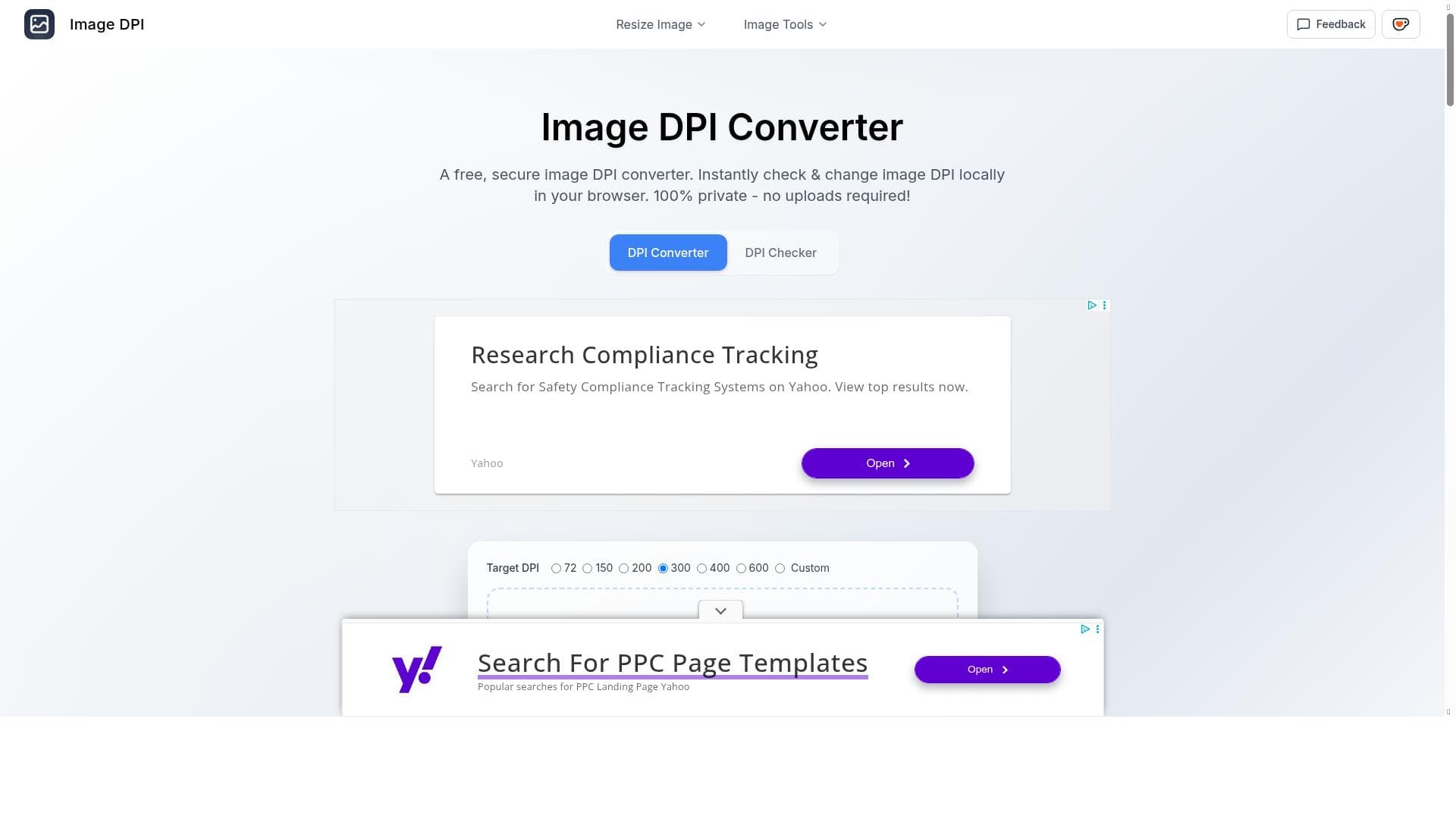


Image DPI Converter offers a secure, browser-based solution for instantly checking and adjusting image DPI without any uploads, ensuring complete privacy. Perfect for photographers, designers, and web professionals, it supports all major formats and multiple resizing options to optimize images for both digital and print use.

Description
Professional Image DPI Tools with Local Processing Advanced DPI conversion technology that supports all major image formats. Our intelligent tools help you optimize image resolution for any purpose - from web display to professional printing.
Detailed Description
Image DPI Converter is a specialized online tool designed to help users accurately check and modify the DPI (dots per inch) of their images with ease and privacy. Its core purpose is to optimize image resolution for a wide range of applications, from digital web display to high-quality professional printing. Unlike many other image processing tools that require uploading files to a server, Image DPI Converter performs all operations locally within the user's browser. This ensures complete privacy and security, as images never leave the user's device. The tool supports all major image formats, making it highly versatile for photographers, graphic designers, marketers, and anyone needing precise control over image resolution and size. One of the standout features of Image DPI Converter is its instant DPI checking capability. Users can quickly assess the DPI of any image directly in their browser without waiting for uploads or processing delays. Beyond just checking, the tool allows users to change the DPI locally, enabling them to tailor image resolution to specific needs such as web optimization or print quality enhancement. Additionally, it supports resizing images not only by DPI but also by physical dimensions in pixels, centimeters, millimeters, or inches. This flexibility is particularly useful for print projects where exact sizing is critical. The tool also includes options to reduce image file size measured in KB or MB, helping users manage storage and loading times without sacrificing necessary quality. Another valuable feature is the ability to change the image aspect ratio, allowing users to adjust the shape of images to fit different display or print formats. Image DPI Converter is ideal for a broad audience including professional photographers who need to prepare images for print, graphic designers working on digital and physical media, web developers optimizing images for faster page loads, and marketing professionals requiring consistent image quality across platforms. It is also suitable for hobbyists and casual users who want to ensure their images look sharp and clear whether shared online or printed. Specific use cases include preparing images for brochures, posters, websites, social media, and presentations where resolution and size matter. The tool is completely free to use, with no hidden costs or subscription plans. This makes it accessible to individuals and small businesses alike who need reliable DPI conversion and image resizing without investing in expensive software. Since all processing happens locally, users do not need to worry about data privacy or bandwidth usage, which is a significant advantage over cloud-based alternatives. Compared to other DPI and image resizing tools, Image DPI Converter stands out due to its local processing approach, ensuring 100% privacy and instant results without upload delays. Many competing tools require users to upload images to remote servers, which can be slow and raise privacy concerns. Additionally, the comprehensive support for multiple units of measurement and aspect ratio adjustments makes it more versatile than simpler DPI checkers or converters. However, unlike some professional desktop software, it may not offer advanced editing features such as color correction or batch processing, focusing instead on DPI and size optimization. Users should consider that while Image DPI Converter excels at DPI and size adjustments, it is not a full-fledged image editor. For tasks requiring extensive image manipulation or creative editing, dedicated software may be necessary. Also, because it runs entirely in the browser, performance may vary depending on the user's device capabilities, especially with very large image files. Nonetheless, for its core functions, Image DPI Converter provides a fast, secure, and user-friendly solution that meets the needs of most users seeking to optimize image resolution and size efficiently.
Tool Features
- Check image DPI instantly in browser
- Change image DPI locally without uploads
- 100% privacy with no image uploads
- Supports resizing images for printing
- Resize images in pixels, cm, mm, inch
- Reduce image size in KB or MB
- Change image aspect ratio
Description
Image DPI Converter offers a secure, browser-based solution for instantly checking and adjusting image DPI without any uploads, ensuring complete privacy. Perfect for photographers, designers, and web professionals, it supports all major formats and multiple resizing options to optimize images for both digital and print use.
Professional Image DPI Tools with Local Processing Advanced DPI conversion technology that supports all major image formats. Our intelligent tools help you optimize image resolution for any purpose - from web display to professional printing.
Detailed Description
Image DPI Converter is a specialized online tool designed to help users accurately check and modify the DPI (dots per inch) of their images with ease and privacy. Its core purpose is to optimize image resolution for a wide range of applications, from digital web display to high-quality professional printing. Unlike many other image processing tools that require uploading files to a server, Image DPI Converter performs all operations locally within the user's browser. This ensures complete privacy and security, as images never leave the user's device. The tool supports all major image formats, making it highly versatile for photographers, graphic designers, marketers, and anyone needing precise control over image resolution and size. One of the standout features of Image DPI Converter is its instant DPI checking capability. Users can quickly assess the DPI of any image directly in their browser without waiting for uploads or processing delays. Beyond just checking, the tool allows users to change the DPI locally, enabling them to tailor image resolution to specific needs such as web optimization or print quality enhancement. Additionally, it supports resizing images not only by DPI but also by physical dimensions in pixels, centimeters, millimeters, or inches. This flexibility is particularly useful for print projects where exact sizing is critical. The tool also includes options to reduce image file size measured in KB or MB, helping users manage storage and loading times without sacrificing necessary quality. Another valuable feature is the ability to change the image aspect ratio, allowing users to adjust the shape of images to fit different display or print formats. Image DPI Converter is ideal for a broad audience including professional photographers who need to prepare images for print, graphic designers working on digital and physical media, web developers optimizing images for faster page loads, and marketing professionals requiring consistent image quality across platforms. It is also suitable for hobbyists and casual users who want to ensure their images look sharp and clear whether shared online or printed. Specific use cases include preparing images for brochures, posters, websites, social media, and presentations where resolution and size matter. The tool is completely free to use, with no hidden costs or subscription plans. This makes it accessible to individuals and small businesses alike who need reliable DPI conversion and image resizing without investing in expensive software. Since all processing happens locally, users do not need to worry about data privacy or bandwidth usage, which is a significant advantage over cloud-based alternatives. Compared to other DPI and image resizing tools, Image DPI Converter stands out due to its local processing approach, ensuring 100% privacy and instant results without upload delays. Many competing tools require users to upload images to remote servers, which can be slow and raise privacy concerns. Additionally, the comprehensive support for multiple units of measurement and aspect ratio adjustments makes it more versatile than simpler DPI checkers or converters. However, unlike some professional desktop software, it may not offer advanced editing features such as color correction or batch processing, focusing instead on DPI and size optimization. Users should consider that while Image DPI Converter excels at DPI and size adjustments, it is not a full-fledged image editor. For tasks requiring extensive image manipulation or creative editing, dedicated software may be necessary. Also, because it runs entirely in the browser, performance may vary depending on the user's device capabilities, especially with very large image files. Nonetheless, for its core functions, Image DPI Converter provides a fast, secure, and user-friendly solution that meets the needs of most users seeking to optimize image resolution and size efficiently.
Frequently Asked Questions
What is Image DPI Converter?
Image DPI Converter is an online tool that allows users to check and change the DPI (dots per inch) of images directly in their browser, supporting all major image formats and performing all processing locally to ensure privacy.
How much does Image DPI Converter cost?
Image DPI Converter is completely free to use with no subscription fees or hidden charges.
Who is Image DPI Converter best for?
It is ideal for photographers, graphic designers, web developers, marketers, and anyone needing to optimize image resolution and size for web display or professional printing.
What are the main features of Image DPI Converter?
Key features include instant DPI checking in-browser, local DPI changes without uploads, 100% privacy, resizing images in pixels, cm, mm, or inches, reducing file size in KB or MB, and changing image aspect ratio.
Does Image DPI Converter offer a free trial?
Since the tool is free to use, there is no need for a trial period; all features are available at no cost.
What integrations does Image DPI Converter support?
Image DPI Converter operates as a standalone web-based tool and does not currently offer integrations with other software or platforms.
How does Image DPI Converter work?
The tool processes images entirely within the user's browser, allowing instant DPI checking and modification without uploading files to any server, ensuring privacy and quick results.
Reviews
No reviews yet. Be the first to share your experience.




















































