

Is this your AI tool? Claim it today.
Verify ownership, manage your profile, and unlock growth features.
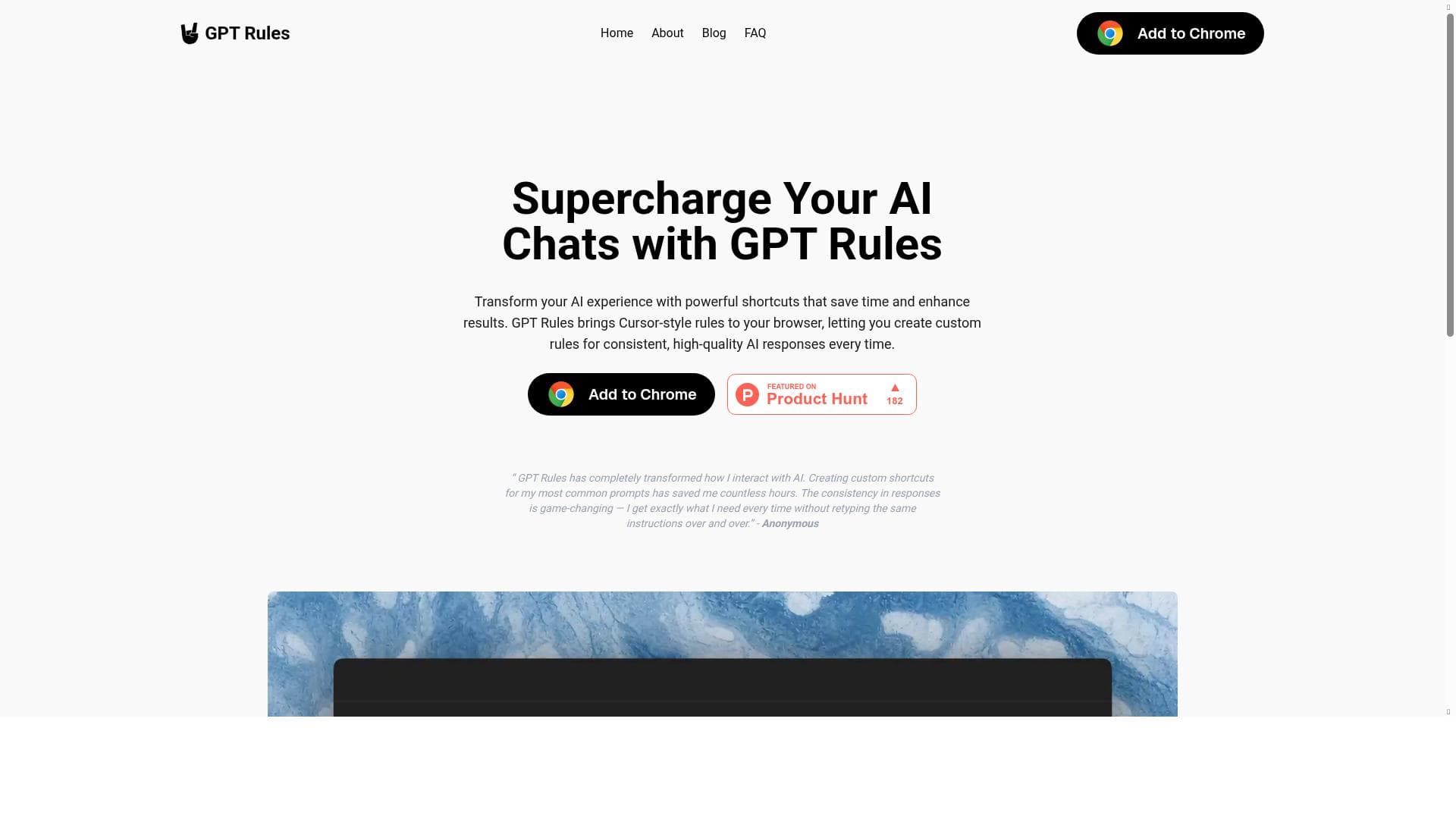
GPT Rules is a Chrome browser extension that lets you create custom, reusable AI prompt shortcuts and rules to ensure consistent, high-quality responses from ChatGPT and other AI assistants. Perfect for professionals and frequent AI users, it boosts productivity by automating prompt generation and maintaining output quality effortlessly.

Description
GPT Rules brings Cursor-style rules to your browser, letting you create custom rules for consistent, high-quality AI responses every time.
Detailed Description
GPT Rules is a powerful browser extension designed to enhance and streamline your interactions with AI chat assistants like ChatGPT and others. Its core purpose is to bring a Cursor-style rules system directly into your browser, allowing users to create and apply custom rules that ensure AI responses are consistent, high-quality, and tailored to specific needs. By enabling users to define shortcuts and reusable templates for AI prompts, GPT Rules transforms the way you engage with AI, making conversations more productive and efficient. This tool is particularly valuable for anyone who frequently interacts with AI models and wants to maintain control over the style, tone, and structure of the generated content. One of the standout features of GPT Rules is the ability to create custom shortcuts for AI prompts. Instead of typing out lengthy instructions or repeatedly crafting similar queries, users can set up concise shortcuts that automatically expand into detailed prompts. This not only saves time but also reduces the cognitive load of remembering complex instructions. Additionally, GPT Rules supports reusable AI templates, which means you can store your most effective prompts and apply them whenever needed, ensuring consistency across multiple interactions. The extension is designed for Chrome, making it easily accessible and seamlessly integrated into your browsing experience. It enhances AI chat productivity by automating routine prompt generation and maintaining a high standard of response quality, which is crucial for professional and creative applications. GPT Rules is best suited for professionals, content creators, marketers, developers, educators, and anyone who relies heavily on AI assistants for generating text, brainstorming ideas, or automating communication. For example, marketers can use GPT Rules to maintain brand voice consistency across campaigns, educators can create standardized prompts for lesson planning, and developers can automate code-related queries. Its flexibility allows it to adapt to various workflows, making it a versatile tool for improving AI interaction efficiency. Whether you are managing customer support chats, generating content at scale, or simply want more control over AI outputs, GPT Rules offers a tailored solution. The tool is currently offered for free, making it an accessible option for users who want to enhance their AI experience without upfront costs. This free pricing model encourages widespread adoption and experimentation, allowing users to explore its capabilities without financial commitment. While there are no paid plans mentioned, the free offering includes all core features such as custom shortcuts, reusable templates, and browser integration, providing substantial value. Compared to alternatives, GPT Rules stands out by focusing on rule-based customization within the browser environment, unlike some AI tools that require separate platforms or complex setups. Its Cursor-style rules approach is unique in that it empowers users to dictate how AI responds in a granular way, rather than relying solely on the AI’s default behavior. This level of control is often missing in other AI assistant tools, which may offer prompt libraries but lack dynamic rule creation and shortcut functionality. However, GPT Rules is currently limited to Chrome, which may restrict users on other browsers. Additionally, while it supports ChatGPT and other AI assistants, the depth of integration and compatibility with various AI models may vary, which users should consider depending on their specific AI tools. In summary, GPT Rules is a highly effective browser extension that brings customizable AI prompt rules directly to your fingertips. It enhances productivity, ensures consistent AI outputs, and saves time through reusable templates and shortcuts. Ideal for professionals and frequent AI users, it offers a free, easy-to-use solution that stands out for its rule-based customization approach. Users should note browser compatibility and integration scope when evaluating its fit for their needs.
Tool Features
- Create custom shortcuts for AI prompts
- Save time with reusable AI templates
- Ensure consistent, high-quality AI responses
- Browser extension for Chrome
- Enhance AI chat productivity
- Supports ChatGPT and other AI assistants
Description
GPT Rules is a Chrome browser extension that lets you create custom, reusable AI prompt shortcuts and rules to ensure consistent, high-quality responses from ChatGPT and other AI assistants. Perfect for professionals and frequent AI users, it boosts productivity by automating prompt generation and maintaining output quality effortlessly.
GPT Rules brings Cursor-style rules to your browser, letting you create custom rules for consistent, high-quality AI responses every time.
Detailed Description
GPT Rules is a powerful browser extension designed to enhance and streamline your interactions with AI chat assistants like ChatGPT and others. Its core purpose is to bring a Cursor-style rules system directly into your browser, allowing users to create and apply custom rules that ensure AI responses are consistent, high-quality, and tailored to specific needs. By enabling users to define shortcuts and reusable templates for AI prompts, GPT Rules transforms the way you engage with AI, making conversations more productive and efficient. This tool is particularly valuable for anyone who frequently interacts with AI models and wants to maintain control over the style, tone, and structure of the generated content. One of the standout features of GPT Rules is the ability to create custom shortcuts for AI prompts. Instead of typing out lengthy instructions or repeatedly crafting similar queries, users can set up concise shortcuts that automatically expand into detailed prompts. This not only saves time but also reduces the cognitive load of remembering complex instructions. Additionally, GPT Rules supports reusable AI templates, which means you can store your most effective prompts and apply them whenever needed, ensuring consistency across multiple interactions. The extension is designed for Chrome, making it easily accessible and seamlessly integrated into your browsing experience. It enhances AI chat productivity by automating routine prompt generation and maintaining a high standard of response quality, which is crucial for professional and creative applications. GPT Rules is best suited for professionals, content creators, marketers, developers, educators, and anyone who relies heavily on AI assistants for generating text, brainstorming ideas, or automating communication. For example, marketers can use GPT Rules to maintain brand voice consistency across campaigns, educators can create standardized prompts for lesson planning, and developers can automate code-related queries. Its flexibility allows it to adapt to various workflows, making it a versatile tool for improving AI interaction efficiency. Whether you are managing customer support chats, generating content at scale, or simply want more control over AI outputs, GPT Rules offers a tailored solution. The tool is currently offered for free, making it an accessible option for users who want to enhance their AI experience without upfront costs. This free pricing model encourages widespread adoption and experimentation, allowing users to explore its capabilities without financial commitment. While there are no paid plans mentioned, the free offering includes all core features such as custom shortcuts, reusable templates, and browser integration, providing substantial value. Compared to alternatives, GPT Rules stands out by focusing on rule-based customization within the browser environment, unlike some AI tools that require separate platforms or complex setups. Its Cursor-style rules approach is unique in that it empowers users to dictate how AI responds in a granular way, rather than relying solely on the AI’s default behavior. This level of control is often missing in other AI assistant tools, which may offer prompt libraries but lack dynamic rule creation and shortcut functionality. However, GPT Rules is currently limited to Chrome, which may restrict users on other browsers. Additionally, while it supports ChatGPT and other AI assistants, the depth of integration and compatibility with various AI models may vary, which users should consider depending on their specific AI tools. In summary, GPT Rules is a highly effective browser extension that brings customizable AI prompt rules directly to your fingertips. It enhances productivity, ensures consistent AI outputs, and saves time through reusable templates and shortcuts. Ideal for professionals and frequent AI users, it offers a free, easy-to-use solution that stands out for its rule-based customization approach. Users should note browser compatibility and integration scope when evaluating its fit for their needs.
Frequently Asked Questions
What is GPT Rules?
GPT Rules is a Chrome browser extension that allows users to create custom rules and shortcuts for AI prompts, ensuring consistent and high-quality responses from AI assistants like ChatGPT.
How much does GPT Rules cost?
GPT Rules is currently available for free, providing all its core features without any subscription or payment.
Who is GPT Rules best for?
GPT Rules is ideal for professionals, content creators, marketers, educators, developers, and anyone who frequently interacts with AI assistants and wants to improve productivity and response consistency.
What are the main features of GPT Rules?
The main features include creating custom shortcuts for AI prompts, saving reusable AI templates, ensuring consistent high-quality AI responses, a Chrome browser extension for seamless integration, enhanced AI chat productivity, and support for ChatGPT and other AI assistants.
Does GPT Rules offer a free trial?
Yes, GPT Rules is completely free to use, so there is no need for a trial period.
What integrations does GPT Rules support?
GPT Rules supports integration with ChatGPT and other AI assistants accessible through the browser, primarily via its Chrome extension.
How does GPT Rules work?
GPT Rules works by allowing users to define custom rules and shortcuts that automatically generate AI prompts when interacting with AI chat assistants, ensuring consistent and high-quality responses while saving time.
Socials
Use ToolReviews
No reviews yet. Be the first to share your experience.




















































