
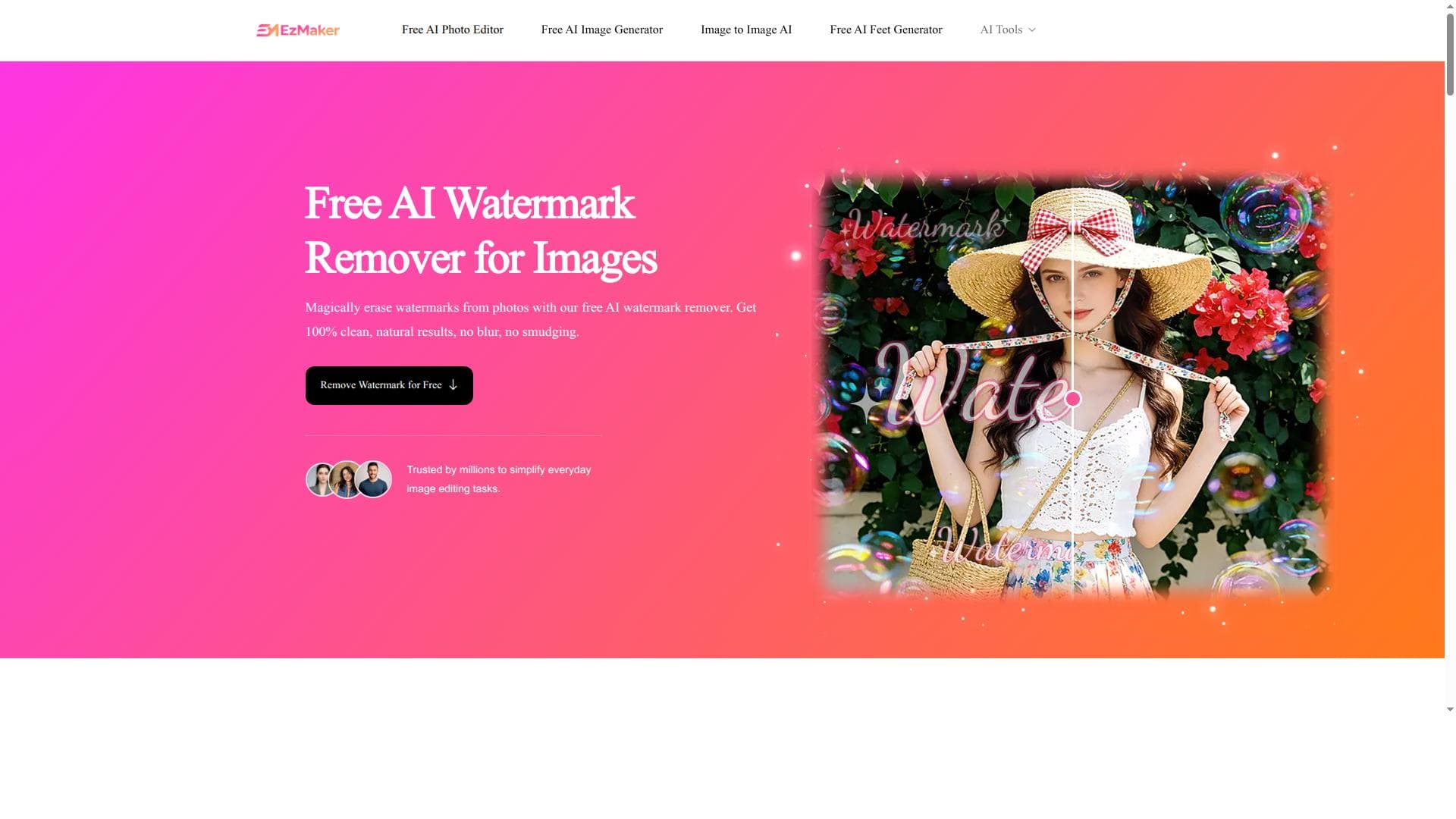


EzMaker AI Watermark Remover is a free, no-sign-up online tool that uses AI to effortlessly remove watermarks, logos, text, and even passersby from photos. Perfect for photographers, marketers, and casual users alike, it offers a seamless and efficient way to clean images without complex editing software.
Description
EzMaker AI Watermark Remover is a free online tool that allows users to seamlessly remove watermarks, logos, text, and even passersby from photos. It requires no sign-up and provides an easy and efficient way to clean images using AI technology.
Detailed Description
EzMaker AI Watermark Remover is a sophisticated yet user-friendly online tool designed to effortlessly remove unwanted elements such as watermarks, logos, text, and even passersby from photographs. Its core purpose is to provide users with a seamless and efficient way to clean images using advanced AI technology, eliminating the need for complex photo editing software or manual retouching. By leveraging artificial intelligence, EzMaker AI Watermark Remover intelligently analyzes the image and reconstructs the background where the watermark or object once was, ensuring the final output looks natural and unaltered. One of the standout features of EzMaker AI Watermark Remover is its ability to handle multiple types of image obstructions. Whether you need to erase a distracting logo, remove text overlays, or eliminate people who accidentally walked into your shot, this tool can do it all with precision. The process is straightforward: users upload their photo, select the area containing the watermark or object, and let the AI do the rest. The tool’s interface is designed for ease of use, requiring no prior experience in photo editing. Additionally, it operates entirely online with no software installation necessary, and importantly, it does not require users to sign up or create an account, making it instantly accessible. EzMaker AI Watermark Remover is ideal for photographers, graphic designers, marketers, content creators, and anyone who frequently works with images and needs a quick way to enhance their visuals. For example, photographers can use it to clean up client photos by removing distracting watermarks or passersby, while marketers can prepare promotional images free from logos or text that may not align with their branding. It also serves casual users who want to improve personal photos without investing time in complex editing tools. Regarding pricing, EzMaker AI Watermark Remover is offered as a free tool, which is a significant advantage for users seeking cost-effective solutions. Since it requires no sign-up, users can immediately access its full capabilities without subscription fees or hidden charges. This accessibility makes it a practical choice for users who need occasional watermark removal without committing to premium software. Compared to alternatives, EzMaker AI Watermark Remover stands out due to its simplicity and no-barrier access. Many watermark removal tools require downloads, registrations, or paid subscriptions, whereas EzMaker provides a hassle-free experience directly in the browser. Its AI-powered approach often yields cleaner and more natural results than manual cloning or healing tools found in traditional photo editors. However, while it excels in ease of use and speed, some professional-grade software might offer more granular control for complex edits. Notable limitations include the dependency on the quality and complexity of the original image. Extremely intricate backgrounds or very large watermarks may challenge the AI’s ability to perfectly reconstruct the image, potentially requiring additional manual touch-ups. Also, since it is an online tool, processing speed and performance can be influenced by internet connection quality. Users should also be mindful of ethical and legal considerations when removing watermarks from copyrighted images. In summary, EzMaker AI Watermark Remover is a powerful, free, and accessible online solution for anyone needing to quickly and effectively remove watermarks, logos, text, or unwanted people from photos. Its AI-driven technology, combined with a no-sign-up policy and intuitive interface, makes it an excellent choice for both casual users and professionals seeking a fast image cleaning tool without the complexity or cost of traditional software.
Tool Features
- Remove watermarks from photos online
- Erase logos and text from images
- Remove passersby from photos
- No sign-up required
- Seamless and easy to use
Description
EzMaker AI Watermark Remover is a free, no-sign-up online tool that uses AI to effortlessly remove watermarks, logos, text, and even passersby from photos. Perfect for photographers, marketers, and casual users alike, it offers a seamless and efficient way to clean images without complex editing software.
EzMaker AI Watermark Remover is a free online tool that allows users to seamlessly remove watermarks, logos, text, and even passersby from photos. It requires no sign-up and provides an easy and efficient way to clean images using AI technology.
Detailed Description
EzMaker AI Watermark Remover is a sophisticated yet user-friendly online tool designed to effortlessly remove unwanted elements such as watermarks, logos, text, and even passersby from photographs. Its core purpose is to provide users with a seamless and efficient way to clean images using advanced AI technology, eliminating the need for complex photo editing software or manual retouching. By leveraging artificial intelligence, EzMaker AI Watermark Remover intelligently analyzes the image and reconstructs the background where the watermark or object once was, ensuring the final output looks natural and unaltered. One of the standout features of EzMaker AI Watermark Remover is its ability to handle multiple types of image obstructions. Whether you need to erase a distracting logo, remove text overlays, or eliminate people who accidentally walked into your shot, this tool can do it all with precision. The process is straightforward: users upload their photo, select the area containing the watermark or object, and let the AI do the rest. The tool’s interface is designed for ease of use, requiring no prior experience in photo editing. Additionally, it operates entirely online with no software installation necessary, and importantly, it does not require users to sign up or create an account, making it instantly accessible. EzMaker AI Watermark Remover is ideal for photographers, graphic designers, marketers, content creators, and anyone who frequently works with images and needs a quick way to enhance their visuals. For example, photographers can use it to clean up client photos by removing distracting watermarks or passersby, while marketers can prepare promotional images free from logos or text that may not align with their branding. It also serves casual users who want to improve personal photos without investing time in complex editing tools. Regarding pricing, EzMaker AI Watermark Remover is offered as a free tool, which is a significant advantage for users seeking cost-effective solutions. Since it requires no sign-up, users can immediately access its full capabilities without subscription fees or hidden charges. This accessibility makes it a practical choice for users who need occasional watermark removal without committing to premium software. Compared to alternatives, EzMaker AI Watermark Remover stands out due to its simplicity and no-barrier access. Many watermark removal tools require downloads, registrations, or paid subscriptions, whereas EzMaker provides a hassle-free experience directly in the browser. Its AI-powered approach often yields cleaner and more natural results than manual cloning or healing tools found in traditional photo editors. However, while it excels in ease of use and speed, some professional-grade software might offer more granular control for complex edits. Notable limitations include the dependency on the quality and complexity of the original image. Extremely intricate backgrounds or very large watermarks may challenge the AI’s ability to perfectly reconstruct the image, potentially requiring additional manual touch-ups. Also, since it is an online tool, processing speed and performance can be influenced by internet connection quality. Users should also be mindful of ethical and legal considerations when removing watermarks from copyrighted images. In summary, EzMaker AI Watermark Remover is a powerful, free, and accessible online solution for anyone needing to quickly and effectively remove watermarks, logos, text, or unwanted people from photos. Its AI-driven technology, combined with a no-sign-up policy and intuitive interface, makes it an excellent choice for both casual users and professionals seeking a fast image cleaning tool without the complexity or cost of traditional software.
Frequently Asked Questions
What is EzMaker AI Watermark Remover?
EzMaker AI Watermark Remover is a free online tool that uses artificial intelligence to remove watermarks, logos, text, and unwanted objects such as passersby from photos, providing a clean and natural-looking image.
How much does EzMaker AI Watermark Remover cost?
EzMaker AI Watermark Remover is completely free to use with no hidden fees or subscription requirements.
Who is EzMaker AI Watermark Remover best for?
It is ideal for photographers, graphic designers, marketers, content creators, and casual users who need a quick and easy way to remove watermarks and other unwanted elements from images.
What are the main features of EzMaker AI Watermark Remover?
Key features include the ability to remove watermarks, erase logos and text, eliminate passersby from photos, no sign-up requirement, and a seamless, easy-to-use online interface.
Does EzMaker AI Watermark Remover offer a free trial?
Since the tool is free to use with no sign-up, there is no need for a trial period; users can access all features immediately.
What integrations does EzMaker AI Watermark Remover support?
EzMaker AI Watermark Remover is a standalone online tool and does not currently offer integrations with other software or platforms.
How does EzMaker AI Watermark Remover work?
Users upload their photo, select the watermark or unwanted object area, and the AI analyzes and reconstructs the background to seamlessly remove the selected elements, producing a clean final image.
Socials
Use ToolReviews
No reviews yet. Be the first to share your experience.




















































