

Is this your AI tool? Claim it today.
Verify ownership, manage your profile, and unlock growth features.
Denker is a groundbreaking AI coworker that integrates directly with your desktop, allowing AI agents to see your screen and execute tasks seamlessly without switching tools or managing prompts. Ideal for professionals seeking a fluid, context-aware AI assistant, Denker enhances productivity by delivering results exactly where you work.

Description
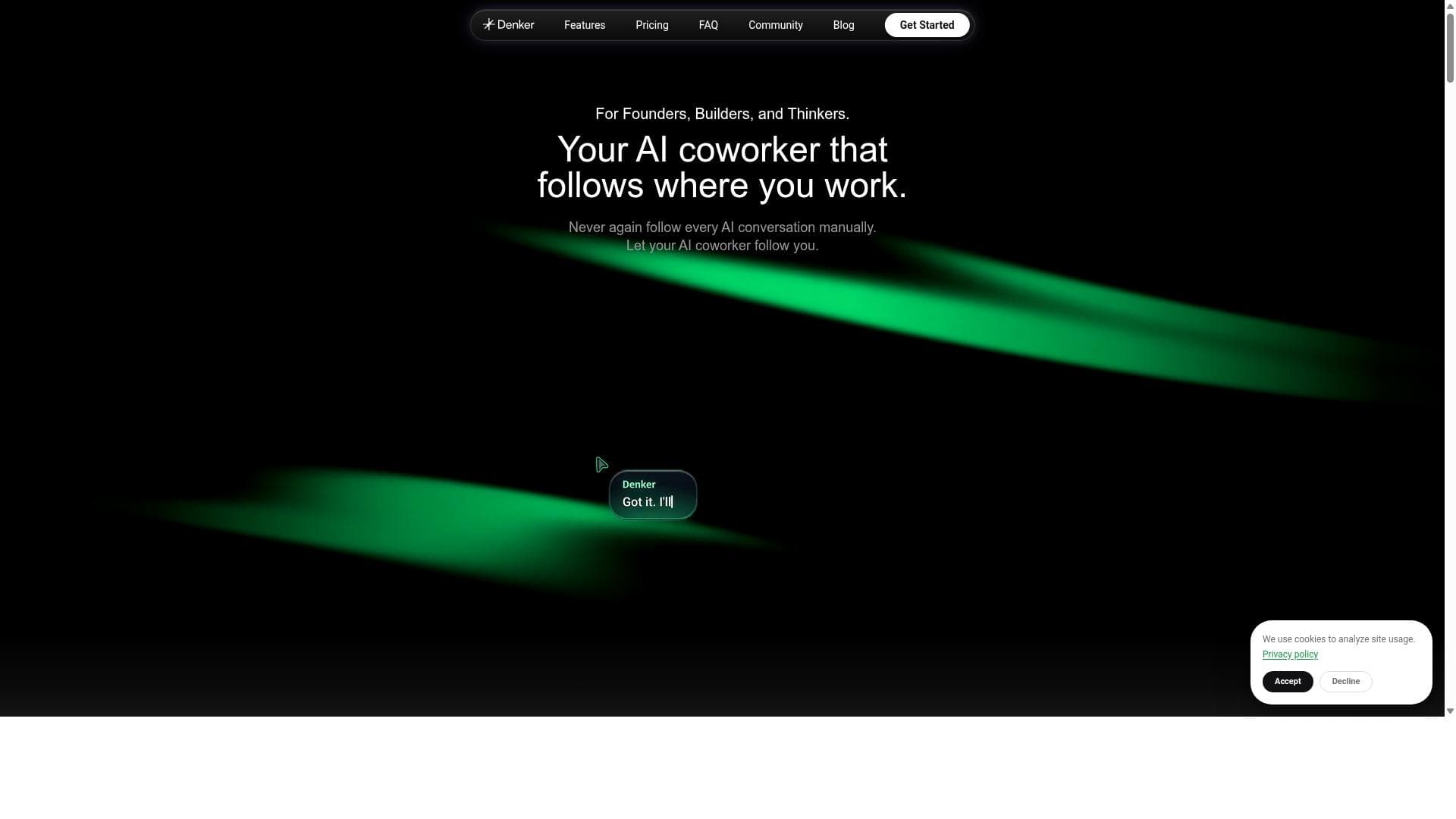
Denker is the AI coworker that follows where you work. Agents see your screen, coordinate around shared context, and execute across your desktop. You direct from your cursor — no prompts to manage, no tools to switch — and results arrive where you are.
Detailed Description
Denker is an innovative AI coworker designed to seamlessly integrate into your desktop workflow, transforming how you interact with your computer and digital tasks. Its core purpose is to act as an intelligent assistant that follows you wherever you work on your screen, enabling AI agents to see your current context and collaborate around it in real time. Unlike traditional AI tools that require switching between apps or managing complex prompts, Denker allows you to direct actions simply from your cursor, delivering results directly where you are working. This approach eliminates friction in workflows and enhances productivity by keeping the AI assistance embedded within your existing environment. Key features of Denker include the ability for AI agents to visually access your screen, which means they understand the exact context of your work without needing you to describe it. This shared context coordination allows for more accurate and relevant task execution. Denker can execute tasks across your entire desktop environment, from managing files and applications to automating workflows, all without interrupting your focus or requiring you to leave your current workspace. The interaction model is highly intuitive: you direct the AI via your cursor, removing the need to type or manage prompts manually. This hands-on control streamlines complex operations and accelerates task completion. Additionally, Denker ensures that results and outputs appear directly in the location where you need them, reducing the cognitive load of switching between windows or tools. Denker is best suited for professionals who require a fluid and integrated AI assistant to boost their desktop productivity. This includes knowledge workers, software developers, project managers, and anyone who manages multiple applications or complex workflows simultaneously. Use cases range from automating repetitive tasks, coordinating data across apps, to providing contextual assistance during research or content creation. Its ability to maintain shared context and execute cross-application tasks makes it especially valuable for users who want to minimize disruptions and maximize efficiency without learning new interfaces or juggling multiple AI tools. Regarding pricing and plans, Denker’s website does not publicly disclose detailed pricing information, suggesting that it may offer custom plans or enterprise-focused subscriptions. Interested users should visit https://www.denker.ai for the most current details or to request a demo. There may be options for free trials or pilot programs, but these are not explicitly stated, so direct inquiry is recommended. Compared to alternatives, Denker stands out by embedding AI assistance directly into your desktop environment rather than confining it to standalone apps or browser extensions. While many AI tools require prompt engineering or switching contexts, Denker’s cursor-driven interaction and screen-sharing AI agents provide a more natural and efficient user experience. This unique approach reduces the learning curve and integrates AI capabilities into existing workflows seamlessly. However, unlike some AI tools that focus on specific domains like writing or coding, Denker aims to be a versatile coworker capable of handling diverse tasks across your desktop. Notable limitations include the potential privacy considerations of allowing AI agents to view your screen, which may require robust security and data protection measures. Additionally, the effectiveness of Denker depends on the sophistication of its AI agents and their ability to interpret complex screen contexts accurately. Users should evaluate whether Denker’s approach aligns with their workflow needs and security policies. Finally, as a relatively novel tool, it may have fewer integrations or community resources compared to more established AI platforms, which could impact adoption for some users.
Tool Features
- Agents see your screen and coordinate around shared context
- Execute tasks across your desktop seamlessly
- Direct from your cursor with no prompts to manage
- No need to switch tools during workflow
- Results arrive directly where you are working
Description
Denker is a groundbreaking AI coworker that integrates directly with your desktop, allowing AI agents to see your screen and execute tasks seamlessly without switching tools or managing prompts. Ideal for professionals seeking a fluid, context-aware AI assistant, Denker enhances productivity by delivering results exactly where you work.
Denker is the AI coworker that follows where you work. Agents see your screen, coordinate around shared context, and execute across your desktop. You direct from your cursor — no prompts to manage, no tools to switch — and results arrive where you are.
Detailed Description
Denker is an innovative AI coworker designed to seamlessly integrate into your desktop workflow, transforming how you interact with your computer and digital tasks. Its core purpose is to act as an intelligent assistant that follows you wherever you work on your screen, enabling AI agents to see your current context and collaborate around it in real time. Unlike traditional AI tools that require switching between apps or managing complex prompts, Denker allows you to direct actions simply from your cursor, delivering results directly where you are working. This approach eliminates friction in workflows and enhances productivity by keeping the AI assistance embedded within your existing environment. Key features of Denker include the ability for AI agents to visually access your screen, which means they understand the exact context of your work without needing you to describe it. This shared context coordination allows for more accurate and relevant task execution. Denker can execute tasks across your entire desktop environment, from managing files and applications to automating workflows, all without interrupting your focus or requiring you to leave your current workspace. The interaction model is highly intuitive: you direct the AI via your cursor, removing the need to type or manage prompts manually. This hands-on control streamlines complex operations and accelerates task completion. Additionally, Denker ensures that results and outputs appear directly in the location where you need them, reducing the cognitive load of switching between windows or tools. Denker is best suited for professionals who require a fluid and integrated AI assistant to boost their desktop productivity. This includes knowledge workers, software developers, project managers, and anyone who manages multiple applications or complex workflows simultaneously. Use cases range from automating repetitive tasks, coordinating data across apps, to providing contextual assistance during research or content creation. Its ability to maintain shared context and execute cross-application tasks makes it especially valuable for users who want to minimize disruptions and maximize efficiency without learning new interfaces or juggling multiple AI tools. Regarding pricing and plans, Denker’s website does not publicly disclose detailed pricing information, suggesting that it may offer custom plans or enterprise-focused subscriptions. Interested users should visit https://www.denker.ai for the most current details or to request a demo. There may be options for free trials or pilot programs, but these are not explicitly stated, so direct inquiry is recommended. Compared to alternatives, Denker stands out by embedding AI assistance directly into your desktop environment rather than confining it to standalone apps or browser extensions. While many AI tools require prompt engineering or switching contexts, Denker’s cursor-driven interaction and screen-sharing AI agents provide a more natural and efficient user experience. This unique approach reduces the learning curve and integrates AI capabilities into existing workflows seamlessly. However, unlike some AI tools that focus on specific domains like writing or coding, Denker aims to be a versatile coworker capable of handling diverse tasks across your desktop. Notable limitations include the potential privacy considerations of allowing AI agents to view your screen, which may require robust security and data protection measures. Additionally, the effectiveness of Denker depends on the sophistication of its AI agents and their ability to interpret complex screen contexts accurately. Users should evaluate whether Denker’s approach aligns with their workflow needs and security policies. Finally, as a relatively novel tool, it may have fewer integrations or community resources compared to more established AI platforms, which could impact adoption for some users.
Frequently Asked Questions
What is Denker?
Denker is an AI coworker that follows your work on your desktop, enabling AI agents to see your screen, understand the shared context, and execute tasks directly where you are working without the need to switch tools or manage prompts.
How much does Denker cost?
Denker does not publicly list pricing details on its website. Pricing and plans may be customized based on user needs. Interested users should visit https://www.denker.ai or contact the company directly for pricing information.
Who is Denker best for?
Denker is best suited for knowledge workers, professionals managing multiple applications, software developers, project managers, and anyone who wants an integrated AI assistant to streamline workflows and automate tasks across their desktop environment.
What are the main features of Denker?
Denker’s main features include AI agents that can see your screen and coordinate around shared context, seamless execution of tasks across your desktop, cursor-driven interaction without prompt management, no need to switch tools during workflow, and delivering results directly where you are working.
Does Denker offer a free trial?
There is no explicit information about a free trial on Denker’s website. Prospective users should inquire directly through the website to learn about any available trial or demo options.
What integrations does Denker support?
Denker’s AI agents operate across your desktop environment, enabling interaction with multiple applications and files. Specific third-party integrations are not detailed publicly, so users should contact Denker for information about supported apps and integrations.
How does Denker work?
Denker works by allowing AI agents to visually access your screen and understand the context of your work. You direct the AI via your cursor to perform tasks, which are then executed seamlessly across your desktop, with results delivered directly where you need them, all without managing prompts or switching tools.
Socials
Use ToolReviews
No reviews yet. Be the first to share your experience.




















































