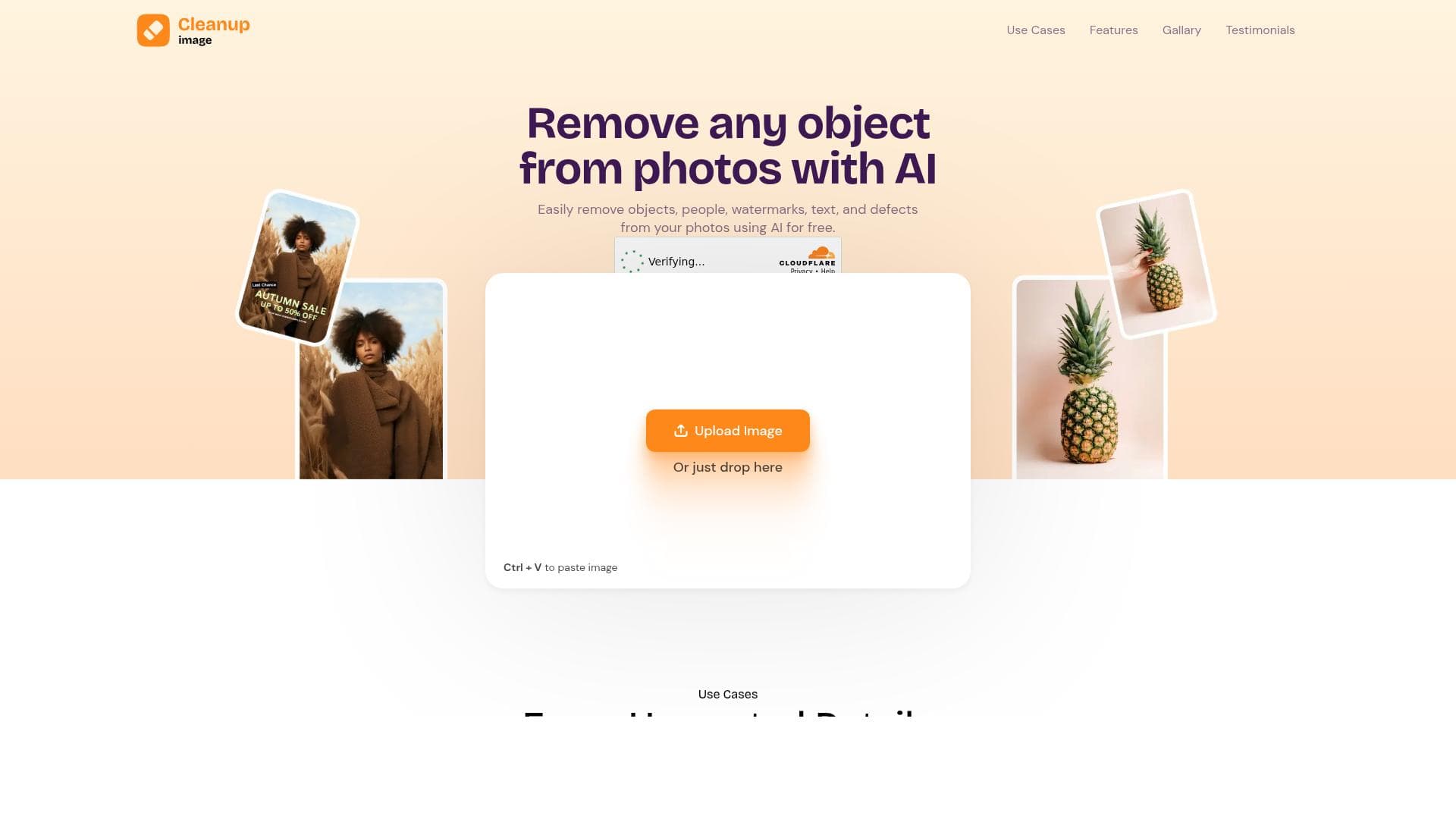


Cleanup Image is a free, AI-powered photo editing tool that specializes in removing unwanted objects, people, watermarks, and blemishes from images with professional-quality results. Perfect for photographers, content creators, and marketers, it offers unlimited, easy-to-use object removal without any cost or subscription.

Description
Tagline : Explore free, unlimited object remover Long Description: Cleanup Image is a powerful photo editing tool that allows you to easily remove unwanted objects, people, or blemishes from your photos.
Detailed Description
Cleanup Image is an advanced AI-powered photo editing tool designed to simplify the process of removing unwanted elements from images. Its core purpose is to provide users with an intuitive and efficient solution to clean up photos by erasing objects, people, watermarks, text, and blemishes without requiring advanced photo editing skills. By leveraging artificial intelligence, Cleanup Image automates complex editing tasks, making professional-quality photo retouching accessible to everyone, from casual users to professionals. One of the standout features of Cleanup Image is its object removal capability, which allows users to seamlessly eliminate unwanted items from their photos with just a few clicks. Whether it's distracting background objects, photobombers, or imperfections, the tool intelligently fills in the removed areas to maintain the natural look of the image. Additionally, Cleanup Image can erase people from images, which is particularly useful for photographers or social media content creators who want to focus on specific subjects or create clean compositions. The tool also specializes in removing watermarks and text overlays, enabling users to repurpose images without visual distractions. Beyond simple removal, Cleanup Image offers professional photo retouching features that enhance the overall quality of images. Its AI-driven algorithms ensure that edits blend smoothly with the surrounding pixels, preserving texture and lighting consistency. This makes it suitable for photographers, marketers, graphic designers, and anyone needing quick yet high-quality photo corrections. The tool’s user-friendly interface ensures that even those with minimal editing experience can achieve impressive results effortlessly. Cleanup Image is ideal for a wide range of users and use cases. Photographers can use it to perfect their shots by removing unwanted elements. Social media influencers and content creators benefit from its ability to quickly clean images for posts and advertisements. E-commerce sellers can enhance product photos by eliminating distracting backgrounds or watermarks. Additionally, marketers and designers can use Cleanup Image to prepare visuals for campaigns without investing time in complex editing software. One of the most attractive aspects of Cleanup Image is its pricing model: it is completely free to use. Unlike many photo editing tools that require subscriptions or pay-per-use fees, Cleanup Image offers unlimited object removal and editing capabilities at no cost. This makes it an accessible option for individuals and small businesses with limited budgets. There are no hidden fees or premium tiers, which simplifies the user experience and encourages widespread adoption. When compared to alternatives, Cleanup Image stands out for its combination of powerful AI technology and a free, unlimited usage policy. Many competing tools either limit the number of free edits or require payment for advanced features. Cleanup Image’s ease of use and focus on object removal make it a specialized solution that complements broader photo editing software rather than replacing them entirely. However, it may not offer the full suite of editing tools found in professional-grade software like Adobe Photoshop, which remains the choice for highly detailed or creative editing tasks. Despite its strengths, Cleanup Image has some limitations to consider. Since it focuses primarily on object removal and cleanup, users looking for comprehensive photo editing capabilities such as color grading, layering, or advanced manipulation may need additional software. The quality of AI-based removal can vary depending on the complexity of the background and the size of the object being removed. Extremely intricate images may require manual touch-ups after using the tool. Furthermore, as a web-based application, performance can depend on internet speed and browser compatibility. In summary, Cleanup Image is a powerful, free, and user-friendly AI tool designed to remove unwanted objects and enhance photos quickly and effectively. Its specialized features and unlimited access make it an excellent choice for photographers, content creators, marketers, and anyone needing fast, professional-quality image cleanup without the cost or complexity of traditional editing software.
Tool Features
- Remove unwanted objects from photos
- Erase people from images
- Remove watermarks and text
- Professional photo retouching
- AI-powered image cleanup
Description
Cleanup Image is a free, AI-powered photo editing tool that specializes in removing unwanted objects, people, watermarks, and blemishes from images with professional-quality results. Perfect for photographers, content creators, and marketers, it offers unlimited, easy-to-use object removal without any cost or subscription.
Tagline : Explore free, unlimited object remover Long Description: Cleanup Image is a powerful photo editing tool that allows you to easily remove unwanted objects, people, or blemishes from your photos.
Detailed Description
Cleanup Image is an advanced AI-powered photo editing tool designed to simplify the process of removing unwanted elements from images. Its core purpose is to provide users with an intuitive and efficient solution to clean up photos by erasing objects, people, watermarks, text, and blemishes without requiring advanced photo editing skills. By leveraging artificial intelligence, Cleanup Image automates complex editing tasks, making professional-quality photo retouching accessible to everyone, from casual users to professionals. One of the standout features of Cleanup Image is its object removal capability, which allows users to seamlessly eliminate unwanted items from their photos with just a few clicks. Whether it's distracting background objects, photobombers, or imperfections, the tool intelligently fills in the removed areas to maintain the natural look of the image. Additionally, Cleanup Image can erase people from images, which is particularly useful for photographers or social media content creators who want to focus on specific subjects or create clean compositions. The tool also specializes in removing watermarks and text overlays, enabling users to repurpose images without visual distractions. Beyond simple removal, Cleanup Image offers professional photo retouching features that enhance the overall quality of images. Its AI-driven algorithms ensure that edits blend smoothly with the surrounding pixels, preserving texture and lighting consistency. This makes it suitable for photographers, marketers, graphic designers, and anyone needing quick yet high-quality photo corrections. The tool’s user-friendly interface ensures that even those with minimal editing experience can achieve impressive results effortlessly. Cleanup Image is ideal for a wide range of users and use cases. Photographers can use it to perfect their shots by removing unwanted elements. Social media influencers and content creators benefit from its ability to quickly clean images for posts and advertisements. E-commerce sellers can enhance product photos by eliminating distracting backgrounds or watermarks. Additionally, marketers and designers can use Cleanup Image to prepare visuals for campaigns without investing time in complex editing software. One of the most attractive aspects of Cleanup Image is its pricing model: it is completely free to use. Unlike many photo editing tools that require subscriptions or pay-per-use fees, Cleanup Image offers unlimited object removal and editing capabilities at no cost. This makes it an accessible option for individuals and small businesses with limited budgets. There are no hidden fees or premium tiers, which simplifies the user experience and encourages widespread adoption. When compared to alternatives, Cleanup Image stands out for its combination of powerful AI technology and a free, unlimited usage policy. Many competing tools either limit the number of free edits or require payment for advanced features. Cleanup Image’s ease of use and focus on object removal make it a specialized solution that complements broader photo editing software rather than replacing them entirely. However, it may not offer the full suite of editing tools found in professional-grade software like Adobe Photoshop, which remains the choice for highly detailed or creative editing tasks. Despite its strengths, Cleanup Image has some limitations to consider. Since it focuses primarily on object removal and cleanup, users looking for comprehensive photo editing capabilities such as color grading, layering, or advanced manipulation may need additional software. The quality of AI-based removal can vary depending on the complexity of the background and the size of the object being removed. Extremely intricate images may require manual touch-ups after using the tool. Furthermore, as a web-based application, performance can depend on internet speed and browser compatibility. In summary, Cleanup Image is a powerful, free, and user-friendly AI tool designed to remove unwanted objects and enhance photos quickly and effectively. Its specialized features and unlimited access make it an excellent choice for photographers, content creators, marketers, and anyone needing fast, professional-quality image cleanup without the cost or complexity of traditional editing software.
Frequently Asked Questions
What is Cleanup Image?
Cleanup Image is an AI-powered photo editing tool that allows users to remove unwanted objects, people, watermarks, text, and blemishes from their photos quickly and easily, providing professional-quality image cleanup.
How much does Cleanup Image cost?
Cleanup Image is completely free to use, offering unlimited object removal and photo editing features without any subscription or payment requirements.
Who is Cleanup Image best for?
Cleanup Image is ideal for photographers, social media influencers, content creators, marketers, e-commerce sellers, and anyone who needs to quickly and effortlessly remove unwanted elements from images.
What are the main features of Cleanup Image?
The main features include removing unwanted objects and people from photos, erasing watermarks and text, professional photo retouching, and AI-powered image cleanup that ensures natural and seamless edits.
Does Cleanup Image offer a free trial?
Cleanup Image does not require a free trial because it is completely free to use with unlimited access to all its features.
What integrations does Cleanup Image support?
Cleanup Image is a standalone web-based tool and does not currently offer integrations with other software or platforms.
How does Cleanup Image work?
Cleanup Image uses advanced AI algorithms to analyze photos and intelligently remove unwanted objects, people, watermarks, or blemishes by filling in the removed areas with matching background textures, resulting in clean and natural-looking images.
Reviews
No reviews yet. Be the first to share your experience.




















































