



BlogAn AI Photo Editor Must Respect the Unchanged Details
An AI Photo Editor Must Respect the Unchanged Details
 Shashank Jain
20 Nov 2026
6 min read
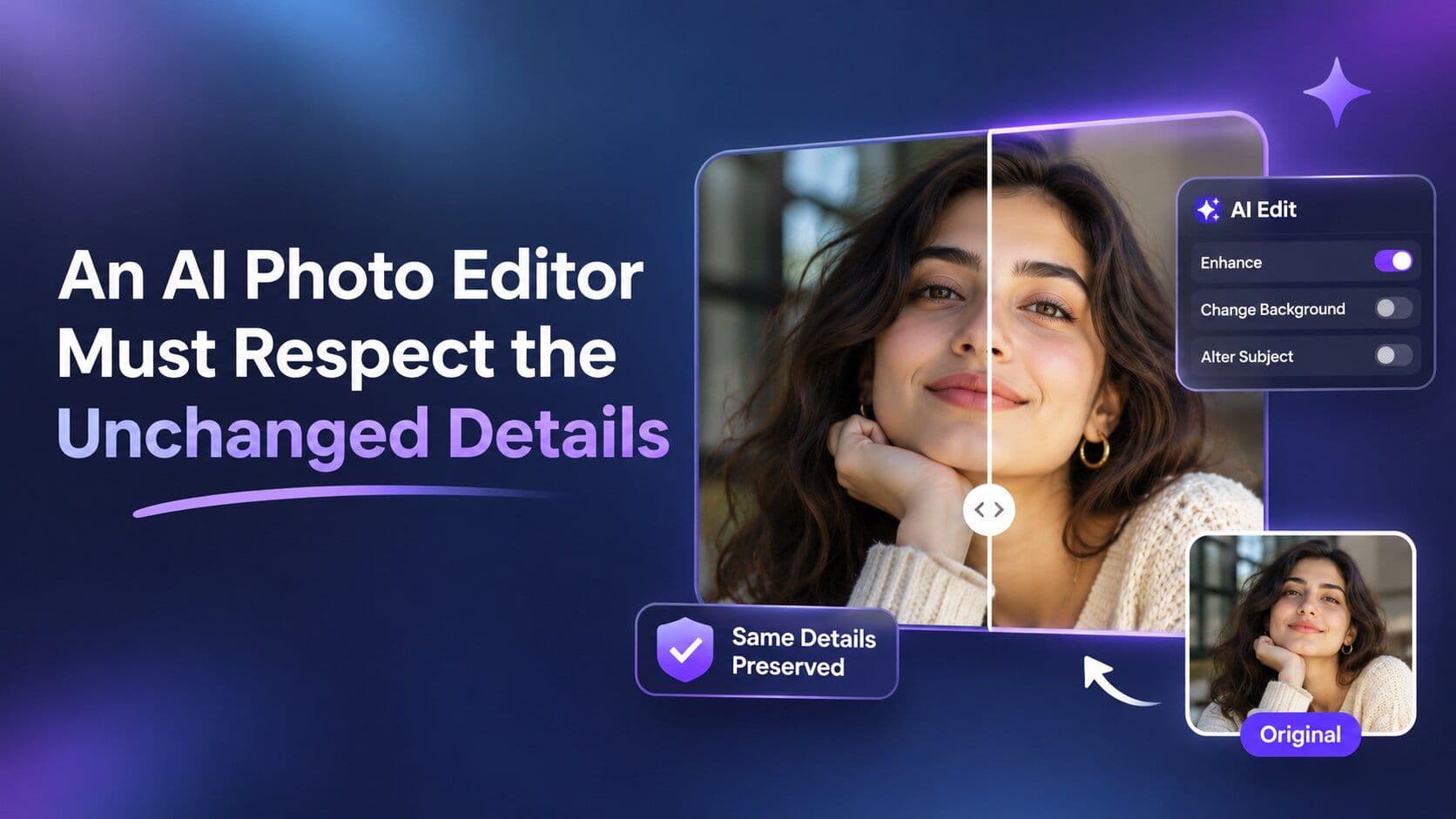
An AI Photo Editor Must Respect the Unchanged Details
A cleaned-up product photograph can look better and become less useful at the same time. The distracting cable is gone, but a small fitting has also disappeared from the object. The improvement is easy to notice. The unintended change is easy to miss, particularly when the reviewer already knows what the product is supposed to look like.
Check two things: did the requested edit work, and did anything important change elsewhere? A cable-free background is not enough if the microphone has lost a fitting. Compare the improvement and the product separately, so the most obvious success does not distract you from a smaller change a buyer would care about.
Name the Edit Before Judging the Whole Picture
Consider a hypothetical equipment supplier preparing a photograph of a desktop microphone. A loose cable crosses the background, while a small switch sits near the base of the microphone. The desired task is to remove the background distraction. The switch is part of the product, and its position matters to the buyer.
A broad request to make the photograph cleaner leaves the boundary between those two details unclear. A narrower request names the cable and states that the microphone should remain unchanged. That wording gives the reviewer a useful intention to check. It does not guarantee that a generated result will preserve every part of the object exactly.
The switch gives the review a concrete focus. You can approve the cable removal and still reject the picture if that switch moves or disappears. Treat those as separate observations, rather than averaging them into “almost right.” A cleaner background can be fixed another way; a photograph of the wrong product should not become the listing image.
An AI photo editor review should begin from that job. If the image shows equipment a buyer will inspect, small switches and fittings deserve attention. If it is a decorative illustration, a different set of details may matter. Defining the purpose first prevents a reviewer from treating every attractive change as an improvement.
Choose Reference Details Outside the Requested Change
Before editing in PicEditor AI, choose details outside the cable that you will check afterward. For the microphone, use the base outline, switch position, and connector near the stand. Keep those details visible in the original. They give you a short, repeatable comparison instead of asking you to remember every part of the product while judging the new background.
An AI Photo Editor can help explore the requested cleanup, but the reviewer still needs the original image beside the result. The reference landmarks direct attention to areas that a general “looks right” check might skip. They also make a rejection easier to explain: the cable is gone, but the connector has changed shape.
Choose details that tell a buyer something about the product. A label can distinguish models, a contact point can show how a stand attaches, and a seam may explain how a part opens. Empty corners rarely deserve the same attention. The goal is to keep the identifying details intact while making the background less distracting, rather than hunt for every pixel that differs.
PicEditor AI can be useful for requesting a focused transformation without manually rebuilding the scene. That convenience should not expand the approval boundary. If the task is cable cleanup, a candidate should not receive extra credit for changing the product's finish or smoothing a distinctive seam. Those changes require their own reasons and their own review. A seam might show how a part opens, while a finish may distinguish two versions of the same product. Removing either can make the photograph answer a different buying question from the one intended.

Compare the Changed Area and the Protected Details Separately
Inspect the requested area first. Does the background make sense where the cable used to be? Are there repeated textures, broken edges, or a shadow that no longer has an object? This establishes whether the cleanup itself is acceptable before the reviewer moves on to the details that were meant to stay.
Then inspect each reference landmark against the source at a comparable size. The switch should still be in the same place, the connector should still belong to the stand, and the base should retain its recognizable outline. Avoid jumping between differently scaled previews, because that can make a real difference look like a viewing artifact.
A Photo editor result may pass one half of the review and fail the other. Record that distinction. “Good background, altered switch” gives the next attempt a clear target. “Almost perfect” hides the reason the candidate cannot be used and invites another broad request that may change still more of the image.
When comparing photo editor results, keep the original beside the edited picture and the layout where it will appear. Without the original, a reviewer may approve a plausible microphone that differs from the one supplied. Without the layout, a small label or fitting may seem clear in a large preview but disappear in the listing thumbnail.
Choose Another Attempt or a More Controlled Repair
If an unrequested change affects important information, decide whether another generation is the right next move. A narrower instruction or a simpler source may help explore the problem. In other cases, the task may need a more controlled manual repair. The right route depends on how much precision the final use requires.
A short decision table can keep that judgment concrete. It separates an acceptable candidate from a promising candidate that still needs work, rather than ranking everything on appearance alone.
Observed result | Decision |
Cleanup works and important details remain suitable | Continue to final-use review |
Cleanup works but a product feature changes | Reject or repair before use |
Background becomes implausible | Revise the cleanup approach |
Required precision remains unavailable | Use a more controlled production method |
PicEditor AI is one option for the exploratory edit, but choosing another method is not a failed outcome. The review has identified the level of control the image needs. A small manual correction can be preferable to repeated broad transformations when the remaining issue is a precise piece of product information.
Also inspect the image in its intended layout before approving it. A detail that looks clear in a large preview may become ambiguous in a listing thumbnail. That final-use check should follow the source comparison, so the reviewer knows whether the problem comes from the edit or from the way the result is displayed.
Approve the Small Change the Image Actually Needed
Keep the edit when the cable removal looks convincing and the microphone's identifying parts remain intact. Compare it once more in the listing layout, including the thumbnail. The switch and connector should still be understandable without asking a buyer to enlarge the photograph or infer what the cleanup removed.
If the background is better but a fitting has changed, save that observation and reject the current version. A narrower edit or a manual repair may be enough; neither requires redesigning the whole photograph. The finished picture should show the same microphone more clearly, not a slightly different product against a cleaner wall.
Related Tags
AI Tools→
Related Categories
AI Tools→
Featured Placement
Get your AI tool featured in articles like this
Reach users actively discovering AI tools on PoweredbyAI and build SEO backlinks that improve your visibility on Google.
High-intent trafficSEO backlinksLong term visibility
Get FeaturedTrusted by 25,000+ AI tools and growing startups
Get Your AI Tool Featured in High-Traffic Blogs & Articles
Get featured on PoweredByAI and reach users actively discovering tools like yours. Build powerful SEO backlinks that help you rank on Google and drive consistent organic traffic.
✔
Sponsored blog features with targeted reach
✔
Guest articles with do-follow backlinks
✔
Contextual link placements for SEO boost
Trusted by 25,000+ AI tools and growing startups
Enjoyed this? Talk AI tools with other founders and builders.
Join our Slack communityRecent Blogs
→





 , Product of