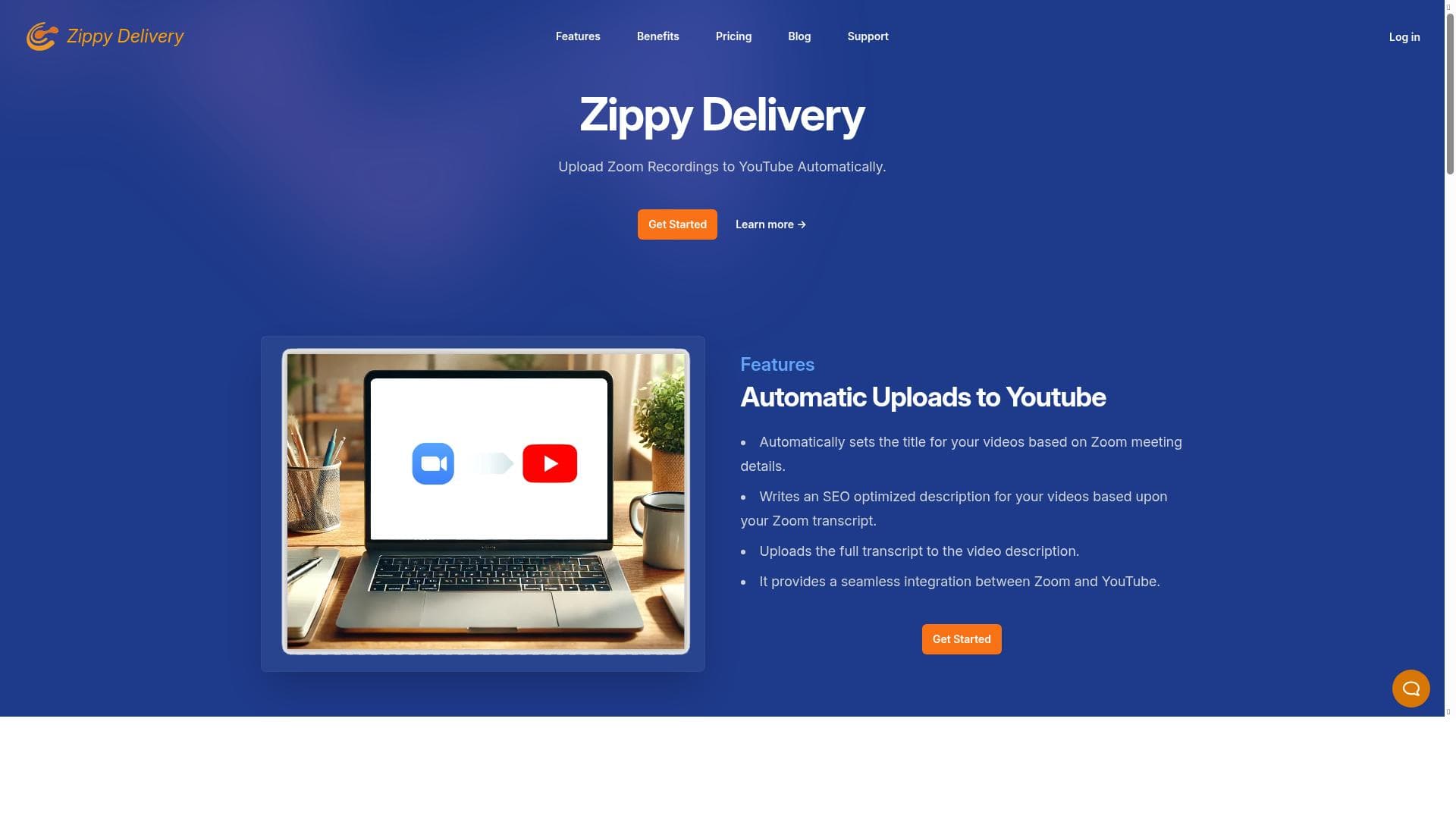


Zippy Delivery automates the entire process of uploading Zoom recordings to YouTube, including setting titles, descriptions, and transcripts, making video publishing effortless and efficient. Ideal for educators, marketers, and content creators, it saves time and boosts content discoverability with seamless Zoom-YouTube integration.

Description
Effortlessly upload all your Zoom recordings directly to your YouTube channel. If you're wondering how to upload Zoom recording to YouTube, this feature eliminates the need for manual downloads or transfers. It saves you time and ensures that your recorded content reaches your audience instantly, providing a seamless integration between Zoom and YouTube while keeping your content organized and accessible without extra effort.
Detailed Description
Zippy Delivery is an innovative AI-powered tool designed to streamline the process of uploading Zoom recordings directly to your YouTube channel. Its core purpose is to eliminate the cumbersome and time-consuming manual steps typically involved in transferring recorded Zoom meetings or webinars to YouTube. By automating this workflow, Zippy Delivery ensures that your video content is published quickly and efficiently, allowing you to focus on creating and sharing valuable content rather than managing file transfers. This seamless integration between Zoom and YouTube makes it an indispensable tool for content creators, educators, marketers, and businesses that rely heavily on video communication and want to maximize their audience reach. One of the standout features of Zippy Delivery is its automatic upload capability. Once a Zoom recording is completed, the tool automatically uploads the video to your designated YouTube channel without requiring any manual intervention. This not only saves significant time but also reduces the risk of errors or delays in publishing. Additionally, Zippy Delivery intelligently sets video titles and descriptions based on generated summaries of the recording, ensuring that your content is properly labeled and optimized for viewers. Another key feature is the upload of full transcripts alongside the videos, which greatly enhances YouTube SEO by making the content more discoverable through search engines. This transcription feature also improves accessibility for viewers who prefer reading or need captions. Zippy Delivery is best suited for professionals and organizations that regularly host Zoom meetings, webinars, or virtual events and want to share these recordings with a broader audience on YouTube. Educators can use it to effortlessly publish recorded lectures, trainers can distribute workshop sessions, and marketers can quickly share product demos or webinars. It is also ideal for content creators who produce live streams or interviews on Zoom and want to maintain a consistent publishing schedule on YouTube without the hassle of manual uploads. The tool’s ability to keep recorded content organized and accessible ensures that users can maintain a well-structured video library on their YouTube channel. Regarding pricing, Zippy Delivery offers a freemium model, allowing users to access essential features at no cost while providing premium options for advanced capabilities or higher usage limits. This approach makes it accessible to individuals and small teams who want to test the tool before committing financially. Details on specific premium tiers or additional features can typically be found on their website, allowing users to choose a plan that fits their needs and scale. Compared to alternative solutions, Zippy Delivery stands out due to its deep integration with both Zoom and YouTube, automating not only the upload process but also metadata management and transcript handling. While some competitors may offer manual upload tools or partial automation, Zippy Delivery’s end-to-end workflow reduces friction and increases productivity significantly. However, users should consider that the tool’s effectiveness depends on stable API connections between Zoom and YouTube, and any changes in these platforms’ policies or technical frameworks could impact functionality. Additionally, while the freemium model is attractive, power users with high-volume needs might find premium plans necessary to unlock full potential. In summary, Zippy Delivery is a powerful and user-friendly solution for anyone looking to simplify the process of sharing Zoom recordings on YouTube. Its automation features save time, improve content discoverability, and ensure a professional presentation of video content. By addressing common pain points in video publishing workflows, it empowers users to focus on content creation and audience engagement rather than technical logistics.
Tool Features
- Automatic upload of Zoom recordings to YouTube
- Automatic setting of video titles and descriptions based on summaries
- Upload of full transcripts for improved YouTube SEO
- Seamless integration between Zoom and YouTube
- Eliminates manual downloads or transfers
- Keeps recorded content organized and accessible
Description
Zippy Delivery automates the entire process of uploading Zoom recordings to YouTube, including setting titles, descriptions, and transcripts, making video publishing effortless and efficient. Ideal for educators, marketers, and content creators, it saves time and boosts content discoverability with seamless Zoom-YouTube integration.
Effortlessly upload all your Zoom recordings directly to your YouTube channel. If you're wondering how to upload Zoom recording to YouTube, this feature eliminates the need for manual downloads or transfers. It saves you time and ensures that your recorded content reaches your audience instantly, providing a seamless integration between Zoom and YouTube while keeping your content organized and accessible without extra effort.
Detailed Description
Zippy Delivery is an innovative AI-powered tool designed to streamline the process of uploading Zoom recordings directly to your YouTube channel. Its core purpose is to eliminate the cumbersome and time-consuming manual steps typically involved in transferring recorded Zoom meetings or webinars to YouTube. By automating this workflow, Zippy Delivery ensures that your video content is published quickly and efficiently, allowing you to focus on creating and sharing valuable content rather than managing file transfers. This seamless integration between Zoom and YouTube makes it an indispensable tool for content creators, educators, marketers, and businesses that rely heavily on video communication and want to maximize their audience reach. One of the standout features of Zippy Delivery is its automatic upload capability. Once a Zoom recording is completed, the tool automatically uploads the video to your designated YouTube channel without requiring any manual intervention. This not only saves significant time but also reduces the risk of errors or delays in publishing. Additionally, Zippy Delivery intelligently sets video titles and descriptions based on generated summaries of the recording, ensuring that your content is properly labeled and optimized for viewers. Another key feature is the upload of full transcripts alongside the videos, which greatly enhances YouTube SEO by making the content more discoverable through search engines. This transcription feature also improves accessibility for viewers who prefer reading or need captions. Zippy Delivery is best suited for professionals and organizations that regularly host Zoom meetings, webinars, or virtual events and want to share these recordings with a broader audience on YouTube. Educators can use it to effortlessly publish recorded lectures, trainers can distribute workshop sessions, and marketers can quickly share product demos or webinars. It is also ideal for content creators who produce live streams or interviews on Zoom and want to maintain a consistent publishing schedule on YouTube without the hassle of manual uploads. The tool’s ability to keep recorded content organized and accessible ensures that users can maintain a well-structured video library on their YouTube channel. Regarding pricing, Zippy Delivery offers a freemium model, allowing users to access essential features at no cost while providing premium options for advanced capabilities or higher usage limits. This approach makes it accessible to individuals and small teams who want to test the tool before committing financially. Details on specific premium tiers or additional features can typically be found on their website, allowing users to choose a plan that fits their needs and scale. Compared to alternative solutions, Zippy Delivery stands out due to its deep integration with both Zoom and YouTube, automating not only the upload process but also metadata management and transcript handling. While some competitors may offer manual upload tools or partial automation, Zippy Delivery’s end-to-end workflow reduces friction and increases productivity significantly. However, users should consider that the tool’s effectiveness depends on stable API connections between Zoom and YouTube, and any changes in these platforms’ policies or technical frameworks could impact functionality. Additionally, while the freemium model is attractive, power users with high-volume needs might find premium plans necessary to unlock full potential. In summary, Zippy Delivery is a powerful and user-friendly solution for anyone looking to simplify the process of sharing Zoom recordings on YouTube. Its automation features save time, improve content discoverability, and ensure a professional presentation of video content. By addressing common pain points in video publishing workflows, it empowers users to focus on content creation and audience engagement rather than technical logistics.
Frequently Asked Questions
What is Zippy Delivery?
Zippy Delivery is an AI-powered tool that automatically uploads your Zoom recordings directly to your YouTube channel, eliminating manual downloads and transfers while optimizing video titles, descriptions, and transcripts.
How much does Zippy Delivery cost?
Zippy Delivery offers a freemium pricing model, allowing users to access basic features for free with options to upgrade to premium plans for advanced capabilities or higher usage limits.
Who is Zippy Delivery best for?
It is best suited for educators, marketers, content creators, and businesses that regularly record Zoom meetings or webinars and want to efficiently publish these recordings on YouTube.
What are the main features of Zippy Delivery?
Key features include automatic upload of Zoom recordings to YouTube, automatic setting of video titles and descriptions based on summaries, uploading full transcripts for improved SEO, seamless Zoom-YouTube integration, and organized content management.
Does Zippy Delivery offer a free trial?
Yes, Zippy Delivery’s freemium model allows users to try essential features for free, providing an opportunity to evaluate the tool before opting for premium plans.
What integrations does Zippy Delivery support?
Zippy Delivery integrates directly with Zoom for recording access and YouTube for video publishing, enabling a seamless workflow between these two platforms.
How does Zippy Delivery work?
Once a Zoom recording is completed, Zippy Delivery automatically uploads the video to your YouTube channel, sets the title and description based on the recording summary, uploads the full transcript for SEO benefits, and organizes your content without requiring manual intervention.
Reviews
No reviews yet. Be the first to share your experience.















































