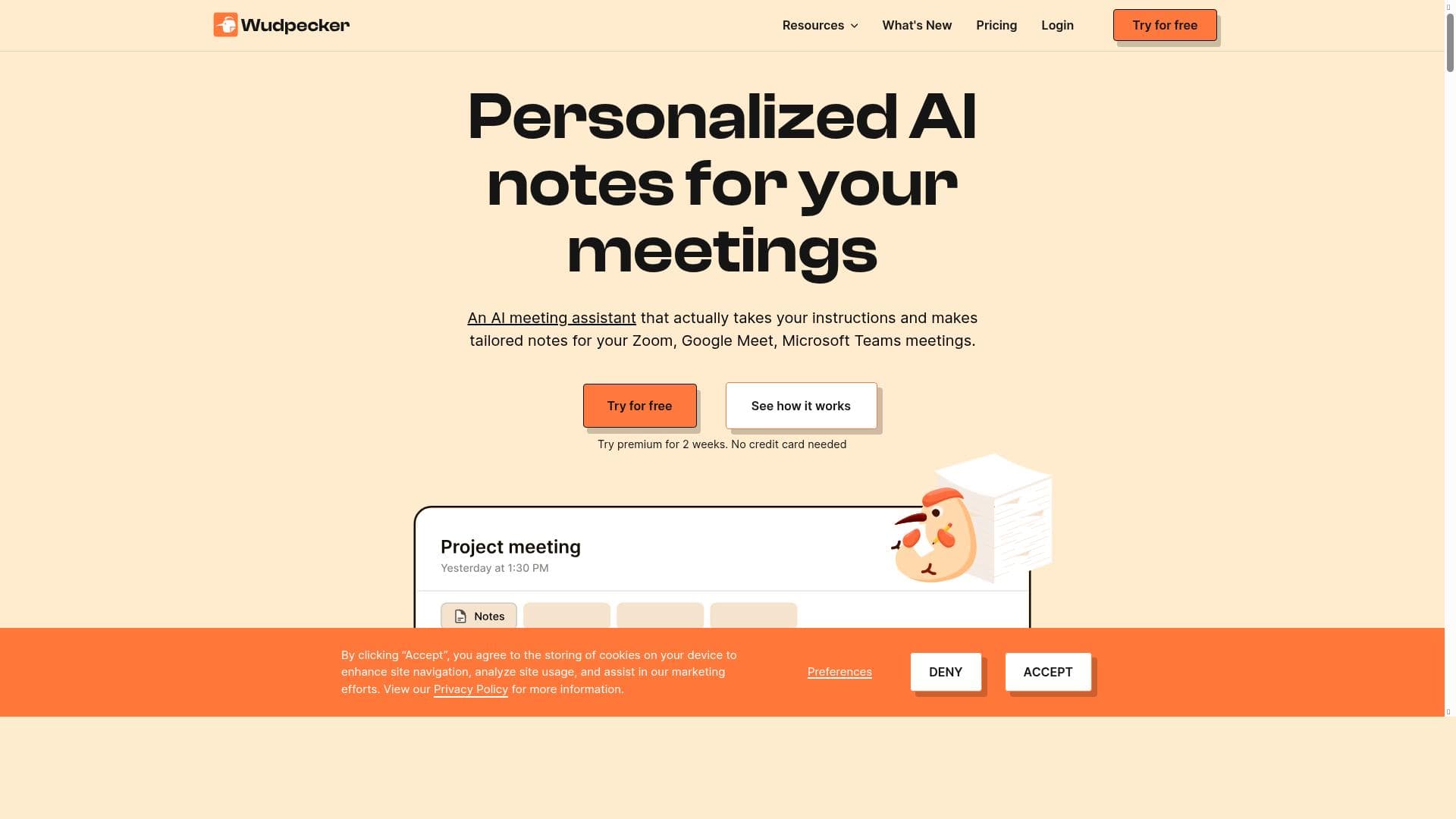


Wudpecker is a versatile AI-powered meeting assistant that automates recording, transcription, and note-taking across major platforms like Zoom, Google Meet, and Teams. Ideal for professionals seeking seamless, accurate meeting documentation, it offers discreet controls and multi-device support to keep meetings productive and well-documented.
Description
Wudpecker is an AI-powered meeting assistant for online and in-person meetings, offering customizable recording, transcription, and note-taking. It supports Zoom, Google Meet, and Teams, with apps for Windows, MacOS, Android, and iOS that enable discreet, flexible recording and control.
Detailed Description
Wudpecker is an advanced AI-powered meeting assistant designed to enhance productivity and streamline the management of both online and in-person meetings. Its core purpose is to automate the tedious tasks of recording, transcribing, and note-taking, allowing participants to focus fully on the discussion without worrying about missing important details. By integrating seamlessly with popular video conferencing platforms such as Zoom, Google Meet, and Microsoft Teams, Wudpecker provides a versatile solution that adapts to various meeting formats and environments. Additionally, its availability across multiple operating systems—including Windows, MacOS, Android, and iOS—ensures users can discreetly and flexibly control recordings and access meeting content anytime, anywhere. One of the standout features of Wudpecker is its customizable recording capabilities. Users can start and stop recordings with ease, tailoring the capture settings to suit the nature of their meetings. The AI-driven transcription service converts spoken words into accurate, searchable text in real time, significantly reducing the need for manual note-taking. Wudpecker also offers intelligent note-taking that highlights key points, action items, and decisions made during the meeting, which can be reviewed immediately after the session ends. Sharing these notes with stakeholders is streamlined through integrated sharing options, ensuring everyone remains aligned and informed. The platform emphasizes a seamless meeting experience by minimizing disruptions and providing intuitive controls that blend naturally into the meeting flow. Wudpecker is ideal for professionals who regularly participate in or host meetings, including project managers, sales teams, consultants, educators, and remote workers. It is particularly beneficial for those who need to capture detailed meeting records without diverting attention from the conversation. Use cases include client calls where accurate records are critical, team meetings requiring clear action items, training sessions needing comprehensive transcripts, and hybrid meetings where participants join both online and in person. The ability to discreetly record and control meetings on mobile devices also supports on-the-go professionals who need flexibility. The pricing model for Wudpecker follows a freemium approach, allowing users to access basic features at no cost while offering premium plans that unlock advanced functionalities such as longer recording durations, enhanced transcription accuracy, and expanded sharing options. This tiered structure makes it accessible for individuals and small teams to try the tool risk-free before committing to paid subscriptions. Details on specific pricing tiers and feature differences are available on the official website. Compared to alternatives, Wudpecker stands out through its multi-platform support and discreet recording capabilities, which are not always available in competing tools. Its deep integration with major conferencing platforms and AI-powered note summarization provide a comprehensive meeting management solution that goes beyond simple recording or transcription. While some competitors may focus solely on transcription or note-taking, Wudpecker combines these elements with user-friendly controls and sharing features that enhance collaboration. However, users should consider that as an AI-driven tool, transcription accuracy can vary depending on audio quality and speaker clarity. Additionally, while the freemium plan offers valuable features, power users or larger organizations may find the need to upgrade for full functionality. Privacy and data security are also important considerations, so users should review Wudpecker’s policies to ensure compliance with their organizational standards. Overall, Wudpecker is a robust assistant that significantly improves meeting efficiency and documentation, making it a valuable asset for anyone looking to optimize their meeting workflows.
Tool Features
- Start the meeting prepared
- End the meeting with perfect notes
- Share notes to every stakeholder
- Seamless meeting experience
Description
Wudpecker is a versatile AI-powered meeting assistant that automates recording, transcription, and note-taking across major platforms like Zoom, Google Meet, and Teams. Ideal for professionals seeking seamless, accurate meeting documentation, it offers discreet controls and multi-device support to keep meetings productive and well-documented.
Wudpecker is an AI-powered meeting assistant for online and in-person meetings, offering customizable recording, transcription, and note-taking. It supports Zoom, Google Meet, and Teams, with apps for Windows, MacOS, Android, and iOS that enable discreet, flexible recording and control.
Detailed Description
Wudpecker is an advanced AI-powered meeting assistant designed to enhance productivity and streamline the management of both online and in-person meetings. Its core purpose is to automate the tedious tasks of recording, transcribing, and note-taking, allowing participants to focus fully on the discussion without worrying about missing important details. By integrating seamlessly with popular video conferencing platforms such as Zoom, Google Meet, and Microsoft Teams, Wudpecker provides a versatile solution that adapts to various meeting formats and environments. Additionally, its availability across multiple operating systems—including Windows, MacOS, Android, and iOS—ensures users can discreetly and flexibly control recordings and access meeting content anytime, anywhere. One of the standout features of Wudpecker is its customizable recording capabilities. Users can start and stop recordings with ease, tailoring the capture settings to suit the nature of their meetings. The AI-driven transcription service converts spoken words into accurate, searchable text in real time, significantly reducing the need for manual note-taking. Wudpecker also offers intelligent note-taking that highlights key points, action items, and decisions made during the meeting, which can be reviewed immediately after the session ends. Sharing these notes with stakeholders is streamlined through integrated sharing options, ensuring everyone remains aligned and informed. The platform emphasizes a seamless meeting experience by minimizing disruptions and providing intuitive controls that blend naturally into the meeting flow. Wudpecker is ideal for professionals who regularly participate in or host meetings, including project managers, sales teams, consultants, educators, and remote workers. It is particularly beneficial for those who need to capture detailed meeting records without diverting attention from the conversation. Use cases include client calls where accurate records are critical, team meetings requiring clear action items, training sessions needing comprehensive transcripts, and hybrid meetings where participants join both online and in person. The ability to discreetly record and control meetings on mobile devices also supports on-the-go professionals who need flexibility. The pricing model for Wudpecker follows a freemium approach, allowing users to access basic features at no cost while offering premium plans that unlock advanced functionalities such as longer recording durations, enhanced transcription accuracy, and expanded sharing options. This tiered structure makes it accessible for individuals and small teams to try the tool risk-free before committing to paid subscriptions. Details on specific pricing tiers and feature differences are available on the official website. Compared to alternatives, Wudpecker stands out through its multi-platform support and discreet recording capabilities, which are not always available in competing tools. Its deep integration with major conferencing platforms and AI-powered note summarization provide a comprehensive meeting management solution that goes beyond simple recording or transcription. While some competitors may focus solely on transcription or note-taking, Wudpecker combines these elements with user-friendly controls and sharing features that enhance collaboration. However, users should consider that as an AI-driven tool, transcription accuracy can vary depending on audio quality and speaker clarity. Additionally, while the freemium plan offers valuable features, power users or larger organizations may find the need to upgrade for full functionality. Privacy and data security are also important considerations, so users should review Wudpecker’s policies to ensure compliance with their organizational standards. Overall, Wudpecker is a robust assistant that significantly improves meeting efficiency and documentation, making it a valuable asset for anyone looking to optimize their meeting workflows.
Frequently Asked Questions
What is Wudpecker?
Wudpecker is an AI-powered meeting assistant that helps users record, transcribe, and take notes during both online and in-person meetings. It integrates with popular video conferencing platforms and offers apps for multiple operating systems to provide flexible and discreet meeting management.
How much does Wudpecker cost?
Wudpecker offers a freemium pricing model, allowing users to access basic features for free. Premium plans with advanced capabilities such as longer recordings and enhanced transcription are available for a subscription fee. Specific pricing details can be found on their website.
Who is Wudpecker best for?
Wudpecker is best suited for professionals who frequently attend or host meetings, including project managers, sales teams, consultants, educators, and remote workers who need accurate meeting records and streamlined note-sharing.
What are the main features of Wudpecker?
Key features include customizable meeting recording, AI-powered transcription, intelligent note-taking highlighting key points and action items, seamless integration with Zoom, Google Meet, and Teams, multi-platform support across Windows, MacOS, Android, and iOS, and easy sharing of notes with stakeholders.
Does Wudpecker offer a free trial?
Yes, Wudpecker provides a freemium plan that allows users to try core features at no cost, effectively serving as a free trial before deciding to upgrade to premium plans.
What integrations does Wudpecker support?
Wudpecker integrates with major video conferencing platforms including Zoom, Google Meet, and Microsoft Teams, enabling seamless recording and transcription during meetings on these services.
How does Wudpecker work?
Wudpecker works by connecting to your online meeting platforms or running on your device during in-person meetings to record audio discreetly. It uses AI to transcribe the conversation in real time and automatically generates notes and summaries, which can then be reviewed and shared with stakeholders.
Reviews
No reviews yet. Be the first to share your experience.




















































