Featured in:Best AI Transcription Tools
Get featured →🚀 Zaprep: Your Socials on Steroids. Start free — automate 1,000 DMs/month & turn engagement into leads. with 1,000 automated DMs/month.


Is this your AI tool? Claim it today.
Verify ownership, manage your profile, and unlock growth features.
✦
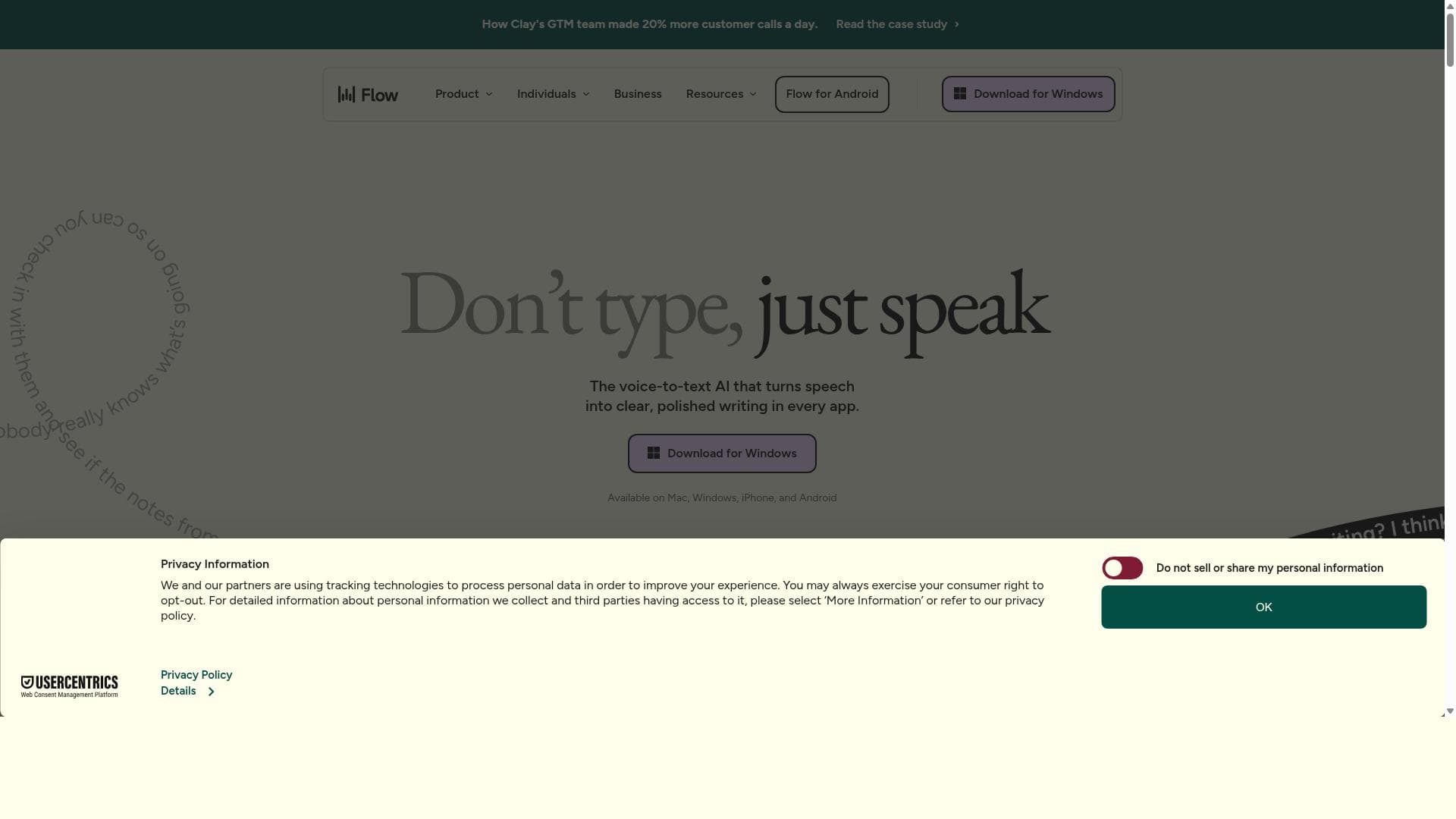
Wispr Flow is a Mac-exclusive dictation app that transforms natural speech into perfectly styled text across any application, delivering up to three times faster writing than traditional typing. Its AI-powered auto-edits, voice commands, and support for over 100 languages make it ideal for professionals and creatives looking to boost productivity and streamline their writing process.

Description
Wispr Flow is a Mac dictation app that lets you speak naturally and writes in your style across every application, 3x faster than typing. With auto-edits, AI commands, and 100+ languages, Flow saves you hours by producing perfectly formatted text instantly.
Detailed Description
Wispr Flow is an advanced dictation application designed exclusively for Mac users, aimed at revolutionizing the way people create written content by leveraging natural speech. Its core purpose is to enable users to speak naturally and have their words transcribed in their unique writing style across virtually any application on their Mac. By doing so, Wispr Flow dramatically increases productivity, allowing users to produce text up to three times faster than traditional typing. This makes it an invaluable tool for anyone who frequently writes emails, reports, articles, or any form of textual content. The app’s intelligent design ensures that the dictated text is not only fast but also polished and formatted correctly, saving users significant time on editing and proofreading. One of the standout features of Wispr Flow is its seamless voice dictation capability. Unlike many dictation tools that require rigid commands or specific phrasing, Wispr Flow allows users to speak naturally, capturing their voice with high accuracy. This natural language processing is enhanced by AI-powered auto-edits that automatically correct grammar, punctuation, and formatting errors in real-time. Additionally, the app supports over 100 languages, making it accessible to a global audience and useful for multilingual users or those working in diverse linguistic environments. Another key capability is the integration of AI commands, which lets users control the dictation process and editing functions through voice, further streamlining the workflow. The combination of fast, smart voice typing and intelligent editing not only boosts writing speed but also improves clarity and coherence in the final output. Wispr Flow is best suited for professionals, students, writers, and anyone who regularly produces written content and wants to enhance their efficiency. For instance, journalists can quickly transcribe interviews or notes, content creators can draft scripts or articles hands-free, and business professionals can compose emails or reports on the go without interrupting their workflow. It is also ideal for individuals with disabilities or those who find typing challenging, as it offers an accessible alternative to traditional text input. The app’s compatibility with every Mac application means users can dictate directly into word processors, email clients, social media platforms, and more, making it a versatile tool for a wide range of use cases. In terms of pricing, Wispr Flow offers a freemium model, allowing users to try the core features at no cost before committing to a paid plan. This approach provides an opportunity to experience the app’s capabilities firsthand and determine its fit for individual needs. While specific pricing tiers and premium features are not detailed here, the freemium structure typically includes basic dictation and language support, with advanced AI commands, additional languages, or extended usage available through subscription or one-time purchase options. When compared to alternative dictation tools, Wispr Flow stands out due to its Mac-native design, natural speech recognition, and emphasis on maintaining the user’s writing style. Many competing apps focus solely on transcription without intelligent editing or style adaptation, which can result in more manual corrections. Additionally, Wispr Flow’s support for over 100 languages and AI-powered commands provides a more comprehensive and flexible dictation experience. However, some alternatives may offer broader platform compatibility or deeper integrations with specific software suites, which could be a consideration depending on user requirements. Notable limitations of Wispr Flow include its exclusive availability on Mac, which restricts users on other operating systems from accessing its features. While its AI commands and auto-editing are powerful, users may encounter occasional inaccuracies or require manual adjustments for highly specialized vocabulary or formatting preferences. Furthermore, the freemium model may limit access to some advanced functionalities unless users opt for paid plans. Prospective users should also consider the learning curve associated with mastering voice commands and dictation nuances to maximize the app’s benefits. Overall, Wispr Flow offers a robust, efficient, and user-friendly dictation solution for Mac users seeking to enhance their writing speed and quality through natural voice input.
Tool Features
- Seamless voice dictation
- Fast and smart voice typing
- Enhances writing speed and clarity
Description
✦
Wispr Flow is a Mac-exclusive dictation app that transforms natural speech into perfectly styled text across any application, delivering up to three times faster writing than traditional typing. Its AI-powered auto-edits, voice commands, and support for over 100 languages make it ideal for professionals and creatives looking to boost productivity and streamline their writing process.
Wispr Flow is a Mac dictation app that lets you speak naturally and writes in your style across every application, 3x faster than typing. With auto-edits, AI commands, and 100+ languages, Flow saves you hours by producing perfectly formatted text instantly.
Detailed Description
Wispr Flow is an advanced dictation application designed exclusively for Mac users, aimed at revolutionizing the way people create written content by leveraging natural speech. Its core purpose is to enable users to speak naturally and have their words transcribed in their unique writing style across virtually any application on their Mac. By doing so, Wispr Flow dramatically increases productivity, allowing users to produce text up to three times faster than traditional typing. This makes it an invaluable tool for anyone who frequently writes emails, reports, articles, or any form of textual content. The app’s intelligent design ensures that the dictated text is not only fast but also polished and formatted correctly, saving users significant time on editing and proofreading. One of the standout features of Wispr Flow is its seamless voice dictation capability. Unlike many dictation tools that require rigid commands or specific phrasing, Wispr Flow allows users to speak naturally, capturing their voice with high accuracy. This natural language processing is enhanced by AI-powered auto-edits that automatically correct grammar, punctuation, and formatting errors in real-time. Additionally, the app supports over 100 languages, making it accessible to a global audience and useful for multilingual users or those working in diverse linguistic environments. Another key capability is the integration of AI commands, which lets users control the dictation process and editing functions through voice, further streamlining the workflow. The combination of fast, smart voice typing and intelligent editing not only boosts writing speed but also improves clarity and coherence in the final output. Wispr Flow is best suited for professionals, students, writers, and anyone who regularly produces written content and wants to enhance their efficiency. For instance, journalists can quickly transcribe interviews or notes, content creators can draft scripts or articles hands-free, and business professionals can compose emails or reports on the go without interrupting their workflow. It is also ideal for individuals with disabilities or those who find typing challenging, as it offers an accessible alternative to traditional text input. The app’s compatibility with every Mac application means users can dictate directly into word processors, email clients, social media platforms, and more, making it a versatile tool for a wide range of use cases. In terms of pricing, Wispr Flow offers a freemium model, allowing users to try the core features at no cost before committing to a paid plan. This approach provides an opportunity to experience the app’s capabilities firsthand and determine its fit for individual needs. While specific pricing tiers and premium features are not detailed here, the freemium structure typically includes basic dictation and language support, with advanced AI commands, additional languages, or extended usage available through subscription or one-time purchase options. When compared to alternative dictation tools, Wispr Flow stands out due to its Mac-native design, natural speech recognition, and emphasis on maintaining the user’s writing style. Many competing apps focus solely on transcription without intelligent editing or style adaptation, which can result in more manual corrections. Additionally, Wispr Flow’s support for over 100 languages and AI-powered commands provides a more comprehensive and flexible dictation experience. However, some alternatives may offer broader platform compatibility or deeper integrations with specific software suites, which could be a consideration depending on user requirements. Notable limitations of Wispr Flow include its exclusive availability on Mac, which restricts users on other operating systems from accessing its features. While its AI commands and auto-editing are powerful, users may encounter occasional inaccuracies or require manual adjustments for highly specialized vocabulary or formatting preferences. Furthermore, the freemium model may limit access to some advanced functionalities unless users opt for paid plans. Prospective users should also consider the learning curve associated with mastering voice commands and dictation nuances to maximize the app’s benefits. Overall, Wispr Flow offers a robust, efficient, and user-friendly dictation solution for Mac users seeking to enhance their writing speed and quality through natural voice input.
Frequently Asked Questions
What is Wispr Flow?
Wispr Flow is a Mac dictation app that allows users to speak naturally and have their words transcribed in their unique writing style across any application, significantly speeding up the writing process.
How much does Wispr Flow cost?
Wispr Flow offers a freemium pricing model, providing basic features for free with the option to upgrade to paid plans for access to advanced functionalities and additional languages.
Who is Wispr Flow best for?
Wispr Flow is ideal for professionals, students, writers, and anyone who frequently creates written content and wants to increase their writing speed and clarity using natural voice input.
What are the main features of Wispr Flow?
Key features include seamless voice dictation, fast and smart voice typing, AI-powered auto-edits, voice commands, support for over 100 languages, and the ability to write in your personal style across all Mac applications.
Does Wispr Flow offer a free trial?
Yes, Wispr Flow provides a freemium version that allows users to try core dictation features at no cost before deciding to upgrade.
What integrations does Wispr Flow support?
Wispr Flow integrates seamlessly with every application on Mac, enabling users to dictate directly into word processors, email clients, social media platforms, and more.
How does Wispr Flow work?
Wispr Flow captures your natural speech through your Mac’s microphone, transcribes it in real-time using AI to match your writing style, applies auto-edits for grammar and formatting, and allows control through voice commands to produce polished text instantly.
Socials
Use ToolReviews
0 reviews
No reviews yet. Be the first to share your experience.
Sponsored Tools











































Recommended Tools
Stay updated on latest Ai tools
Get the latest insights, Join our newsletter
Read and trusted by 50,000+ readers
Join the biggest AI Community
Our community and staff are here to help!
Your feedback will help Alice AI improve in future versions.








Submit your Tool


PoweredByAI.app is an AI Tools Directory helping individuals, businesses, and creators discover the best AI tools for writing, coding, design, productivity, and more.
© 2026 , Product of011BQ. All rights reserved.