Featured in:Best AI Writing Tools
Get featured →🚀 Zaprep: Your Socials on Steroids. Start free — automate 1,000 DMs/month & turn engagement into leads. with 1,000 automated DMs/month.



✦
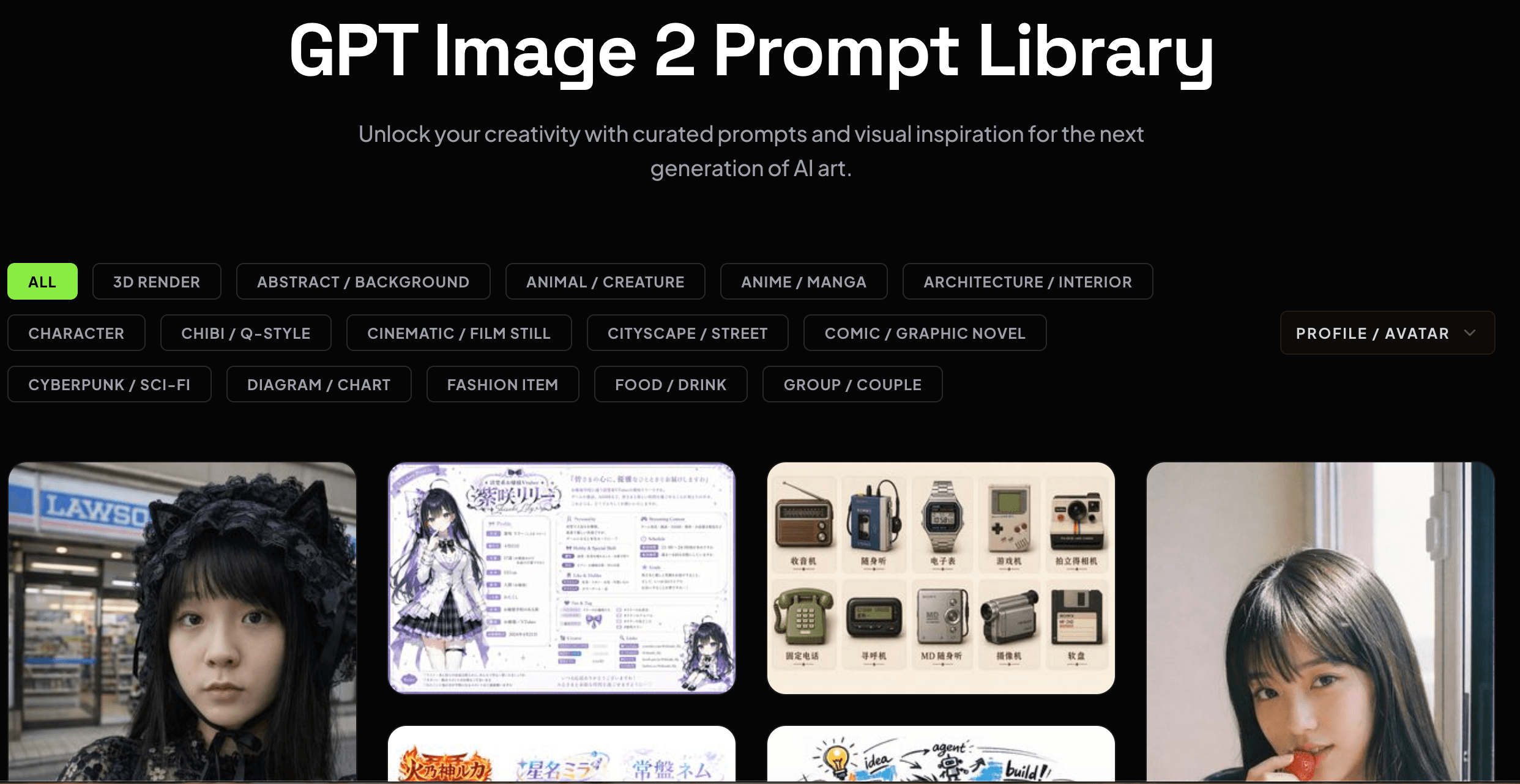
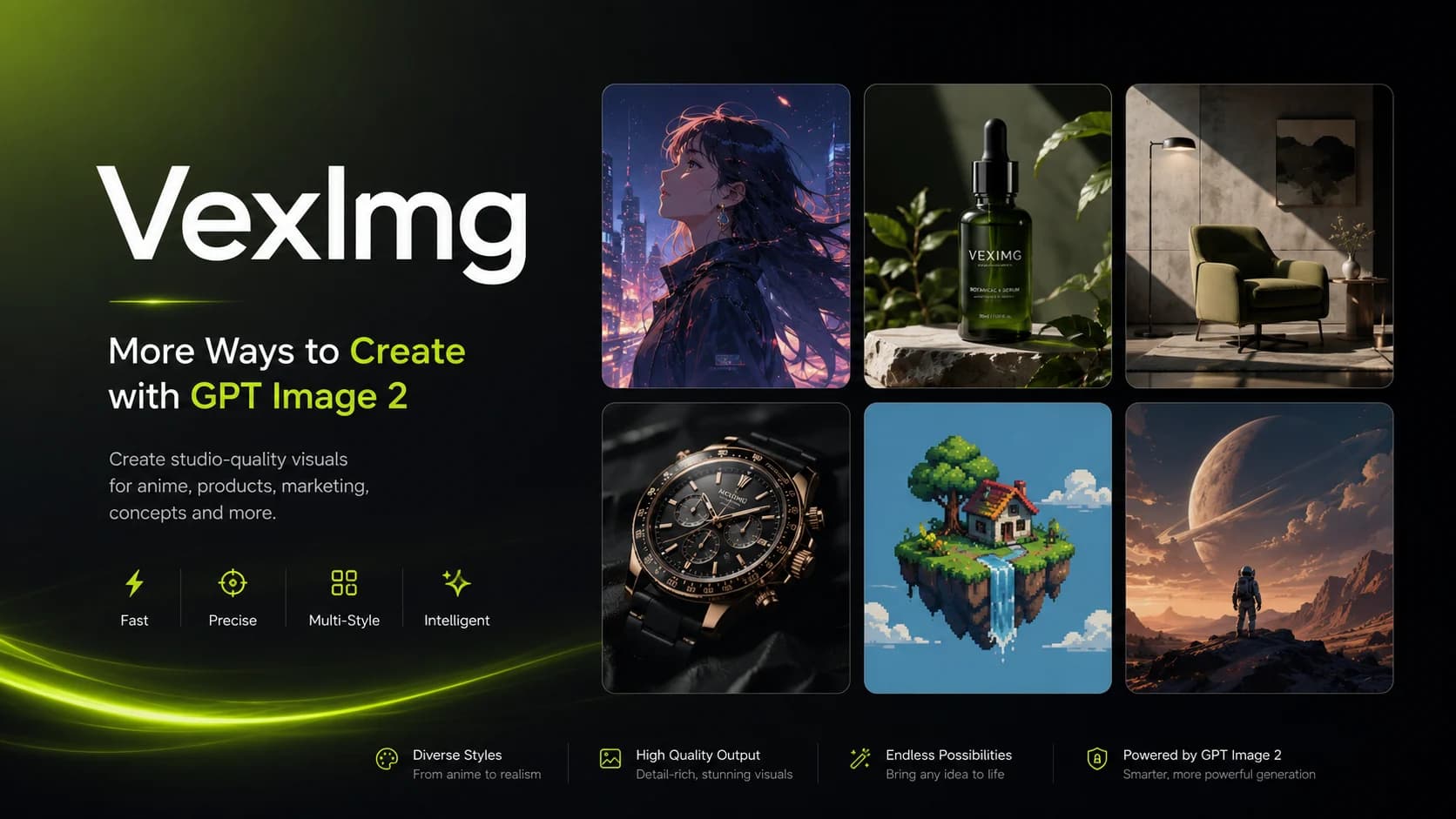
VexImg is a professional GPT Image 2 studio that makes high-quality AI image creation accessible and easy with expert guides, a vast prompt library, and real user examples. Perfect for designers, marketers, and creatives, it offers a free, online platform to generate stunning visuals without any cost or steep learning curve.

Description
VexImg is a professional GPT Image 2 studio that enables users to master AI image creation. It offers expert guides, a vast prompt library, and real user examples to help generate high-quality AI images online for free.
Detailed Description
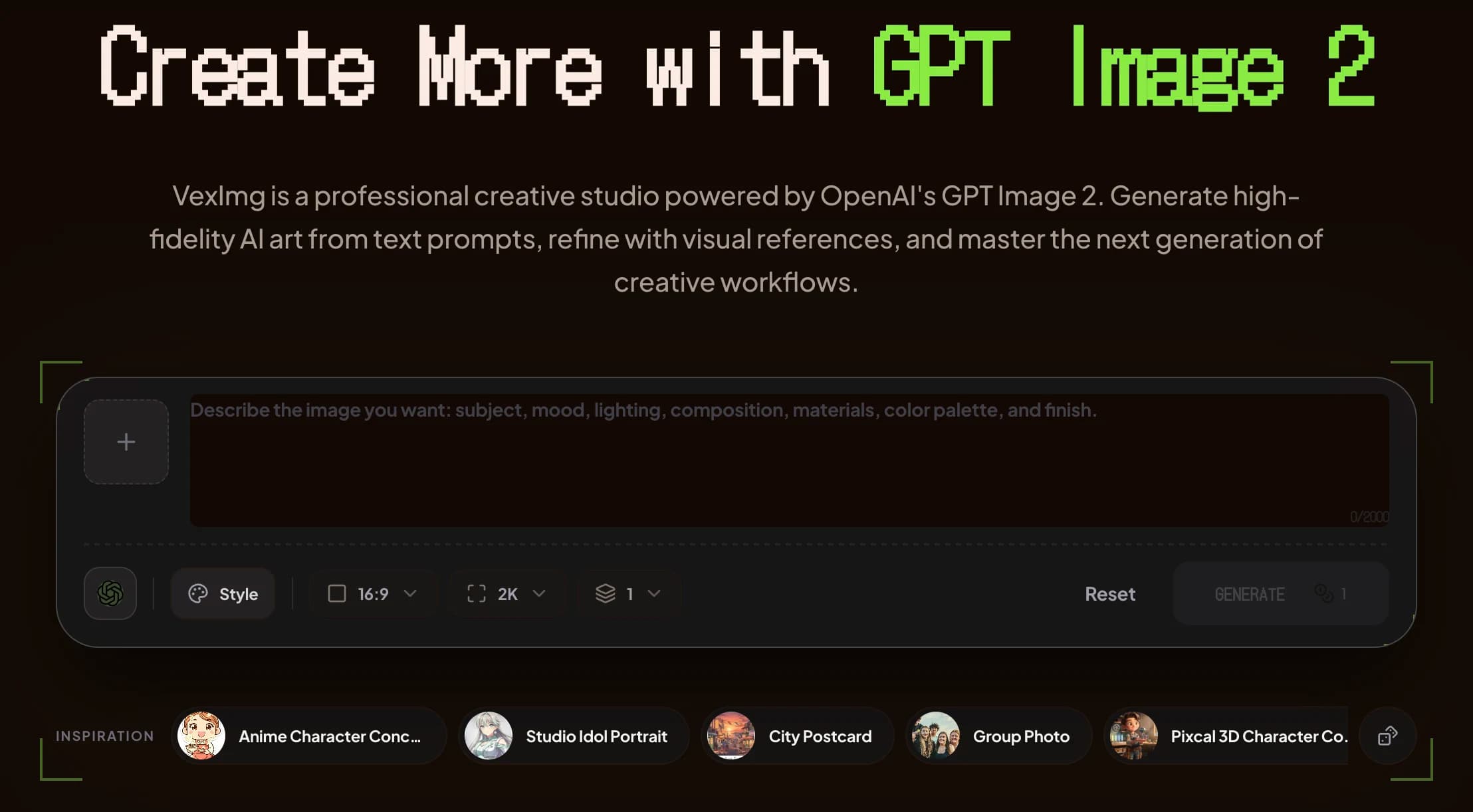
VexImg is a cutting-edge AI-powered image generation platform designed to empower users to create high-quality images effortlessly using advanced GPT Image 2 technology. Its core purpose is to serve as a comprehensive studio where both beginners and professionals can master the art of AI image creation through an intuitive online interface. By leveraging the latest advancements in generative AI, VexImg enables users to transform text prompts into stunning visuals, making it an invaluable tool for digital artists, marketers, designers, and content creators seeking to enhance their visual content with minimal effort. One of the standout features of VexImg is its professional GPT Image 2 studio environment, which offers a seamless and powerful image generation experience. The platform includes expert guides that walk users through the nuances of crafting effective prompts, optimizing image outputs, and understanding the underlying AI mechanics. This educational component is particularly beneficial for users new to AI image generation, helping them quickly gain proficiency. Additionally, VexImg boasts a vast prompt library, providing a rich repository of pre-designed prompts that users can customize or draw inspiration from. This library not only accelerates the creative process but also ensures consistently high-quality results. Another key capability is the inclusion of real user examples, which showcase a diverse range of images generated by the community. These examples serve as both inspiration and practical demonstrations of what can be achieved with the platform. VexImg’s image generation engine is optimized for producing detailed, vibrant, and aesthetically pleasing images that meet professional standards. Importantly, the entire platform is accessible online and free to use, lowering the barrier to entry and making advanced AI image creation available to a broad audience without upfront costs. VexImg is ideal for a wide range of users including graphic designers looking to prototype concepts quickly, marketers aiming to create compelling visuals for campaigns, educators seeking illustrative content, and hobbyists interested in exploring AI creativity. Its user-friendly interface and extensive resources make it suitable for both novices and experienced users. Specific use cases include generating unique marketing visuals, creating concept art, enhancing social media content, and producing educational illustrations. Regarding pricing, VexImg currently offers its core features free of charge, allowing users to explore and generate images without subscription fees or paywalls. This free access is a significant advantage compared to many competitors that restrict usage or require payment for high-quality outputs. While there may be plans to introduce premium features or subscriptions in the future, the current free model provides substantial value. When compared to alternative AI image generation tools, VexImg stands out due to its combination of professional-grade GPT Image 2 technology, comprehensive educational resources, and a vast prompt library. Many competitors focus solely on image generation without offering detailed guides or community examples, which can limit user learning and creativity. VexImg’s free accessibility further differentiates it from premium-only platforms. However, some limitations to consider include the potential for occasional output variability inherent in AI-generated images, which may require users to experiment with prompts to achieve desired results. Additionally, as a web-based tool, performance may depend on internet connectivity and browser compatibility. While VexImg excels in many areas, users seeking highly specialized or ultra-high-resolution images for commercial print might need to supplement it with other professional design software. Overall, VexImg is a robust, user-centric AI image generation studio that combines powerful technology with educational support and community engagement. Its free online access and rich feature set make it an excellent choice for anyone interested in exploring or mastering AI-driven image creation.
Tool Features
- Professional GPT Image 2 studio
- Expert guides for AI image creation
- Vast prompt library
- Real user examples
- High-quality AI image generation
- Online and free to use
Description
✦
VexImg is a professional GPT Image 2 studio that makes high-quality AI image creation accessible and easy with expert guides, a vast prompt library, and real user examples. Perfect for designers, marketers, and creatives, it offers a free, online platform to generate stunning visuals without any cost or steep learning curve.
VexImg is a professional GPT Image 2 studio that enables users to master AI image creation. It offers expert guides, a vast prompt library, and real user examples to help generate high-quality AI images online for free.
Detailed Description
VexImg is a cutting-edge AI-powered image generation platform designed to empower users to create high-quality images effortlessly using advanced GPT Image 2 technology. Its core purpose is to serve as a comprehensive studio where both beginners and professionals can master the art of AI image creation through an intuitive online interface. By leveraging the latest advancements in generative AI, VexImg enables users to transform text prompts into stunning visuals, making it an invaluable tool for digital artists, marketers, designers, and content creators seeking to enhance their visual content with minimal effort. One of the standout features of VexImg is its professional GPT Image 2 studio environment, which offers a seamless and powerful image generation experience. The platform includes expert guides that walk users through the nuances of crafting effective prompts, optimizing image outputs, and understanding the underlying AI mechanics. This educational component is particularly beneficial for users new to AI image generation, helping them quickly gain proficiency. Additionally, VexImg boasts a vast prompt library, providing a rich repository of pre-designed prompts that users can customize or draw inspiration from. This library not only accelerates the creative process but also ensures consistently high-quality results. Another key capability is the inclusion of real user examples, which showcase a diverse range of images generated by the community. These examples serve as both inspiration and practical demonstrations of what can be achieved with the platform. VexImg’s image generation engine is optimized for producing detailed, vibrant, and aesthetically pleasing images that meet professional standards. Importantly, the entire platform is accessible online and free to use, lowering the barrier to entry and making advanced AI image creation available to a broad audience without upfront costs. VexImg is ideal for a wide range of users including graphic designers looking to prototype concepts quickly, marketers aiming to create compelling visuals for campaigns, educators seeking illustrative content, and hobbyists interested in exploring AI creativity. Its user-friendly interface and extensive resources make it suitable for both novices and experienced users. Specific use cases include generating unique marketing visuals, creating concept art, enhancing social media content, and producing educational illustrations. Regarding pricing, VexImg currently offers its core features free of charge, allowing users to explore and generate images without subscription fees or paywalls. This free access is a significant advantage compared to many competitors that restrict usage or require payment for high-quality outputs. While there may be plans to introduce premium features or subscriptions in the future, the current free model provides substantial value. When compared to alternative AI image generation tools, VexImg stands out due to its combination of professional-grade GPT Image 2 technology, comprehensive educational resources, and a vast prompt library. Many competitors focus solely on image generation without offering detailed guides or community examples, which can limit user learning and creativity. VexImg’s free accessibility further differentiates it from premium-only platforms. However, some limitations to consider include the potential for occasional output variability inherent in AI-generated images, which may require users to experiment with prompts to achieve desired results. Additionally, as a web-based tool, performance may depend on internet connectivity and browser compatibility. While VexImg excels in many areas, users seeking highly specialized or ultra-high-resolution images for commercial print might need to supplement it with other professional design software. Overall, VexImg is a robust, user-centric AI image generation studio that combines powerful technology with educational support and community engagement. Its free online access and rich feature set make it an excellent choice for anyone interested in exploring or mastering AI-driven image creation.
Frequently Asked Questions
What is VexImg?
VexImg is an online AI image generation studio powered by GPT Image 2 technology that helps users create high-quality images from text prompts. It provides expert guides, a vast prompt library, and real user examples to assist users in mastering AI image creation.
How much does VexImg cost?
VexImg is currently free to use online, offering its full range of features without any subscription fees or paywalls.
Who is VexImg best for?
VexImg is ideal for graphic designers, marketers, content creators, educators, and hobbyists who want to generate professional-quality AI images easily and quickly.
What are the main features of VexImg?
The main features include a professional GPT Image 2 studio, expert guides for AI image creation, a vast prompt library, real user examples, high-quality AI image generation, and free online access.
Does VexImg offer a free trial?
Yes, VexImg is completely free to use online, so there is no need for a trial period or subscription to access its core features.
What integrations does VexImg support?
Currently, VexImg operates as a standalone online platform and does not offer direct integrations with other software or services.
How does VexImg work?
Users input text prompts into VexImg’s GPT Image 2 powered studio, which then generates high-quality images based on those prompts. The platform also provides guides, prompt libraries, and user examples to help optimize the creation process.
Reviews
0 reviews
No reviews yet. Be the first to share your experience.
Sponsored Tools











































Recommended Tools
Stay updated on latest Ai tools
Get the latest insights, Join our newsletter
Read and trusted by 50,000+ readers
Join the biggest AI Community
Our community and staff are here to help!
Your feedback will help Alice AI improve in future versions.








Submit your Tool


PoweredByAI.app is an AI Tools Directory helping individuals, businesses, and creators discover the best AI tools for writing, coding, design, productivity, and more.
© 2026 , Product of011BQ. All rights reserved.