Tomedes Free Grammar Checker
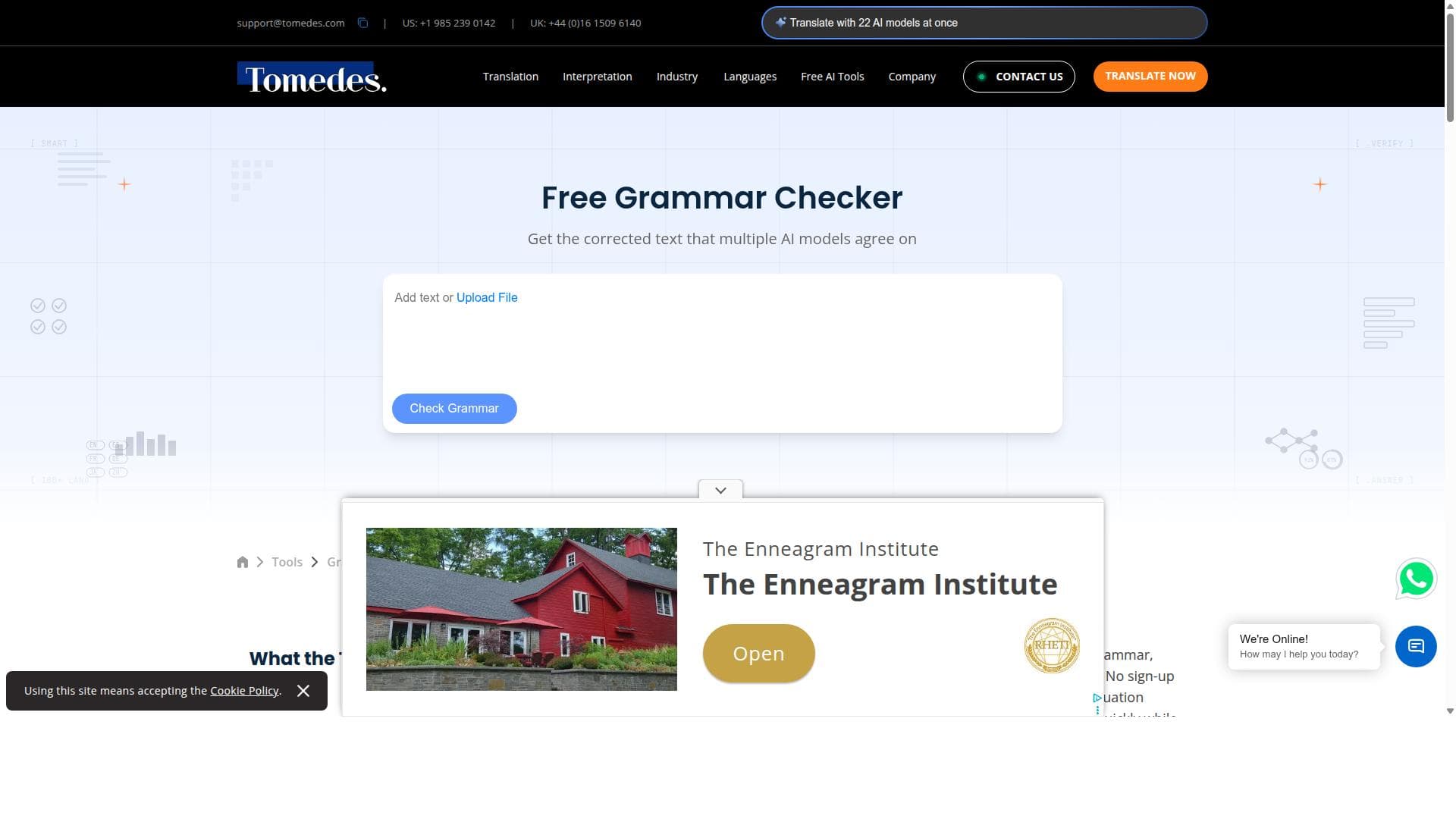


Tomedes Free Grammar Checker offers instant, accurate grammar, punctuation, and spelling corrections in over 100 languages without any sign-up, powered by unique SMART technology that compares multiple AI sources. Ideal for students, professionals, and multilingual users seeking a free, reliable, and easy-to-use writing enhancement tool.

Description
Tomedes Free Grammar Checker allows users to check grammar, punctuation, and spelling instantly in over 100 languages without the need to sign up. It uses SMART technology to compare multiple AI sources and deliver the most reliable corrected text, ensuring high accuracy and ease of use for users seeking to improve their writing.
Detailed Description
Tomedes Free Grammar Checker is a powerful online tool designed to help users instantly identify and correct grammar, punctuation, and spelling errors across more than 100 languages. Its core purpose is to provide an accessible, accurate, and user-friendly platform for improving written communication without the need for any sign-up or subscription. By leveraging advanced SMART technology, the tool compares results from multiple AI sources to deliver the most reliable and precise corrections, making it an invaluable resource for anyone looking to enhance their writing quality quickly and efficiently. At the heart of Tomedes Free Grammar Checker is its SMART technology, which sets it apart from many other grammar checking tools. This technology aggregates and analyzes suggestions from several AI engines, cross-referencing them to ensure that the corrections offered are not only accurate but contextually appropriate. This multi-source comparison reduces false positives and enhances the overall reliability of the feedback. Users can expect instant detection and correction of grammatical mistakes, punctuation errors, and spelling issues, all without any delays or complex setup processes. Supporting over 100 languages, it caters to a diverse global audience, making it suitable for multilingual users and professionals working in international contexts. The tool is ideal for a wide range of users, including students, educators, content creators, business professionals, and anyone who needs to produce polished written content. Students can use it to proofread essays and assignments, ensuring clarity and correctness before submission. Educators can rely on it to quickly check teaching materials or student work. Content creators and marketers benefit from its ability to refine blog posts, articles, and social media content, enhancing readability and professionalism. Additionally, businesses can use it to maintain high standards in emails, reports, and presentations, supporting effective communication internally and externally. One of the most attractive aspects of Tomedes Free Grammar Checker is that it is completely free to use with no registration required. This removes common barriers such as subscription fees or account creation, allowing users to access high-quality grammar checking instantly. While the free service covers all core functionalities, users seeking additional language services or professional translation may explore other offerings by Tomedes. However, for grammar checking alone, the tool provides a robust and cost-effective solution. Compared to other grammar checkers like Grammarly or LanguageTool, Tomedes Free Grammar Checker stands out due to its extensive language support and the unique SMART technology that synthesizes multiple AI inputs. While Grammarly is well-known for its advanced style suggestions and integrations, it primarily focuses on English and requires a subscription for premium features. LanguageTool supports multiple languages but may not leverage multi-source AI comparison to the same extent. Tomedes offers a straightforward, no-frills experience that prioritizes accuracy and ease of use without any cost or sign-up, making it highly accessible. Despite its many strengths, users should consider a few limitations. The tool focuses primarily on grammar, punctuation, and spelling corrections and may not provide advanced style, tone, or plagiarism checks that some premium competitors offer. Additionally, while it supports over 100 languages, the depth of correction quality may vary depending on the language due to differences in AI training data. Users requiring comprehensive writing assistance or specialized editing might need to complement this tool with other services. Nonetheless, for quick, reliable grammar checking across a broad linguistic spectrum, Tomedes Free Grammar Checker is an excellent choice.
Tool Features
- Check grammar for free with no sign up required
- Fix grammar, punctuation, and spelling instantly
- Supports over 100 languages
- SMART technology compares multiple AI sources
- Delivers the most reliable corrected text
Description
Tomedes Free Grammar Checker offers instant, accurate grammar, punctuation, and spelling corrections in over 100 languages without any sign-up, powered by unique SMART technology that compares multiple AI sources. Ideal for students, professionals, and multilingual users seeking a free, reliable, and easy-to-use writing enhancement tool.
Tomedes Free Grammar Checker allows users to check grammar, punctuation, and spelling instantly in over 100 languages without the need to sign up. It uses SMART technology to compare multiple AI sources and deliver the most reliable corrected text, ensuring high accuracy and ease of use for users seeking to improve their writing.
Detailed Description
Tomedes Free Grammar Checker is a powerful online tool designed to help users instantly identify and correct grammar, punctuation, and spelling errors across more than 100 languages. Its core purpose is to provide an accessible, accurate, and user-friendly platform for improving written communication without the need for any sign-up or subscription. By leveraging advanced SMART technology, the tool compares results from multiple AI sources to deliver the most reliable and precise corrections, making it an invaluable resource for anyone looking to enhance their writing quality quickly and efficiently. At the heart of Tomedes Free Grammar Checker is its SMART technology, which sets it apart from many other grammar checking tools. This technology aggregates and analyzes suggestions from several AI engines, cross-referencing them to ensure that the corrections offered are not only accurate but contextually appropriate. This multi-source comparison reduces false positives and enhances the overall reliability of the feedback. Users can expect instant detection and correction of grammatical mistakes, punctuation errors, and spelling issues, all without any delays or complex setup processes. Supporting over 100 languages, it caters to a diverse global audience, making it suitable for multilingual users and professionals working in international contexts. The tool is ideal for a wide range of users, including students, educators, content creators, business professionals, and anyone who needs to produce polished written content. Students can use it to proofread essays and assignments, ensuring clarity and correctness before submission. Educators can rely on it to quickly check teaching materials or student work. Content creators and marketers benefit from its ability to refine blog posts, articles, and social media content, enhancing readability and professionalism. Additionally, businesses can use it to maintain high standards in emails, reports, and presentations, supporting effective communication internally and externally. One of the most attractive aspects of Tomedes Free Grammar Checker is that it is completely free to use with no registration required. This removes common barriers such as subscription fees or account creation, allowing users to access high-quality grammar checking instantly. While the free service covers all core functionalities, users seeking additional language services or professional translation may explore other offerings by Tomedes. However, for grammar checking alone, the tool provides a robust and cost-effective solution. Compared to other grammar checkers like Grammarly or LanguageTool, Tomedes Free Grammar Checker stands out due to its extensive language support and the unique SMART technology that synthesizes multiple AI inputs. While Grammarly is well-known for its advanced style suggestions and integrations, it primarily focuses on English and requires a subscription for premium features. LanguageTool supports multiple languages but may not leverage multi-source AI comparison to the same extent. Tomedes offers a straightforward, no-frills experience that prioritizes accuracy and ease of use without any cost or sign-up, making it highly accessible. Despite its many strengths, users should consider a few limitations. The tool focuses primarily on grammar, punctuation, and spelling corrections and may not provide advanced style, tone, or plagiarism checks that some premium competitors offer. Additionally, while it supports over 100 languages, the depth of correction quality may vary depending on the language due to differences in AI training data. Users requiring comprehensive writing assistance or specialized editing might need to complement this tool with other services. Nonetheless, for quick, reliable grammar checking across a broad linguistic spectrum, Tomedes Free Grammar Checker is an excellent choice.
Frequently Asked Questions
What is Tomedes Free Grammar Checker?
Tomedes Free Grammar Checker is an online tool that instantly detects and corrects grammar, punctuation, and spelling errors in written text across more than 100 languages, using advanced SMART technology to ensure high accuracy.
How much does Tomedes Free Grammar Checker cost?
The Tomedes Free Grammar Checker is completely free to use and does not require any sign-up or subscription.
Who is Tomedes Free Grammar Checker best for?
It is best suited for students, educators, content creators, business professionals, and anyone needing quick and reliable grammar checking across multiple languages.
What are the main features of Tomedes Free Grammar Checker?
Key features include instant grammar, punctuation, and spelling correction; support for over 100 languages; no sign-up required; and SMART technology that compares multiple AI sources to deliver the most reliable corrections.
Does Tomedes Free Grammar Checker offer a free trial?
Since the tool is entirely free to use with no sign-up, there is no need for a free trial.
What integrations does Tomedes Free Grammar Checker support?
Tomedes Free Grammar Checker is a standalone web-based tool and does not currently offer integrations with other software or platforms.
How does Tomedes Free Grammar Checker work?
It uses SMART technology to analyze text by comparing corrections suggested by multiple AI sources, then delivers the most accurate and contextually appropriate grammar, punctuation, and spelling corrections instantly.
Socials
Use ToolReviews
No reviews yet. Be the first to share your experience.




















































