Featured in:Best AI Writing Tools
Get featured →🚀 Zaprep: Your Socials on Steroids. Start free — automate 1,000 DMs/month & turn engagement into leads. with 1,000 automated DMs/month.


✦
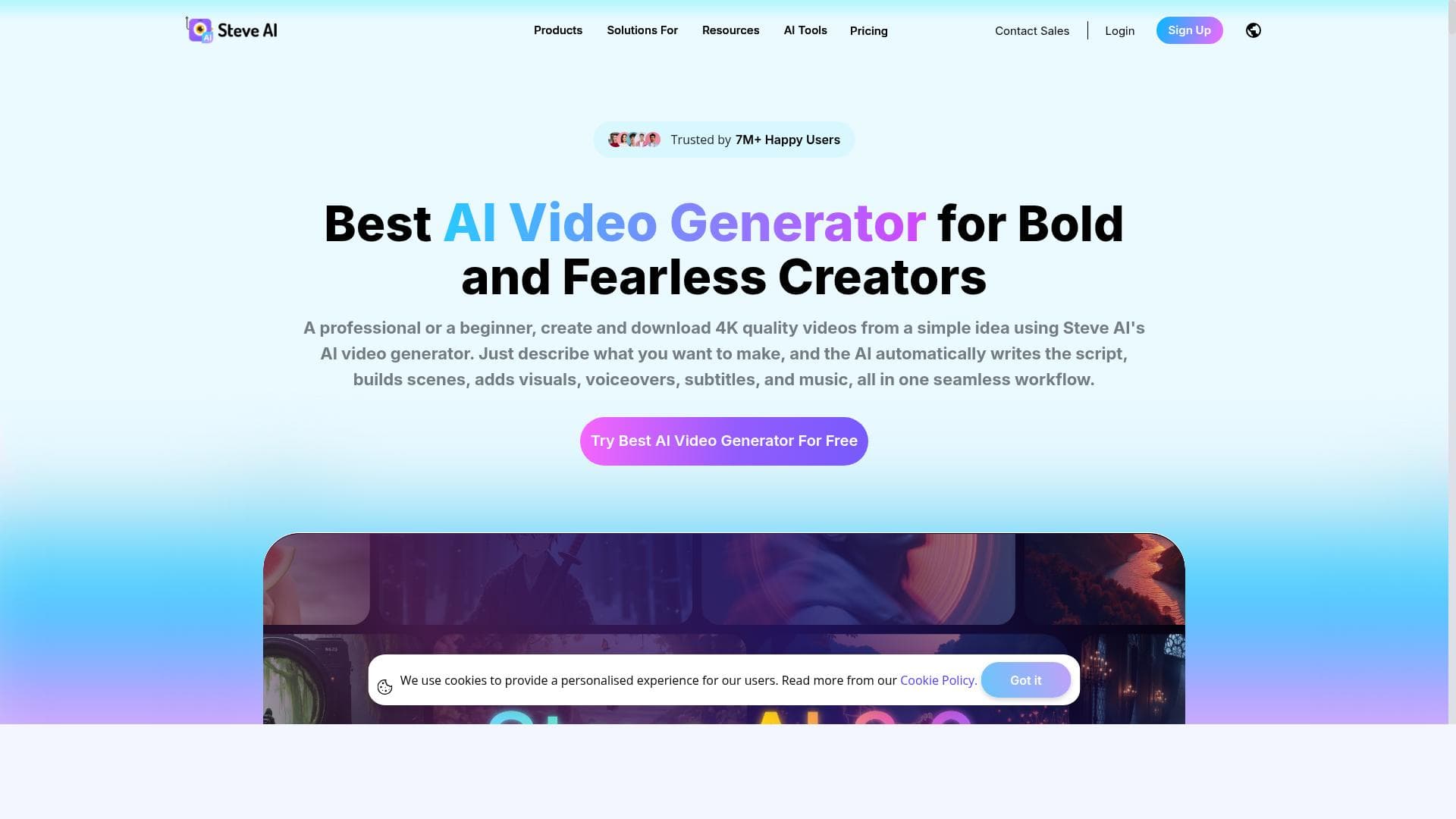
Steve AI is a fully automated video creation platform that transforms text into stunning Live Action and Animation videos without any editing skills required. Perfect for marketers, educators, and content creators, it streamlines video production with AI-powered scripting, editing, and publishing, delivering watermark-free 4K videos quickly and easily.

Description
Steve AI is the only automated video making tool to create Live Action and Animation videos using Text. This is a fully automated solution that takes care of scripting, editing, and publishing for you to focus on being creative. Say bye bye to endless editing and waiting to be able to finish one video. You do not need prior video editing skills to produce a video. With Steve AI, anyone can easily create stunning Animation and Live Action videos with the help of AI.
Detailed Description
Steve AI is an innovative, fully automated video creation platform designed to simplify the process of producing both Live Action and Animation videos using only text input. Its core purpose is to empower users to create professional-quality videos without the need for any prior video editing experience or technical skills. By automating scripting, editing, and publishing, Steve AI allows creators to focus purely on their creative vision rather than the complexities of video production. This makes it an ideal solution for marketers, educators, content creators, and businesses looking to quickly generate engaging video content with minimal effort. One of the standout features of Steve AI is its ability to transform images, ideas, and text directly into videos. Users simply input their script or concept, and the AI handles the rest, generating animations or live-action sequences that align with the provided content. The platform supports generative AI video creation, enabling dynamic and visually compelling outputs that can be customized to suit various styles and tones. Importantly, Steve AI requires no manual editing, eliminating the traditional bottlenecks associated with video post-production. Videos produced are watermark-free, enhancing their professionalism and usability for commercial or personal purposes. Additionally, users can download their videos in free 4K resolution, ensuring high-quality output suitable for multiple platforms including social media, websites, and presentations. Steve AI is best suited for individuals and organizations who need to produce videos quickly and efficiently without investing in expensive software or hiring professional editors. This includes small business owners creating marketing videos, educators developing instructional content, social media influencers, and agencies producing client deliverables. Its text-to-video approach is particularly useful for those who prefer scripting their ideas in writing and want a streamlined path to video creation. Use cases range from explainer videos, product demos, social media ads, training videos, to animated storytelling. The platform operates on a freemium pricing model, allowing users to access core features at no cost while offering premium plans for advanced capabilities and higher usage limits. This approach makes it accessible to beginners and casual users while scaling to meet the needs of professionals requiring more extensive video production resources. Compared to traditional video editing software, Steve AI stands out by automating the entire workflow, drastically reducing the time and skill required to produce videos. Unlike many competitors, it combines live-action and animation video creation within a single tool powered by AI, which is relatively unique in the market. While other platforms may require manual editing or separate tools for animation and live footage, Steve AI integrates these seamlessly. However, users should consider that fully automated video creation may limit granular control over every aspect of the video, which some advanced users might find restrictive compared to manual editing suites. In summary, Steve AI is a powerful, user-friendly video creation tool that leverages AI to democratize video production. It is ideal for anyone looking to create high-quality videos quickly without the steep learning curve of traditional editing. Its automation, no-watermark policy, and free 4K downloads make it a compelling choice for content creators across various industries. Potential users should weigh the trade-off between automation convenience and customization flexibility when choosing Steve AI for their video projects.
Tool Features
- Turn images, ideas, and text into videos
- Create animation and generative AI videos
- No editing required
- No watermark on videos
- Free 4K video download
Description
✦
Steve AI is a fully automated video creation platform that transforms text into stunning Live Action and Animation videos without any editing skills required. Perfect for marketers, educators, and content creators, it streamlines video production with AI-powered scripting, editing, and publishing, delivering watermark-free 4K videos quickly and easily.
Steve AI is the only automated video making tool to create Live Action and Animation videos using Text. This is a fully automated solution that takes care of scripting, editing, and publishing for you to focus on being creative. Say bye bye to endless editing and waiting to be able to finish one video. You do not need prior video editing skills to produce a video. With Steve AI, anyone can easily create stunning Animation and Live Action videos with the help of AI.
Detailed Description
Steve AI is an innovative, fully automated video creation platform designed to simplify the process of producing both Live Action and Animation videos using only text input. Its core purpose is to empower users to create professional-quality videos without the need for any prior video editing experience or technical skills. By automating scripting, editing, and publishing, Steve AI allows creators to focus purely on their creative vision rather than the complexities of video production. This makes it an ideal solution for marketers, educators, content creators, and businesses looking to quickly generate engaging video content with minimal effort. One of the standout features of Steve AI is its ability to transform images, ideas, and text directly into videos. Users simply input their script or concept, and the AI handles the rest, generating animations or live-action sequences that align with the provided content. The platform supports generative AI video creation, enabling dynamic and visually compelling outputs that can be customized to suit various styles and tones. Importantly, Steve AI requires no manual editing, eliminating the traditional bottlenecks associated with video post-production. Videos produced are watermark-free, enhancing their professionalism and usability for commercial or personal purposes. Additionally, users can download their videos in free 4K resolution, ensuring high-quality output suitable for multiple platforms including social media, websites, and presentations. Steve AI is best suited for individuals and organizations who need to produce videos quickly and efficiently without investing in expensive software or hiring professional editors. This includes small business owners creating marketing videos, educators developing instructional content, social media influencers, and agencies producing client deliverables. Its text-to-video approach is particularly useful for those who prefer scripting their ideas in writing and want a streamlined path to video creation. Use cases range from explainer videos, product demos, social media ads, training videos, to animated storytelling. The platform operates on a freemium pricing model, allowing users to access core features at no cost while offering premium plans for advanced capabilities and higher usage limits. This approach makes it accessible to beginners and casual users while scaling to meet the needs of professionals requiring more extensive video production resources. Compared to traditional video editing software, Steve AI stands out by automating the entire workflow, drastically reducing the time and skill required to produce videos. Unlike many competitors, it combines live-action and animation video creation within a single tool powered by AI, which is relatively unique in the market. While other platforms may require manual editing or separate tools for animation and live footage, Steve AI integrates these seamlessly. However, users should consider that fully automated video creation may limit granular control over every aspect of the video, which some advanced users might find restrictive compared to manual editing suites. In summary, Steve AI is a powerful, user-friendly video creation tool that leverages AI to democratize video production. It is ideal for anyone looking to create high-quality videos quickly without the steep learning curve of traditional editing. Its automation, no-watermark policy, and free 4K downloads make it a compelling choice for content creators across various industries. Potential users should weigh the trade-off between automation convenience and customization flexibility when choosing Steve AI for their video projects.
Frequently Asked Questions
What is Steve.AI?
Steve AI is an automated video creation tool that converts text, images, and ideas into professional Live Action and Animation videos using AI technology. It handles scripting, editing, and publishing to simplify video production.
How much does Steve.AI cost?
Steve AI offers a freemium pricing model, providing free access to core features with options to upgrade for advanced capabilities and higher usage limits. Users can download videos in 4K resolution without watermarks even on the free plan.
Who is Steve.AI best for?
Steve AI is ideal for marketers, educators, small business owners, social media influencers, and content creators who want to produce high-quality videos quickly without needing video editing experience.
What are the main features of Steve.AI?
Key features include turning text, images, and ideas into videos, creating both animation and generative AI videos, no manual editing required, watermark-free videos, and free 4K video downloads.
Does Steve.AI offer a free trial?
Yes, Steve AI operates on a freemium model where users can access many features for free without a time-limited trial, allowing them to create and download videos at no cost.
What integrations does Steve.AI support?
Steve AI primarily functions as a standalone platform focused on automated video creation from text and images. Specific third-party integrations are not prominently featured, emphasizing ease of use within its own ecosystem.
How does Steve.AI work?
Users input their script, text, or ideas into Steve AI, which then automatically generates video content by scripting, editing, and assembling animations or live-action footage using AI, requiring no manual editing.
Socials
Use ToolReviews
0 reviews
No reviews yet. Be the first to share your experience.
Sponsored Tools







































Recommended Tools
Stay updated on latest Ai tools
Get the latest insights, Join our newsletter
Read and trusted by 50,000+ readers
Join the biggest AI Community
Our community and staff are here to help!
Your feedback will help Alice AI improve in future versions.







Submit your Tool


PoweredByAI.app is an AI Tools Directory helping individuals, businesses, and creators discover the best AI tools for writing, coding, design, productivity, and more.
© 2026 , Product of011BQ. All rights reserved.