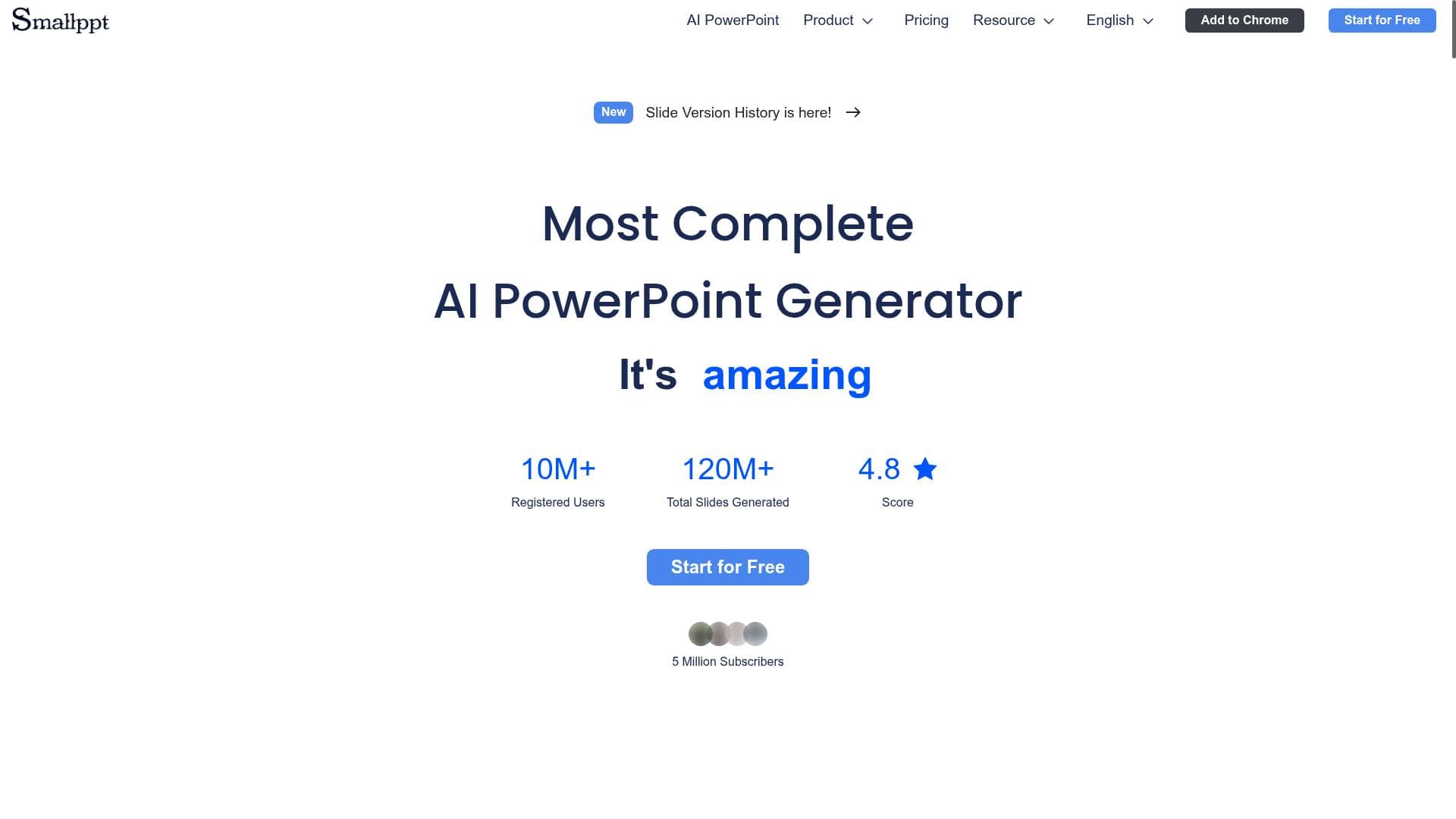


Smallppt leverages AI to transform simple keywords into polished, fully structured presentations in minutes, complete with smart templates and automatic speaker notes. Ideal for professionals, educators, and students, it simplifies slide creation without requiring design skills, making presentation building faster and more accessible.

Description
Smallppt helps users turn simple keywords into fully structured slide presentations within minutes. It features AI-assisted layout design, content writing support, summarization, and automatic speaker notes generation. With a wide range of templates and export formats, Smallppt is built to simplify presentation creation across business, education, and personal use cases—no design experience required.
Detailed Description
Smallppt is an innovative AI-powered presentation tool designed to transform simple keywords into fully structured, professional slide decks within minutes. Its core purpose is to streamline and simplify the often time-consuming process of creating presentations by leveraging artificial intelligence to handle layout design, content generation, summarization, and speaker notes creation automatically. This makes it an invaluable resource for users who need to produce high-quality presentations quickly without requiring any prior design skills or extensive experience with presentation software. At the heart of Smallppt’s capabilities is its AI-assisted slideshow creation engine. Users input a few keywords or a brief outline, and the tool intelligently generates a complete presentation structure, including slide titles, bullet points, and narrative content. The AI also suggests smart PowerPoint templates tailored to the presentation’s theme and purpose, ensuring a visually appealing and coherent design. Beyond just content creation, Smallppt offers automatic summarization features that condense complex information into digestible slide content, helping presenters communicate their points clearly and effectively. Additionally, the tool generates speaker notes automatically, providing users with helpful prompts and talking points to enhance their delivery. Smallppt supports a wide range of templates and export formats, making it versatile for various contexts. Whether you’re preparing a business pitch, an educational lecture, or a personal project, Smallppt’s extensive template library and customization options allow you to tailor your presentation to your audience and style preferences. The platform’s user-friendly interface and AI-driven automation reduce the need for manual formatting and design adjustments, enabling users to focus on refining their message rather than wrestling with slide aesthetics. This tool is particularly well-suited for professionals, educators, students, and entrepreneurs who frequently need to create presentations but may lack the time or design expertise to do so efficiently. Business users can quickly generate polished pitch decks or project updates, educators can prepare lesson materials and lectures with ease, and students can craft compelling presentations for assignments and research. Smallppt’s ability to produce speaker notes also supports public speakers and trainers by providing structured guidance during presentations. Smallppt operates on a freemium pricing model, offering basic features for free with options to upgrade for access to premium templates, advanced AI functionalities, and additional export formats. This approach allows users to try the core capabilities without commitment and scale up as their presentation needs grow. The freemium plan is ideal for casual users or those just exploring AI-assisted presentation tools, while paid plans cater to professionals requiring more robust features and customization. When compared to traditional presentation software like Microsoft PowerPoint or Google Slides, Smallppt stands out by automating much of the content creation and design process through AI. Unlike manual slide creation, which can be labor-intensive and require design knowledge, Smallppt accelerates workflow and reduces cognitive load by generating complete presentations from minimal input. Compared to other AI presentation tools, Smallppt’s combination of layout design, content writing, summarization, and speaker notes generation in one platform offers a comprehensive solution that addresses multiple pain points in presentation development. However, there are some considerations to keep in mind. While Smallppt excels at generating structured presentations quickly, the AI-generated content may sometimes require user review and customization to ensure accuracy, tone, and alignment with specific messaging goals. Additionally, users seeking highly specialized or creative slide designs might find the template options somewhat limiting compared to fully manual design tools. Integration options with other productivity platforms are also limited, which could impact workflows that rely heavily on interconnected software ecosystems. Overall, Smallppt is a powerful AI-driven presentation assistant that democratizes the creation of professional slide decks by automating content and design tasks. Its ease of use, speed, and intelligent features make it a valuable tool for anyone looking to produce effective presentations without the typical time investment or design expertise.
Tool Features
- AI-powered slideshow creation
- Smart PowerPoint templates
- Quick and professional slide generation
Description
Smallppt leverages AI to transform simple keywords into polished, fully structured presentations in minutes, complete with smart templates and automatic speaker notes. Ideal for professionals, educators, and students, it simplifies slide creation without requiring design skills, making presentation building faster and more accessible.
Smallppt helps users turn simple keywords into fully structured slide presentations within minutes. It features AI-assisted layout design, content writing support, summarization, and automatic speaker notes generation. With a wide range of templates and export formats, Smallppt is built to simplify presentation creation across business, education, and personal use cases—no design experience required.
Detailed Description
Smallppt is an innovative AI-powered presentation tool designed to transform simple keywords into fully structured, professional slide decks within minutes. Its core purpose is to streamline and simplify the often time-consuming process of creating presentations by leveraging artificial intelligence to handle layout design, content generation, summarization, and speaker notes creation automatically. This makes it an invaluable resource for users who need to produce high-quality presentations quickly without requiring any prior design skills or extensive experience with presentation software. At the heart of Smallppt’s capabilities is its AI-assisted slideshow creation engine. Users input a few keywords or a brief outline, and the tool intelligently generates a complete presentation structure, including slide titles, bullet points, and narrative content. The AI also suggests smart PowerPoint templates tailored to the presentation’s theme and purpose, ensuring a visually appealing and coherent design. Beyond just content creation, Smallppt offers automatic summarization features that condense complex information into digestible slide content, helping presenters communicate their points clearly and effectively. Additionally, the tool generates speaker notes automatically, providing users with helpful prompts and talking points to enhance their delivery. Smallppt supports a wide range of templates and export formats, making it versatile for various contexts. Whether you’re preparing a business pitch, an educational lecture, or a personal project, Smallppt’s extensive template library and customization options allow you to tailor your presentation to your audience and style preferences. The platform’s user-friendly interface and AI-driven automation reduce the need for manual formatting and design adjustments, enabling users to focus on refining their message rather than wrestling with slide aesthetics. This tool is particularly well-suited for professionals, educators, students, and entrepreneurs who frequently need to create presentations but may lack the time or design expertise to do so efficiently. Business users can quickly generate polished pitch decks or project updates, educators can prepare lesson materials and lectures with ease, and students can craft compelling presentations for assignments and research. Smallppt’s ability to produce speaker notes also supports public speakers and trainers by providing structured guidance during presentations. Smallppt operates on a freemium pricing model, offering basic features for free with options to upgrade for access to premium templates, advanced AI functionalities, and additional export formats. This approach allows users to try the core capabilities without commitment and scale up as their presentation needs grow. The freemium plan is ideal for casual users or those just exploring AI-assisted presentation tools, while paid plans cater to professionals requiring more robust features and customization. When compared to traditional presentation software like Microsoft PowerPoint or Google Slides, Smallppt stands out by automating much of the content creation and design process through AI. Unlike manual slide creation, which can be labor-intensive and require design knowledge, Smallppt accelerates workflow and reduces cognitive load by generating complete presentations from minimal input. Compared to other AI presentation tools, Smallppt’s combination of layout design, content writing, summarization, and speaker notes generation in one platform offers a comprehensive solution that addresses multiple pain points in presentation development. However, there are some considerations to keep in mind. While Smallppt excels at generating structured presentations quickly, the AI-generated content may sometimes require user review and customization to ensure accuracy, tone, and alignment with specific messaging goals. Additionally, users seeking highly specialized or creative slide designs might find the template options somewhat limiting compared to fully manual design tools. Integration options with other productivity platforms are also limited, which could impact workflows that rely heavily on interconnected software ecosystems. Overall, Smallppt is a powerful AI-driven presentation assistant that democratizes the creation of professional slide decks by automating content and design tasks. Its ease of use, speed, and intelligent features make it a valuable tool for anyone looking to produce effective presentations without the typical time investment or design expertise.
Frequently Asked Questions
What is Smallppt?
Smallppt is an AI-powered presentation tool that converts simple keywords into fully structured, professional slide decks quickly. It automates layout design, content writing, summarization, and speaker notes generation to simplify the presentation creation process.
How much does Smallppt cost?
Smallppt offers a freemium pricing model, providing basic features for free with options to upgrade to paid plans for access to premium templates, advanced AI features, and additional export formats.
Who is Smallppt best for?
Smallppt is ideal for business professionals, educators, students, and entrepreneurs who need to create polished presentations quickly without extensive design experience.
What are the main features of Smallppt?
Key features include AI-powered slideshow creation, smart PowerPoint templates, automatic content summarization, speaker notes generation, and support for multiple export formats.
Does Smallppt offer a free trial?
Yes, Smallppt provides a free tier that allows users to access core features and try the platform without commitment before opting for paid plans.
What integrations does Smallppt support?
Currently, Smallppt focuses on standalone presentation creation and offers export options compatible with common presentation software, but it has limited direct integrations with other productivity tools.
How does Smallppt work?
Users input keywords or a brief outline, and Smallppt’s AI generates a complete presentation with structured slides, content, design layouts, and speaker notes, which can then be customized or exported.
Socials
Use ToolReviews
No reviews yet. Be the first to share your experience.




















































