ScriptoMate
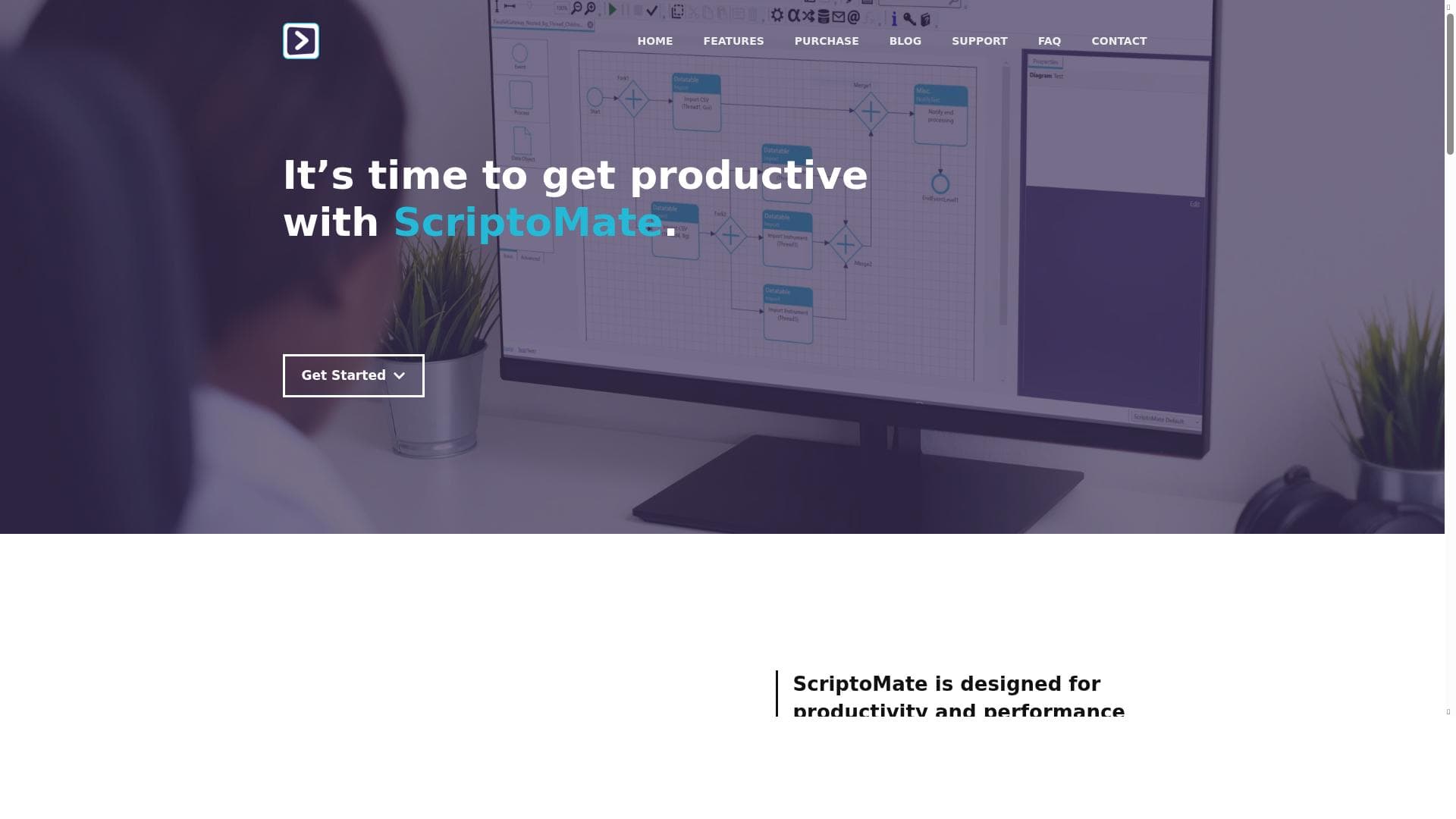


ScriptoMate is a versatile automation tool designed to simplify data transformations and repetitive tasks on desktops and servers. Ideal for professionals seeking to boost productivity through streamlined workflows, it offers a freemium model that balances powerful automation features with ease of use.

Description
Automate your data transformations and other repetitive tasks. ScriptoMate runs on desktops and servers running..
Detailed Description
ScriptoMate is a powerful automation tool designed to simplify and accelerate data transformations and other repetitive tasks across desktop and server environments. Its core purpose is to help users automate complex workflows, reduce manual effort, and increase overall productivity by streamlining routine operations. By leveraging ScriptoMate, businesses and individual users can focus more on strategic activities rather than getting bogged down by time-consuming data handling and content management processes. The tool is particularly well suited for environments where data manipulation, content creation, and workflow automation are frequent and critical tasks. One of the standout features of ScriptoMate is its ability to automate and streamline workflow tasks. This means users can create automated sequences that handle data transformations, file processing, and other repetitive operations without manual intervention. This capability not only saves time but also reduces the risk of human error, ensuring consistent and reliable outcomes. Additionally, ScriptoMate enhances productivity by providing efficient solutions tailored to the needs of users who require fast and accurate task execution. Its support for content creation and management further extends its utility, allowing users to automate the generation, modification, and organization of content across various formats and platforms. ScriptoMate is ideal for professionals and organizations that regularly deal with large volumes of data or content that need to be processed or transformed. This includes data analysts, content managers, IT administrators, and developers who seek to automate routine tasks to improve efficiency. Specific use cases include automating data cleaning and formatting, batch processing files on servers, generating reports, and managing content workflows in publishing or marketing environments. Its compatibility with both desktop and server systems makes it versatile for individual users as well as enterprise-level deployments. Regarding pricing, ScriptoMate offers a freemium model, allowing users to access basic features at no cost while providing options to upgrade for more advanced capabilities. This approach enables users to try the tool and evaluate its benefits before committing financially. The freemium plan typically includes essential automation functions, while premium plans may unlock additional features such as enhanced workflow customization, priority support, and integration options. When compared to alternative automation tools, ScriptoMate stands out for its focus on data transformation and content management within desktop and server environments. Unlike some cloud-only automation platforms, ScriptoMate’s ability to run locally provides greater control over data security and performance. It also offers a balance between ease of use and powerful functionality, making it accessible to both technical and non-technical users. However, it may not have the extensive ecosystem or third-party integrations found in some larger automation suites, which could be a consideration for users needing broad connectivity. Potential limitations of ScriptoMate include its current scope of supported integrations and the learning curve associated with setting up complex workflows. While it excels at automating repetitive tasks, users with highly specialized or niche automation requirements might find it less flexible than some competitors. Additionally, since it runs on desktops and servers, users need to ensure their environments meet the necessary system requirements and have adequate resources to run automated processes efficiently. Despite these considerations, ScriptoMate remains a robust and valuable tool for anyone looking to automate data transformations and streamline content-related workflows effectively.
Tool Features
- Automates and streamlines workflow tasks
- Enhances productivity through efficient solutions
- Supports content creation and management
Description
ScriptoMate is a versatile automation tool designed to simplify data transformations and repetitive tasks on desktops and servers. Ideal for professionals seeking to boost productivity through streamlined workflows, it offers a freemium model that balances powerful automation features with ease of use.
Automate your data transformations and other repetitive tasks. ScriptoMate runs on desktops and servers running..
Detailed Description
ScriptoMate is a powerful automation tool designed to simplify and accelerate data transformations and other repetitive tasks across desktop and server environments. Its core purpose is to help users automate complex workflows, reduce manual effort, and increase overall productivity by streamlining routine operations. By leveraging ScriptoMate, businesses and individual users can focus more on strategic activities rather than getting bogged down by time-consuming data handling and content management processes. The tool is particularly well suited for environments where data manipulation, content creation, and workflow automation are frequent and critical tasks. One of the standout features of ScriptoMate is its ability to automate and streamline workflow tasks. This means users can create automated sequences that handle data transformations, file processing, and other repetitive operations without manual intervention. This capability not only saves time but also reduces the risk of human error, ensuring consistent and reliable outcomes. Additionally, ScriptoMate enhances productivity by providing efficient solutions tailored to the needs of users who require fast and accurate task execution. Its support for content creation and management further extends its utility, allowing users to automate the generation, modification, and organization of content across various formats and platforms. ScriptoMate is ideal for professionals and organizations that regularly deal with large volumes of data or content that need to be processed or transformed. This includes data analysts, content managers, IT administrators, and developers who seek to automate routine tasks to improve efficiency. Specific use cases include automating data cleaning and formatting, batch processing files on servers, generating reports, and managing content workflows in publishing or marketing environments. Its compatibility with both desktop and server systems makes it versatile for individual users as well as enterprise-level deployments. Regarding pricing, ScriptoMate offers a freemium model, allowing users to access basic features at no cost while providing options to upgrade for more advanced capabilities. This approach enables users to try the tool and evaluate its benefits before committing financially. The freemium plan typically includes essential automation functions, while premium plans may unlock additional features such as enhanced workflow customization, priority support, and integration options. When compared to alternative automation tools, ScriptoMate stands out for its focus on data transformation and content management within desktop and server environments. Unlike some cloud-only automation platforms, ScriptoMate’s ability to run locally provides greater control over data security and performance. It also offers a balance between ease of use and powerful functionality, making it accessible to both technical and non-technical users. However, it may not have the extensive ecosystem or third-party integrations found in some larger automation suites, which could be a consideration for users needing broad connectivity. Potential limitations of ScriptoMate include its current scope of supported integrations and the learning curve associated with setting up complex workflows. While it excels at automating repetitive tasks, users with highly specialized or niche automation requirements might find it less flexible than some competitors. Additionally, since it runs on desktops and servers, users need to ensure their environments meet the necessary system requirements and have adequate resources to run automated processes efficiently. Despite these considerations, ScriptoMate remains a robust and valuable tool for anyone looking to automate data transformations and streamline content-related workflows effectively.
Frequently Asked Questions
What is ScriptoMate?
ScriptoMate is an automation tool that helps users automate data transformations and repetitive workflow tasks on desktop and server environments, enhancing productivity and streamlining content management.
How much does ScriptoMate cost?
ScriptoMate offers a freemium pricing model, allowing users to access basic features for free with options to upgrade to premium plans for advanced capabilities.
Who is ScriptoMate best for?
It is best suited for data analysts, content managers, IT administrators, developers, and anyone who regularly handles data processing or content workflows and wants to automate repetitive tasks.
What are the main features of ScriptoMate?
Key features include automating and streamlining workflow tasks, enhancing productivity through efficient automation solutions, and supporting content creation and management.
Does ScriptoMate offer a free trial?
Yes, ScriptoMate’s freemium model allows users to try essential features for free before deciding to upgrade to premium plans.
What integrations does ScriptoMate support?
While specific integrations are not detailed, ScriptoMate primarily supports automation on desktops and servers, focusing on data transformation and content management tasks within those environments.
How does ScriptoMate work?
ScriptoMate works by enabling users to create automated workflows that handle data transformations and repetitive tasks, running these processes efficiently on desktop or server systems without manual intervention.
Reviews
No reviews yet. Be the first to share your experience.















































