

Is this your AI tool? Claim it today.
Verify ownership, manage your profile, and unlock growth features.
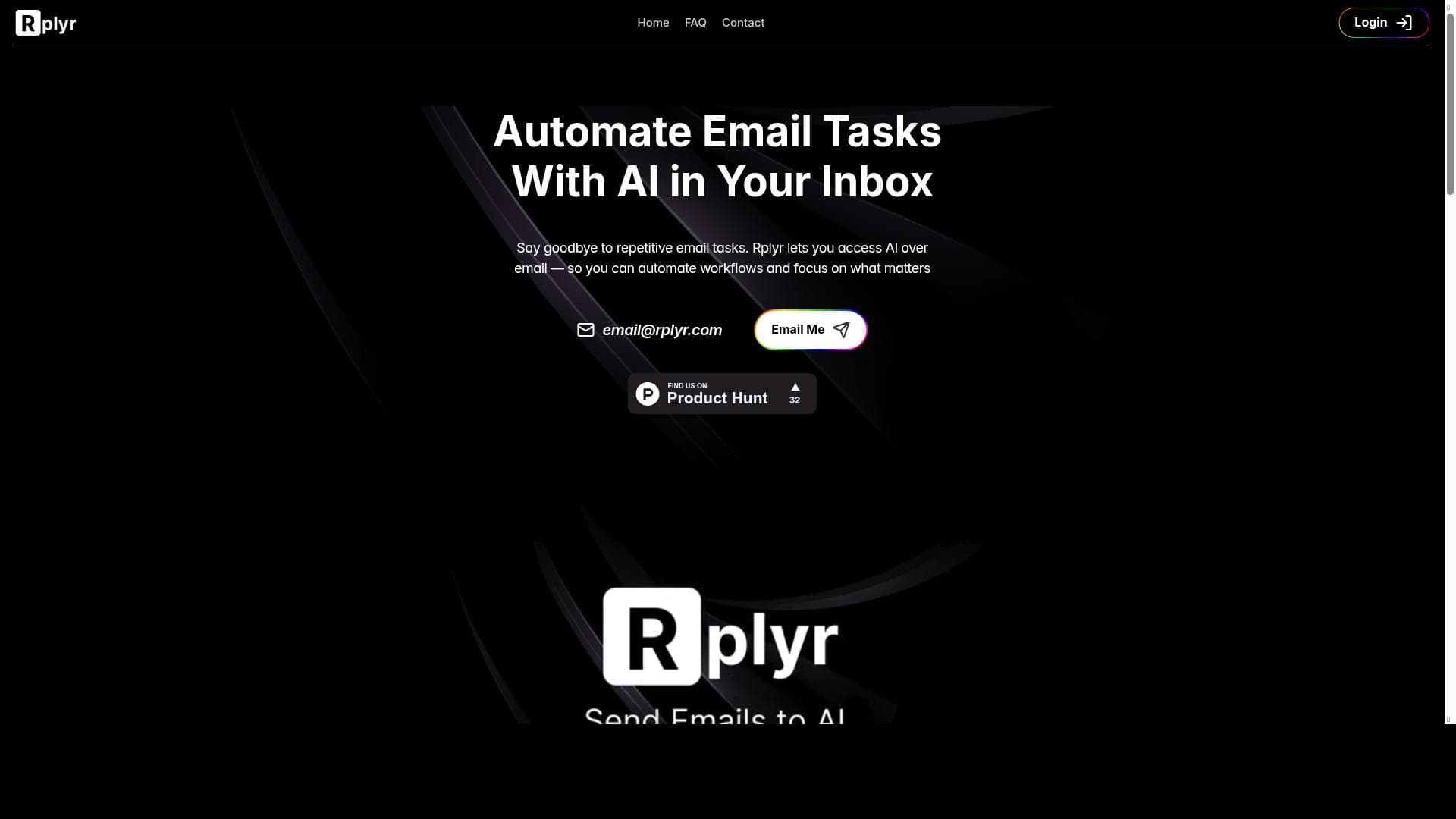
Rplyr revolutionizes email management by letting you send emails directly to AI with zero setup, automating repetitive tasks and delivering instant, context-aware replies right in your inbox. Ideal for professionals and teams overwhelmed by email, it simplifies communication workflows through personal AI agents accessible via dedicated email addresses.

Description
Send emails to AI — no setup required. Forward threads, share attachments, or ask anything to email@rplyr.com (try it!). Tired of repetitive email tasks? Create personal agents with dedicated addresses to automate them. Get instant replies, all in your inbox.
Detailed Description
Rplyr is an innovative AI-powered email assistant designed to streamline and automate your email communication without any complex setup. At its core, Rplyr enables users to send emails directly to an AI by simply forwarding email threads, sharing attachments, or asking questions via a dedicated email address (email@rplyr.com). This unique approach eliminates the need for additional software installations or integrations, making it incredibly accessible for users who want to enhance their email workflows effortlessly. Whether you are overwhelmed by repetitive email tasks or need quick, intelligent responses, Rplyr acts as a personal AI agent right inside your inbox, delivering instant replies and automating routine communications. One of Rplyr's standout features is the ability to create personal AI agents with dedicated email addresses tailored to specific tasks or workflows. This customization allows users to automate repetitive email activities such as scheduling, follow-ups, information gathering, or customer support inquiries. By forwarding relevant email threads or attachments, the AI can analyze the content and generate context-aware responses, saving users valuable time and reducing manual effort. The AI-driven email responses are designed to be coherent, contextually relevant, and prompt, enhancing overall communication efficiency. Additionally, Rplyr supports sharing attachments within emails, allowing the AI to process and respond based on the content of documents or files shared. Rplyr is particularly well-suited for professionals, small business owners, customer support teams, and anyone who deals with high volumes of email communication and repetitive tasks. For example, sales teams can automate follow-up emails, customer service agents can handle common queries faster, and freelancers can manage client communications more effectively. Its simplicity and no-setup approach also make it ideal for users who want AI assistance without the complexity of integrating new tools into their existing email platforms. Regarding pricing, Rplyr offers a freemium model, allowing users to access basic features at no cost, which is perfect for individuals or small teams exploring AI email automation. Paid plans likely provide enhanced capabilities such as more personal agents, higher usage limits, or advanced customization options, although detailed pricing tiers are not explicitly stated. This flexible pricing structure ensures that both casual users and businesses with more demanding needs can benefit from the tool. Compared to other AI email assistants or automation platforms, Rplyr’s key differentiator is its email-centric approach that requires no setup or integration. Unlike tools that require API connections, plugins, or dedicated apps, Rplyr works entirely through email forwarding, making it platform-agnostic and easy to adopt. While many competitors focus on chatbots or CRM integrations, Rplyr’s simplicity and immediacy stand out for users seeking quick AI responses directly in their inbox. However, there are some considerations to keep in mind. Since Rplyr operates solely via email, it may have limitations in handling very complex workflows or integrating deeply with other software systems. Users requiring advanced automation beyond email or multi-channel support might find it less comprehensive than specialized platforms. Additionally, the freemium model might impose usage caps or feature restrictions that could affect heavy users. Privacy and data security are also important factors, as emails and attachments are processed by the AI, so users should review Rplyr’s data handling policies to ensure compliance with their requirements. In summary, Rplyr offers a powerful yet straightforward AI email assistant that transforms how users manage email communication by automating repetitive tasks and providing instant, intelligent replies. Its no-setup, email-only interface makes it accessible to a wide audience, from busy professionals to small teams, seeking to boost productivity without technical hurdles. While it may not replace comprehensive automation suites, Rplyr fills a unique niche for effortless AI-driven email management.
Tool Features
- Send emails to AI
- AI-driven email responses
- Enhances communication workflows
Description
Rplyr revolutionizes email management by letting you send emails directly to AI with zero setup, automating repetitive tasks and delivering instant, context-aware replies right in your inbox. Ideal for professionals and teams overwhelmed by email, it simplifies communication workflows through personal AI agents accessible via dedicated email addresses.
Send emails to AI — no setup required. Forward threads, share attachments, or ask anything to email@rplyr.com (try it!). Tired of repetitive email tasks? Create personal agents with dedicated addresses to automate them. Get instant replies, all in your inbox.
Detailed Description
Rplyr is an innovative AI-powered email assistant designed to streamline and automate your email communication without any complex setup. At its core, Rplyr enables users to send emails directly to an AI by simply forwarding email threads, sharing attachments, or asking questions via a dedicated email address (email@rplyr.com). This unique approach eliminates the need for additional software installations or integrations, making it incredibly accessible for users who want to enhance their email workflows effortlessly. Whether you are overwhelmed by repetitive email tasks or need quick, intelligent responses, Rplyr acts as a personal AI agent right inside your inbox, delivering instant replies and automating routine communications. One of Rplyr's standout features is the ability to create personal AI agents with dedicated email addresses tailored to specific tasks or workflows. This customization allows users to automate repetitive email activities such as scheduling, follow-ups, information gathering, or customer support inquiries. By forwarding relevant email threads or attachments, the AI can analyze the content and generate context-aware responses, saving users valuable time and reducing manual effort. The AI-driven email responses are designed to be coherent, contextually relevant, and prompt, enhancing overall communication efficiency. Additionally, Rplyr supports sharing attachments within emails, allowing the AI to process and respond based on the content of documents or files shared. Rplyr is particularly well-suited for professionals, small business owners, customer support teams, and anyone who deals with high volumes of email communication and repetitive tasks. For example, sales teams can automate follow-up emails, customer service agents can handle common queries faster, and freelancers can manage client communications more effectively. Its simplicity and no-setup approach also make it ideal for users who want AI assistance without the complexity of integrating new tools into their existing email platforms. Regarding pricing, Rplyr offers a freemium model, allowing users to access basic features at no cost, which is perfect for individuals or small teams exploring AI email automation. Paid plans likely provide enhanced capabilities such as more personal agents, higher usage limits, or advanced customization options, although detailed pricing tiers are not explicitly stated. This flexible pricing structure ensures that both casual users and businesses with more demanding needs can benefit from the tool. Compared to other AI email assistants or automation platforms, Rplyr’s key differentiator is its email-centric approach that requires no setup or integration. Unlike tools that require API connections, plugins, or dedicated apps, Rplyr works entirely through email forwarding, making it platform-agnostic and easy to adopt. While many competitors focus on chatbots or CRM integrations, Rplyr’s simplicity and immediacy stand out for users seeking quick AI responses directly in their inbox. However, there are some considerations to keep in mind. Since Rplyr operates solely via email, it may have limitations in handling very complex workflows or integrating deeply with other software systems. Users requiring advanced automation beyond email or multi-channel support might find it less comprehensive than specialized platforms. Additionally, the freemium model might impose usage caps or feature restrictions that could affect heavy users. Privacy and data security are also important factors, as emails and attachments are processed by the AI, so users should review Rplyr’s data handling policies to ensure compliance with their requirements. In summary, Rplyr offers a powerful yet straightforward AI email assistant that transforms how users manage email communication by automating repetitive tasks and providing instant, intelligent replies. Its no-setup, email-only interface makes it accessible to a wide audience, from busy professionals to small teams, seeking to boost productivity without technical hurdles. While it may not replace comprehensive automation suites, Rplyr fills a unique niche for effortless AI-driven email management.
Frequently Asked Questions
What is Rplyr?
Rplyr is an AI-powered email assistant that allows users to send emails to an AI via a dedicated email address to automate repetitive email tasks and receive instant, intelligent responses without any setup or integration.
How much does Rplyr cost?
Rplyr offers a freemium pricing model, providing free access to basic features with options to upgrade for enhanced capabilities and higher usage limits. Specific pricing details can be found on their website.
Who is Rplyr best for?
Rplyr is ideal for professionals, small business owners, customer support teams, and anyone who handles high volumes of email and repetitive communication tasks seeking to automate workflows and save time.
What are the main features of Rplyr?
Key features include sending emails directly to AI, AI-driven email responses, creating personal AI agents with dedicated email addresses, forwarding email threads and attachments for context-aware replies, and enhancing overall communication workflows.
Does Rplyr offer a free trial?
Yes, Rplyr operates on a freemium model, allowing users to try basic features for free without a time-limited trial period.
What integrations does Rplyr support?
Rplyr works entirely through email forwarding and does not require or support traditional software integrations or plugins, making it platform-agnostic and easy to use with any email client.
How does Rplyr work?
Users forward email threads, share attachments, or send queries to a dedicated AI email address (email@rplyr.com). The AI processes the content and sends back instant, contextually relevant replies directly to the user's inbox, automating repetitive email tasks.
Reviews
No reviews yet. Be the first to share your experience.















































