Featured in:Best AI Writing Tools
Get featured →🚀 Zaprep: Your Socials on Steroids. Start free — automate 1,000 DMs/month & turn engagement into leads. with 1,000 automated DMs/month.


Is this your AI tool? Claim it today.
Verify ownership, manage your profile, and unlock growth features.
✦
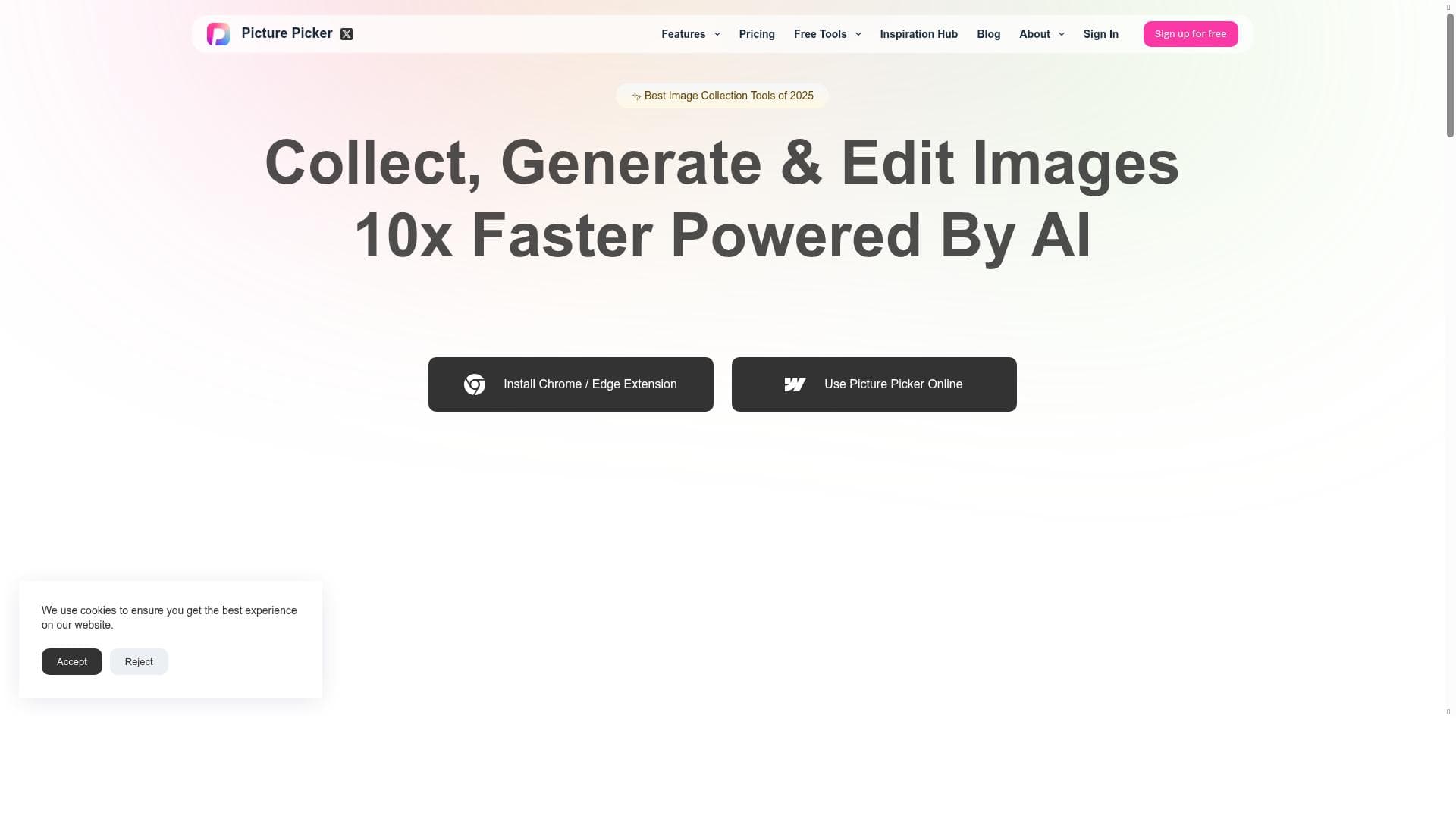
Picture Picker leverages AI to transform how users collect and organize images from the web, enabling bulk downloads and automatic content-based categorization with just one click. Ideal for marketers, designers, and content creators, it dramatically speeds up image management by eliminating manual tagging and folder creation.

Description
✨Collect and categorize images 10x faster! 🎉 With just one click, you can grab images from any webpage, and AI will categorize them by content. 🔍 You can search for images by their content, eliminating the need to manually create folders and tags for images.
Detailed Description
Picture Picker is an innovative AI-powered tool designed to revolutionize the way users collect, organize, and manage images from the web. Its core purpose is to streamline the process of gathering visual content by enabling users to capture images from any webpage with a single click. What sets Picture Picker apart is its intelligent AI categorization system, which automatically sorts images based on their content, eliminating the tedious manual work of creating folders and tagging images. This makes it an invaluable resource for anyone who frequently works with large volumes of images and needs an efficient way to organize and retrieve them quickly. The tool boasts several key features that enhance its utility and user experience. First, the Bulk Images Downloader allows users to download multiple images simultaneously from any webpage, saving significant time compared to downloading images one by one. The Image Collection feature acts as a centralized repository where users can store and manage their downloaded images. Complementing this is the Color Picker tool, which enables users to extract and identify colors from any image, a handy feature for designers and creatives who need precise color information. The AI Image Search functionality allows users to search their image collections by content rather than relying on manual tags or filenames, leveraging AI to understand the visual elements within images. Lastly, AI Image Management automates the categorization and organization process, making it easier to maintain a well-structured image library without constant manual input. Picture Picker is best suited for a wide range of users including digital marketers, content creators, graphic designers, social media managers, and researchers who rely heavily on visual content. For example, marketers can quickly gather and organize images for campaigns, while designers can efficiently manage inspiration boards and color palettes. Social media managers benefit from rapid image collection and retrieval for posting schedules, and researchers can compile visual data sets with ease. Its ability to speed up image collection and organization by up to ten times makes it particularly valuable for professionals working under tight deadlines or managing large-scale projects. In terms of pricing, Picture Picker offers a freemium model, allowing users to access basic features at no cost, which is ideal for casual users or those wanting to test the tool before committing. Premium plans likely unlock advanced capabilities such as higher download limits, enhanced AI categorization, and priority support, although specific pricing tiers and features are not detailed here. This flexible pricing approach makes Picture Picker accessible to a broad audience, from individual freelancers to larger teams. When compared to alternatives, Picture Picker stands out due to its seamless integration of AI-driven categorization and search capabilities combined with bulk downloading. Many image management tools require manual tagging or rely on less intelligent search functions, which can be time-consuming and less accurate. Picture Picker’s AI-centric approach reduces manual effort and improves accuracy in image retrieval. However, unlike some comprehensive digital asset management platforms, it may not offer extensive collaboration features or integrations with other software ecosystems, which could be a consideration for larger organizations. Notable limitations include the potential dependency on AI accuracy for categorization, which, while advanced, may occasionally misclassify images, requiring user oversight. Additionally, the freemium model may limit access to some advanced features, necessitating a paid plan for power users. Users should also consider privacy and data security policies when collecting images from various web sources. Overall, Picture Picker offers a powerful, user-friendly solution for anyone looking to accelerate and simplify their image collection and management workflow.
Tool Features
- Bulk Images Downloader
- Image Collection
- Color Picker
- AI Image Search
- AI Image Management
Description
✦
Picture Picker leverages AI to transform how users collect and organize images from the web, enabling bulk downloads and automatic content-based categorization with just one click. Ideal for marketers, designers, and content creators, it dramatically speeds up image management by eliminating manual tagging and folder creation.
✨Collect and categorize images 10x faster! 🎉 With just one click, you can grab images from any webpage, and AI will categorize them by content. 🔍 You can search for images by their content, eliminating the need to manually create folders and tags for images.
Detailed Description
Picture Picker is an innovative AI-powered tool designed to revolutionize the way users collect, organize, and manage images from the web. Its core purpose is to streamline the process of gathering visual content by enabling users to capture images from any webpage with a single click. What sets Picture Picker apart is its intelligent AI categorization system, which automatically sorts images based on their content, eliminating the tedious manual work of creating folders and tagging images. This makes it an invaluable resource for anyone who frequently works with large volumes of images and needs an efficient way to organize and retrieve them quickly. The tool boasts several key features that enhance its utility and user experience. First, the Bulk Images Downloader allows users to download multiple images simultaneously from any webpage, saving significant time compared to downloading images one by one. The Image Collection feature acts as a centralized repository where users can store and manage their downloaded images. Complementing this is the Color Picker tool, which enables users to extract and identify colors from any image, a handy feature for designers and creatives who need precise color information. The AI Image Search functionality allows users to search their image collections by content rather than relying on manual tags or filenames, leveraging AI to understand the visual elements within images. Lastly, AI Image Management automates the categorization and organization process, making it easier to maintain a well-structured image library without constant manual input. Picture Picker is best suited for a wide range of users including digital marketers, content creators, graphic designers, social media managers, and researchers who rely heavily on visual content. For example, marketers can quickly gather and organize images for campaigns, while designers can efficiently manage inspiration boards and color palettes. Social media managers benefit from rapid image collection and retrieval for posting schedules, and researchers can compile visual data sets with ease. Its ability to speed up image collection and organization by up to ten times makes it particularly valuable for professionals working under tight deadlines or managing large-scale projects. In terms of pricing, Picture Picker offers a freemium model, allowing users to access basic features at no cost, which is ideal for casual users or those wanting to test the tool before committing. Premium plans likely unlock advanced capabilities such as higher download limits, enhanced AI categorization, and priority support, although specific pricing tiers and features are not detailed here. This flexible pricing approach makes Picture Picker accessible to a broad audience, from individual freelancers to larger teams. When compared to alternatives, Picture Picker stands out due to its seamless integration of AI-driven categorization and search capabilities combined with bulk downloading. Many image management tools require manual tagging or rely on less intelligent search functions, which can be time-consuming and less accurate. Picture Picker’s AI-centric approach reduces manual effort and improves accuracy in image retrieval. However, unlike some comprehensive digital asset management platforms, it may not offer extensive collaboration features or integrations with other software ecosystems, which could be a consideration for larger organizations. Notable limitations include the potential dependency on AI accuracy for categorization, which, while advanced, may occasionally misclassify images, requiring user oversight. Additionally, the freemium model may limit access to some advanced features, necessitating a paid plan for power users. Users should also consider privacy and data security policies when collecting images from various web sources. Overall, Picture Picker offers a powerful, user-friendly solution for anyone looking to accelerate and simplify their image collection and management workflow.
Frequently Asked Questions
What is Picture Picker?
Picture Picker is an AI-powered tool that allows users to quickly collect images from any webpage and automatically categorize them by content, making image organization and retrieval faster and more efficient.
How much does Picture Picker cost?
Picture Picker offers a freemium pricing model, providing basic features for free with options to upgrade to premium plans for access to advanced capabilities and higher usage limits.
Who is Picture Picker best for?
Picture Picker is ideal for digital marketers, content creators, graphic designers, social media managers, and researchers who need to collect, organize, and manage large volumes of images quickly and efficiently.
What are the main features of Picture Picker?
Key features include Bulk Images Downloader, Image Collection repository, Color Picker for extracting colors from images, AI Image Search for content-based image retrieval, and AI Image Management for automatic categorization.
Does Picture Picker offer a free trial?
Yes, Picture Picker’s freemium model allows users to access basic features for free, effectively serving as a trial before deciding to upgrade to premium plans.
What integrations does Picture Picker support?
Specific integrations are not detailed, but Picture Picker primarily functions as a standalone tool focused on image collection and management from web sources.
How does Picture Picker work?
Users simply click to grab images from any webpage, after which Picture Picker’s AI analyzes and categorizes the images by their content, allowing users to search and manage their image collections without manual tagging.
Socials
Use ToolReviews
0 reviews
No reviews yet. Be the first to share your experience.
Sponsored Tools











































Recommended Tools
Stay updated on latest Ai tools
Get the latest insights, Join our newsletter
Read and trusted by 50,000+ readers
Join the biggest AI Community
Our community and staff are here to help!
Your feedback will help Alice AI improve in future versions.








Submit your Tool


PoweredByAI.app is an AI Tools Directory helping individuals, businesses, and creators discover the best AI tools for writing, coding, design, productivity, and more.
© 2026 , Product of011BQ. All rights reserved.