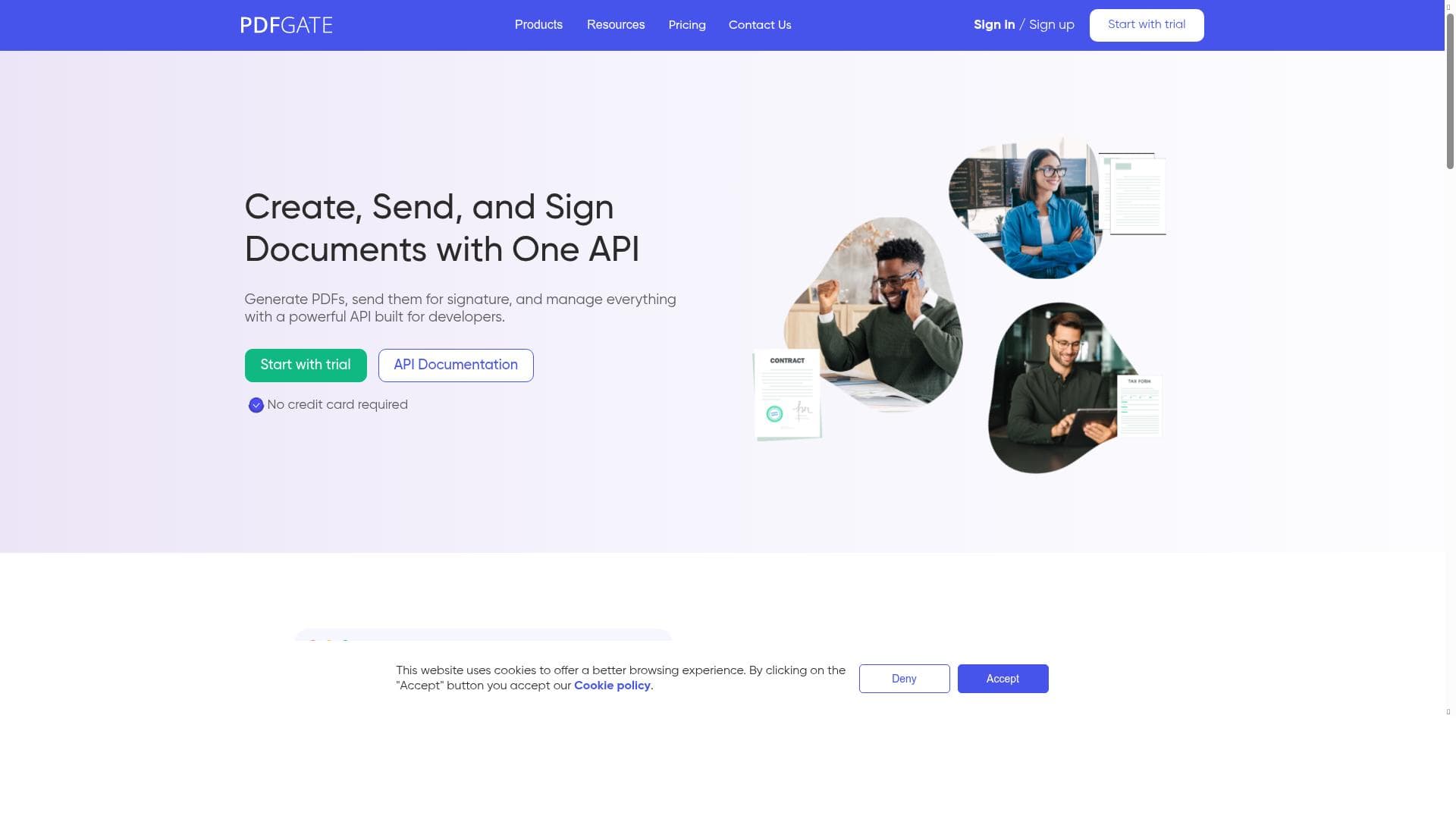


PDFGate is a powerful HTML-to-PDF API platform that combines advanced document generation, dynamic form creation, and seamless e-signature capabilities within a secure and scalable environment. Ideal for businesses and developers seeking to automate and streamline document workflows, PDFGate delivers compliance-ready solutions tailored for real-world enterprise use.

Description
PDFGate offers a powerful HTML-to-PDF API with seamless integration, advanced rendering, and secure customization options.
Detailed Description
PDFGate is a comprehensive HTML-to-PDF API platform designed to streamline document generation, processing, and management for businesses of all sizes. Its core purpose is to enable developers and organizations to convert HTML content or URLs into high-quality PDF documents with ease, while also providing advanced capabilities such as dynamic form creation, document signing, and workflow automation. By offering a secure and scalable environment, PDFGate ensures that sensitive business documents are handled with compliance and reliability in mind, making it a robust solution for real-world enterprise needs. At the heart of PDFGate’s offering is its powerful API that allows users to generate PDFs directly from HTML code or web URLs. This feature supports complex layouts and advanced rendering, ensuring that the output PDF accurately reflects the original content’s design and structure. Beyond simple PDF generation, PDFGate enables the creation of fillable forms dynamically, allowing businesses to collect data interactively within their documents. Users can also extract data from existing PDFs, flatten forms to prevent further edits, and process documents programmatically, which is essential for automating repetitive tasks. One of PDFGate’s standout capabilities is its integrated document signing functionality. Users can send documents for signing within minutes and capture signatures directly inside their applications, eliminating the need for third-party tools or manual processes. This seamless signing process is particularly valuable for contracts, agreements, and compliance documentation. Additionally, PDFGate supports automation of entire document workflows, from generation to signing and archiving, which significantly reduces operational overhead and accelerates business processes. PDFGate is built with compliance and security at its core, making it suitable for industries with stringent regulatory requirements such as finance, healthcare, and legal sectors. Its scalable platform can handle high volumes of document processing without compromising performance or security, ensuring businesses can rely on it as they grow. The platform’s flexibility and robust feature set make it an excellent choice for developers, product teams, and enterprises seeking to integrate PDF capabilities into their applications or internal systems. Regarding pricing, PDFGate offers a freemium model that allows users to start with basic features at no cost, making it accessible for small projects or initial testing. As needs grow, users can upgrade to paid plans that unlock advanced features, higher usage limits, and priority support. This tiered approach provides flexibility for businesses to scale their usage according to demand without upfront commitments. Compared to alternative PDF generation and processing tools, PDFGate stands out due to its comprehensive feature set that goes beyond simple HTML-to-PDF conversion. Many competitors focus solely on document creation or signing, whereas PDFGate combines these functionalities with form creation, data extraction, and workflow automation in a single secure platform. Its emphasis on compliance and business readiness also differentiates it from more generic or consumer-focused PDF tools. However, potential users should consider that while PDFGate is powerful, its advanced features may require some technical expertise to fully leverage, particularly for custom API integrations and workflow automation. Additionally, organizations with extremely specialized document processing needs might need to evaluate whether PDFGate’s capabilities align perfectly with their requirements or if supplementary tools are necessary. In summary, PDFGate is a versatile and secure HTML-to-PDF API platform designed to meet the complex document generation and management needs of modern businesses. Its rich feature set, including dynamic form creation, integrated signing, and workflow automation, combined with a scalable and compliant infrastructure, makes it an ideal choice for enterprises looking to enhance their document workflows efficiently and reliably.
Tool Features
- Generate PDFs from HTML or URLs
- Create fillable forms dynamically
- Extract, flatten, and process PDFs
- Send documents for signing in minutes
- Capture signatures directly in your app
- Built for compliance and real business use
- Automate document workflows
- Secure and scalable platform
Description
PDFGate is a powerful HTML-to-PDF API platform that combines advanced document generation, dynamic form creation, and seamless e-signature capabilities within a secure and scalable environment. Ideal for businesses and developers seeking to automate and streamline document workflows, PDFGate delivers compliance-ready solutions tailored for real-world enterprise use.
PDFGate offers a powerful HTML-to-PDF API with seamless integration, advanced rendering, and secure customization options.
Detailed Description
PDFGate is a comprehensive HTML-to-PDF API platform designed to streamline document generation, processing, and management for businesses of all sizes. Its core purpose is to enable developers and organizations to convert HTML content or URLs into high-quality PDF documents with ease, while also providing advanced capabilities such as dynamic form creation, document signing, and workflow automation. By offering a secure and scalable environment, PDFGate ensures that sensitive business documents are handled with compliance and reliability in mind, making it a robust solution for real-world enterprise needs. At the heart of PDFGate’s offering is its powerful API that allows users to generate PDFs directly from HTML code or web URLs. This feature supports complex layouts and advanced rendering, ensuring that the output PDF accurately reflects the original content’s design and structure. Beyond simple PDF generation, PDFGate enables the creation of fillable forms dynamically, allowing businesses to collect data interactively within their documents. Users can also extract data from existing PDFs, flatten forms to prevent further edits, and process documents programmatically, which is essential for automating repetitive tasks. One of PDFGate’s standout capabilities is its integrated document signing functionality. Users can send documents for signing within minutes and capture signatures directly inside their applications, eliminating the need for third-party tools or manual processes. This seamless signing process is particularly valuable for contracts, agreements, and compliance documentation. Additionally, PDFGate supports automation of entire document workflows, from generation to signing and archiving, which significantly reduces operational overhead and accelerates business processes. PDFGate is built with compliance and security at its core, making it suitable for industries with stringent regulatory requirements such as finance, healthcare, and legal sectors. Its scalable platform can handle high volumes of document processing without compromising performance or security, ensuring businesses can rely on it as they grow. The platform’s flexibility and robust feature set make it an excellent choice for developers, product teams, and enterprises seeking to integrate PDF capabilities into their applications or internal systems. Regarding pricing, PDFGate offers a freemium model that allows users to start with basic features at no cost, making it accessible for small projects or initial testing. As needs grow, users can upgrade to paid plans that unlock advanced features, higher usage limits, and priority support. This tiered approach provides flexibility for businesses to scale their usage according to demand without upfront commitments. Compared to alternative PDF generation and processing tools, PDFGate stands out due to its comprehensive feature set that goes beyond simple HTML-to-PDF conversion. Many competitors focus solely on document creation or signing, whereas PDFGate combines these functionalities with form creation, data extraction, and workflow automation in a single secure platform. Its emphasis on compliance and business readiness also differentiates it from more generic or consumer-focused PDF tools. However, potential users should consider that while PDFGate is powerful, its advanced features may require some technical expertise to fully leverage, particularly for custom API integrations and workflow automation. Additionally, organizations with extremely specialized document processing needs might need to evaluate whether PDFGate’s capabilities align perfectly with their requirements or if supplementary tools are necessary. In summary, PDFGate is a versatile and secure HTML-to-PDF API platform designed to meet the complex document generation and management needs of modern businesses. Its rich feature set, including dynamic form creation, integrated signing, and workflow automation, combined with a scalable and compliant infrastructure, makes it an ideal choice for enterprises looking to enhance their document workflows efficiently and reliably.
Frequently Asked Questions
What is PDFGate?
PDFGate is an HTML-to-PDF API platform that enables users to generate PDFs from HTML or URLs, create fillable forms, process and extract data from PDFs, and manage document signing and workflows securely and at scale.
How much does PDFGate cost?
PDFGate offers a freemium pricing model, allowing users to access basic features for free with options to upgrade to paid plans that provide advanced capabilities, higher usage limits, and priority support.
Who is PDFGate best for?
PDFGate is best suited for developers, product teams, and businesses across industries such as finance, healthcare, and legal that require secure, compliant, and scalable PDF generation, form creation, and document signing solutions.
What are the main features of PDFGate?
Key features include generating PDFs from HTML or URLs, creating dynamic fillable forms, extracting and flattening PDFs, sending documents for signing quickly, capturing signatures within apps, automating document workflows, and operating on a secure, scalable platform.
Does PDFGate offer a free trial?
Yes, PDFGate provides a freemium plan that allows users to try basic features at no cost, enabling them to evaluate the platform before committing to a paid subscription.
What integrations does PDFGate support?
PDFGate integrates via its API, allowing seamless embedding into web and mobile applications, and can be combined with other business systems to automate document workflows and signing processes.
How does PDFGate work?
PDFGate works by accepting HTML content or URLs through its API, converting them into high-quality PDFs, and providing additional tools for form creation, data extraction, and electronic signing, all within a secure and scalable infrastructure.
Socials
Use ToolReviews
No reviews yet. Be the first to share your experience.




















































