

Is this your AI tool? Claim it today.
Verify ownership, manage your profile, and unlock growth features.
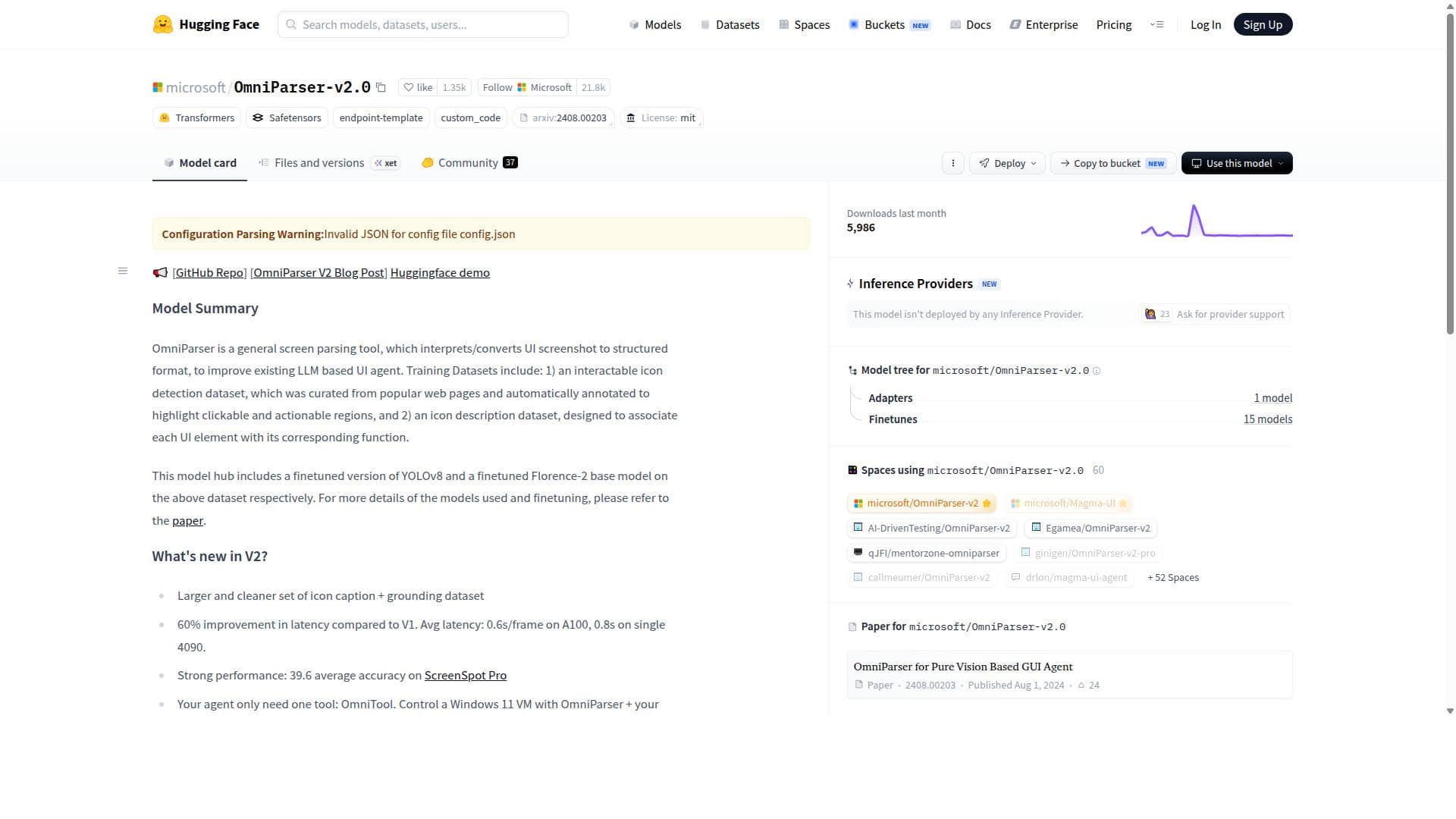
OmniParser-v2.0 is a powerful open source AI parsing model developed by Microsoft and hosted on Hugging Face, designed to democratize AI through advanced, flexible parsing capabilities. Ideal for developers and researchers, it enables efficient extraction of structured data from complex inputs, making it a versatile tool for a wide range of AI applications.

Description
OmniParser ‘tokenizes’ UI screenshots from pixel spaces into structured elements in the screenshot that are interpretable by LLMs. This enables the LLMs to do retrieval based next action prediction given a set of parsed interactable elements.
Detailed Description
OmniParser-v2.0 is an advanced open source AI model developed by Microsoft and hosted on the Hugging Face platform. Its core purpose is to provide powerful and flexible parsing capabilities that can be leveraged across a wide range of artificial intelligence applications. By focusing on open source and open science principles, OmniParser-v2.0 aims to democratize access to cutting-edge AI technology, enabling developers, researchers, and organizations to integrate sophisticated parsing functionalities without the barriers of proprietary software. This model is designed to handle complex parsing tasks, making it a versatile tool for extracting structured information from unstructured data sources, which is a critical step in many AI workflows such as natural language processing, data analysis, and knowledge extraction. Key features of OmniParser-v2.0 include its open source nature, which allows users to inspect, modify, and contribute to the model's development, fostering a collaborative ecosystem. The model boasts advanced parsing capabilities that can interpret and transform raw data into meaningful structured formats, supporting a variety of data types and formats. Being hosted on Hugging Face, it benefits from seamless integration with the Hugging Face ecosystem, including easy access via APIs, model versioning, and community support. Developed by Microsoft, OmniParser-v2.0 incorporates state-of-the-art techniques and benefits from the extensive research and engineering expertise of one of the leading technology companies in AI. OmniParser-v2.0 is best suited for AI developers, data scientists, and researchers who require robust parsing tools to preprocess and structure data for downstream AI tasks. Specific use cases include natural language understanding, document analysis, chatbot development, and any scenario where extracting structured insights from complex data is essential. Enterprises looking to integrate AI-driven data parsing into their workflows will find OmniParser-v2.0 valuable due to its flexibility and open source accessibility, which reduces vendor lock-in and promotes customization. Regarding pricing, OmniParser-v2.0 is freely available as an open source model on Hugging Face, which means there are no direct costs associated with using the model itself. However, users should consider potential costs related to cloud compute resources or infrastructure if deploying the model at scale. Hugging Face also offers paid tiers for enhanced API usage and enterprise support, which can be leveraged depending on the user's needs. When compared to alternatives, OmniParser-v2.0 stands out due to its combination of advanced parsing capabilities and its commitment to open source principles. Unlike proprietary parsing solutions that may limit customization or require licensing fees, OmniParser-v2.0 provides transparency and extensibility, making it highly attractive for research and commercial projects alike. Its integration with the Hugging Face platform also offers a rich ecosystem of complementary models and tools, enhancing its utility. However, users should evaluate their specific requirements, as some commercial tools may offer more turnkey solutions with dedicated support. Notable limitations include the need for technical expertise to effectively deploy and fine-tune the model for specific use cases, as open source models typically require more hands-on management than fully managed commercial services. Additionally, while OmniParser-v2.0 is powerful, the quality of parsing outcomes can depend heavily on the input data quality and the configuration of the model. Users should also be aware of the computational resources required for running the model efficiently, especially for large-scale or real-time applications. Overall, OmniParser-v2.0 is a compelling choice for those seeking a powerful, flexible, and open source parsing AI model backed by Microsoft’s research and the Hugging Face community. Its focus on democratizing AI through open science makes it a valuable asset for advancing AI development across industries.
Tool Features
- Open source AI model
- Advanced parsing capabilities
- Supports democratization of AI
- Hosted on Hugging Face platform
- Developed by Microsoft
Description
OmniParser-v2.0 is a powerful open source AI parsing model developed by Microsoft and hosted on Hugging Face, designed to democratize AI through advanced, flexible parsing capabilities. Ideal for developers and researchers, it enables efficient extraction of structured data from complex inputs, making it a versatile tool for a wide range of AI applications.
OmniParser ‘tokenizes’ UI screenshots from pixel spaces into structured elements in the screenshot that are interpretable by LLMs. This enables the LLMs to do retrieval based next action prediction given a set of parsed interactable elements.
Detailed Description
OmniParser-v2.0 is an advanced open source AI model developed by Microsoft and hosted on the Hugging Face platform. Its core purpose is to provide powerful and flexible parsing capabilities that can be leveraged across a wide range of artificial intelligence applications. By focusing on open source and open science principles, OmniParser-v2.0 aims to democratize access to cutting-edge AI technology, enabling developers, researchers, and organizations to integrate sophisticated parsing functionalities without the barriers of proprietary software. This model is designed to handle complex parsing tasks, making it a versatile tool for extracting structured information from unstructured data sources, which is a critical step in many AI workflows such as natural language processing, data analysis, and knowledge extraction. Key features of OmniParser-v2.0 include its open source nature, which allows users to inspect, modify, and contribute to the model's development, fostering a collaborative ecosystem. The model boasts advanced parsing capabilities that can interpret and transform raw data into meaningful structured formats, supporting a variety of data types and formats. Being hosted on Hugging Face, it benefits from seamless integration with the Hugging Face ecosystem, including easy access via APIs, model versioning, and community support. Developed by Microsoft, OmniParser-v2.0 incorporates state-of-the-art techniques and benefits from the extensive research and engineering expertise of one of the leading technology companies in AI. OmniParser-v2.0 is best suited for AI developers, data scientists, and researchers who require robust parsing tools to preprocess and structure data for downstream AI tasks. Specific use cases include natural language understanding, document analysis, chatbot development, and any scenario where extracting structured insights from complex data is essential. Enterprises looking to integrate AI-driven data parsing into their workflows will find OmniParser-v2.0 valuable due to its flexibility and open source accessibility, which reduces vendor lock-in and promotes customization. Regarding pricing, OmniParser-v2.0 is freely available as an open source model on Hugging Face, which means there are no direct costs associated with using the model itself. However, users should consider potential costs related to cloud compute resources or infrastructure if deploying the model at scale. Hugging Face also offers paid tiers for enhanced API usage and enterprise support, which can be leveraged depending on the user's needs. When compared to alternatives, OmniParser-v2.0 stands out due to its combination of advanced parsing capabilities and its commitment to open source principles. Unlike proprietary parsing solutions that may limit customization or require licensing fees, OmniParser-v2.0 provides transparency and extensibility, making it highly attractive for research and commercial projects alike. Its integration with the Hugging Face platform also offers a rich ecosystem of complementary models and tools, enhancing its utility. However, users should evaluate their specific requirements, as some commercial tools may offer more turnkey solutions with dedicated support. Notable limitations include the need for technical expertise to effectively deploy and fine-tune the model for specific use cases, as open source models typically require more hands-on management than fully managed commercial services. Additionally, while OmniParser-v2.0 is powerful, the quality of parsing outcomes can depend heavily on the input data quality and the configuration of the model. Users should also be aware of the computational resources required for running the model efficiently, especially for large-scale or real-time applications. Overall, OmniParser-v2.0 is a compelling choice for those seeking a powerful, flexible, and open source parsing AI model backed by Microsoft’s research and the Hugging Face community. Its focus on democratizing AI through open science makes it a valuable asset for advancing AI development across industries.
Frequently Asked Questions
What is OmniParser-v2.0?
OmniParser-v2.0 is an open source AI model developed by Microsoft that provides advanced parsing capabilities to extract structured information from unstructured data. It is hosted on the Hugging Face platform and aims to democratize AI through open science.
How much does OmniParser-v2.0 cost?
OmniParser-v2.0 is available for free as an open source model on Hugging Face. While the model itself has no cost, users may incur expenses related to cloud computing or infrastructure when deploying it at scale.
Who is OmniParser-v2.0 best for?
This tool is best suited for AI developers, data scientists, researchers, and enterprises that require robust parsing solutions to preprocess and structure data for AI applications such as natural language processing, document analysis, and chatbot development.
What are the main features of OmniParser-v2.0?
Key features include its open source availability, advanced and flexible parsing capabilities, support for various data types, integration with the Hugging Face ecosystem, and development backed by Microsoft’s AI research.
Does OmniParser-v2.0 offer a free trial?
Since OmniParser-v2.0 is an open source model, it is freely accessible without the need for a trial. Users can download, use, and modify the model at no cost.
What integrations does OmniParser-v2.0 support?
OmniParser-v2.0 is hosted on Hugging Face, enabling easy integration via Hugging Face APIs and compatibility with other models and tools within the Hugging Face ecosystem.
How does OmniParser-v2.0 work?
OmniParser-v2.0 processes unstructured data inputs and applies advanced parsing algorithms to extract and transform this data into structured formats, facilitating further AI processing and analysis.
Socials
Use ToolReviews
No reviews yet. Be the first to share your experience.




















































