NotebookLM Tools Chrome Extension



Is this your AI tool? Claim it today.
Verify ownership, manage your profile, and unlock growth features.
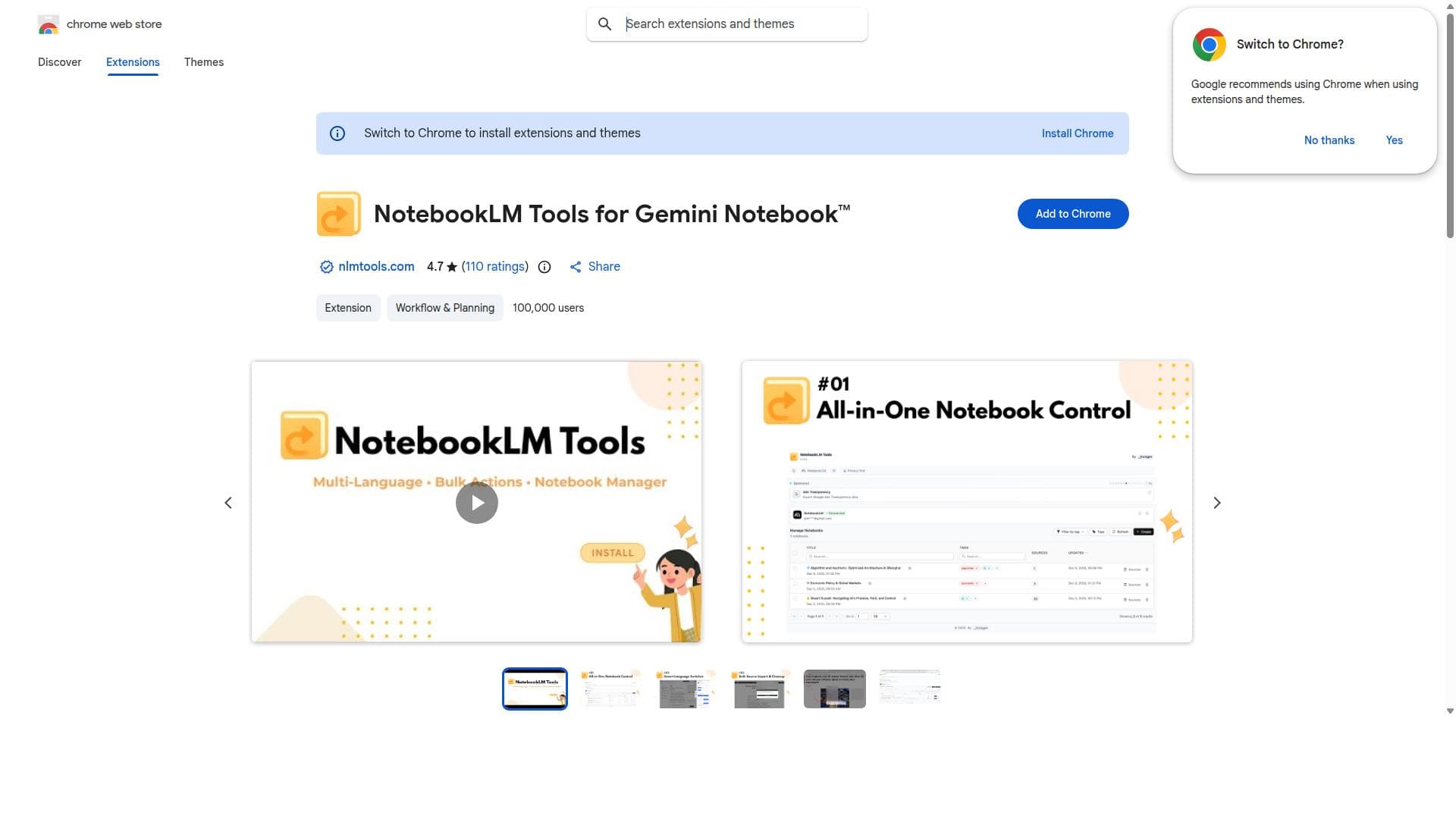
NotebookLM Tools for Gemini Notebook™ is a feature-rich Chrome extension that supercharges the Gemini Notebook experience with bulk import, collections, folders, and multimedia download capabilities. Ideal for researchers, students, and professionals, it streamlines note organization and resource management within the Gemini Notebook environment.

Description
NotebookLM Tools is the leading Chrome extension for Google NotebookLM that adds advanced notebook management, multi-language support, and bulk operations that NotebookLM doesn't provide. Whether you're managing academic research, organizing business notes, or conducting multilingual studies, this NotebookLM extension enhances your AI-powered note-taking workflow.
Detailed Description
NotebookLM Tools for Gemini Notebook™ is a powerful Chrome extension designed to significantly enhance the user experience within the Gemini Notebook environment. Its core purpose is to provide users with advanced organizational and management capabilities for their notes and resources, streamlining workflows and improving productivity. By integrating seamlessly with NotebookLM, this extension equips users with a suite of tools that go beyond the standard note-taking features, enabling bulk operations, structured categorization, and multimedia handling within their notebooks. At the heart of NotebookLM Tools for Gemini Notebook™ are several key features that cater to users who manage large volumes of notes or diverse types of content. The bulk import functionality allows users to quickly and efficiently bring in multiple notes or resources at once, saving time and effort compared to manual entry. Collections and folders provide hierarchical organization, enabling users to group related notes and resources logically, which simplifies navigation and retrieval. Export sources functionality empowers users to extract their notes or linked resources for use outside the Gemini Notebook environment, supporting workflows that require sharing or backup. A standout capability of this extension is its support for audio and video downloads directly from the notebook interface. This feature is particularly valuable for users who incorporate multimedia content into their notes, such as recorded lectures, interviews, or video tutorials. By facilitating direct downloads, the tool ensures that users can retain offline access to these resources without needing to leave the Gemini Notebook platform. NotebookLM Tools for Gemini Notebook™ is best suited for knowledge workers, students, researchers, and professionals who rely heavily on note-taking and resource management within the Gemini Notebook ecosystem. Use cases include academic research where organizing large datasets of notes and multimedia references is critical, project management scenarios requiring structured documentation, and content creators who integrate various media types into their workflows. Its bulk import and export features also make it ideal for users migrating data or consolidating information from multiple sources. Regarding pricing, NotebookLM Tools for Gemini Notebook™ is available as a free Chrome extension, making it accessible to a wide range of users without upfront costs. This free availability lowers the barrier to entry and encourages adoption among users seeking to enhance their NotebookLM experience without additional financial investment. When compared to alternative note-taking enhancement tools, NotebookLM Tools for Gemini Notebook™ stands out due to its specific focus on the Gemini Notebook platform and its comprehensive feature set tailored for that environment. While other extensions may offer note organization or media handling, few combine bulk import/export, collections, folders, and multimedia download capabilities in one package specifically optimized for NotebookLM. This specialization ensures a smoother, more integrated user experience. However, users should consider that as a Chrome extension, its functionality is tied to the Chrome browser and the Gemini Notebook platform, which may limit use for those on other browsers or note-taking systems. Additionally, while it enhances organizational capabilities, it does not replace core note-taking functions or offer advanced AI-driven content generation. Users seeking AI-powered note synthesis or automated summarization might need to complement this tool with other solutions. In summary, NotebookLM Tools for Gemini Notebook™ is a robust, user-friendly extension that elevates the Gemini Notebook experience by providing essential tools for bulk management, structured organization, and multimedia handling. Its free availability and targeted feature set make it an excellent choice for users deeply invested in the Gemini Notebook ecosystem who require efficient note and resource management.
Tool Features
- Bulk import
- Collections
- Folders
- Export sources
- Audio download
- Video download
Description
NotebookLM Tools for Gemini Notebook™ is a feature-rich Chrome extension that supercharges the Gemini Notebook experience with bulk import, collections, folders, and multimedia download capabilities. Ideal for researchers, students, and professionals, it streamlines note organization and resource management within the Gemini Notebook environment.
NotebookLM Tools is the leading Chrome extension for Google NotebookLM that adds advanced notebook management, multi-language support, and bulk operations that NotebookLM doesn't provide. Whether you're managing academic research, organizing business notes, or conducting multilingual studies, this NotebookLM extension enhances your AI-powered note-taking workflow.
Detailed Description
NotebookLM Tools for Gemini Notebook™ is a powerful Chrome extension designed to significantly enhance the user experience within the Gemini Notebook environment. Its core purpose is to provide users with advanced organizational and management capabilities for their notes and resources, streamlining workflows and improving productivity. By integrating seamlessly with NotebookLM, this extension equips users with a suite of tools that go beyond the standard note-taking features, enabling bulk operations, structured categorization, and multimedia handling within their notebooks. At the heart of NotebookLM Tools for Gemini Notebook™ are several key features that cater to users who manage large volumes of notes or diverse types of content. The bulk import functionality allows users to quickly and efficiently bring in multiple notes or resources at once, saving time and effort compared to manual entry. Collections and folders provide hierarchical organization, enabling users to group related notes and resources logically, which simplifies navigation and retrieval. Export sources functionality empowers users to extract their notes or linked resources for use outside the Gemini Notebook environment, supporting workflows that require sharing or backup. A standout capability of this extension is its support for audio and video downloads directly from the notebook interface. This feature is particularly valuable for users who incorporate multimedia content into their notes, such as recorded lectures, interviews, or video tutorials. By facilitating direct downloads, the tool ensures that users can retain offline access to these resources without needing to leave the Gemini Notebook platform. NotebookLM Tools for Gemini Notebook™ is best suited for knowledge workers, students, researchers, and professionals who rely heavily on note-taking and resource management within the Gemini Notebook ecosystem. Use cases include academic research where organizing large datasets of notes and multimedia references is critical, project management scenarios requiring structured documentation, and content creators who integrate various media types into their workflows. Its bulk import and export features also make it ideal for users migrating data or consolidating information from multiple sources. Regarding pricing, NotebookLM Tools for Gemini Notebook™ is available as a free Chrome extension, making it accessible to a wide range of users without upfront costs. This free availability lowers the barrier to entry and encourages adoption among users seeking to enhance their NotebookLM experience without additional financial investment. When compared to alternative note-taking enhancement tools, NotebookLM Tools for Gemini Notebook™ stands out due to its specific focus on the Gemini Notebook platform and its comprehensive feature set tailored for that environment. While other extensions may offer note organization or media handling, few combine bulk import/export, collections, folders, and multimedia download capabilities in one package specifically optimized for NotebookLM. This specialization ensures a smoother, more integrated user experience. However, users should consider that as a Chrome extension, its functionality is tied to the Chrome browser and the Gemini Notebook platform, which may limit use for those on other browsers or note-taking systems. Additionally, while it enhances organizational capabilities, it does not replace core note-taking functions or offer advanced AI-driven content generation. Users seeking AI-powered note synthesis or automated summarization might need to complement this tool with other solutions. In summary, NotebookLM Tools for Gemini Notebook™ is a robust, user-friendly extension that elevates the Gemini Notebook experience by providing essential tools for bulk management, structured organization, and multimedia handling. Its free availability and targeted feature set make it an excellent choice for users deeply invested in the Gemini Notebook ecosystem who require efficient note and resource management.
Frequently Asked Questions
What is NotebookLM Tools for Gemini Notebook™?
NotebookLM Tools for Gemini Notebook™ is a Chrome extension designed to enhance the functionality of the Gemini Notebook platform by providing advanced tools for bulk importing notes, organizing content into collections and folders, exporting sources, and downloading audio and video files.
How much does NotebookLM Tools for Gemini Notebook™ cost?
The extension is available for free on the Chrome Web Store, allowing users to access its full range of features without any subscription or purchase fees.
Who is NotebookLM Tools for Gemini Notebook™ best for?
It is best suited for students, researchers, knowledge workers, and professionals who use Gemini Notebook extensively and need efficient ways to organize, manage, and export large volumes of notes and multimedia resources.
What are the main features of NotebookLM Tools for Gemini Notebook™?
Key features include bulk import of notes and resources, organizing content into collections and folders, exporting sources for external use, and downloading audio and video files directly within the Gemini Notebook environment.
Does NotebookLM Tools for Gemini Notebook™ offer a free trial?
Yes, the tool is completely free to use as a Chrome extension, so users can immediately install and try all features without any trial restrictions.
What integrations does NotebookLM Tools for Gemini Notebook™ support?
The extension is specifically built to integrate with the Gemini Notebook platform and works within the Chrome browser environment. It does not currently support integrations with other note-taking apps or browsers.
How does NotebookLM Tools for Gemini Notebook™ work?
Once installed as a Chrome extension, it enhances the Gemini Notebook interface by adding tools that allow users to import multiple notes at once, organize notes into collections and folders, export their sources, and download embedded audio and video content, all directly within the notebook.
Socials
Use ToolReviews
No reviews yet. Be the first to share your experience.




















































