Featured in:Best AI Audio Tools
Get featured →🚀 Zaprep: Your Socials on Steroids. Start free — automate 1,000 DMs/month & turn engagement into leads. with 1,000 automated DMs/month.



✦
NeatScribe is a fast, accurate transcription tool that transforms audio and video files into timestamped, editable text within seconds. Its unique blend of multi-format exports, translation, and AI-generated mind maps makes it ideal for educators, journalists, and content creators seeking efficient and comprehensive transcription solutions.

Description
NeatScribe is a fast and accurate transcription tool that converts audio and video files into text within seconds. It is ideal for transcribing lectures, interviews, tutorials, and more, providing precise and reliable text output to enhance productivity and accessibility.
Detailed Description
NeatScribe is a cutting-edge transcription tool designed to swiftly and accurately convert audio and video files into text. Its core purpose is to streamline the transcription process, enabling users to obtain precise and reliable text outputs within seconds. This makes it an invaluable resource for professionals and individuals who regularly work with spoken content, such as lectures, interviews, tutorials, podcasts, and meetings. By automating transcription, NeatScribe significantly enhances productivity and accessibility, allowing users to focus more on content analysis and less on manual transcription efforts. One of the standout features of NeatScribe is its ability to generate timestamped transcripts from both audio and video sources. This functionality is crucial for users who need to reference specific moments within their recordings, such as educators reviewing lectures or journalists verifying interview quotes. Additionally, NeatScribe supports exporting transcripts in a wide variety of formats including TXT, CSV, DOCX, PDF, SRT, VTT, and LRC. This versatility ensures compatibility with numerous platforms and workflows, whether for documentation, subtitles, or further editing. NeatScribe also offers translation capabilities, allowing users to convert completed transcripts into different languages. This feature broadens the tool’s utility for global teams, multilingual content creators, and international researchers. Another innovative aspect is the AI-powered mind map generation from transcript content. This helps users visually organize and summarize key points, facilitating better comprehension and presentation of complex information. Furthermore, the tool provides an in-browser transcript editor, enabling users to make quick corrections or adjustments without needing external software. The tool is best suited for a diverse range of users including students, educators, journalists, content creators, researchers, and business professionals. For students and educators, NeatScribe simplifies note-taking and lecture review. Journalists and interviewers benefit from rapid and accurate transcription of recorded conversations. Content creators and podcasters can efficiently generate subtitles and show notes, while researchers and analysts can extract and organize data from recorded discussions. Businesses can leverage NeatScribe for meeting minutes and training materials, improving communication and documentation. Regarding pricing, NeatScribe offers various plans tailored to different user needs, though specific details should be checked on their official website. Typically, transcription tools like NeatScribe provide tiered subscriptions based on usage volume, with options for pay-as-you-go or monthly/yearly plans. Some plans may include additional features such as higher transcription limits, priority support, or advanced export options. Potential users are encouraged to explore any available free trials or demo versions to evaluate the tool’s fit for their requirements. When compared to alternatives, NeatScribe stands out due to its combination of speed, accuracy, and feature richness. Many transcription tools focus solely on converting speech to text, but NeatScribe’s inclusion of translation, multi-format export, and AI mind mapping offers a more comprehensive solution. Its browser-based editing and timestamping capabilities further enhance usability. However, as with any AI transcription service, accuracy may vary depending on audio quality, speaker accents, and background noise. Users should be prepared to review and edit transcripts for critical applications. Notable limitations include potential challenges with highly technical jargon or overlapping speakers, which may require manual correction. Additionally, while NeatScribe supports many export formats, integration with some third-party platforms or specialized software might be limited. Users should also consider data privacy and security policies, especially when handling sensitive or confidential recordings. Overall, NeatScribe is a powerful and versatile transcription tool that caters to a wide audience, providing efficient and accessible transcription solutions with advanced features that go beyond basic text conversion.
Tool Features
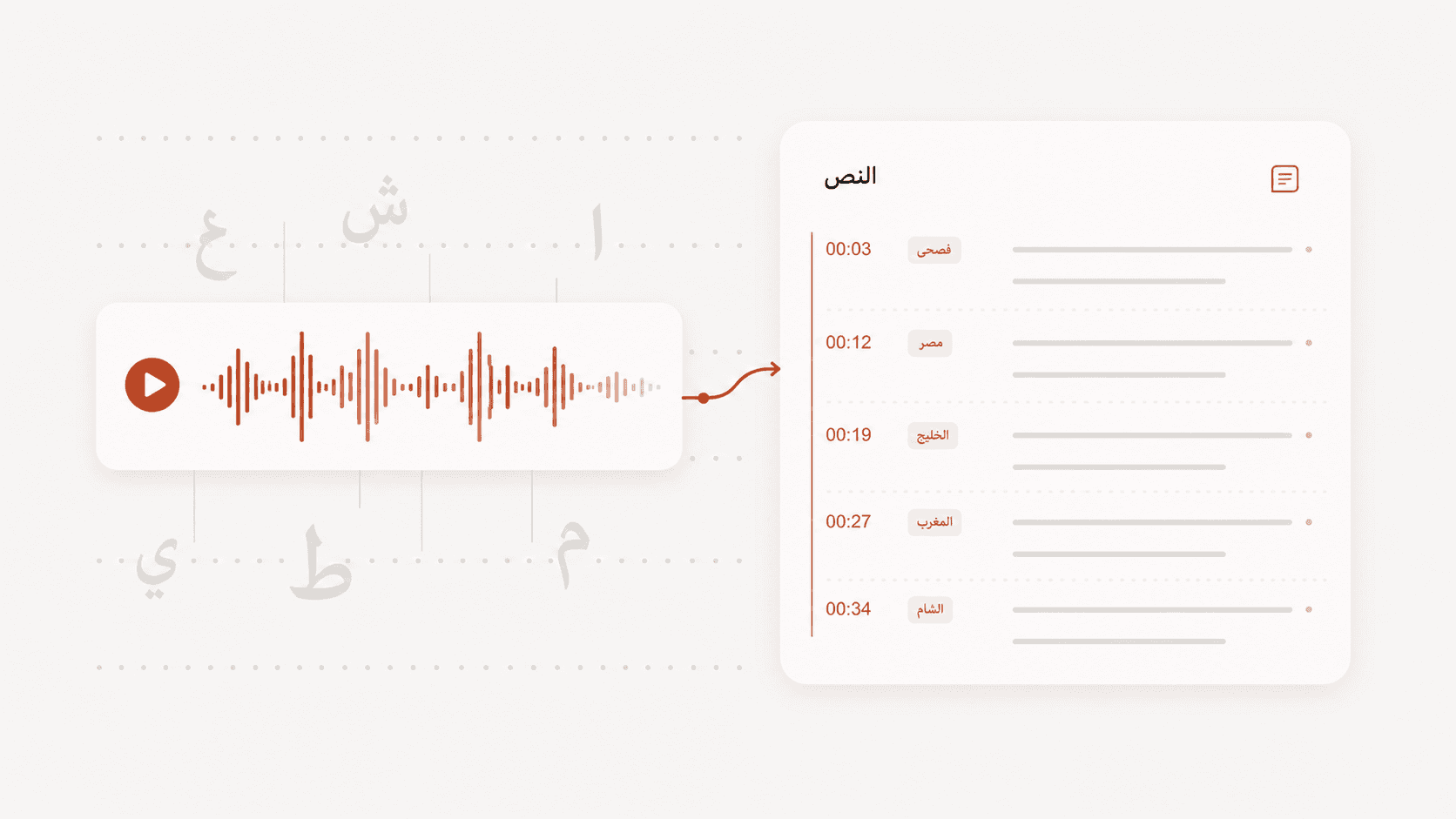
- Generate timestamped transcripts from audio and video
- Export to TXT, CSV, DOCX, PDF, SRT, VTT, and LRC
- Translate completed transcripts
- Create AI mind maps from transcript content
- Edit transcript text in the browser
Description
✦
NeatScribe is a fast, accurate transcription tool that transforms audio and video files into timestamped, editable text within seconds. Its unique blend of multi-format exports, translation, and AI-generated mind maps makes it ideal for educators, journalists, and content creators seeking efficient and comprehensive transcription solutions.
NeatScribe is a fast and accurate transcription tool that converts audio and video files into text within seconds. It is ideal for transcribing lectures, interviews, tutorials, and more, providing precise and reliable text output to enhance productivity and accessibility.
Detailed Description
NeatScribe is a cutting-edge transcription tool designed to swiftly and accurately convert audio and video files into text. Its core purpose is to streamline the transcription process, enabling users to obtain precise and reliable text outputs within seconds. This makes it an invaluable resource for professionals and individuals who regularly work with spoken content, such as lectures, interviews, tutorials, podcasts, and meetings. By automating transcription, NeatScribe significantly enhances productivity and accessibility, allowing users to focus more on content analysis and less on manual transcription efforts. One of the standout features of NeatScribe is its ability to generate timestamped transcripts from both audio and video sources. This functionality is crucial for users who need to reference specific moments within their recordings, such as educators reviewing lectures or journalists verifying interview quotes. Additionally, NeatScribe supports exporting transcripts in a wide variety of formats including TXT, CSV, DOCX, PDF, SRT, VTT, and LRC. This versatility ensures compatibility with numerous platforms and workflows, whether for documentation, subtitles, or further editing. NeatScribe also offers translation capabilities, allowing users to convert completed transcripts into different languages. This feature broadens the tool’s utility for global teams, multilingual content creators, and international researchers. Another innovative aspect is the AI-powered mind map generation from transcript content. This helps users visually organize and summarize key points, facilitating better comprehension and presentation of complex information. Furthermore, the tool provides an in-browser transcript editor, enabling users to make quick corrections or adjustments without needing external software. The tool is best suited for a diverse range of users including students, educators, journalists, content creators, researchers, and business professionals. For students and educators, NeatScribe simplifies note-taking and lecture review. Journalists and interviewers benefit from rapid and accurate transcription of recorded conversations. Content creators and podcasters can efficiently generate subtitles and show notes, while researchers and analysts can extract and organize data from recorded discussions. Businesses can leverage NeatScribe for meeting minutes and training materials, improving communication and documentation. Regarding pricing, NeatScribe offers various plans tailored to different user needs, though specific details should be checked on their official website. Typically, transcription tools like NeatScribe provide tiered subscriptions based on usage volume, with options for pay-as-you-go or monthly/yearly plans. Some plans may include additional features such as higher transcription limits, priority support, or advanced export options. Potential users are encouraged to explore any available free trials or demo versions to evaluate the tool’s fit for their requirements. When compared to alternatives, NeatScribe stands out due to its combination of speed, accuracy, and feature richness. Many transcription tools focus solely on converting speech to text, but NeatScribe’s inclusion of translation, multi-format export, and AI mind mapping offers a more comprehensive solution. Its browser-based editing and timestamping capabilities further enhance usability. However, as with any AI transcription service, accuracy may vary depending on audio quality, speaker accents, and background noise. Users should be prepared to review and edit transcripts for critical applications. Notable limitations include potential challenges with highly technical jargon or overlapping speakers, which may require manual correction. Additionally, while NeatScribe supports many export formats, integration with some third-party platforms or specialized software might be limited. Users should also consider data privacy and security policies, especially when handling sensitive or confidential recordings. Overall, NeatScribe is a powerful and versatile transcription tool that caters to a wide audience, providing efficient and accessible transcription solutions with advanced features that go beyond basic text conversion.
Frequently Asked Questions
What is NeatScribe?
NeatScribe is an AI-powered transcription tool that quickly converts audio and video files into accurate, timestamped text transcripts, supporting multiple export formats and offering features like translation and AI mind map creation.
How much does NeatScribe cost?
NeatScribe offers various pricing plans tailored to different user needs, typically including subscription tiers based on transcription volume and feature access. For detailed and up-to-date pricing information, users should visit the official NeatScribe website.
Who is NeatScribe best for?
NeatScribe is ideal for students, educators, journalists, content creators, researchers, and business professionals who need fast, reliable transcription of lectures, interviews, tutorials, podcasts, and meetings.
What are the main features of NeatScribe?
Key features include generating timestamped transcripts from audio and video, exporting transcripts in TXT, CSV, DOCX, PDF, SRT, VTT, and LRC formats, translating completed transcripts, creating AI mind maps from transcript content, and editing transcripts directly in the browser.
Does NeatScribe offer a free trial?
NeatScribe may offer a free trial or demo to allow users to evaluate its transcription capabilities before committing to a paid plan. Interested users should check the NeatScribe website for current trial availability.
What integrations does NeatScribe support?
While NeatScribe supports exporting transcripts in multiple formats compatible with various platforms, specific third-party integrations are limited. Users can export files for use in common applications like word processors, subtitle editors, and data analysis tools.
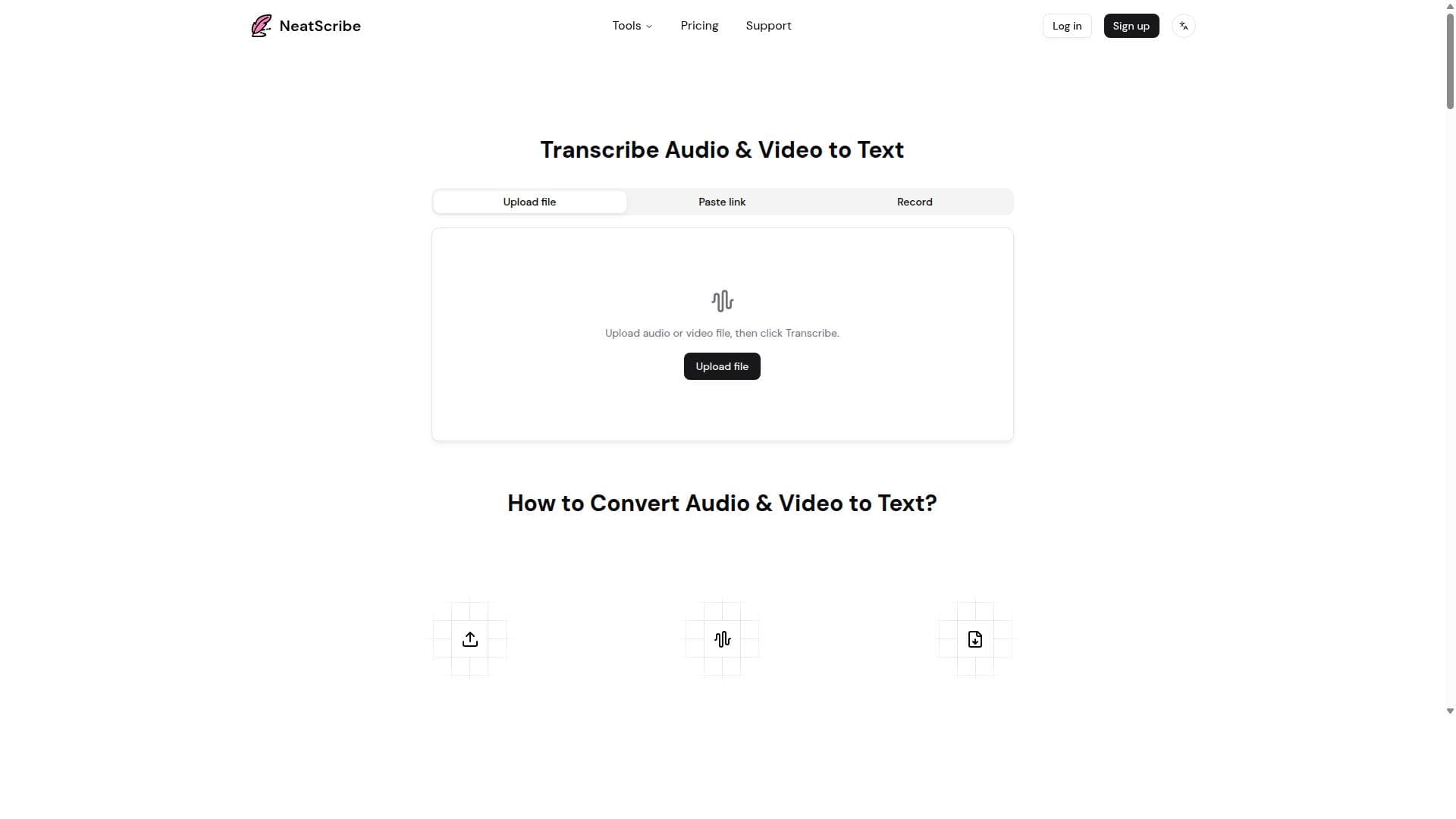
How does NeatScribe work?
NeatScribe uses advanced AI algorithms to process audio and video files, converting spoken words into text with timestamps. Users upload their media, receive a transcript within seconds, and can then edit, translate, export, or generate mind maps from the content all within the browser.
Socials
Use ToolReviews
0 reviews
No reviews yet. Be the first to share your experience.
Sponsored Tools











































Recommended Tools
Stay updated on latest Ai tools
Get the latest insights, Join our newsletter
Read and trusted by 50,000+ readers
Join the biggest AI Community
Our community and staff are here to help!
Your feedback will help Alice AI improve in future versions.








Submit your Tool


PoweredByAI.app is an AI Tools Directory helping individuals, businesses, and creators discover the best AI tools for writing, coding, design, productivity, and more.
© 2026 , Product of011BQ. All rights reserved.