🚀 Zaprep: Your Socials on Steroids. Start free — automate 1,000 DMs/month & turn engagement into leads. with 1,000 automated DMs/month.
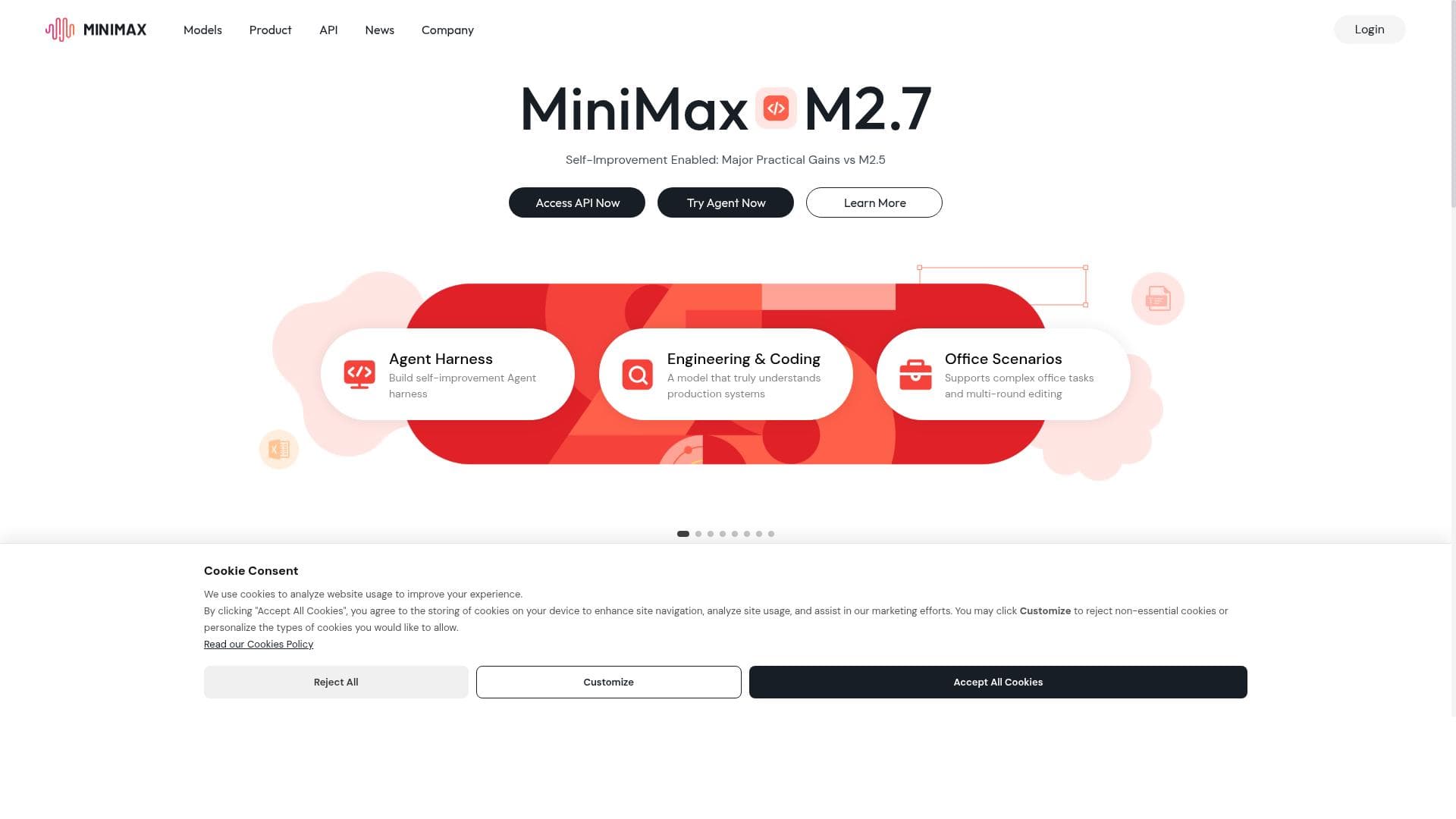


MiniMax AI transforms text and images into high-resolution videos in minutes using advanced AI, making video creation fast, easy, and accessible. Ideal for content creators and marketers, it streamlines production with automation and platform integrations, delivering professional-quality videos without the complexity.

Description
Minimax AI, is an AI platform that creates high-res videos from text. It's part of a growing trend of AI video creation tools for efficient content production. Users can input text or upload images to make videos, using AI for creativity. The platform is easy to use and can turn text/images into various video styles. Videos can be shared on YouTube. It takes 1-4 minutes to create a video, offering a smooth experience from start to finish. Minimax AI is seen as a game-changer in simplifying video creation.
Detailed Description
MiniMax AI is an innovative AI-powered platform designed to revolutionize video content creation by transforming text and images into high-resolution videos quickly and efficiently. At its core, MiniMax AI serves content creators, marketers, educators, and businesses looking to produce engaging video content without the need for extensive video editing skills or expensive production equipment. By leveraging advanced artificial intelligence models, the platform automates the creative process, enabling users to generate visually compelling videos in just 1 to 4 minutes. This rapid turnaround time makes MiniMax AI a standout solution in the growing landscape of AI video creation tools. One of the key strengths of MiniMax AI lies in its versatile input options and creative flexibility. Users can either input plain text or upload images, which the AI then processes to create videos in various styles tailored to different content needs. The platform supports multiple video formats and styles, allowing creators to customize the output to suit social media campaigns, educational tutorials, promotional videos, or YouTube content. The AI-driven content creation is complemented by robust data analysis and processing capabilities, ensuring that the generated videos are not only visually appealing but also contextually relevant and engaging. MiniMax AI also excels in workflow automation and platform integration. It streamlines the entire video production process, reducing manual effort and enabling seamless sharing of videos directly to platforms like YouTube. This integration capability is particularly beneficial for digital marketers and social media managers who require efficient content pipelines. Furthermore, MiniMax AI supports advanced AI models that enhance creativity and video quality, setting it apart from more basic video generators. These models help in generating dynamic visuals and smooth transitions, contributing to a professional-grade final product. The platform is best suited for individuals and organizations that need to produce high-quality video content rapidly without investing heavily in video production expertise or resources. Content creators, small to medium-sized businesses, educators, and marketing teams will find MiniMax AI particularly valuable for creating promotional videos, explainer content, social media posts, and educational materials. Its ease of use and quick processing time make it ideal for users who want to maintain a consistent video output schedule without sacrificing quality. MiniMax AI operates on a freemium pricing model, allowing users to access basic features for free while offering premium plans that unlock advanced functionalities and higher resolution outputs. This pricing approach makes it accessible to a broad audience, from hobbyists and individual creators to professional teams requiring more sophisticated tools. The freemium plan provides an excellent opportunity to explore the platform’s capabilities before committing to a paid subscription. When compared to alternative AI video creation tools, MiniMax AI stands out due to its combination of speed, ease of use, and the quality of its AI-driven video generation. While some competitors may offer similar text-to-video features, MiniMax AI’s integration options and support for advanced AI models provide a more comprehensive and streamlined experience. However, as with many AI-based creative tools, users should be aware that the output quality can sometimes vary depending on the complexity of the input text or images, and manual adjustments might be needed for highly specialized projects. In summary, MiniMax AI is a powerful and user-friendly platform that simplifies video creation by harnessing cutting-edge AI technology. Its ability to quickly convert text and images into high-resolution videos makes it a game-changer for content creators and businesses aiming to enhance their digital presence efficiently. While it offers robust features and integrations, prospective users should consider their specific content needs and the occasional need for manual refinement when choosing MiniMax AI as their video creation solution.
Tool Features
- AI-driven content creation
- Data analysis and processing
- Automation of workflows
- Integration with various platforms
- Advanced AI model support
Description
MiniMax AI transforms text and images into high-resolution videos in minutes using advanced AI, making video creation fast, easy, and accessible. Ideal for content creators and marketers, it streamlines production with automation and platform integrations, delivering professional-quality videos without the complexity.
Minimax AI, is an AI platform that creates high-res videos from text. It's part of a growing trend of AI video creation tools for efficient content production. Users can input text or upload images to make videos, using AI for creativity. The platform is easy to use and can turn text/images into various video styles. Videos can be shared on YouTube. It takes 1-4 minutes to create a video, offering a smooth experience from start to finish. Minimax AI is seen as a game-changer in simplifying video creation.
Detailed Description
MiniMax AI is an innovative AI-powered platform designed to revolutionize video content creation by transforming text and images into high-resolution videos quickly and efficiently. At its core, MiniMax AI serves content creators, marketers, educators, and businesses looking to produce engaging video content without the need for extensive video editing skills or expensive production equipment. By leveraging advanced artificial intelligence models, the platform automates the creative process, enabling users to generate visually compelling videos in just 1 to 4 minutes. This rapid turnaround time makes MiniMax AI a standout solution in the growing landscape of AI video creation tools. One of the key strengths of MiniMax AI lies in its versatile input options and creative flexibility. Users can either input plain text or upload images, which the AI then processes to create videos in various styles tailored to different content needs. The platform supports multiple video formats and styles, allowing creators to customize the output to suit social media campaigns, educational tutorials, promotional videos, or YouTube content. The AI-driven content creation is complemented by robust data analysis and processing capabilities, ensuring that the generated videos are not only visually appealing but also contextually relevant and engaging. MiniMax AI also excels in workflow automation and platform integration. It streamlines the entire video production process, reducing manual effort and enabling seamless sharing of videos directly to platforms like YouTube. This integration capability is particularly beneficial for digital marketers and social media managers who require efficient content pipelines. Furthermore, MiniMax AI supports advanced AI models that enhance creativity and video quality, setting it apart from more basic video generators. These models help in generating dynamic visuals and smooth transitions, contributing to a professional-grade final product. The platform is best suited for individuals and organizations that need to produce high-quality video content rapidly without investing heavily in video production expertise or resources. Content creators, small to medium-sized businesses, educators, and marketing teams will find MiniMax AI particularly valuable for creating promotional videos, explainer content, social media posts, and educational materials. Its ease of use and quick processing time make it ideal for users who want to maintain a consistent video output schedule without sacrificing quality. MiniMax AI operates on a freemium pricing model, allowing users to access basic features for free while offering premium plans that unlock advanced functionalities and higher resolution outputs. This pricing approach makes it accessible to a broad audience, from hobbyists and individual creators to professional teams requiring more sophisticated tools. The freemium plan provides an excellent opportunity to explore the platform’s capabilities before committing to a paid subscription. When compared to alternative AI video creation tools, MiniMax AI stands out due to its combination of speed, ease of use, and the quality of its AI-driven video generation. While some competitors may offer similar text-to-video features, MiniMax AI’s integration options and support for advanced AI models provide a more comprehensive and streamlined experience. However, as with many AI-based creative tools, users should be aware that the output quality can sometimes vary depending on the complexity of the input text or images, and manual adjustments might be needed for highly specialized projects. In summary, MiniMax AI is a powerful and user-friendly platform that simplifies video creation by harnessing cutting-edge AI technology. Its ability to quickly convert text and images into high-resolution videos makes it a game-changer for content creators and businesses aiming to enhance their digital presence efficiently. While it offers robust features and integrations, prospective users should consider their specific content needs and the occasional need for manual refinement when choosing MiniMax AI as their video creation solution.
Frequently Asked Questions
What is MiniMax AI?
MiniMax AI is an AI-powered platform that creates high-resolution videos from text or images quickly and easily, enabling users to produce engaging video content without advanced video editing skills.
How much does MiniMax AI cost?
MiniMax AI offers a freemium pricing model, allowing users to access basic features for free, with premium plans available that provide advanced functionalities and higher resolution video outputs.
Who is MiniMax AI best for?
MiniMax AI is best suited for content creators, marketers, educators, and businesses looking to efficiently produce high-quality videos without extensive video production expertise.
What are the main features of MiniMax AI?
Key features include AI-driven content creation, data analysis and processing, workflow automation, integration with platforms like YouTube, and support for advanced AI models to enhance video quality.
Does MiniMax AI offer a free trial?
Yes, MiniMax AI provides a freemium plan that allows users to try basic features at no cost before upgrading to premium plans.
What integrations does MiniMax AI support?
MiniMax AI integrates with various platforms, including direct sharing capabilities to YouTube, facilitating streamlined video distribution and content management.
How does MiniMax AI work?
Users input text or upload images, and MiniMax AI uses advanced artificial intelligence models to analyze and process the content, automatically generating high-resolution videos in multiple styles within minutes.
Socials
Use ToolReviews
No reviews yet. Be the first to share your experience.
Sponsored Tools







































Recommended Tools
Stay updated on latest Ai tools
Get the latest insights, Join our newsletter
Read and trusted by 50,000+ readers
Join the biggest AI Community
Our community and staff are here to help!
Your feedback will help Alice AI improve in future versions.







Submit your Tool


PoweredByAI.app is an AI Tools Directory helping individuals, businesses, and creators discover the best AI tools for writing, coding, design, productivity, and more.
© 2026 , Product of011BQ. All rights reserved.