

Is this your AI tool? Claim it today.
Verify ownership, manage your profile, and unlock growth features.
InboxPilot is a smart AI chatbot that automates email replies using your company’s own data, perfect for managing busy inboxes like support@ or info@ accounts. It saves time by drafting responses, organizing emails, and handling follow-ups automatically, making it ideal for customer support teams and businesses with high email volumes.

Description
InboxPilot is a Chatbot for Emails that uses your company’s data to instantly draft or send replies. Perfect for automating responses to support@, info@, or high-volume accounts—saving you time and keeping your inbox under control.
Detailed Description
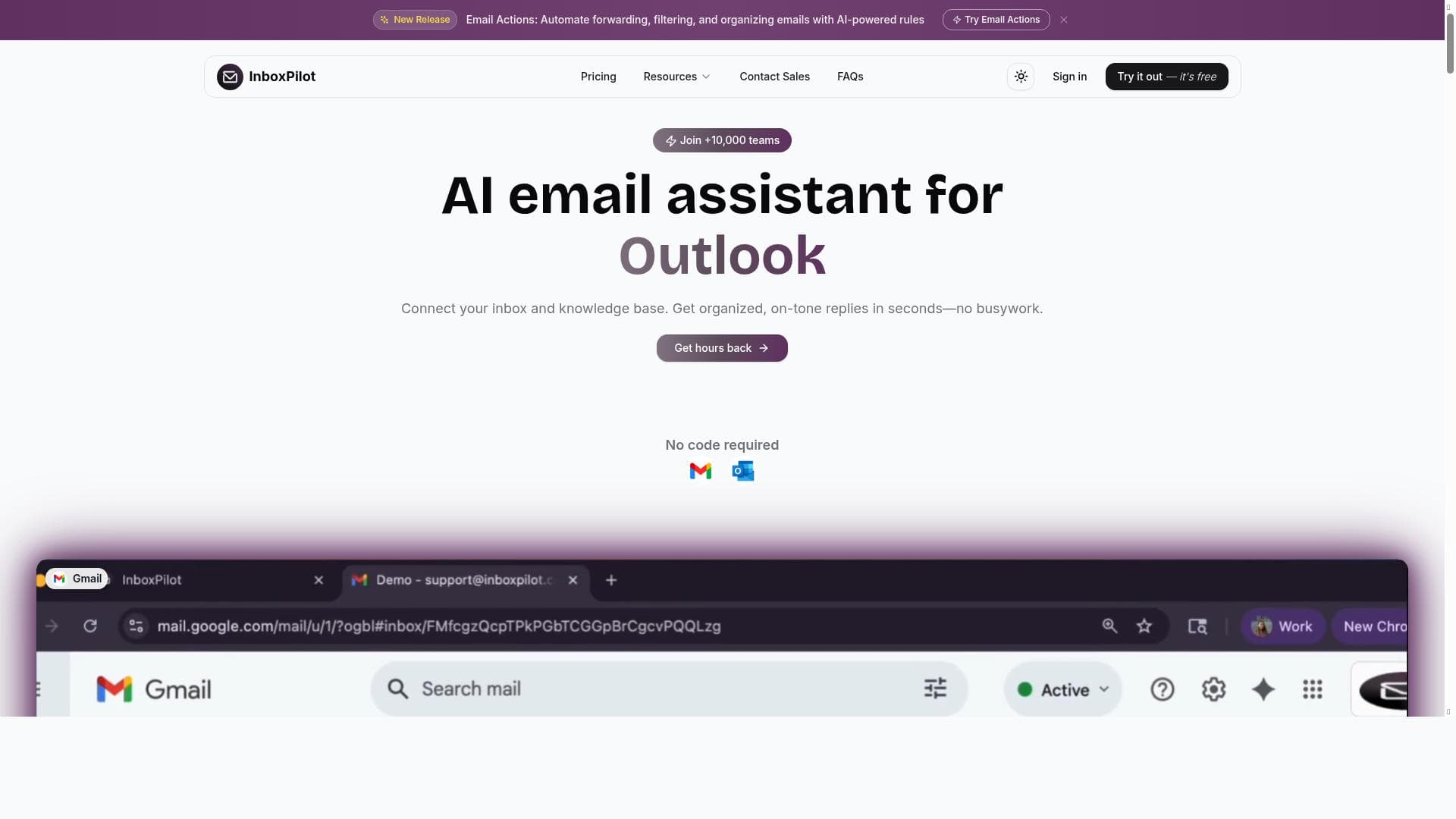
InboxPilot is an advanced AI-powered chatbot designed specifically to streamline and automate email communication for businesses. Its core purpose is to leverage your company’s own data to instantly draft or send email replies, making it an invaluable tool for managing high-volume inboxes such as support@, info@, or other shared email accounts. By automating routine responses and follow-ups, InboxPilot helps businesses save significant time, reduce manual effort, and maintain a well-organized inbox, ultimately enhancing productivity and customer satisfaction. One of the standout features of InboxPilot is its ability to draft email replies using your company’s proprietary data. This ensures that responses are accurate, contextually relevant, and aligned with your brand’s tone and policies. The AI chatbot analyzes incoming emails and generates appropriate replies, which can be sent automatically or reviewed before sending, depending on your preferences. Additionally, InboxPilot organizes your inbox by categorizing and prioritizing emails, helping you focus on the most critical messages first. It also automates follow-ups, ensuring no important communication slips through the cracks, which is especially useful for customer support teams managing multiple ongoing conversations. InboxPilot seamlessly integrates with popular email platforms such as Gmail and Outlook, as well as customer service tools like Zendesk. This broad compatibility allows businesses to incorporate InboxPilot into their existing workflows without disruption. The tool’s automation capabilities are particularly beneficial for customer support teams, sales departments handling large volumes of inquiries, and any organization looking to improve email responsiveness while reducing the burden on staff. Use cases include automating responses to frequently asked questions, managing order or service inquiries, and maintaining timely follow-ups with clients or partners. Regarding pricing, InboxPilot operates on a paid subscription model. While specific pricing details are not publicly disclosed on the website, potential users can expect tiered plans based on the volume of emails processed and the number of users. This paid model reflects the advanced AI technology and integrations offered, positioning InboxPilot as a premium solution for businesses serious about email automation and productivity enhancement. Compared to alternative email automation tools, InboxPilot’s unique advantage lies in its use of your company’s own data to generate highly personalized and accurate email drafts. Many competitors rely on generic templates or require extensive manual setup, whereas InboxPilot’s AI learns from your existing communications to provide context-aware responses. Its automatic follow-up handling and inbox organization features further differentiate it by offering a comprehensive inbox management solution rather than just a reply automation tool. However, some alternatives may offer free tiers or more extensive customization options, which could be a consideration depending on your specific needs. Notable limitations include the reliance on the quality and quantity of your company’s data for generating effective replies; insufficient or inconsistent data may impact the accuracy of the AI’s responses. Additionally, as a paid service, InboxPilot may not be suitable for very small businesses or individuals with minimal email volume. Users should also consider data privacy and security policies to ensure compliance with their organizational standards. Overall, InboxPilot is a powerful, specialized AI assistant designed to transform how businesses manage high-volume email accounts, offering significant time savings and improved communication efficiency.
Tool Features
- Drafts email replies using your own data
- Organizes your inbox
- Handles follow-ups automatically
- Works with Gmail, Outlook, and Zendesk
Description
InboxPilot is a smart AI chatbot that automates email replies using your company’s own data, perfect for managing busy inboxes like support@ or info@ accounts. It saves time by drafting responses, organizing emails, and handling follow-ups automatically, making it ideal for customer support teams and businesses with high email volumes.
InboxPilot is a Chatbot for Emails that uses your company’s data to instantly draft or send replies. Perfect for automating responses to support@, info@, or high-volume accounts—saving you time and keeping your inbox under control.
Detailed Description
InboxPilot is an advanced AI-powered chatbot designed specifically to streamline and automate email communication for businesses. Its core purpose is to leverage your company’s own data to instantly draft or send email replies, making it an invaluable tool for managing high-volume inboxes such as support@, info@, or other shared email accounts. By automating routine responses and follow-ups, InboxPilot helps businesses save significant time, reduce manual effort, and maintain a well-organized inbox, ultimately enhancing productivity and customer satisfaction. One of the standout features of InboxPilot is its ability to draft email replies using your company’s proprietary data. This ensures that responses are accurate, contextually relevant, and aligned with your brand’s tone and policies. The AI chatbot analyzes incoming emails and generates appropriate replies, which can be sent automatically or reviewed before sending, depending on your preferences. Additionally, InboxPilot organizes your inbox by categorizing and prioritizing emails, helping you focus on the most critical messages first. It also automates follow-ups, ensuring no important communication slips through the cracks, which is especially useful for customer support teams managing multiple ongoing conversations. InboxPilot seamlessly integrates with popular email platforms such as Gmail and Outlook, as well as customer service tools like Zendesk. This broad compatibility allows businesses to incorporate InboxPilot into their existing workflows without disruption. The tool’s automation capabilities are particularly beneficial for customer support teams, sales departments handling large volumes of inquiries, and any organization looking to improve email responsiveness while reducing the burden on staff. Use cases include automating responses to frequently asked questions, managing order or service inquiries, and maintaining timely follow-ups with clients or partners. Regarding pricing, InboxPilot operates on a paid subscription model. While specific pricing details are not publicly disclosed on the website, potential users can expect tiered plans based on the volume of emails processed and the number of users. This paid model reflects the advanced AI technology and integrations offered, positioning InboxPilot as a premium solution for businesses serious about email automation and productivity enhancement. Compared to alternative email automation tools, InboxPilot’s unique advantage lies in its use of your company’s own data to generate highly personalized and accurate email drafts. Many competitors rely on generic templates or require extensive manual setup, whereas InboxPilot’s AI learns from your existing communications to provide context-aware responses. Its automatic follow-up handling and inbox organization features further differentiate it by offering a comprehensive inbox management solution rather than just a reply automation tool. However, some alternatives may offer free tiers or more extensive customization options, which could be a consideration depending on your specific needs. Notable limitations include the reliance on the quality and quantity of your company’s data for generating effective replies; insufficient or inconsistent data may impact the accuracy of the AI’s responses. Additionally, as a paid service, InboxPilot may not be suitable for very small businesses or individuals with minimal email volume. Users should also consider data privacy and security policies to ensure compliance with their organizational standards. Overall, InboxPilot is a powerful, specialized AI assistant designed to transform how businesses manage high-volume email accounts, offering significant time savings and improved communication efficiency.
Frequently Asked Questions
What is InboxPilot?
InboxPilot is an AI-powered chatbot designed to automate email replies by using your company’s data to draft and send responses instantly. It helps manage high-volume email accounts by organizing your inbox and handling follow-ups automatically.
How much does InboxPilot cost?
InboxPilot operates on a paid subscription model. Specific pricing details are not publicly listed, but plans typically vary based on email volume and user count. Interested users should contact InboxPilot directly for detailed pricing information.
Who is InboxPilot best for?
InboxPilot is ideal for businesses and teams managing high-volume email accounts such as support@ or info@ addresses. It is especially beneficial for customer support teams, sales departments, and organizations looking to automate email responses and improve inbox management.
What are the main features of InboxPilot?
Key features include drafting email replies using your company’s own data, organizing and prioritizing your inbox, automatically handling follow-ups, and seamless integration with Gmail, Outlook, and Zendesk.
Does InboxPilot offer a free trial?
Information about a free trial is not explicitly provided on the website. Prospective users should reach out to InboxPilot directly to inquire about trial options or demos.
What integrations does InboxPilot support?
InboxPilot integrates with major email platforms such as Gmail and Outlook, as well as customer service software like Zendesk, allowing it to fit smoothly into existing workflows.
How does InboxPilot work?
InboxPilot uses AI to analyze incoming emails and your company’s data to draft contextually accurate replies. It can send responses automatically or allow review before sending, organize your inbox by categorizing emails, and manage follow-ups to ensure timely communication.
Socials
Use ToolReviews
No reviews yet. Be the first to share your experience.




















































