Featured in:Best AI Writing Tools
Get featured →🚀 Zaprep: Your Socials on Steroids. Start free — automate 1,000 DMs/month & turn engagement into leads. with 1,000 automated DMs/month.



✦
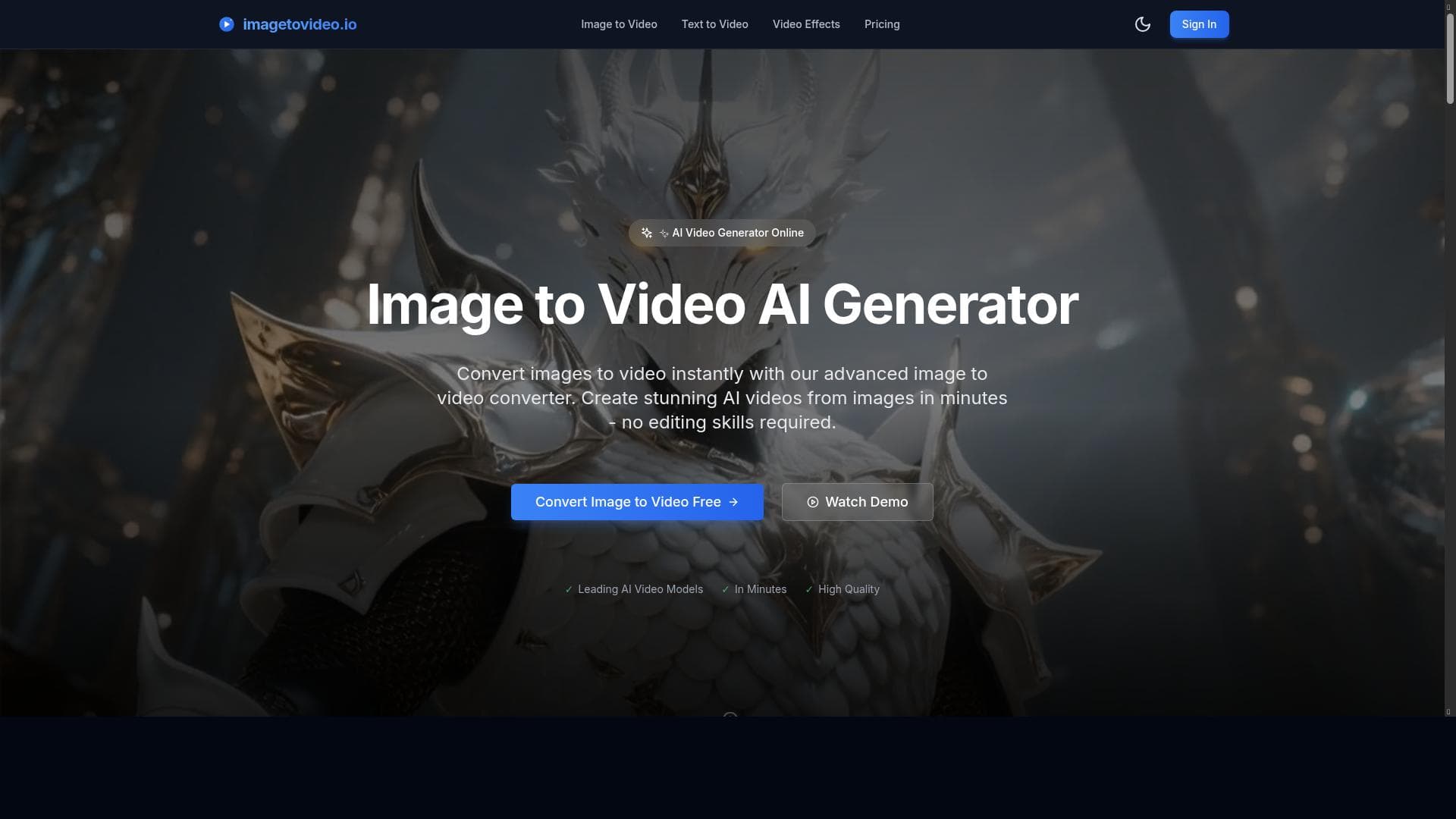
ImageToVideoAI is a powerful AI-driven platform that effortlessly transforms static images into captivating videos, making it perfect for marketers, educators, and creators seeking quick, dynamic visual content. Its automated editing and user-friendly interface streamline video production, enabling anyone to enhance storytelling without technical hurdles.

Description
ImageToVideoAI is a leading AI-powered video generator that transforms images into engaging videos. It leverages advanced artificial intelligence to create dynamic video content from static images, enhancing visual storytelling and content creation for various applications.
Detailed Description
ImageToVideoAI is an advanced AI-powered video generation tool designed to transform static images into dynamic, engaging videos. Its core purpose is to enhance visual storytelling by automating the process of video creation from images, making it accessible to users with varying levels of technical expertise. By leveraging cutting-edge artificial intelligence models, ImageToVideoAI enables content creators, marketers, educators, and businesses to produce compelling video content quickly and efficiently without the need for complex video editing skills or software. The platform offers a range of key features that set it apart in the video creation landscape. At its foundation, ImageToVideoAI uses AI algorithms to analyze input images and generate smooth, visually appealing video sequences that bring still photos to life. This includes adding motion effects, transitions, and dynamic elements that maintain viewer engagement. The user-friendly interface simplifies the video generation process, allowing users to upload images, customize settings, and produce videos with minimal effort. Additionally, the tool automates much of the video editing workflow, reducing the time and expertise required to create professional-quality videos. The ability to support dynamic and engaging video content makes it ideal for storytelling, marketing campaigns, social media posts, educational materials, and more. ImageToVideoAI is best suited for a wide range of users who need to convert images into video content efficiently. Digital marketers and social media managers can leverage the tool to create eye-catching promotional videos that boost engagement. Educators and trainers can transform instructional images into video lessons that improve learning retention. Small businesses and startups benefit from the ability to produce professional videos without hiring expensive video editors. Even photographers and artists can use the platform to showcase their work in a more interactive format. Its versatility across industries and applications makes it a valuable asset for anyone looking to enhance their visual content strategy. Regarding pricing, ImageToVideoAI follows a freemium model, allowing users to access basic features at no cost, which is ideal for testing and casual use. For more advanced capabilities, higher resolution outputs, or increased usage limits, premium plans are available. These paid tiers unlock additional customization options, faster processing times, and priority support, catering to professional users and businesses with more demanding video production needs. When compared to alternative video creation tools, ImageToVideoAI stands out due to its specialized focus on converting images into videos using AI-driven automation. Unlike traditional video editors that require manual input and significant time investment, ImageToVideoAI streamlines the process with intelligent algorithms that handle editing tasks automatically. While some competitors offer broad video editing suites, ImageToVideoAI’s niche approach provides a more efficient and accessible solution for image-to-video transformation. However, users seeking extensive manual editing controls or complex multi-track video projects might find dedicated video editing software more suitable. Notable limitations include potential constraints on video length or resolution in the free tier, which may require upgrading for professional-grade outputs. Additionally, while the AI automation is powerful, it may not fully replace creative input for users wanting highly customized or intricate video effects. Integration options may also be limited compared to larger platforms, which could affect workflow automation for some users. Despite these considerations, ImageToVideoAI remains a highly effective tool for quickly generating engaging videos from images, especially for users prioritizing ease of use and speed over deep manual editing capabilities.
Tool Features
- AI-powered video creation from images
- User-friendly interface for easy video generation
- Supports dynamic and engaging video content
- Automates video editing process
- Enhances visual storytelling
Description
✦
ImageToVideoAI is a powerful AI-driven platform that effortlessly transforms static images into captivating videos, making it perfect for marketers, educators, and creators seeking quick, dynamic visual content. Its automated editing and user-friendly interface streamline video production, enabling anyone to enhance storytelling without technical hurdles.
ImageToVideoAI is a leading AI-powered video generator that transforms images into engaging videos. It leverages advanced artificial intelligence to create dynamic video content from static images, enhancing visual storytelling and content creation for various applications.
Detailed Description
ImageToVideoAI is an advanced AI-powered video generation tool designed to transform static images into dynamic, engaging videos. Its core purpose is to enhance visual storytelling by automating the process of video creation from images, making it accessible to users with varying levels of technical expertise. By leveraging cutting-edge artificial intelligence models, ImageToVideoAI enables content creators, marketers, educators, and businesses to produce compelling video content quickly and efficiently without the need for complex video editing skills or software. The platform offers a range of key features that set it apart in the video creation landscape. At its foundation, ImageToVideoAI uses AI algorithms to analyze input images and generate smooth, visually appealing video sequences that bring still photos to life. This includes adding motion effects, transitions, and dynamic elements that maintain viewer engagement. The user-friendly interface simplifies the video generation process, allowing users to upload images, customize settings, and produce videos with minimal effort. Additionally, the tool automates much of the video editing workflow, reducing the time and expertise required to create professional-quality videos. The ability to support dynamic and engaging video content makes it ideal for storytelling, marketing campaigns, social media posts, educational materials, and more. ImageToVideoAI is best suited for a wide range of users who need to convert images into video content efficiently. Digital marketers and social media managers can leverage the tool to create eye-catching promotional videos that boost engagement. Educators and trainers can transform instructional images into video lessons that improve learning retention. Small businesses and startups benefit from the ability to produce professional videos without hiring expensive video editors. Even photographers and artists can use the platform to showcase their work in a more interactive format. Its versatility across industries and applications makes it a valuable asset for anyone looking to enhance their visual content strategy. Regarding pricing, ImageToVideoAI follows a freemium model, allowing users to access basic features at no cost, which is ideal for testing and casual use. For more advanced capabilities, higher resolution outputs, or increased usage limits, premium plans are available. These paid tiers unlock additional customization options, faster processing times, and priority support, catering to professional users and businesses with more demanding video production needs. When compared to alternative video creation tools, ImageToVideoAI stands out due to its specialized focus on converting images into videos using AI-driven automation. Unlike traditional video editors that require manual input and significant time investment, ImageToVideoAI streamlines the process with intelligent algorithms that handle editing tasks automatically. While some competitors offer broad video editing suites, ImageToVideoAI’s niche approach provides a more efficient and accessible solution for image-to-video transformation. However, users seeking extensive manual editing controls or complex multi-track video projects might find dedicated video editing software more suitable. Notable limitations include potential constraints on video length or resolution in the free tier, which may require upgrading for professional-grade outputs. Additionally, while the AI automation is powerful, it may not fully replace creative input for users wanting highly customized or intricate video effects. Integration options may also be limited compared to larger platforms, which could affect workflow automation for some users. Despite these considerations, ImageToVideoAI remains a highly effective tool for quickly generating engaging videos from images, especially for users prioritizing ease of use and speed over deep manual editing capabilities.
Frequently Asked Questions
What is ImageToVideoAI?
ImageToVideoAI is an AI-powered video generator that converts static images into dynamic, engaging videos by automating the video creation and editing process using advanced artificial intelligence.
How much does ImageToVideoAI cost?
ImageToVideoAI offers a freemium pricing model, providing free access to basic features with options to upgrade to premium plans for advanced capabilities, higher resolution videos, and increased usage limits.
Who is ImageToVideoAI best for?
It is ideal for digital marketers, social media managers, educators, small businesses, photographers, and content creators who want to quickly produce professional-looking videos from images without extensive video editing skills.
What are the main features of ImageToVideoAI?
Key features include AI-powered video creation from images, a user-friendly interface, automated video editing, support for dynamic and engaging video content, and tools that enhance visual storytelling.
Does ImageToVideoAI offer a free trial?
Yes, ImageToVideoAI provides a free tier that allows users to try out the basic video creation features without cost, enabling them to evaluate the platform before opting for paid plans.
What integrations does ImageToVideoAI support?
Currently, ImageToVideoAI focuses on standalone video generation and may have limited integration options; users should check the website for the latest updates on supported integrations.
How does ImageToVideoAI work?
Users upload static images to the platform, which then uses AI algorithms to analyze and transform these images into dynamic videos by adding motion effects, transitions, and automated editing to create engaging visual content.
Reviews
0 reviews
No reviews yet. Be the first to share your experience.
Sponsored Tools











































Recommended Tools
Stay updated on latest Ai tools
Get the latest insights, Join our newsletter
Read and trusted by 50,000+ readers
Join the biggest AI Community
Our community and staff are here to help!
Your feedback will help Alice AI improve in future versions.








Submit your Tool


PoweredByAI.app is an AI Tools Directory helping individuals, businesses, and creators discover the best AI tools for writing, coding, design, productivity, and more.
© 2026 , Product of011BQ. All rights reserved.