
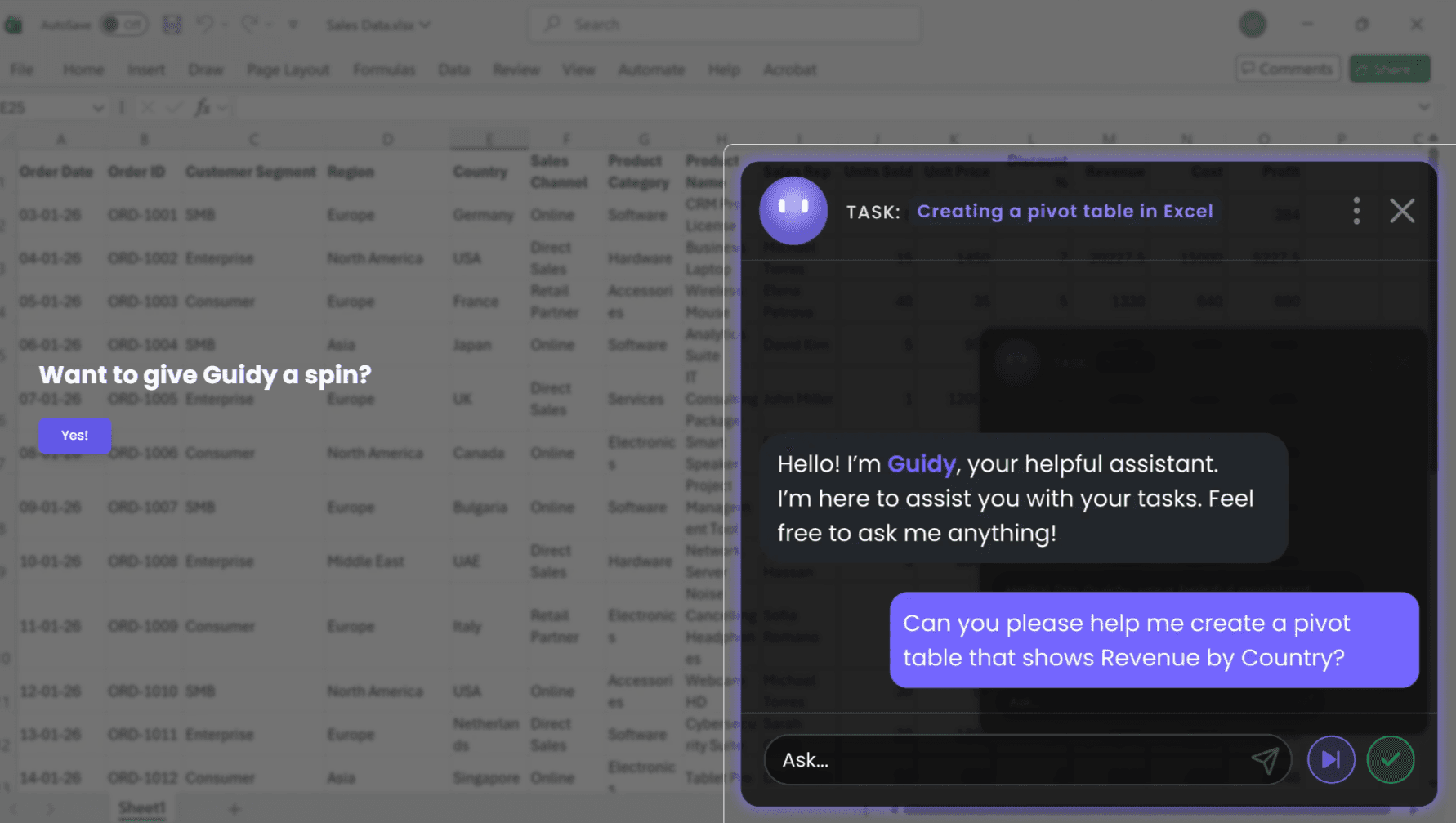
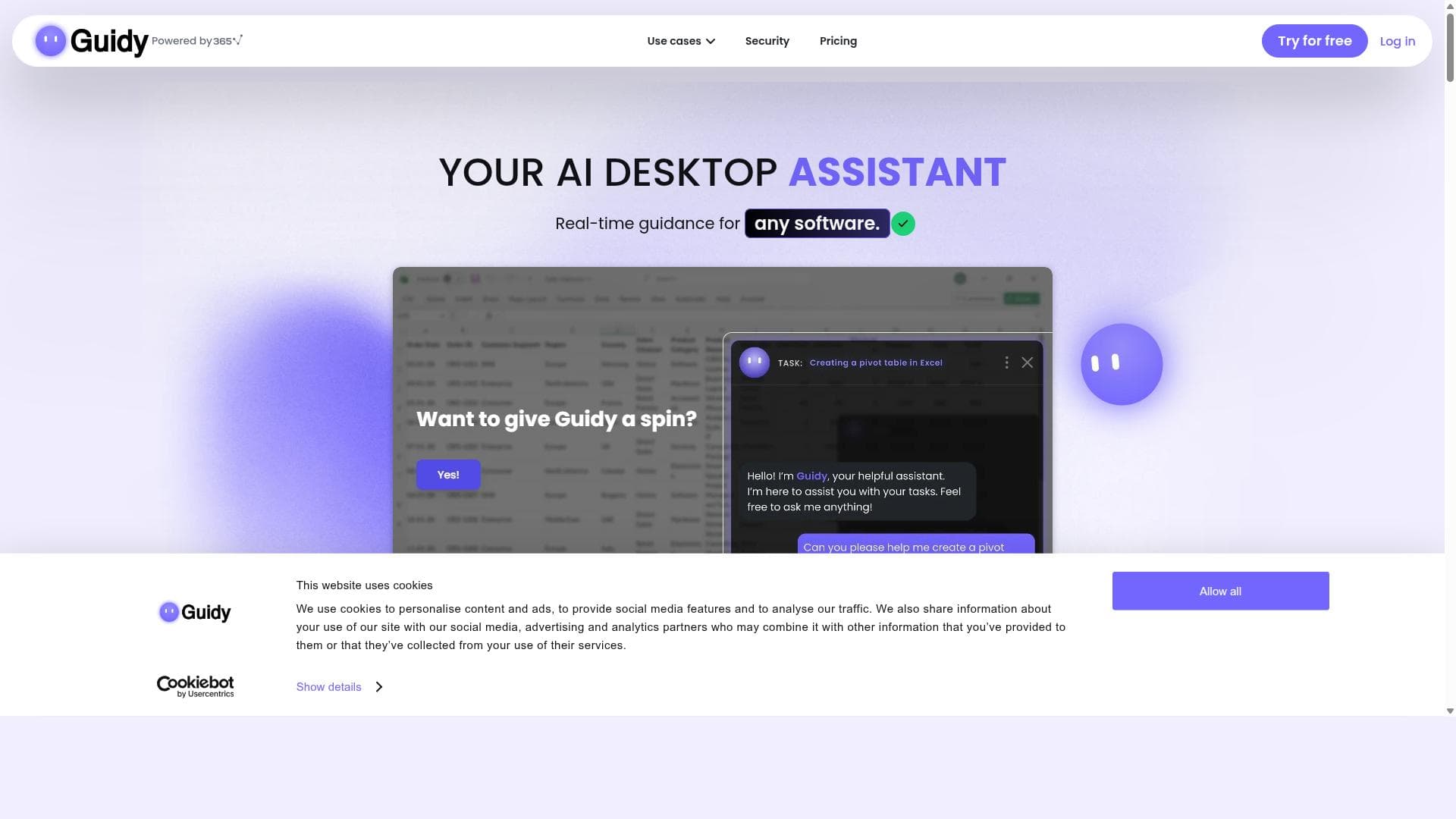


Guidy is a versatile AI desktop assistant that offers real-time, context-aware guidance across any software and language, helping users instantly overcome hurdles and maintain workflow momentum. Ideal for professionals and teams navigating complex or multiple applications, Guidy enhances productivity by delivering seamless, actionable support directly within the desktop environment.

Description
Guidy is an AI desktop assistant designed to provide real-time guidance and support across any software, in any language. It helps users get the next step immediately when they are stuck, enhancing productivity and workflow efficiency by integrating seamlessly with desktop applications.
Detailed Description
Guidy is an innovative AI-powered desktop assistant designed to revolutionize how users interact with software applications by providing real-time guidance and support across any program and in any language. Its core purpose is to help users overcome obstacles and continue their workflow without interruption by delivering immediate, context-aware next-step instructions. Unlike traditional help systems or static tutorials, Guidy integrates seamlessly with desktop environments, enabling it to understand the user's current software context and offer precise, actionable advice exactly when needed. This approach significantly enhances productivity and reduces downtime caused by confusion or lack of knowledge, making it an indispensable tool for both novice and experienced users navigating complex software ecosystems. At the heart of Guidy's capabilities is its real-time assistance feature, which continuously monitors user activity across all desktop applications. Whether you are working in a word processor, spreadsheet, design software, or any other program, Guidy can detect when you are stuck or unsure about the next action. It then proactively suggests the next step, guiding you through processes or troubleshooting issues without requiring you to leave your workspace or search for external help. This dynamic support is language-agnostic, meaning it can operate effectively regardless of the user's preferred language, making it highly versatile for global teams and multilingual environments. Guidy functions as a dedicated desktop AI assistant, meaning it is always accessible and integrated directly into your operating system's interface. This seamless integration ensures that the assistant does not disrupt your workflow but rather complements it by providing unobtrusive, context-sensitive help. The tool's ability to work across any software application sets it apart from many AI assistants that are limited to specific platforms or require manual setup for each program. By embedding itself into the desktop environment, Guidy offers a unified support experience that adapts to the user's unique software landscape. This AI assistant is particularly beneficial for professionals who frequently switch between multiple software tools or work in environments with complex, specialized applications. For example, software developers, graphic designers, data analysts, and administrative professionals can all leverage Guidy to reduce the learning curve associated with new or infrequently used software features. Additionally, organizations can deploy Guidy to support employee onboarding and training, ensuring that users receive immediate assistance without burdening IT or support teams. Its multilingual capabilities also make it a valuable asset for international companies aiming to provide consistent support across diverse workforces. Regarding pricing and plans, Guidy typically offers tiered subscription models tailored to individual users, small teams, and enterprise clients. While specific pricing details may vary or require direct inquiry via their website, potential users can expect options that scale based on the number of users and the level of support required. Some plans may include advanced customization, priority support, and integration assistance. Prospective users should check Guidy's official website for the most current pricing information and any available free trial or demo options. When compared to alternative AI assistants or helpdesk solutions, Guidy stands out due to its universal software compatibility and real-time, context-aware guidance. Many AI tools focus on web-based applications or require manual configuration for each software environment, limiting their usefulness in diverse desktop setups. Others provide generic help content rather than actionable next steps. Guidy's ability to operate across any desktop application and deliver precise, immediate assistance offers a unique value proposition that enhances user autonomy and reduces reliance on external support. However, users should consider some limitations. Since Guidy operates across all desktop software, its effectiveness depends on the AI's ability to accurately interpret diverse application interfaces and user intents, which may vary in complexity. Some highly specialized or proprietary software might pose integration challenges. Additionally, as with any AI-driven tool, there may be occasional inaccuracies or suggestions that require user discretion. Privacy and data security are also important considerations, especially when Guidy monitors user activity across multiple applications. Users and organizations should review Guidy's privacy policies and ensure compliance with their internal data governance standards. In summary, Guidy is a powerful AI desktop assistant designed to enhance productivity by providing real-time, context-sensitive guidance across any software and language. Its seamless integration, universal compatibility, and proactive support make it an excellent choice for individuals and organizations seeking to streamline workflows, reduce software learning curves, and empower users with immediate next-step assistance.
Tool Features
- Real-time assistance across any software
- Helps users get the next step when stuck
- Works as a desktop AI assistant
- Seamless integration with desktop applications
Description
Guidy is a versatile AI desktop assistant that offers real-time, context-aware guidance across any software and language, helping users instantly overcome hurdles and maintain workflow momentum. Ideal for professionals and teams navigating complex or multiple applications, Guidy enhances productivity by delivering seamless, actionable support directly within the desktop environment.
Guidy is an AI desktop assistant designed to provide real-time guidance and support across any software, in any language. It helps users get the next step immediately when they are stuck, enhancing productivity and workflow efficiency by integrating seamlessly with desktop applications.
Detailed Description
Guidy is an innovative AI-powered desktop assistant designed to revolutionize how users interact with software applications by providing real-time guidance and support across any program and in any language. Its core purpose is to help users overcome obstacles and continue their workflow without interruption by delivering immediate, context-aware next-step instructions. Unlike traditional help systems or static tutorials, Guidy integrates seamlessly with desktop environments, enabling it to understand the user's current software context and offer precise, actionable advice exactly when needed. This approach significantly enhances productivity and reduces downtime caused by confusion or lack of knowledge, making it an indispensable tool for both novice and experienced users navigating complex software ecosystems. At the heart of Guidy's capabilities is its real-time assistance feature, which continuously monitors user activity across all desktop applications. Whether you are working in a word processor, spreadsheet, design software, or any other program, Guidy can detect when you are stuck or unsure about the next action. It then proactively suggests the next step, guiding you through processes or troubleshooting issues without requiring you to leave your workspace or search for external help. This dynamic support is language-agnostic, meaning it can operate effectively regardless of the user's preferred language, making it highly versatile for global teams and multilingual environments. Guidy functions as a dedicated desktop AI assistant, meaning it is always accessible and integrated directly into your operating system's interface. This seamless integration ensures that the assistant does not disrupt your workflow but rather complements it by providing unobtrusive, context-sensitive help. The tool's ability to work across any software application sets it apart from many AI assistants that are limited to specific platforms or require manual setup for each program. By embedding itself into the desktop environment, Guidy offers a unified support experience that adapts to the user's unique software landscape. This AI assistant is particularly beneficial for professionals who frequently switch between multiple software tools or work in environments with complex, specialized applications. For example, software developers, graphic designers, data analysts, and administrative professionals can all leverage Guidy to reduce the learning curve associated with new or infrequently used software features. Additionally, organizations can deploy Guidy to support employee onboarding and training, ensuring that users receive immediate assistance without burdening IT or support teams. Its multilingual capabilities also make it a valuable asset for international companies aiming to provide consistent support across diverse workforces. Regarding pricing and plans, Guidy typically offers tiered subscription models tailored to individual users, small teams, and enterprise clients. While specific pricing details may vary or require direct inquiry via their website, potential users can expect options that scale based on the number of users and the level of support required. Some plans may include advanced customization, priority support, and integration assistance. Prospective users should check Guidy's official website for the most current pricing information and any available free trial or demo options. When compared to alternative AI assistants or helpdesk solutions, Guidy stands out due to its universal software compatibility and real-time, context-aware guidance. Many AI tools focus on web-based applications or require manual configuration for each software environment, limiting their usefulness in diverse desktop setups. Others provide generic help content rather than actionable next steps. Guidy's ability to operate across any desktop application and deliver precise, immediate assistance offers a unique value proposition that enhances user autonomy and reduces reliance on external support. However, users should consider some limitations. Since Guidy operates across all desktop software, its effectiveness depends on the AI's ability to accurately interpret diverse application interfaces and user intents, which may vary in complexity. Some highly specialized or proprietary software might pose integration challenges. Additionally, as with any AI-driven tool, there may be occasional inaccuracies or suggestions that require user discretion. Privacy and data security are also important considerations, especially when Guidy monitors user activity across multiple applications. Users and organizations should review Guidy's privacy policies and ensure compliance with their internal data governance standards. In summary, Guidy is a powerful AI desktop assistant designed to enhance productivity by providing real-time, context-sensitive guidance across any software and language. Its seamless integration, universal compatibility, and proactive support make it an excellent choice for individuals and organizations seeking to streamline workflows, reduce software learning curves, and empower users with immediate next-step assistance.
Frequently Asked Questions
What is Guidy?
Guidy is an AI-powered desktop assistant that provides real-time guidance and support across any software application and in any language, helping users get the next step immediately when they are stuck.
How much does Guidy cost?
Guidy offers tiered subscription plans tailored for individuals, teams, and enterprises. Pricing details are available on their website and may vary depending on the number of users and required features.
Who is Guidy best for?
Guidy is ideal for professionals who use multiple or complex software tools, such as developers, designers, analysts, and administrative staff, as well as organizations looking to improve employee onboarding and reduce support burdens.
What are the main features of Guidy?
Key features include real-time assistance across any software, next-step guidance when users are stuck, seamless integration with desktop applications, and multilingual support.
Does Guidy offer a free trial?
Information about free trials or demos can be found on Guidy's official website; potential users are encouraged to check there for the most current offers.
What integrations does Guidy support?
Guidy integrates seamlessly with any desktop software application, providing universal compatibility without the need for manual setup for each program.
How does Guidy work?
Guidy continuously monitors user activity across desktop applications and uses AI to understand the context, offering immediate, actionable next-step guidance to help users overcome obstacles and continue their workflow efficiently.
Socials
Use ToolReviews
No reviews yet. Be the first to share your experience.


















































