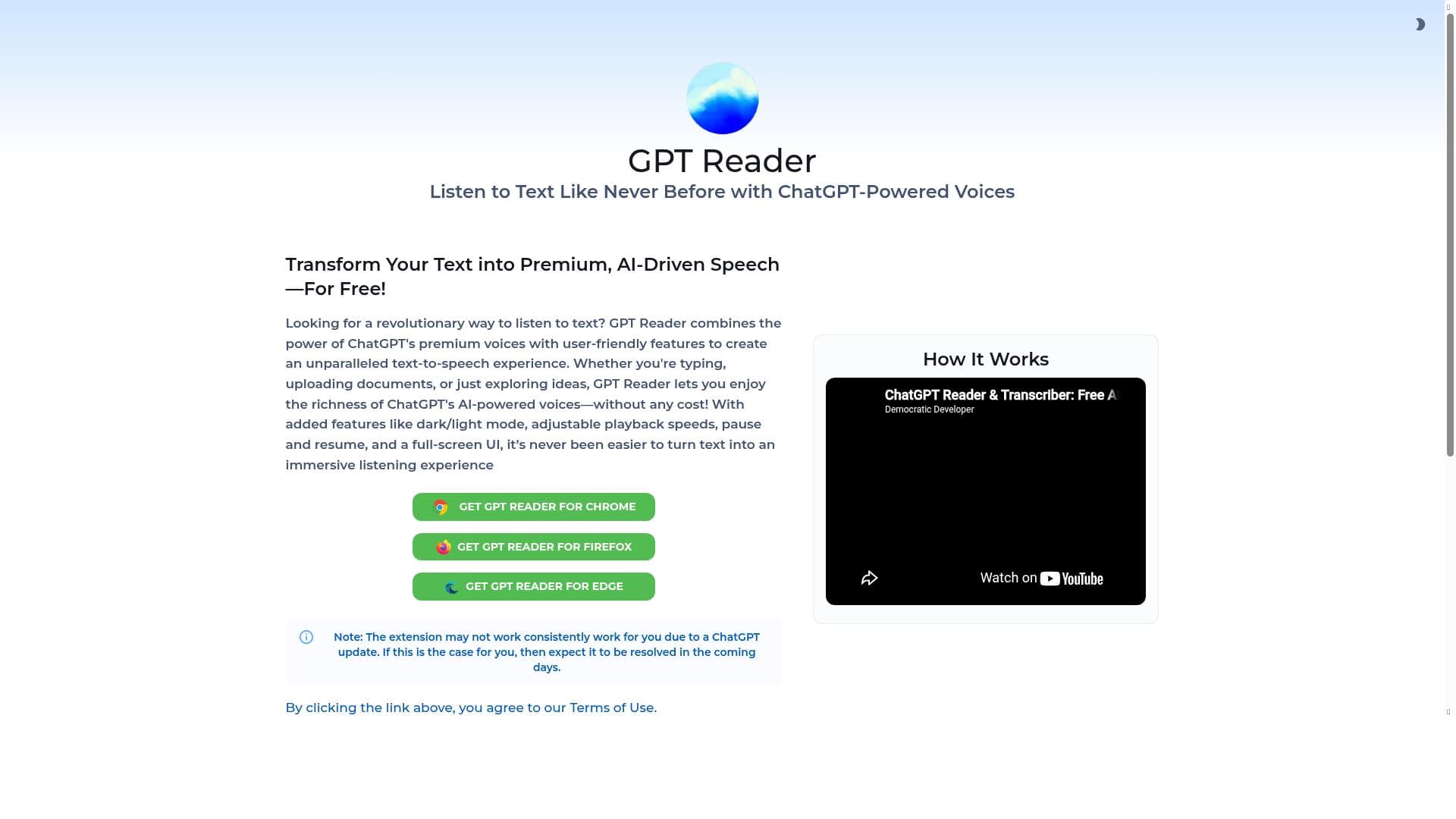


GPT Reader is a free AI-powered text-to-speech extension that uses natural ChatGPT voices to read aloud text from PDFs, articles, Google Docs, and websites. Ideal for students, professionals, and accessibility users, it transforms how you consume content by delivering a smooth, human-like listening experience that boosts productivity and multitasking.

Description
GPT Reader is a free AI-powered text-to-speech (TTS) extension that uses ChatGPT voices to read aloud text from PDFs, articles, Google Docs, and websites. It delivers a smooth and natural listening experience, perfect for accessibility, productivity, and multitasking.
Detailed Description
GPT Reader is an innovative AI-powered text-to-speech (TTS) extension designed to transform how users consume written content across multiple platforms. By leveraging advanced ChatGPT voices, GPT Reader reads aloud text from PDFs, articles, Google Docs, and websites, providing a seamless and natural auditory experience. Its core purpose is to enhance accessibility and productivity by allowing users to listen to text rather than read it, which is especially beneficial for multitasking, reducing eye strain, and aiding those with reading difficulties or visual impairments. The tool’s AI-driven voice synthesis ensures the narration sounds fluid and engaging, making it easier to absorb information compared to traditional robotic TTS systems. Key features of GPT Reader include its ability to intelligently parse and vocalize text from a variety of sources, including complex documents and web pages, maintaining the context and tone of the original content. The extension enhances the reading experience by using AI to modulate voice inflections and pacing, which helps listeners better understand and interact with the material. It supports research activities by allowing users to listen to lengthy articles or academic papers while taking notes or performing other tasks, thereby boosting content consumption efficiency. Additionally, GPT Reader’s integration with popular platforms such as Google Docs makes it a versatile tool for students, professionals, and researchers who need to review documents on the go. GPT Reader is best suited for a diverse audience including students who want to absorb study materials more effectively, professionals aiming to maximize productivity by listening to reports or emails during commutes, and individuals with accessibility needs such as dyslexia or visual impairment. It also appeals to content creators and researchers who require an efficient way to review large volumes of text without being confined to screen reading. The multitasking capability offered by GPT Reader allows users to listen while engaging in other activities, making it a valuable tool for busy lifestyles. Regarding pricing, GPT Reader operates on a freemium model. The free tier provides access to core TTS functionalities, enabling users to experience the natural ChatGPT voices and basic reading features without cost. For users requiring enhanced capabilities, such as longer reading sessions, premium voice options, or priority support, paid plans are available. These premium tiers are competitively priced, making GPT Reader accessible to a wide range of users from casual listeners to professionals needing advanced features. When compared to alternative TTS solutions, GPT Reader stands out due to its use of ChatGPT-based voices, which deliver a more human-like and expressive reading experience than many conventional TTS engines. Its seamless integration with multiple document types and web content sources also provides greater flexibility than tools limited to specific formats. While some competitors may offer more extensive language support or offline functionality, GPT Reader’s focus on quality voice synthesis and ease of use makes it a compelling choice for English-speaking users seeking a smooth and natural listening experience. However, there are some considerations to keep in mind. As a browser extension, GPT Reader requires an internet connection to access the AI-powered voice synthesis, which may limit usability in offline scenarios. Additionally, while the free version is robust, some advanced features are gated behind premium plans, which might be a constraint for users on a tight budget. Furthermore, the tool primarily supports English language content, so users needing multilingual TTS capabilities may need to explore other options. Despite these limitations, GPT Reader remains a powerful and user-friendly solution for enhancing text consumption through AI-driven speech technology.
Tool Features
- Enhances reading experience using AI
- Helps in understanding and interacting with text
- Supports research and content consumption
Description
GPT Reader is a free AI-powered text-to-speech extension that uses natural ChatGPT voices to read aloud text from PDFs, articles, Google Docs, and websites. Ideal for students, professionals, and accessibility users, it transforms how you consume content by delivering a smooth, human-like listening experience that boosts productivity and multitasking.
GPT Reader is a free AI-powered text-to-speech (TTS) extension that uses ChatGPT voices to read aloud text from PDFs, articles, Google Docs, and websites. It delivers a smooth and natural listening experience, perfect for accessibility, productivity, and multitasking.
Detailed Description
GPT Reader is an innovative AI-powered text-to-speech (TTS) extension designed to transform how users consume written content across multiple platforms. By leveraging advanced ChatGPT voices, GPT Reader reads aloud text from PDFs, articles, Google Docs, and websites, providing a seamless and natural auditory experience. Its core purpose is to enhance accessibility and productivity by allowing users to listen to text rather than read it, which is especially beneficial for multitasking, reducing eye strain, and aiding those with reading difficulties or visual impairments. The tool’s AI-driven voice synthesis ensures the narration sounds fluid and engaging, making it easier to absorb information compared to traditional robotic TTS systems. Key features of GPT Reader include its ability to intelligently parse and vocalize text from a variety of sources, including complex documents and web pages, maintaining the context and tone of the original content. The extension enhances the reading experience by using AI to modulate voice inflections and pacing, which helps listeners better understand and interact with the material. It supports research activities by allowing users to listen to lengthy articles or academic papers while taking notes or performing other tasks, thereby boosting content consumption efficiency. Additionally, GPT Reader’s integration with popular platforms such as Google Docs makes it a versatile tool for students, professionals, and researchers who need to review documents on the go. GPT Reader is best suited for a diverse audience including students who want to absorb study materials more effectively, professionals aiming to maximize productivity by listening to reports or emails during commutes, and individuals with accessibility needs such as dyslexia or visual impairment. It also appeals to content creators and researchers who require an efficient way to review large volumes of text without being confined to screen reading. The multitasking capability offered by GPT Reader allows users to listen while engaging in other activities, making it a valuable tool for busy lifestyles. Regarding pricing, GPT Reader operates on a freemium model. The free tier provides access to core TTS functionalities, enabling users to experience the natural ChatGPT voices and basic reading features without cost. For users requiring enhanced capabilities, such as longer reading sessions, premium voice options, or priority support, paid plans are available. These premium tiers are competitively priced, making GPT Reader accessible to a wide range of users from casual listeners to professionals needing advanced features. When compared to alternative TTS solutions, GPT Reader stands out due to its use of ChatGPT-based voices, which deliver a more human-like and expressive reading experience than many conventional TTS engines. Its seamless integration with multiple document types and web content sources also provides greater flexibility than tools limited to specific formats. While some competitors may offer more extensive language support or offline functionality, GPT Reader’s focus on quality voice synthesis and ease of use makes it a compelling choice for English-speaking users seeking a smooth and natural listening experience. However, there are some considerations to keep in mind. As a browser extension, GPT Reader requires an internet connection to access the AI-powered voice synthesis, which may limit usability in offline scenarios. Additionally, while the free version is robust, some advanced features are gated behind premium plans, which might be a constraint for users on a tight budget. Furthermore, the tool primarily supports English language content, so users needing multilingual TTS capabilities may need to explore other options. Despite these limitations, GPT Reader remains a powerful and user-friendly solution for enhancing text consumption through AI-driven speech technology.
Frequently Asked Questions
What is GPT Reader?
GPT Reader is a free AI-powered text-to-speech extension that uses ChatGPT voices to read aloud text from various sources such as PDFs, articles, Google Docs, and websites, providing a natural and smooth listening experience.
How much does GPT Reader cost?
GPT Reader offers a freemium pricing model with a free tier providing basic text-to-speech features. Premium plans with additional capabilities like longer reading sessions and enhanced voice options are available for a fee.
Who is GPT Reader best for?
GPT Reader is ideal for students, professionals, researchers, and individuals with accessibility needs who want to listen to written content for improved comprehension, productivity, and multitasking.
What are the main features of GPT Reader?
Key features include AI-enhanced natural ChatGPT voices, support for reading text from PDFs, articles, Google Docs, and websites, improved understanding and interaction with text, and assistance with research and content consumption.
Does GPT Reader offer a free trial?
Yes, GPT Reader’s core features are available for free through its freemium plan, allowing users to try the tool without any upfront cost.
What integrations does GPT Reader support?
GPT Reader integrates seamlessly with popular platforms including Google Docs and supports reading text from PDFs, articles, and most websites directly through its browser extension.
How does GPT Reader work?
GPT Reader uses AI-powered ChatGPT voices to convert written text into natural-sounding speech. It processes text from supported sources and reads it aloud with smooth intonation and pacing, enhancing accessibility and productivity.
Socials
Use ToolReviews
No reviews yet. Be the first to share your experience.




















































