

Is this your AI tool? Claim it today.
Verify ownership, manage your profile, and unlock growth features.
Glasp Web Highlighter is a versatile AI-powered Firefox extension that enables users to highlight and annotate websites, PDFs, YouTube videos, and images, while generating AI-driven summaries using models like ChatGPT and Gemini. Ideal for students, researchers, and professionals, it streamlines knowledge capture, organization, and sharing across multiple platforms.

Description
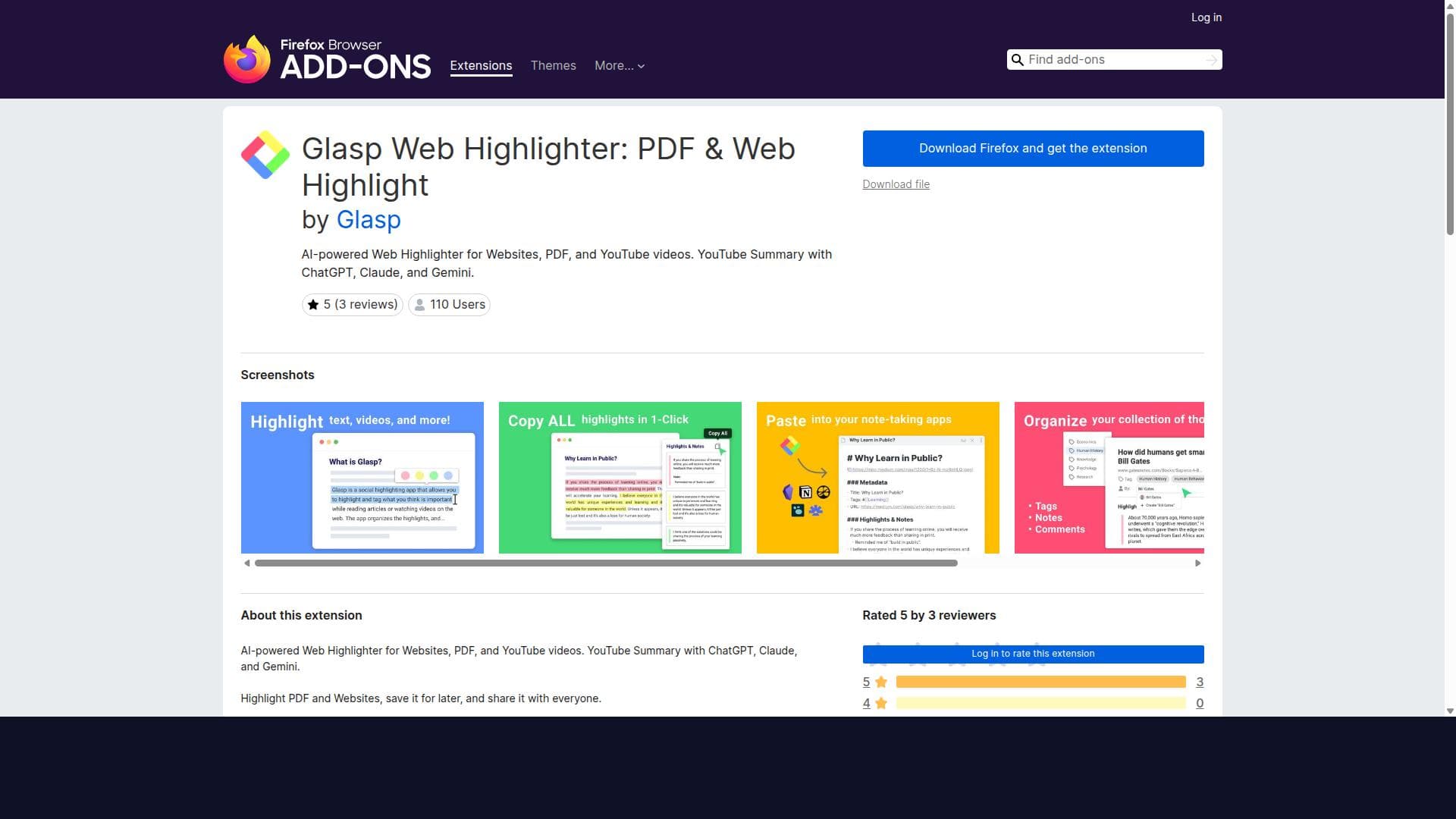
Glasp is now on Firefox. Highlight web articles, PDFs, and YouTube transcripts in four colors, add notes and tags, and summarize any page or video with ChatGPT, Claude, or Gemini. Everything lands in one searchable library and exports to Notion, Obsidian, or Markdown. Sign in on any browser or on the mobile apps and your highlights follow you. Free, and nothing to migrate.
Detailed Description
Glasp Web Highlighter: PDF & Web Highlight is a powerful AI-driven browser extension designed specifically for Firefox users who want to enhance their reading, research, and content curation experience across multiple digital formats. At its core, the tool enables users to highlight and annotate content not only on standard web pages but also on PDFs, YouTube videos, and images, making it a versatile solution for capturing insights from a wide range of sources. This extension is built to help users save, organize, and share their highlights seamlessly, empowering knowledge workers, students, researchers, and content creators to build a personalized knowledge base and collaborate effectively. One of the standout features of Glasp Web Highlighter is its multi-format support. Users can highlight text on websites and PDFs using multiple colors, allowing for nuanced categorization and prioritization of information. Beyond static text, the extension also supports highlighting and annotating YouTube videos, enabling users to mark important moments or quotes directly on the video timeline. Additionally, it supports annotations on images, broadening its utility for visual content analysis. The tool integrates AI-powered summarization capabilities that leverage advanced language models such as ChatGPT, Claude, Mistral AI, and Gemini. This means users can generate concise summaries of lengthy web articles, PDFs, or YouTube videos based on their annotations, saving time and enhancing comprehension. Glasp also offers robust organizational features. Users can make notes on their highlights, tag them for easy retrieval, and link related highlights together. The extension syncs highlights and notes across platforms, including Kindle eBooks, ensuring that users can access their curated content wherever they read or research. Sharing is another key aspect; highlights can be shared directly on popular collaboration and social media platforms like Twitter, Microsoft Teams, and Slack, facilitating knowledge dissemination and discussion within teams or communities. Furthermore, Glasp allows users to discover content from like-minded readers, fostering a community-driven learning environment. An innovative feature is the ability to build an AI clone from one’s own highlights and notes, which can serve as a personalized AI assistant or knowledge repository. This tool is particularly well-suited for students, academics, researchers, journalists, content marketers, and professionals who regularly engage with diverse content formats and need to organize and recall information efficiently. It is ideal for anyone who values deep reading, annotation, and knowledge sharing, especially those who consume multimedia content such as videos and images alongside traditional text. Use cases include academic research, content curation for marketing, collaborative team projects, and personal knowledge management. Glasp Web Highlighter is available as a free Firefox add-on, making it accessible without upfront cost. While the current offering is free, users should check the official website or extension page for any updates on premium features or subscription plans. Its free availability lowers the barrier to entry compared to some competitors that require paid subscriptions for advanced features. When compared to alternative annotation tools, Glasp stands out due to its comprehensive multi-format support and integrated AI summarization powered by multiple advanced models. Many other highlighters focus solely on web pages or PDFs, but Glasp’s ability to annotate videos and images, combined with AI-driven summaries, provides a unique value proposition. Its social sharing and community discovery features further differentiate it by fostering collaboration and content exploration beyond personal use. However, users should consider that Glasp is currently limited to the Firefox browser, which may restrict adoption for those using other browsers. Additionally, while AI summarization is powerful, the accuracy and relevance of generated summaries depend on the underlying models and the quality of annotations. Users should verify critical information independently. Finally, as with any cloud-synced tool, privacy and data security considerations are important; users should review Glasp’s privacy policies to understand how their data is handled. In summary, Glasp Web Highlighter: PDF & Web Highlight is a comprehensive, AI-enhanced annotation and summarization tool that empowers users to capture, organize, and share insights across multiple content formats. Its unique combination of features makes it an excellent choice for anyone looking to deepen their engagement with digital content and collaborate effectively.
Tool Features
- Web & PDF highlight with multiple colors
- Highlight & annotate on YouTube videos
- AI-powered summary based on annotations
- Highlight & annotate on PDF files
- Highlight & annotate on Images
- Make notes on the highlights
- Tag and link-to your highlights
- Sync all your highlights and notes from Kindle eBooks
Description
Glasp Web Highlighter is a versatile AI-powered Firefox extension that enables users to highlight and annotate websites, PDFs, YouTube videos, and images, while generating AI-driven summaries using models like ChatGPT and Gemini. Ideal for students, researchers, and professionals, it streamlines knowledge capture, organization, and sharing across multiple platforms.
Glasp is now on Firefox. Highlight web articles, PDFs, and YouTube transcripts in four colors, add notes and tags, and summarize any page or video with ChatGPT, Claude, or Gemini. Everything lands in one searchable library and exports to Notion, Obsidian, or Markdown. Sign in on any browser or on the mobile apps and your highlights follow you. Free, and nothing to migrate.
Detailed Description
Glasp Web Highlighter: PDF & Web Highlight is a powerful AI-driven browser extension designed specifically for Firefox users who want to enhance their reading, research, and content curation experience across multiple digital formats. At its core, the tool enables users to highlight and annotate content not only on standard web pages but also on PDFs, YouTube videos, and images, making it a versatile solution for capturing insights from a wide range of sources. This extension is built to help users save, organize, and share their highlights seamlessly, empowering knowledge workers, students, researchers, and content creators to build a personalized knowledge base and collaborate effectively. One of the standout features of Glasp Web Highlighter is its multi-format support. Users can highlight text on websites and PDFs using multiple colors, allowing for nuanced categorization and prioritization of information. Beyond static text, the extension also supports highlighting and annotating YouTube videos, enabling users to mark important moments or quotes directly on the video timeline. Additionally, it supports annotations on images, broadening its utility for visual content analysis. The tool integrates AI-powered summarization capabilities that leverage advanced language models such as ChatGPT, Claude, Mistral AI, and Gemini. This means users can generate concise summaries of lengthy web articles, PDFs, or YouTube videos based on their annotations, saving time and enhancing comprehension. Glasp also offers robust organizational features. Users can make notes on their highlights, tag them for easy retrieval, and link related highlights together. The extension syncs highlights and notes across platforms, including Kindle eBooks, ensuring that users can access their curated content wherever they read or research. Sharing is another key aspect; highlights can be shared directly on popular collaboration and social media platforms like Twitter, Microsoft Teams, and Slack, facilitating knowledge dissemination and discussion within teams or communities. Furthermore, Glasp allows users to discover content from like-minded readers, fostering a community-driven learning environment. An innovative feature is the ability to build an AI clone from one’s own highlights and notes, which can serve as a personalized AI assistant or knowledge repository. This tool is particularly well-suited for students, academics, researchers, journalists, content marketers, and professionals who regularly engage with diverse content formats and need to organize and recall information efficiently. It is ideal for anyone who values deep reading, annotation, and knowledge sharing, especially those who consume multimedia content such as videos and images alongside traditional text. Use cases include academic research, content curation for marketing, collaborative team projects, and personal knowledge management. Glasp Web Highlighter is available as a free Firefox add-on, making it accessible without upfront cost. While the current offering is free, users should check the official website or extension page for any updates on premium features or subscription plans. Its free availability lowers the barrier to entry compared to some competitors that require paid subscriptions for advanced features. When compared to alternative annotation tools, Glasp stands out due to its comprehensive multi-format support and integrated AI summarization powered by multiple advanced models. Many other highlighters focus solely on web pages or PDFs, but Glasp’s ability to annotate videos and images, combined with AI-driven summaries, provides a unique value proposition. Its social sharing and community discovery features further differentiate it by fostering collaboration and content exploration beyond personal use. However, users should consider that Glasp is currently limited to the Firefox browser, which may restrict adoption for those using other browsers. Additionally, while AI summarization is powerful, the accuracy and relevance of generated summaries depend on the underlying models and the quality of annotations. Users should verify critical information independently. Finally, as with any cloud-synced tool, privacy and data security considerations are important; users should review Glasp’s privacy policies to understand how their data is handled. In summary, Glasp Web Highlighter: PDF & Web Highlight is a comprehensive, AI-enhanced annotation and summarization tool that empowers users to capture, organize, and share insights across multiple content formats. Its unique combination of features makes it an excellent choice for anyone looking to deepen their engagement with digital content and collaborate effectively.
Frequently Asked Questions
What is Glasp Web Highlighter: PDF & Web Highlight?
Glasp Web Highlighter is a Firefox browser extension that allows users to highlight and annotate content on websites, PDFs, YouTube videos, and images. It also offers AI-powered summarization of annotated content, helping users save, organize, and share their insights efficiently.
How much does Glasp Web Highlighter: PDF & Web Highlight cost?
Glasp Web Highlighter is currently available as a free add-on for Firefox users. There are no costs associated with downloading or using the extension at this time.
Who is Glasp Web Highlighter: PDF & Web Highlight best for?
This tool is best suited for students, researchers, academics, content marketers, journalists, and professionals who engage with diverse digital content and need to highlight, annotate, and summarize information across multiple formats including web pages, PDFs, videos, and images.
What are the main features of Glasp Web Highlighter: PDF & Web Highlight?
Key features include multi-color highlighting and annotation on websites, PDFs, YouTube videos, and images; AI-powered summarization using models like ChatGPT and Gemini; note-taking on highlights; tagging and linking highlights; syncing highlights and notes from Kindle eBooks; and sharing highlights across platforms such as Twitter, Teams, and Slack.
Does Glasp Web Highlighter: PDF & Web Highlight offer a free trial?
As the extension is free to use, there is no need for a trial period. Users can download and use all available features without any cost.
What integrations does Glasp Web Highlighter: PDF & Web Highlight support?
Glasp supports integration with social and collaboration platforms including Twitter, Microsoft Teams, Slack, and syncing highlights from Kindle eBooks, enabling seamless sharing and access across different environments.
How does Glasp Web Highlighter: PDF & Web Highlight work?
After installing the Firefox extension, users can highlight and annotate content directly on supported formats such as web pages, PDFs, YouTube videos, and images. The tool uses AI models to generate summaries based on these annotations. Highlights and notes are saved and can be tagged, linked, searched, and shared across various platforms, helping users organize and disseminate their knowledge effectively.
Socials
Use ToolReviews
No reviews yet. Be the first to share your experience.




















































