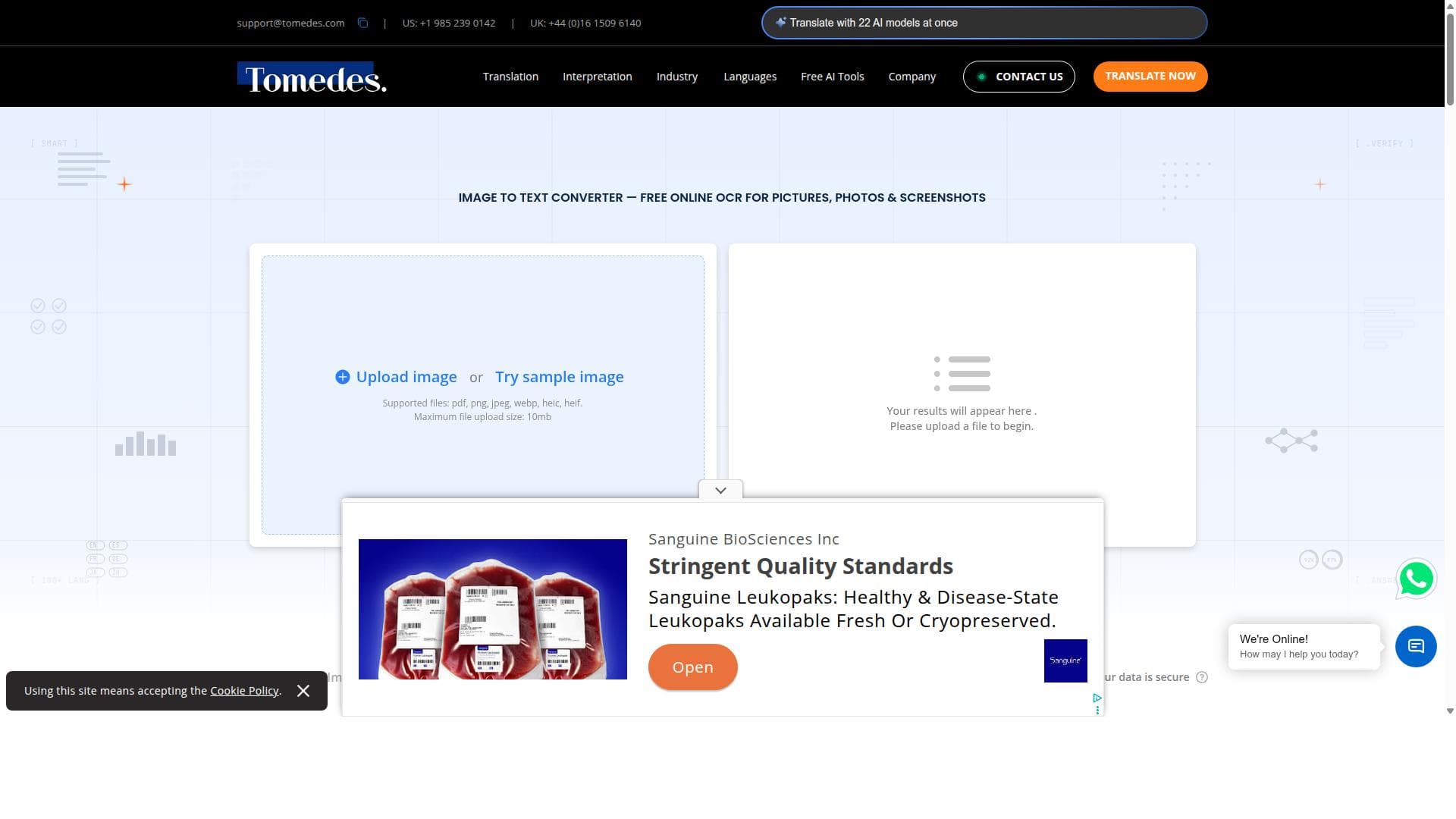


Free Image to Text Converter delivers instant, accurate text extraction from images and PDFs using cutting-edge OCR technologies like ChatGPT, Gemini, and Mistral. Perfect for students, professionals, and casual users alike, it offers seamless, no-signup access to editable text conversion across multiple file formats.
Description
This tool allows users to convert images, pictures, and photos into editable text instantly. It supports various file formats including JPG, PNG, and PDF, as well as screenshots. The conversion is powered by advanced OCR technologies such as ChatGPT, Gemini, and Mistral, and requires no signup to use.
Detailed Description
The Free Image to Text Converter is a powerful online tool designed to transform images, pictures, photos, and screenshots into editable text quickly and accurately. Its core purpose is to facilitate the extraction of text content from various image formats, making it accessible for editing, copying, or further processing without the need to manually retype the text. This tool supports multiple file formats including JPG, PNG, PDF, and screenshots, catering to a wide range of user needs from casual to professional applications. By leveraging cutting-edge OCR (Optical Character Recognition) technologies such as ChatGPT, Gemini, and Mistral, it ensures high accuracy and speed in converting image-based text into editable formats. The tool is web-based and requires no signup, allowing users to access its features instantly without any barriers or commitments. One of the standout features of the Free Image to Text Converter is its support for diverse image formats. Whether users have scanned documents saved as PDFs, photographs containing text, or screenshots from websites or applications, the tool can handle these inputs seamlessly. The instant conversion capability means that users receive editable text output within seconds, significantly reducing the time and effort compared to manual transcription. The integration of advanced OCR engines like ChatGPT, Gemini, and Mistral enhances the tool’s ability to accurately recognize different fonts, languages, and layouts, including complex documents with mixed content. Additionally, the tool’s no-signup policy removes friction, making it accessible for quick, one-off conversions or frequent use without creating accounts or managing subscriptions. This tool is ideal for a broad audience including students, researchers, writers, office professionals, and anyone who frequently works with text embedded in images. For example, students can convert textbook photos or handwritten notes into editable text for easier study and annotation. Researchers and journalists can extract quotes or data from scanned documents or images without retyping. Office workers can digitize printed reports or presentations quickly to edit or share. The tool’s simplicity and speed also make it perfect for casual users who need to convert screenshots or images containing text for personal use. Its versatility across file types and formats ensures it fits seamlessly into various workflows, whether for academic, professional, or personal projects. In terms of pricing, the Free Image to Text Converter is completely free to use, with no hidden fees or premium plans. This makes it an excellent choice for users seeking a cost-effective OCR solution without compromising on quality. Unlike many OCR tools that require subscriptions or limit free usage, this tool offers unlimited access without registration. This accessibility is a significant advantage for users who need occasional or immediate text extraction without long-term commitments. When compared to alternative OCR tools, the Free Image to Text Converter stands out due to its combination of advanced AI-powered OCR engines and a user-friendly, no-signup interface. Many competitors either require account creation, impose usage limits, or lack support for multiple file formats. While some tools offer similar conversion capabilities, few integrate multiple state-of-the-art OCR models like ChatGPT, Gemini, and Mistral simultaneously, which enhances recognition accuracy and versatility. However, unlike some premium OCR software, it may not offer batch processing or integration with other productivity tools, which could be a consideration for enterprise users. Notable limitations include the absence of advanced editing features within the tool itself; users receive plain editable text output but must use external editors for formatting or further manipulation. Additionally, while the tool supports multiple languages and fonts, extremely complex layouts or handwritten text with poor image quality may reduce accuracy. Users should ensure their images are clear and well-lit for optimal results. Finally, as a web-based tool, it requires a stable internet connection and may not be suitable for processing highly sensitive documents due to privacy considerations. Overall, the Free Image to Text Converter offers a robust, accessible, and free solution for converting images into editable text. Its advanced OCR technology, broad format support, and instant conversion make it a valuable tool for individuals and professionals seeking efficient text extraction without the hassle of signups or fees.
Tool Features
- Supports JPG, PNG, PDF, and screenshot uploads
- Instant conversion to editable text
- Powered by ChatGPT, Gemini, and Mistral OCR
- No signup required
Description
Free Image to Text Converter delivers instant, accurate text extraction from images and PDFs using cutting-edge OCR technologies like ChatGPT, Gemini, and Mistral. Perfect for students, professionals, and casual users alike, it offers seamless, no-signup access to editable text conversion across multiple file formats.
This tool allows users to convert images, pictures, and photos into editable text instantly. It supports various file formats including JPG, PNG, and PDF, as well as screenshots. The conversion is powered by advanced OCR technologies such as ChatGPT, Gemini, and Mistral, and requires no signup to use.
Detailed Description
The Free Image to Text Converter is a powerful online tool designed to transform images, pictures, photos, and screenshots into editable text quickly and accurately. Its core purpose is to facilitate the extraction of text content from various image formats, making it accessible for editing, copying, or further processing without the need to manually retype the text. This tool supports multiple file formats including JPG, PNG, PDF, and screenshots, catering to a wide range of user needs from casual to professional applications. By leveraging cutting-edge OCR (Optical Character Recognition) technologies such as ChatGPT, Gemini, and Mistral, it ensures high accuracy and speed in converting image-based text into editable formats. The tool is web-based and requires no signup, allowing users to access its features instantly without any barriers or commitments. One of the standout features of the Free Image to Text Converter is its support for diverse image formats. Whether users have scanned documents saved as PDFs, photographs containing text, or screenshots from websites or applications, the tool can handle these inputs seamlessly. The instant conversion capability means that users receive editable text output within seconds, significantly reducing the time and effort compared to manual transcription. The integration of advanced OCR engines like ChatGPT, Gemini, and Mistral enhances the tool’s ability to accurately recognize different fonts, languages, and layouts, including complex documents with mixed content. Additionally, the tool’s no-signup policy removes friction, making it accessible for quick, one-off conversions or frequent use without creating accounts or managing subscriptions. This tool is ideal for a broad audience including students, researchers, writers, office professionals, and anyone who frequently works with text embedded in images. For example, students can convert textbook photos or handwritten notes into editable text for easier study and annotation. Researchers and journalists can extract quotes or data from scanned documents or images without retyping. Office workers can digitize printed reports or presentations quickly to edit or share. The tool’s simplicity and speed also make it perfect for casual users who need to convert screenshots or images containing text for personal use. Its versatility across file types and formats ensures it fits seamlessly into various workflows, whether for academic, professional, or personal projects. In terms of pricing, the Free Image to Text Converter is completely free to use, with no hidden fees or premium plans. This makes it an excellent choice for users seeking a cost-effective OCR solution without compromising on quality. Unlike many OCR tools that require subscriptions or limit free usage, this tool offers unlimited access without registration. This accessibility is a significant advantage for users who need occasional or immediate text extraction without long-term commitments. When compared to alternative OCR tools, the Free Image to Text Converter stands out due to its combination of advanced AI-powered OCR engines and a user-friendly, no-signup interface. Many competitors either require account creation, impose usage limits, or lack support for multiple file formats. While some tools offer similar conversion capabilities, few integrate multiple state-of-the-art OCR models like ChatGPT, Gemini, and Mistral simultaneously, which enhances recognition accuracy and versatility. However, unlike some premium OCR software, it may not offer batch processing or integration with other productivity tools, which could be a consideration for enterprise users. Notable limitations include the absence of advanced editing features within the tool itself; users receive plain editable text output but must use external editors for formatting or further manipulation. Additionally, while the tool supports multiple languages and fonts, extremely complex layouts or handwritten text with poor image quality may reduce accuracy. Users should ensure their images are clear and well-lit for optimal results. Finally, as a web-based tool, it requires a stable internet connection and may not be suitable for processing highly sensitive documents due to privacy considerations. Overall, the Free Image to Text Converter offers a robust, accessible, and free solution for converting images into editable text. Its advanced OCR technology, broad format support, and instant conversion make it a valuable tool for individuals and professionals seeking efficient text extraction without the hassle of signups or fees.
Frequently Asked Questions
What is Free Image to Text Converter?
Free Image to Text Converter is an online tool that converts images, photos, and PDFs into editable text instantly using advanced OCR technologies such as ChatGPT, Gemini, and Mistral. It supports multiple file formats and requires no signup.
How much does Free Image to Text Converter cost?
The Free Image to Text Converter is completely free to use with no hidden fees or subscription plans.
Who is Free Image to Text Converter best for?
It is ideal for students, researchers, writers, office professionals, and anyone needing quick and accurate text extraction from images or PDFs without the hassle of signups or fees.
What are the main features of Free Image to Text Converter?
Key features include support for JPG, PNG, PDF, and screenshot uploads, instant conversion to editable text, advanced OCR powered by ChatGPT, Gemini, and Mistral, and no signup requirement.
Does Free Image to Text Converter offer a free trial?
Yes, the tool is entirely free to use with no signup or trial restrictions.
What integrations does Free Image to Text Converter support?
The tool is a standalone web-based service and does not currently offer integrations with other software or platforms.
How does Free Image to Text Converter work?
Users upload an image or PDF file, and the tool uses advanced OCR engines like ChatGPT, Gemini, and Mistral to analyze and convert the text within the image into editable text instantly, which can then be copied or downloaded.
Socials
Use ToolReviews
No reviews yet. Be the first to share your experience.




















































