
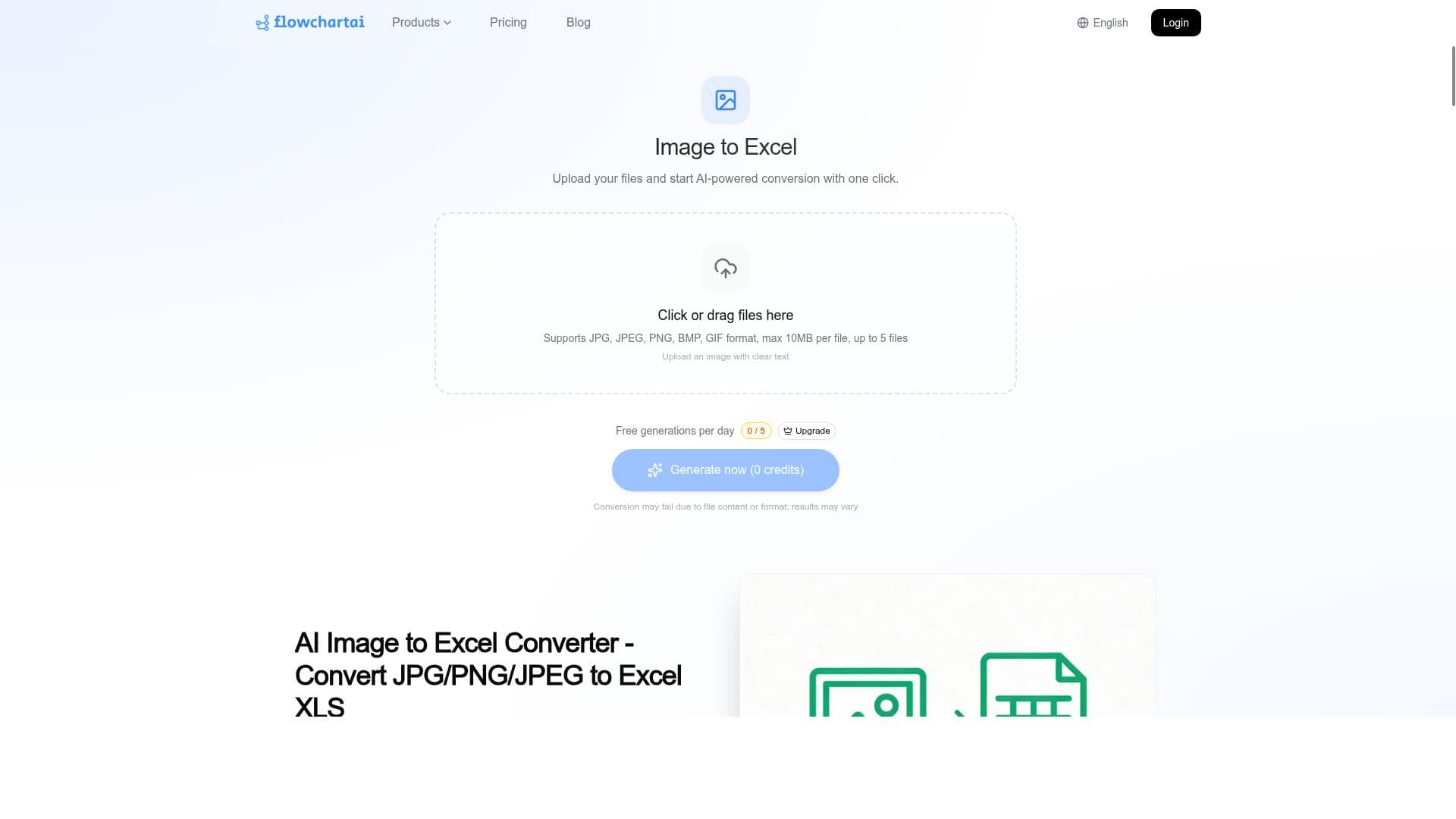


FlowChartAI Image to Excel Converter leverages advanced AI and OCR technology to instantly transform images of tables into editable Excel spreadsheets. Ideal for professionals needing quick, accurate data extraction from JPG or PNG files, it streamlines workflows by eliminating manual data entry.

Description
FlowChartAI offers an AI-powered online tool that converts images such as JPG or PNG into editable Excel spreadsheets. It accurately recognizes tables and supports OCR to extract data from photos, enabling instant transformation of image-based tables into XLS format for easy editing and analysis.
Detailed Description
FlowChartAI Image to Excel Converter is a sophisticated AI-driven online tool designed to transform images containing tabular data into fully editable Excel spreadsheets. Its core purpose is to simplify the process of extracting structured data from images such as JPG or PNG files, which often contain tables captured via photos, scans, or screenshots. By leveraging advanced AI algorithms and Optical Character Recognition (OCR) technology, FlowChartAI accurately detects table boundaries, recognizes cell contents, and converts this information into XLS format. This enables users to bypass manual data entry, saving significant time and reducing errors associated with manual transcription. The tool’s key features include AI-powered image to Excel conversion that supports popular image formats like JPG and PNG. It excels in accurate table recognition, ensuring that complex tables with multiple rows, columns, and merged cells are correctly interpreted. The integrated OCR capability extracts textual data from images, even when the text is embedded within scanned documents or photos taken under varying lighting conditions. The conversion process is instant and fully online, requiring no software installation, making it highly accessible and convenient. The output is an editable Excel spreadsheet, allowing users to immediately manipulate, analyze, or integrate the data into their workflows. FlowChartAI Image to Excel Converter is ideal for professionals and organizations that frequently work with data captured in image formats. This includes accountants digitizing financial tables from scanned invoices, researchers extracting data from printed reports, analysts converting screenshots of dashboards, and administrative staff processing forms or survey results. Its ease of use and accuracy make it suitable for both individuals and enterprises seeking to automate data extraction and improve productivity. Regarding pricing, FlowChartAI offers a straightforward online service accessible via its website. While specific pricing details are not publicly detailed in the provided information, such tools typically operate on a freemium or pay-per-use model, allowing users to convert a limited number of images for free before requiring a subscription or payment for higher volume usage. Prospective users should visit the official website to review the latest pricing plans and any available free trial options. Compared to alternatives, FlowChartAI stands out due to its combination of AI-driven table recognition and OCR in a fully online platform. Many competing tools either require desktop software installation or lack the same level of accuracy in interpreting complex tables from images. Its instant conversion and support for common image formats add to its accessibility. However, some alternatives may offer deeper integration with office suites or batch processing capabilities, which FlowChartAI may or may not support depending on ongoing development. Notable limitations include potential challenges with extremely low-quality images, handwritten tables, or documents with highly irregular layouts that can affect OCR accuracy. Users should ensure their images are clear and well-lit for optimal results. Additionally, as an online tool, it requires a stable internet connection and may have file size limits. Privacy-conscious users should review the platform’s data handling policies to ensure compliance with their security requirements. In summary, FlowChartAI Image to Excel Converter is a powerful, user-friendly solution for converting image-based tables into editable Excel spreadsheets with high accuracy and speed. Its AI and OCR capabilities make it a valuable asset for anyone needing to digitize tabular data from images efficiently.
Tool Features
- AI-powered image to Excel conversion
- Supports JPG and PNG image formats
- Accurate table recognition
- OCR support for text extraction
- Instant online conversion
- Editable XLS spreadsheet output
Description
FlowChartAI Image to Excel Converter leverages advanced AI and OCR technology to instantly transform images of tables into editable Excel spreadsheets. Ideal for professionals needing quick, accurate data extraction from JPG or PNG files, it streamlines workflows by eliminating manual data entry.
FlowChartAI offers an AI-powered online tool that converts images such as JPG or PNG into editable Excel spreadsheets. It accurately recognizes tables and supports OCR to extract data from photos, enabling instant transformation of image-based tables into XLS format for easy editing and analysis.
Detailed Description
FlowChartAI Image to Excel Converter is a sophisticated AI-driven online tool designed to transform images containing tabular data into fully editable Excel spreadsheets. Its core purpose is to simplify the process of extracting structured data from images such as JPG or PNG files, which often contain tables captured via photos, scans, or screenshots. By leveraging advanced AI algorithms and Optical Character Recognition (OCR) technology, FlowChartAI accurately detects table boundaries, recognizes cell contents, and converts this information into XLS format. This enables users to bypass manual data entry, saving significant time and reducing errors associated with manual transcription. The tool’s key features include AI-powered image to Excel conversion that supports popular image formats like JPG and PNG. It excels in accurate table recognition, ensuring that complex tables with multiple rows, columns, and merged cells are correctly interpreted. The integrated OCR capability extracts textual data from images, even when the text is embedded within scanned documents or photos taken under varying lighting conditions. The conversion process is instant and fully online, requiring no software installation, making it highly accessible and convenient. The output is an editable Excel spreadsheet, allowing users to immediately manipulate, analyze, or integrate the data into their workflows. FlowChartAI Image to Excel Converter is ideal for professionals and organizations that frequently work with data captured in image formats. This includes accountants digitizing financial tables from scanned invoices, researchers extracting data from printed reports, analysts converting screenshots of dashboards, and administrative staff processing forms or survey results. Its ease of use and accuracy make it suitable for both individuals and enterprises seeking to automate data extraction and improve productivity. Regarding pricing, FlowChartAI offers a straightforward online service accessible via its website. While specific pricing details are not publicly detailed in the provided information, such tools typically operate on a freemium or pay-per-use model, allowing users to convert a limited number of images for free before requiring a subscription or payment for higher volume usage. Prospective users should visit the official website to review the latest pricing plans and any available free trial options. Compared to alternatives, FlowChartAI stands out due to its combination of AI-driven table recognition and OCR in a fully online platform. Many competing tools either require desktop software installation or lack the same level of accuracy in interpreting complex tables from images. Its instant conversion and support for common image formats add to its accessibility. However, some alternatives may offer deeper integration with office suites or batch processing capabilities, which FlowChartAI may or may not support depending on ongoing development. Notable limitations include potential challenges with extremely low-quality images, handwritten tables, or documents with highly irregular layouts that can affect OCR accuracy. Users should ensure their images are clear and well-lit for optimal results. Additionally, as an online tool, it requires a stable internet connection and may have file size limits. Privacy-conscious users should review the platform’s data handling policies to ensure compliance with their security requirements. In summary, FlowChartAI Image to Excel Converter is a powerful, user-friendly solution for converting image-based tables into editable Excel spreadsheets with high accuracy and speed. Its AI and OCR capabilities make it a valuable asset for anyone needing to digitize tabular data from images efficiently.
Frequently Asked Questions
What is FlowChartAI Image to Excel Converter?
FlowChartAI Image to Excel Converter is an AI-powered online tool that converts images containing tables, such as JPG or PNG files, into editable Excel spreadsheets by accurately recognizing tables and extracting text using OCR technology.
How much does FlowChartAI Image to Excel Converter cost?
Pricing details are not explicitly provided, but the tool typically offers online access with possible freemium or pay-per-use plans. Users should visit the official website for the most current pricing and subscription options.
Who is FlowChartAI Image to Excel Converter best for?
It is best suited for professionals and organizations that need to convert image-based tables into Excel format quickly and accurately, including accountants, researchers, data analysts, and administrative staff handling scanned documents or photos.
What are the main features of FlowChartAI Image to Excel Converter?
Key features include AI-powered image to Excel conversion, support for JPG and PNG formats, accurate table recognition, OCR support for text extraction, instant online conversion, and output as editable XLS spreadsheets.
Does FlowChartAI Image to Excel Converter offer a free trial?
The information provided does not specify a free trial, but many online AI conversion tools offer limited free usage or trial periods. Users should check the official website for any available free trial options.
What integrations does FlowChartAI Image to Excel Converter support?
No specific integrations are mentioned. The tool operates as an online service where users upload images and download Excel files, making it compatible with any software that supports XLS files.
How does FlowChartAI Image to Excel Converter work?
Users upload an image containing a table in JPG or PNG format to the online platform. The AI engine analyzes the image, recognizes table structures, applies OCR to extract text, and converts the data into an editable Excel spreadsheet available for download.
Reviews
No reviews yet. Be the first to share your experience.




















































