🚀 Zaprep: Your Socials on Steroids. Start free — automate 1,000 DMs/month & turn engagement into leads. with 1,000 automated DMs/month.
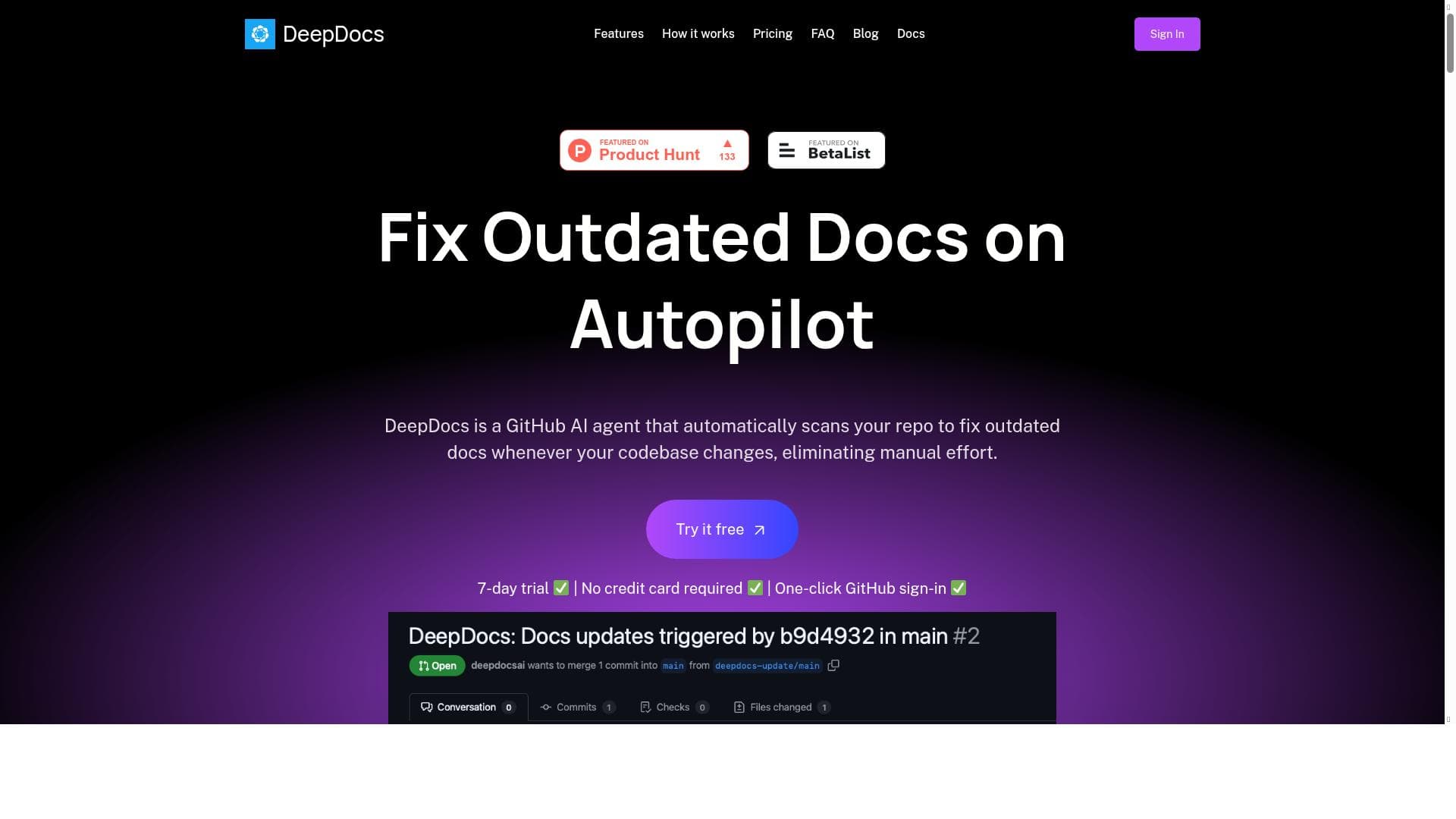


DeepDocs is a GitHub AI agent that automatically updates your API documentation, SDK guides, and tutorials to stay perfectly in sync with your codebase. Ideal for developers and teams seeking to eliminate manual doc updates, it runs on autopilot within GitHub repositories to keep your docs accurate and current effortlessly.

Description
DeepDocs is a GitHub AI agent that automatically keeps your docs like API documentation, SDK guides, and tutorials in sync with your codebase, so you never have to manually update them again.
Detailed Description
DeepDocs is an innovative AI-powered agent designed specifically for GitHub repositories to automate the synchronization of documentation with the underlying codebase. Its core purpose is to eliminate the tedious and error-prone manual process of updating API documentation, SDK guides, tutorials, and other technical documents whenever code changes occur. By continuously monitoring your repository, DeepDocs ensures that your documentation remains accurate, up-to-date, and reflective of the latest code changes, thereby improving developer experience and reducing the risk of outdated or misleading information. At the heart of DeepDocs lies its ability to automatically detect discrepancies between the code and its associated documentation. It intelligently identifies outdated sections and applies precise updates to fix them without requiring manual intervention. This autopilot functionality is a significant time saver for development teams, freeing them from the repetitive task of documentation maintenance and allowing them to focus more on coding and innovation. DeepDocs seamlessly integrates with GitHub repositories, making it easy to set up and use within existing workflows. Its integration ensures that documentation updates are triggered as part of the development lifecycle, often through pull requests or commits, maintaining a smooth and consistent update process. DeepDocs is particularly well-suited for software development teams, open-source project maintainers, and API providers who rely heavily on comprehensive and accurate documentation. For teams managing complex SDKs or APIs, DeepDocs helps maintain high-quality guides and tutorials that are essential for onboarding new developers and supporting users. It is also valuable for organizations that prioritize continuous integration and delivery (CI/CD) pipelines, as it can be incorporated to automatically update documentation alongside code deployments. The pricing model for DeepDocs follows a freemium approach, allowing users to access essential features at no cost, which is ideal for smaller projects or teams just starting to explore automated documentation tools. For more advanced features, higher usage limits, or enterprise-level support, paid plans are available, although specific pricing details are typically provided upon inquiry or during the sign-up process. This flexible pricing structure makes DeepDocs accessible to a wide range of users, from individual developers to large organizations. Compared to alternative documentation tools, DeepDocs stands out due to its deep integration with GitHub and its focus on automation. While many tools offer static documentation generation or manual editing assistance, DeepDocs proactively updates documentation in response to code changes without requiring developer input. This level of automation reduces human error and ensures documentation accuracy more reliably than traditional methods. However, unlike some standalone documentation platforms that offer extensive customization or multi-repository support, DeepDocs is optimized primarily for GitHub environments, which may limit its applicability for projects hosted elsewhere. Notable considerations when using DeepDocs include the need to ensure that your codebase is well-structured and that your documentation follows consistent formatting standards to maximize the AI agent's effectiveness. Additionally, while DeepDocs automates many aspects of documentation maintenance, complex conceptual explanations or design rationale may still require human input to maintain clarity and depth. Users should also be aware of privacy and security policies related to AI processing within their repositories, especially for proprietary or sensitive codebases. In summary, DeepDocs offers a powerful, AI-driven solution for keeping GitHub documentation in perfect sync with code changes. Its automation capabilities, seamless GitHub integration, and freemium pricing model make it an attractive choice for developers and teams aiming to enhance documentation quality and reduce maintenance overhead. By leveraging DeepDocs, organizations can ensure their documentation is always accurate, up-to-date, and ready to support users and developers alike.
Tool Features
- Automatically fixes outdated GitHub documentation
- Runs on autopilot to keep docs updated
- Integrates with GitHub repositories
Description
DeepDocs is a GitHub AI agent that automatically updates your API documentation, SDK guides, and tutorials to stay perfectly in sync with your codebase. Ideal for developers and teams seeking to eliminate manual doc updates, it runs on autopilot within GitHub repositories to keep your docs accurate and current effortlessly.
DeepDocs is a GitHub AI agent that automatically keeps your docs like API documentation, SDK guides, and tutorials in sync with your codebase, so you never have to manually update them again.
Detailed Description
DeepDocs is an innovative AI-powered agent designed specifically for GitHub repositories to automate the synchronization of documentation with the underlying codebase. Its core purpose is to eliminate the tedious and error-prone manual process of updating API documentation, SDK guides, tutorials, and other technical documents whenever code changes occur. By continuously monitoring your repository, DeepDocs ensures that your documentation remains accurate, up-to-date, and reflective of the latest code changes, thereby improving developer experience and reducing the risk of outdated or misleading information. At the heart of DeepDocs lies its ability to automatically detect discrepancies between the code and its associated documentation. It intelligently identifies outdated sections and applies precise updates to fix them without requiring manual intervention. This autopilot functionality is a significant time saver for development teams, freeing them from the repetitive task of documentation maintenance and allowing them to focus more on coding and innovation. DeepDocs seamlessly integrates with GitHub repositories, making it easy to set up and use within existing workflows. Its integration ensures that documentation updates are triggered as part of the development lifecycle, often through pull requests or commits, maintaining a smooth and consistent update process. DeepDocs is particularly well-suited for software development teams, open-source project maintainers, and API providers who rely heavily on comprehensive and accurate documentation. For teams managing complex SDKs or APIs, DeepDocs helps maintain high-quality guides and tutorials that are essential for onboarding new developers and supporting users. It is also valuable for organizations that prioritize continuous integration and delivery (CI/CD) pipelines, as it can be incorporated to automatically update documentation alongside code deployments. The pricing model for DeepDocs follows a freemium approach, allowing users to access essential features at no cost, which is ideal for smaller projects or teams just starting to explore automated documentation tools. For more advanced features, higher usage limits, or enterprise-level support, paid plans are available, although specific pricing details are typically provided upon inquiry or during the sign-up process. This flexible pricing structure makes DeepDocs accessible to a wide range of users, from individual developers to large organizations. Compared to alternative documentation tools, DeepDocs stands out due to its deep integration with GitHub and its focus on automation. While many tools offer static documentation generation or manual editing assistance, DeepDocs proactively updates documentation in response to code changes without requiring developer input. This level of automation reduces human error and ensures documentation accuracy more reliably than traditional methods. However, unlike some standalone documentation platforms that offer extensive customization or multi-repository support, DeepDocs is optimized primarily for GitHub environments, which may limit its applicability for projects hosted elsewhere. Notable considerations when using DeepDocs include the need to ensure that your codebase is well-structured and that your documentation follows consistent formatting standards to maximize the AI agent's effectiveness. Additionally, while DeepDocs automates many aspects of documentation maintenance, complex conceptual explanations or design rationale may still require human input to maintain clarity and depth. Users should also be aware of privacy and security policies related to AI processing within their repositories, especially for proprietary or sensitive codebases. In summary, DeepDocs offers a powerful, AI-driven solution for keeping GitHub documentation in perfect sync with code changes. Its automation capabilities, seamless GitHub integration, and freemium pricing model make it an attractive choice for developers and teams aiming to enhance documentation quality and reduce maintenance overhead. By leveraging DeepDocs, organizations can ensure their documentation is always accurate, up-to-date, and ready to support users and developers alike.
Frequently Asked Questions
What is DeepDocs?
DeepDocs is an AI-powered agent designed to automatically update and synchronize documentation such as API docs, SDK guides, and tutorials with the latest changes in your GitHub codebase, eliminating the need for manual updates.
How much does DeepDocs cost?
DeepDocs offers a freemium pricing model, providing essential features for free with options for paid plans that include advanced capabilities and higher usage limits. Specific pricing details are available on their website or during sign-up.
Who is DeepDocs best for?
DeepDocs is ideal for software development teams, open-source maintainers, API providers, and organizations that use GitHub and want to keep their technical documentation automatically updated and accurate.
What are the main features of DeepDocs?
Key features include automatic detection and fixing of outdated GitHub documentation, running on autopilot to keep docs continuously updated, and seamless integration with GitHub repositories to fit naturally into existing workflows.
Does DeepDocs offer a free trial?
Yes, DeepDocs offers a freemium plan that allows users to try out the core features for free, making it easy to evaluate the tool before committing to any paid plans.
What integrations does DeepDocs support?
DeepDocs integrates directly with GitHub repositories, enabling it to monitor code changes and update documentation automatically within the GitHub environment.
How does DeepDocs work?
DeepDocs continuously monitors your GitHub repository for code changes, automatically detects outdated documentation sections, and updates them using AI-powered algorithms, all without requiring manual intervention.
Socials
Use ToolReviews
No reviews yet. Be the first to share your experience.
Sponsored Tools







































Recommended Tools
Stay updated on latest Ai tools
Get the latest insights, Join our newsletter
Read and trusted by 50,000+ readers
Join the biggest AI Community
Our community and staff are here to help!
Your feedback will help Alice AI improve in future versions.







Submit your Tool


PoweredByAI.app is an AI Tools Directory helping individuals, businesses, and creators discover the best AI tools for writing, coding, design, productivity, and more.
© 2026 , Product of011BQ. All rights reserved.