🚀 Zaprep: Your Socials on Steroids. Start free — automate 1,000 DMs/month & turn engagement into leads. with 1,000 automated DMs/month.


Is this your AI tool? Claim it today.
Verify ownership, manage your profile, and unlock growth features.
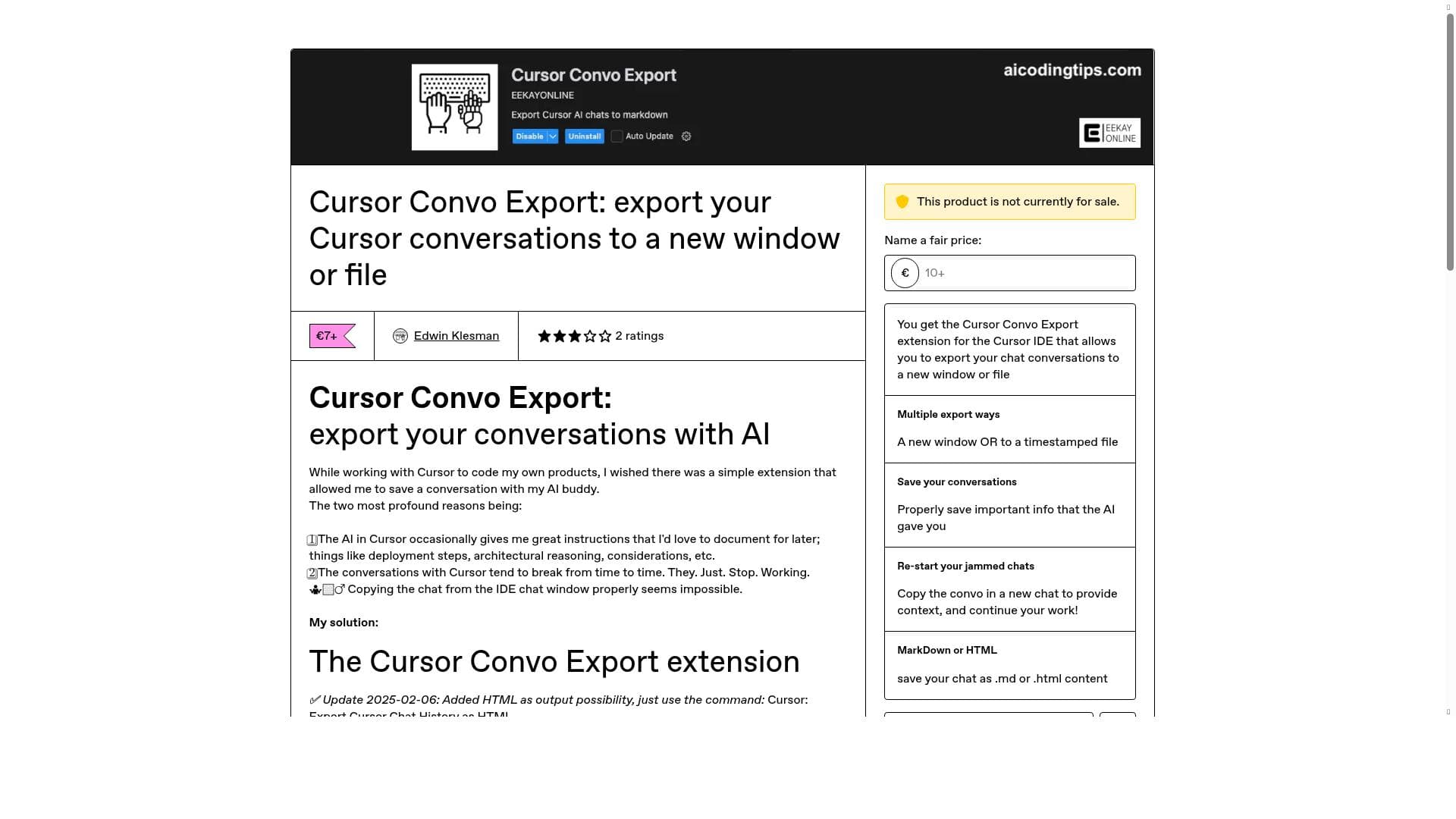
Cursor Convo Export is a dedicated Cursor AI extension that lets developers effortlessly export their AI chat history with preserved timestamps and structure, either as markdown or HTML. Ideal for developers who rely on Cursor AI for coding assistance, it ensures critical AI instructions are never lost and integrates smoothly with VS Code for easy documentation.

Description
Boost productivity with Cursor Convo Export, the must-have extension for Cursor AI users. Export chats to a new window or save as timestamped markdown files. Preserve info; revive frozen chats. Use the Command Palette or shortcut to streamline your workflows!
Detailed Description
Cursor Convo Export is a specialized extension designed exclusively for the Cursor AI integrated development environment (IDE). Its primary function is to enable users to export their AI chat conversations seamlessly, preserving the full context, timestamps, and structure of the dialogue. This tool addresses a common challenge faced by developers and AI users who rely on Cursor AI for coding assistance but struggle with losing valuable chat data when conversations unexpectedly break or when they want to archive important AI-generated instructions. By providing a reliable method to export chats either to a new window or as timestamped files, Cursor Convo Export ensures that users can maintain a permanent, organized record of their interactions with the AI, which is crucial for documentation, reference, and further development work. The extension offers a robust set of features tailored to enhance the user experience within the Cursor IDE. Users can export individual chats from their chat history, with the option to select which specific conversation to export—defaulting to the most recent chat if no selection is made. One of the standout capabilities is the preservation of conversation timestamps and the original structure, which maintains the integrity and readability of the exported content. The tool supports exporting chats in two popular formats: markdown and HTML, catering to different documentation and sharing preferences. Additionally, the exported chat can be opened directly in Visual Studio Code (VS Code), facilitating easy editing and integration into existing projects. A quick pick menu allows users to choose between opening the exported conversation in a new tab within the Cursor IDE or saving it as a timestamped file for archival purposes. Installation is straightforward by dropping the extension file into the Cursor extension list, and usage is streamlined through command palette commands or a convenient status bar shortcut. Cursor Convo Export is best suited for developers, AI enthusiasts, and technical professionals who use Cursor AI as part of their coding workflow. It is particularly valuable for those who frequently receive complex instructions, deployment steps, architectural reasoning, or other critical AI-generated insights that need to be preserved for future reference. Teams collaborating on software projects can also benefit from this tool by maintaining a clear record of AI interactions that inform development decisions. Moreover, users who have experienced interruptions or failures in their Cursor AI conversations will find this extension indispensable for safeguarding their work and avoiding the frustration of lost chat data. Regarding pricing, Cursor Convo Export is available for purchase at a price of 7 EUR (approximately 8.1 USD), as listed on its Gumroad product page. There is no indication of a free trial, but the one-time purchase grants access to the extension with ongoing support and updates. The developer has addressed bugs and added features such as HTML export in recent updates, demonstrating active maintenance and responsiveness to user feedback. When compared to alternatives, Cursor Convo Export stands out because it is specifically built for the Cursor AI environment, unlike generic chat export tools or manual copy-paste methods that often fail to preserve formatting and timestamps. While other AI platforms might offer export functionalities, this extension’s deep integration with Cursor IDE and support for opening exports directly in VS Code provide a seamless, developer-friendly experience. However, it is important to note that this extension does not work with VS Code itself and must be installed within Cursor AI, limiting its use to that ecosystem. Some limitations to consider include its exclusivity to Cursor AI, meaning users of other AI tools or IDEs cannot leverage this extension. Additionally, while it supports markdown and HTML export formats, users requiring other file types or integrations may need to convert the exported files manually. The extension’s reliance on the Cursor IDE also means that any issues or updates to Cursor AI could impact its functionality. Despite these considerations, Cursor Convo Export fills a crucial niche for users seeking reliable, well-structured export options for their AI chat histories within Cursor, making it a valuable addition to the developer toolkit.
Tool Features
- Export individual chats from your Cursor chat history
- Select which chat to export (defaults to most recent)
- Preserves conversation timestamps and structure
- Opens the exported chat directly in VS Code
- Quick pick to choose between opening in a new tab or saving to a timestamped file
- Supports exporting as markdown or HTML documents
Description
Cursor Convo Export is a dedicated Cursor AI extension that lets developers effortlessly export their AI chat history with preserved timestamps and structure, either as markdown or HTML. Ideal for developers who rely on Cursor AI for coding assistance, it ensures critical AI instructions are never lost and integrates smoothly with VS Code for easy documentation.
Boost productivity with Cursor Convo Export, the must-have extension for Cursor AI users. Export chats to a new window or save as timestamped markdown files. Preserve info; revive frozen chats. Use the Command Palette or shortcut to streamline your workflows!
Detailed Description
Cursor Convo Export is a specialized extension designed exclusively for the Cursor AI integrated development environment (IDE). Its primary function is to enable users to export their AI chat conversations seamlessly, preserving the full context, timestamps, and structure of the dialogue. This tool addresses a common challenge faced by developers and AI users who rely on Cursor AI for coding assistance but struggle with losing valuable chat data when conversations unexpectedly break or when they want to archive important AI-generated instructions. By providing a reliable method to export chats either to a new window or as timestamped files, Cursor Convo Export ensures that users can maintain a permanent, organized record of their interactions with the AI, which is crucial for documentation, reference, and further development work. The extension offers a robust set of features tailored to enhance the user experience within the Cursor IDE. Users can export individual chats from their chat history, with the option to select which specific conversation to export—defaulting to the most recent chat if no selection is made. One of the standout capabilities is the preservation of conversation timestamps and the original structure, which maintains the integrity and readability of the exported content. The tool supports exporting chats in two popular formats: markdown and HTML, catering to different documentation and sharing preferences. Additionally, the exported chat can be opened directly in Visual Studio Code (VS Code), facilitating easy editing and integration into existing projects. A quick pick menu allows users to choose between opening the exported conversation in a new tab within the Cursor IDE or saving it as a timestamped file for archival purposes. Installation is straightforward by dropping the extension file into the Cursor extension list, and usage is streamlined through command palette commands or a convenient status bar shortcut. Cursor Convo Export is best suited for developers, AI enthusiasts, and technical professionals who use Cursor AI as part of their coding workflow. It is particularly valuable for those who frequently receive complex instructions, deployment steps, architectural reasoning, or other critical AI-generated insights that need to be preserved for future reference. Teams collaborating on software projects can also benefit from this tool by maintaining a clear record of AI interactions that inform development decisions. Moreover, users who have experienced interruptions or failures in their Cursor AI conversations will find this extension indispensable for safeguarding their work and avoiding the frustration of lost chat data. Regarding pricing, Cursor Convo Export is available for purchase at a price of 7 EUR (approximately 8.1 USD), as listed on its Gumroad product page. There is no indication of a free trial, but the one-time purchase grants access to the extension with ongoing support and updates. The developer has addressed bugs and added features such as HTML export in recent updates, demonstrating active maintenance and responsiveness to user feedback. When compared to alternatives, Cursor Convo Export stands out because it is specifically built for the Cursor AI environment, unlike generic chat export tools or manual copy-paste methods that often fail to preserve formatting and timestamps. While other AI platforms might offer export functionalities, this extension’s deep integration with Cursor IDE and support for opening exports directly in VS Code provide a seamless, developer-friendly experience. However, it is important to note that this extension does not work with VS Code itself and must be installed within Cursor AI, limiting its use to that ecosystem. Some limitations to consider include its exclusivity to Cursor AI, meaning users of other AI tools or IDEs cannot leverage this extension. Additionally, while it supports markdown and HTML export formats, users requiring other file types or integrations may need to convert the exported files manually. The extension’s reliance on the Cursor IDE also means that any issues or updates to Cursor AI could impact its functionality. Despite these considerations, Cursor Convo Export fills a crucial niche for users seeking reliable, well-structured export options for their AI chat histories within Cursor, making it a valuable addition to the developer toolkit.
Frequently Asked Questions
What is Cursor Convo Export?
Cursor Convo Export is an extension for the Cursor AI IDE that allows users to export their AI chat conversations to a new window or save them as timestamped markdown or HTML files, preserving the conversation's structure and timestamps.
How much does Cursor Convo Export cost?
Cursor Convo Export is priced at 7 EUR (approximately 8.1 USD) as a one-time purchase available through its Gumroad page.
Who is Cursor Convo Export best for?
It is best suited for developers, AI users, and technical professionals who use Cursor AI for coding and want to preserve important AI-generated instructions, deployment steps, or architectural insights for documentation and future reference.
What are the main features of Cursor Convo Export?
Key features include exporting individual chats from Cursor chat history, selecting specific chats to export, preserving timestamps and conversation structure, exporting as markdown or HTML, opening exports directly in VS Code, and choosing between opening in a new tab or saving to a timestamped file.
Does Cursor Convo Export offer a free trial?
There is no information indicating that Cursor Convo Export offers a free trial; it is available as a paid extension.
What integrations does Cursor Convo Export support?
The extension integrates directly with the Cursor AI IDE and supports opening exported chats in Visual Studio Code, but it does not work with VS Code as a standalone extension.
How does Cursor Convo Export work?
After installing the extension in Cursor AI, users can trigger export commands via the command palette or status bar shortcut, select the chat to export, choose the export format (markdown or HTML), and decide whether to open the export in a new tab or save it as a timestamped file.
Socials
Use ToolReviews
No reviews yet. Be the first to share your experience.
Sponsored Tools











































Recommended Tools
Stay updated on latest Ai tools
Get the latest insights, Join our newsletter
Read and trusted by 50,000+ readers
Join the biggest AI Community
Our community and staff are here to help!
Your feedback will help Alice AI improve in future versions.








Submit your Tool


PoweredByAI.app is an AI Tools Directory helping individuals, businesses, and creators discover the best AI tools for writing, coding, design, productivity, and more.
© 2026 , Product of011BQ. All rights reserved.