Featured in:Best AI Writing Tools
Get featured →🚀 Zaprep: Your Socials on Steroids. Start free — automate 1,000 DMs/month & turn engagement into leads. with 1,000 automated DMs/month.

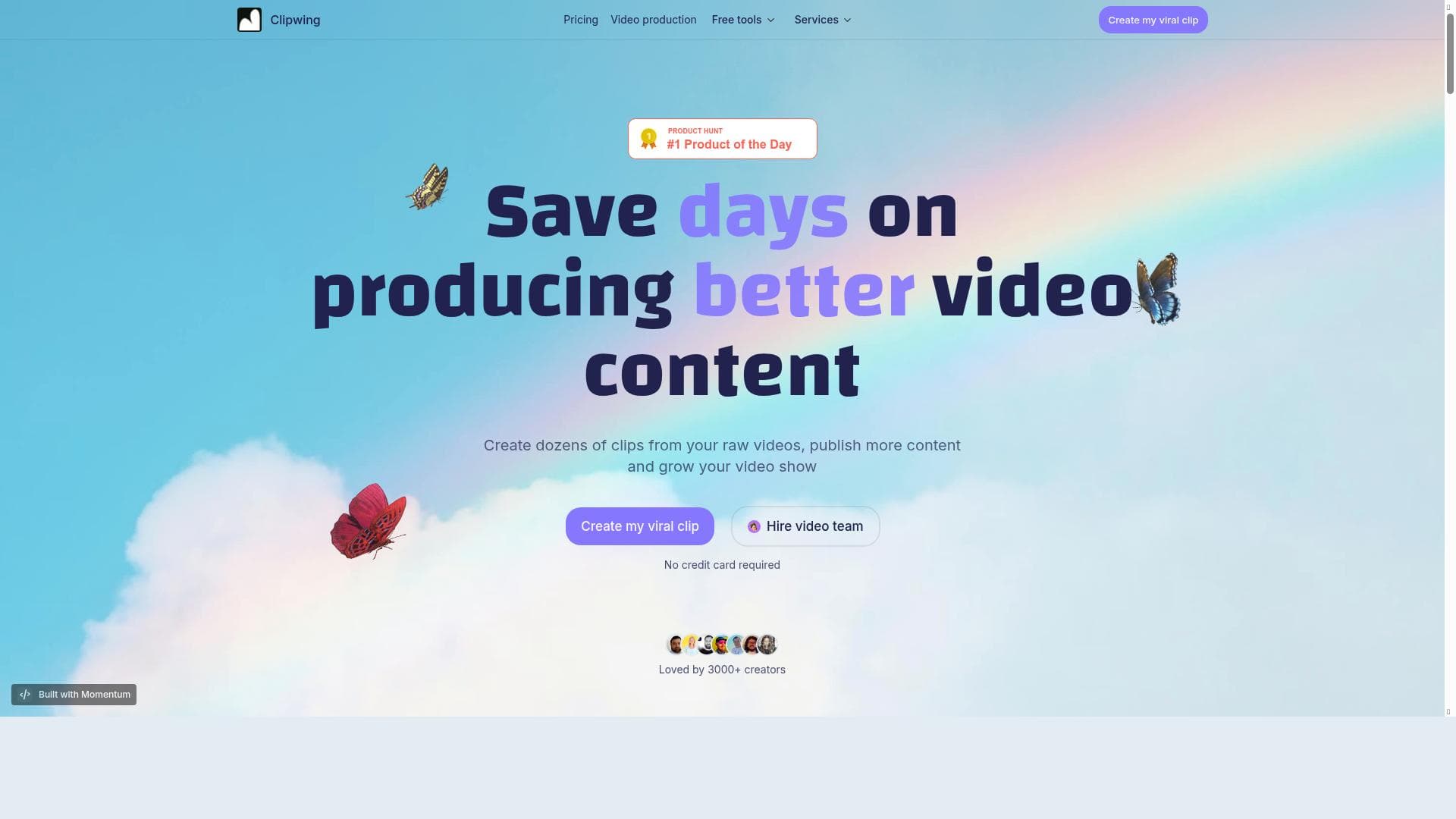


✦
Clipwing is a fast, user-friendly tool that transforms long videos into dozens of short clips optimized for social media platforms like Reels, Shorts, and TikTok. Ideal for content creators and marketers, it dramatically reduces video editing time while enabling more frequent and effective content publishing.

Views80
Impression68
Tool Pricingfreemium • Free plan, Pro Plan $29.99/month, Studio Plan $59.99/month
Description
A tool for cutting long videos into dozens of short clips
Detailed Description
Clipwing is a specialized video editing tool designed to streamline the process of transforming long-form videos into numerous short, engaging clips. Its core purpose is to help content creators, marketers, and social media managers efficiently repurpose lengthy videos such as webinars, interviews, tutorials, or live streams into bite-sized content optimized for platforms like Instagram Reels, YouTube Shorts, and TikTok. By automating and simplifying the clipping process, Clipwing enables users to maximize their video content's reach and engagement without the typical time investment required for manual editing. One of Clipwing's standout features is its ability to create dozens of clips from either YouTube videos or raw video files within minutes. This rapid processing capability is especially valuable for creators looking to maintain a consistent posting schedule across multiple social channels. Users can upload their videos or link directly to YouTube content, and the tool intelligently segments the footage into shareable clips based on customizable parameters. This automation not only accelerates content production but also helps maintain a high standard of quality and relevance for each clip. In addition to clip creation, Clipwing supports direct publishing to popular short-form video platforms, allowing users to distribute their content seamlessly. This integration reduces the friction typically involved in exporting and uploading videos across different apps, saving valuable time and effort. The tool also emphasizes productivity by enabling users to save days of work that would otherwise be spent manually editing and formatting videos, thus allowing creators to focus more on content strategy and audience engagement. Clipwing is best suited for digital marketers, social media managers, influencers, video editors, and content creators who regularly produce long-form video content and want to amplify their presence on short-video platforms. For example, a YouTuber with lengthy tutorials can use Clipwing to extract key moments and highlights to share as teasers or standalone clips on Instagram or TikTok. Similarly, businesses hosting webinars can repurpose those sessions into multiple promotional clips to extend their content lifecycle and reach new audiences. Regarding pricing, Clipwing operates on a freemium model, offering basic functionality for free with limitations, while premium plans unlock advanced features and higher usage limits. This approach allows users to test the platform and understand its benefits before committing financially. Detailed pricing tiers and feature breakdowns are typically available on the official website, catering to different user needs from casual creators to professional teams. When compared to alternative video clipping tools, Clipwing stands out for its speed, ease of use, and direct publishing capabilities. While some competitors may offer more extensive video editing suites, Clipwing focuses specifically on the niche of rapid clip generation and distribution, making it a highly efficient choice for users prioritizing volume and speed over complex editing. However, users seeking advanced editing features like multi-track timelines or special effects might find Clipwing's functionality more limited. Potential limitations include the freemium plan's restrictions on the number of clips or video length, which could impact heavy users. Additionally, as an automated clipping tool, the precision of clip selection may sometimes require manual adjustment to ensure the best content quality. Users should also consider the supported video formats and platform integrations to ensure compatibility with their existing workflows. Overall, Clipwing offers a powerful, time-saving solution for anyone looking to leverage long videos into engaging short clips quickly and efficiently, making it an invaluable tool in the fast-paced world of social media content creation.
Tool Features
- Create dozens of clips from YouTube or raw videos in minutes
- Publish more Reels, Shorts, and TikToks
- Save days on producing better video content
Description
✦
Clipwing is a fast, user-friendly tool that transforms long videos into dozens of short clips optimized for social media platforms like Reels, Shorts, and TikTok. Ideal for content creators and marketers, it dramatically reduces video editing time while enabling more frequent and effective content publishing.
A tool for cutting long videos into dozens of short clips
Detailed Description
Clipwing is a specialized video editing tool designed to streamline the process of transforming long-form videos into numerous short, engaging clips. Its core purpose is to help content creators, marketers, and social media managers efficiently repurpose lengthy videos such as webinars, interviews, tutorials, or live streams into bite-sized content optimized for platforms like Instagram Reels, YouTube Shorts, and TikTok. By automating and simplifying the clipping process, Clipwing enables users to maximize their video content's reach and engagement without the typical time investment required for manual editing. One of Clipwing's standout features is its ability to create dozens of clips from either YouTube videos or raw video files within minutes. This rapid processing capability is especially valuable for creators looking to maintain a consistent posting schedule across multiple social channels. Users can upload their videos or link directly to YouTube content, and the tool intelligently segments the footage into shareable clips based on customizable parameters. This automation not only accelerates content production but also helps maintain a high standard of quality and relevance for each clip. In addition to clip creation, Clipwing supports direct publishing to popular short-form video platforms, allowing users to distribute their content seamlessly. This integration reduces the friction typically involved in exporting and uploading videos across different apps, saving valuable time and effort. The tool also emphasizes productivity by enabling users to save days of work that would otherwise be spent manually editing and formatting videos, thus allowing creators to focus more on content strategy and audience engagement. Clipwing is best suited for digital marketers, social media managers, influencers, video editors, and content creators who regularly produce long-form video content and want to amplify their presence on short-video platforms. For example, a YouTuber with lengthy tutorials can use Clipwing to extract key moments and highlights to share as teasers or standalone clips on Instagram or TikTok. Similarly, businesses hosting webinars can repurpose those sessions into multiple promotional clips to extend their content lifecycle and reach new audiences. Regarding pricing, Clipwing operates on a freemium model, offering basic functionality for free with limitations, while premium plans unlock advanced features and higher usage limits. This approach allows users to test the platform and understand its benefits before committing financially. Detailed pricing tiers and feature breakdowns are typically available on the official website, catering to different user needs from casual creators to professional teams. When compared to alternative video clipping tools, Clipwing stands out for its speed, ease of use, and direct publishing capabilities. While some competitors may offer more extensive video editing suites, Clipwing focuses specifically on the niche of rapid clip generation and distribution, making it a highly efficient choice for users prioritizing volume and speed over complex editing. However, users seeking advanced editing features like multi-track timelines or special effects might find Clipwing's functionality more limited. Potential limitations include the freemium plan's restrictions on the number of clips or video length, which could impact heavy users. Additionally, as an automated clipping tool, the precision of clip selection may sometimes require manual adjustment to ensure the best content quality. Users should also consider the supported video formats and platform integrations to ensure compatibility with their existing workflows. Overall, Clipwing offers a powerful, time-saving solution for anyone looking to leverage long videos into engaging short clips quickly and efficiently, making it an invaluable tool in the fast-paced world of social media content creation.
Frequently Asked Questions
What is Clipwing?
Clipwing is an AI-powered video editing tool designed to quickly cut long videos into multiple short clips, perfect for sharing on platforms like Instagram Reels, YouTube Shorts, and TikTok.
How much does Clipwing cost?
Clipwing offers a freemium pricing model with basic features available for free and premium plans that unlock additional capabilities and higher usage limits. Detailed pricing information can be found on their website.
Who is Clipwing best for?
Clipwing is ideal for content creators, social media managers, marketers, influencers, and anyone who regularly produces long-form videos and wants to repurpose them into engaging short clips quickly.
What are the main features of Clipwing?
Key features include creating dozens of clips from YouTube or raw videos within minutes, direct publishing to Reels, Shorts, and TikTok, and saving significant time on video content production.
Does Clipwing offer a free trial?
Yes, Clipwing provides a freemium plan that allows users to try out basic features for free before upgrading to premium plans.
What integrations does Clipwing support?
Clipwing supports integration with YouTube for importing videos and direct publishing capabilities to popular short-video platforms such as Instagram Reels, YouTube Shorts, and TikTok.
How does Clipwing work?
Users upload raw video files or link YouTube videos to Clipwing, which then automatically segments the footage into multiple short clips based on customizable settings, allowing for quick editing and direct publishing.
Socials
Use ToolReviews
0 reviews
No reviews yet. Be the first to share your experience.
Sponsored Tools











































Recommended Tools
Stay updated on latest Ai tools
Get the latest insights, Join our newsletter
Read and trusted by 50,000+ readers
Join the biggest AI Community
Our community and staff are here to help!
Your feedback will help Alice AI improve in future versions.








Submit your Tool


PoweredByAI.app is an AI Tools Directory helping individuals, businesses, and creators discover the best AI tools for writing, coding, design, productivity, and more.
© 2026 , Product of011BQ. All rights reserved.