ChartFromText
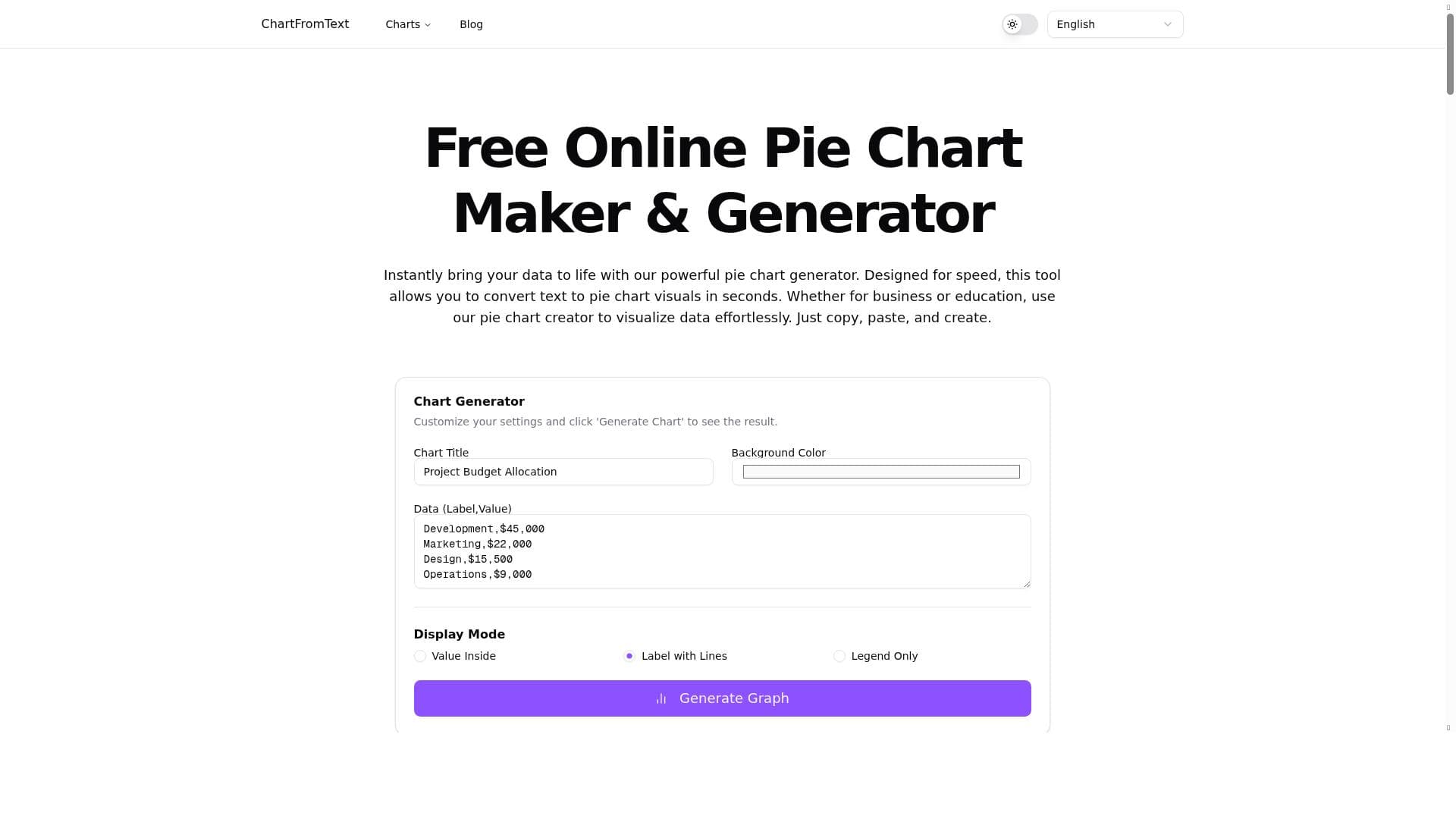


ChartFromText is a free, no-login online tool that instantly converts plain text data into attractive pie charts, bar graphs, and line graphs. Perfect for students, educators, and content creators seeking a fast, easy way to visualize data without complex software.

Description
ChartFromText is a free online tool that lets users convert plain text data into visually appealing charts — including pie charts, bar graphs and line graphs — in seconds. Ideal for students, educators, content creators and anyone who wants a fast and easy way to visualize data without complex software.
Detailed Description
ChartFromText is an innovative and user-friendly online tool designed to transform plain text data into visually compelling charts quickly and effortlessly. Its core purpose is to simplify the data visualization process by eliminating the need for complex software or advanced technical skills. Users can input raw text data and instantly generate a variety of chart types including pie charts, bar graphs, and line graphs. This makes ChartFromText an invaluable resource for anyone looking to present data in a clear, engaging format without the steep learning curve associated with traditional charting tools. One of the standout features of ChartFromText is its ability to convert text directly into pie chart visuals instantly. This is particularly useful for users who need to visualize proportions or percentages quickly. Beyond pie charts, the tool also supports bar graphs and line graphs, providing flexibility depending on the nature of the data and the story the user wants to tell. The interface is designed to be fast and intuitive, requiring no login or account creation, which lowers the barrier to entry and allows users to start creating charts immediately. Additionally, ChartFromText offers customizable settings that let users tweak the appearance and parameters of their charts, ensuring that the final output meets their specific needs and preferences. ChartFromText is ideally suited for a wide range of users including students, educators, content creators, business professionals, and anyone else who needs to visualize data quickly and effectively. For students and educators, it offers a straightforward way to create visual aids for presentations, reports, or classroom activities without needing specialized software. Content creators can enhance articles, blogs, and social media posts with clear, attractive charts that improve audience engagement. Business users can leverage the tool for quick data analysis and reporting, especially when time or resources are limited. The simplicity and speed of ChartFromText make it a practical choice for scenarios where traditional data visualization tools might be too cumbersome or time-consuming. ChartFromText is completely free to use, which is a significant advantage compared to many other data visualization platforms that require subscriptions or one-time payments. The absence of pricing tiers or premium plans means all users have equal access to the tool’s full functionality. This free access, combined with no requirement for account registration, makes ChartFromText an accessible option for casual users and professionals alike. When compared to alternatives like Microsoft Excel, Google Sheets, or specialized visualization software such as Tableau or Power BI, ChartFromText stands out for its simplicity and speed. While those platforms offer extensive features and advanced analytics, they often require a learning curve and setup time. ChartFromText focuses on rapid chart creation from text input, making it ideal for quick tasks rather than deep data analysis. However, it does not support integration with other software or data import from spreadsheets, which limits its use for more complex projects. Notable limitations include the lack of support for importing data files directly, absence of advanced customization options found in professional tools, and no collaborative features. Users needing detailed data manipulation, real-time collaboration, or integration with other business tools might find ChartFromText insufficient for their needs. Additionally, as a web-based tool, it requires an internet connection to function. Despite these constraints, ChartFromText excels as a free, no-frills solution for fast, straightforward data visualization from plain text, making it a valuable tool for many everyday use cases.
Tool Features
- Instantly convert text to pie chart visuals
- No login required
- Fast and easy to use
- Suitable for business and education
- Customizable settings for chart generation
Description
ChartFromText is a free, no-login online tool that instantly converts plain text data into attractive pie charts, bar graphs, and line graphs. Perfect for students, educators, and content creators seeking a fast, easy way to visualize data without complex software.
ChartFromText is a free online tool that lets users convert plain text data into visually appealing charts — including pie charts, bar graphs and line graphs — in seconds. Ideal for students, educators, content creators and anyone who wants a fast and easy way to visualize data without complex software.
Detailed Description
ChartFromText is an innovative and user-friendly online tool designed to transform plain text data into visually compelling charts quickly and effortlessly. Its core purpose is to simplify the data visualization process by eliminating the need for complex software or advanced technical skills. Users can input raw text data and instantly generate a variety of chart types including pie charts, bar graphs, and line graphs. This makes ChartFromText an invaluable resource for anyone looking to present data in a clear, engaging format without the steep learning curve associated with traditional charting tools. One of the standout features of ChartFromText is its ability to convert text directly into pie chart visuals instantly. This is particularly useful for users who need to visualize proportions or percentages quickly. Beyond pie charts, the tool also supports bar graphs and line graphs, providing flexibility depending on the nature of the data and the story the user wants to tell. The interface is designed to be fast and intuitive, requiring no login or account creation, which lowers the barrier to entry and allows users to start creating charts immediately. Additionally, ChartFromText offers customizable settings that let users tweak the appearance and parameters of their charts, ensuring that the final output meets their specific needs and preferences. ChartFromText is ideally suited for a wide range of users including students, educators, content creators, business professionals, and anyone else who needs to visualize data quickly and effectively. For students and educators, it offers a straightforward way to create visual aids for presentations, reports, or classroom activities without needing specialized software. Content creators can enhance articles, blogs, and social media posts with clear, attractive charts that improve audience engagement. Business users can leverage the tool for quick data analysis and reporting, especially when time or resources are limited. The simplicity and speed of ChartFromText make it a practical choice for scenarios where traditional data visualization tools might be too cumbersome or time-consuming. ChartFromText is completely free to use, which is a significant advantage compared to many other data visualization platforms that require subscriptions or one-time payments. The absence of pricing tiers or premium plans means all users have equal access to the tool’s full functionality. This free access, combined with no requirement for account registration, makes ChartFromText an accessible option for casual users and professionals alike. When compared to alternatives like Microsoft Excel, Google Sheets, or specialized visualization software such as Tableau or Power BI, ChartFromText stands out for its simplicity and speed. While those platforms offer extensive features and advanced analytics, they often require a learning curve and setup time. ChartFromText focuses on rapid chart creation from text input, making it ideal for quick tasks rather than deep data analysis. However, it does not support integration with other software or data import from spreadsheets, which limits its use for more complex projects. Notable limitations include the lack of support for importing data files directly, absence of advanced customization options found in professional tools, and no collaborative features. Users needing detailed data manipulation, real-time collaboration, or integration with other business tools might find ChartFromText insufficient for their needs. Additionally, as a web-based tool, it requires an internet connection to function. Despite these constraints, ChartFromText excels as a free, no-frills solution for fast, straightforward data visualization from plain text, making it a valuable tool for many everyday use cases.
Frequently Asked Questions
What is ChartFromText?
ChartFromText is a free online tool that allows users to convert plain text data into visually appealing charts such as pie charts, bar graphs, and line graphs quickly and easily, without the need for complex software or login.
How much does ChartFromText cost?
ChartFromText is completely free to use with no hidden fees or premium plans.
Who is ChartFromText best for?
It is ideal for students, educators, content creators, business professionals, and anyone who needs a fast and simple way to visualize data without technical expertise.
What are the main features of ChartFromText?
Key features include instant conversion of text to pie charts, bar graphs, and line graphs, no login requirement, fast and easy usability, suitability for both business and education, and customizable chart settings.
Does ChartFromText offer a free trial?
Since ChartFromText is entirely free to use, there is no need for a free trial.
What integrations does ChartFromText support?
ChartFromText does not currently support integrations with other software or platforms; it operates as a standalone web-based tool.
How does ChartFromText work?
Users input plain text data into the tool, select the desired chart type, and ChartFromText instantly generates a visual chart based on the data, which can then be customized and downloaded or shared.
Reviews
No reviews yet. Be the first to share your experience.















































