🚀 Zaprep: Your Socials on Steroids. Start free — automate 1,000 DMs/month & turn engagement into leads. with 1,000 automated DMs/month.


Is this your AI tool? Claim it today.
Verify ownership, manage your profile, and unlock growth features.
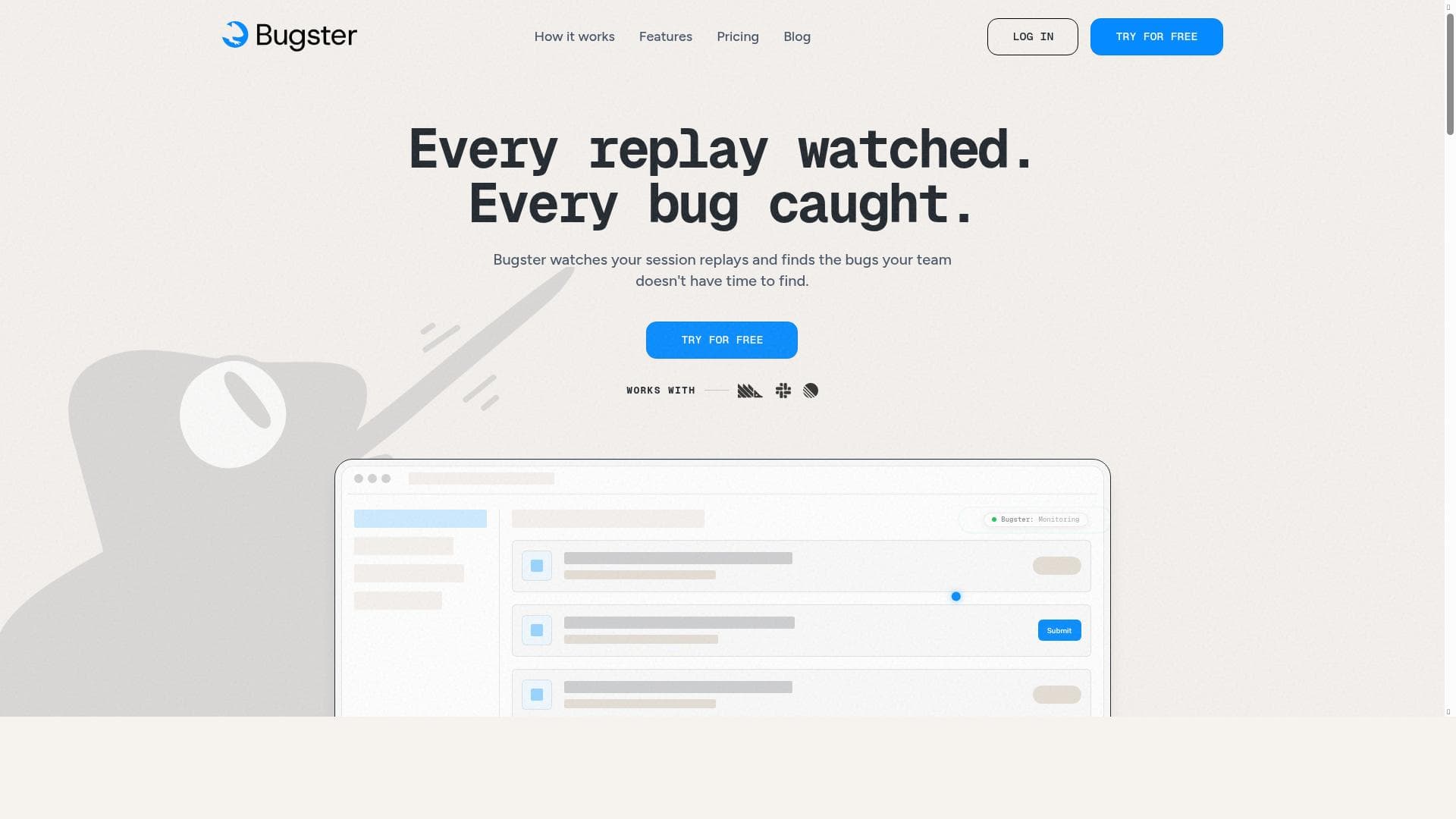
Bugster revolutionizes software testing by instantly converting user flows into automated tests using AI-powered session replay and bug detection. Ideal for developers and QA teams seeking faster, more accurate bug identification and seamless integration with tools like Slack and PostHog, Bugster accelerates shipping bug-free software with minimal manual effort.

Description
Transform user flows into automated tests instantly. AI-powered testing solution that helps developers ship bug-free software faster.
Detailed Description
Bugster is an innovative AI-powered testing solution designed to transform user flows into automated tests instantly, enabling developers to ship bug-free software faster and more efficiently. At its core, Bugster leverages advanced artificial intelligence to analyze user sessions, detect bugs automatically, and generate comprehensive automated tests that replicate real user interactions. This approach significantly reduces the manual effort traditionally required in test creation and bug detection, streamlining the software development lifecycle and enhancing overall product quality. One of Bugster's standout capabilities is its AI session replay analysis, which captures and interprets user interactions within an application to identify potential issues without requiring manual input. This feature allows developers to see exactly how users experience their software, providing invaluable insights into where bugs occur and how they impact user behavior. Complementing this is Bugster’s automatic bug detection system, which proactively identifies errors and anomalies in the application, including silent errors that may not trigger visible alerts but can degrade user experience. Additionally, Bugster detects rage clicks—rapid, repeated clicks that often indicate user frustration—helping teams pinpoint usability problems that might otherwise go unnoticed. Bugster also integrates seamlessly with popular collaboration and project management tools such as Slack and Linear, enabling teams to receive real-time notifications about detected issues and streamline their bug tracking workflows. Its native integration with PostHog further enhances its capabilities by combining analytics and error detection in one platform, providing a holistic view of application health and user behavior. This tool is particularly well-suited for software developers, QA engineers, and product teams who aim to accelerate their testing processes without compromising on quality. Startups and established companies alike benefit from Bugster’s ability to automate repetitive testing tasks and surface critical bugs early in the development cycle. Use cases range from continuous integration and deployment pipelines where automated tests are essential, to user experience monitoring where understanding user frustration signals like rage clicks can drive product improvements. Bugster offers a freemium pricing model, making it accessible for individual developers and small teams to get started without upfront costs. While the free tier provides essential features to begin automating tests and detecting bugs, more advanced capabilities and integrations are available in paid plans tailored to the needs of larger teams and enterprises. Compared to traditional testing tools that require extensive manual scripting and maintenance, Bugster stands out by automating test creation through AI-driven session analysis, reducing the time and expertise needed to maintain test suites. Its integration with communication and analytics platforms also distinguishes it from standalone testing solutions, fostering better collaboration and faster issue resolution. However, as with any AI-based tool, there may be limitations in handling highly complex or non-standard user flows, and teams should evaluate its fit based on their specific application architecture and testing requirements. In summary, Bugster represents a significant advancement in automated testing technology by combining AI-powered session replay, automatic bug detection, and seamless integrations to help development teams deliver more reliable software faster. Its focus on real user behavior and silent error detection provides a comprehensive approach to quality assurance that can adapt to the evolving demands of modern software development.
Tool Features
- AI session replay analysis
- Automatic bug detection
- Slack and Linear integration
- PostHog native integration
- Silent error detection
- Rage click detection
Description
Bugster revolutionizes software testing by instantly converting user flows into automated tests using AI-powered session replay and bug detection. Ideal for developers and QA teams seeking faster, more accurate bug identification and seamless integration with tools like Slack and PostHog, Bugster accelerates shipping bug-free software with minimal manual effort.
Transform user flows into automated tests instantly. AI-powered testing solution that helps developers ship bug-free software faster.
Detailed Description
Bugster is an innovative AI-powered testing solution designed to transform user flows into automated tests instantly, enabling developers to ship bug-free software faster and more efficiently. At its core, Bugster leverages advanced artificial intelligence to analyze user sessions, detect bugs automatically, and generate comprehensive automated tests that replicate real user interactions. This approach significantly reduces the manual effort traditionally required in test creation and bug detection, streamlining the software development lifecycle and enhancing overall product quality. One of Bugster's standout capabilities is its AI session replay analysis, which captures and interprets user interactions within an application to identify potential issues without requiring manual input. This feature allows developers to see exactly how users experience their software, providing invaluable insights into where bugs occur and how they impact user behavior. Complementing this is Bugster’s automatic bug detection system, which proactively identifies errors and anomalies in the application, including silent errors that may not trigger visible alerts but can degrade user experience. Additionally, Bugster detects rage clicks—rapid, repeated clicks that often indicate user frustration—helping teams pinpoint usability problems that might otherwise go unnoticed. Bugster also integrates seamlessly with popular collaboration and project management tools such as Slack and Linear, enabling teams to receive real-time notifications about detected issues and streamline their bug tracking workflows. Its native integration with PostHog further enhances its capabilities by combining analytics and error detection in one platform, providing a holistic view of application health and user behavior. This tool is particularly well-suited for software developers, QA engineers, and product teams who aim to accelerate their testing processes without compromising on quality. Startups and established companies alike benefit from Bugster’s ability to automate repetitive testing tasks and surface critical bugs early in the development cycle. Use cases range from continuous integration and deployment pipelines where automated tests are essential, to user experience monitoring where understanding user frustration signals like rage clicks can drive product improvements. Bugster offers a freemium pricing model, making it accessible for individual developers and small teams to get started without upfront costs. While the free tier provides essential features to begin automating tests and detecting bugs, more advanced capabilities and integrations are available in paid plans tailored to the needs of larger teams and enterprises. Compared to traditional testing tools that require extensive manual scripting and maintenance, Bugster stands out by automating test creation through AI-driven session analysis, reducing the time and expertise needed to maintain test suites. Its integration with communication and analytics platforms also distinguishes it from standalone testing solutions, fostering better collaboration and faster issue resolution. However, as with any AI-based tool, there may be limitations in handling highly complex or non-standard user flows, and teams should evaluate its fit based on their specific application architecture and testing requirements. In summary, Bugster represents a significant advancement in automated testing technology by combining AI-powered session replay, automatic bug detection, and seamless integrations to help development teams deliver more reliable software faster. Its focus on real user behavior and silent error detection provides a comprehensive approach to quality assurance that can adapt to the evolving demands of modern software development.
Frequently Asked Questions
What is Bugster?
Bugster is an AI-powered testing solution that transforms user flows into automated tests instantly. It helps developers detect bugs automatically, analyze user sessions, and ship bug-free software faster by leveraging AI-driven session replay analysis and error detection.
How much does Bugster cost?
Bugster offers a freemium pricing model, allowing users to access essential features for free. Paid plans with advanced capabilities and integrations are available for larger teams and enterprises, though specific pricing details can be found on their website.
Who is Bugster best for?
Bugster is best suited for software developers, QA engineers, and product teams who want to automate their testing processes, detect bugs early, and improve software quality. It is particularly beneficial for teams using continuous integration and deployment workflows.
What are the main features of Bugster?
Key features include AI session replay analysis, automatic bug detection, silent error detection, rage click detection, and integrations with Slack, Linear, and PostHog. These features enable comprehensive monitoring and automated test generation based on real user interactions.
Does Bugster offer a free trial?
Yes, Bugster provides a freemium plan that allows users to try out core features for free, enabling individuals and small teams to experience the tool before committing to paid plans.
What integrations does Bugster support?
Bugster supports integrations with popular collaboration and project management tools such as Slack and Linear, as well as native integration with PostHog for enhanced analytics and error tracking.
How does Bugster work?
Bugster works by analyzing user session replays using AI to automatically detect bugs and generate automated tests that replicate real user flows. It monitors for silent errors and user frustration signals like rage clicks, then integrates with communication and analytics platforms to streamline bug tracking and resolution.
Socials
Use ToolReviews
No reviews yet. Be the first to share your experience.
Sponsored Tools







































Recommended Tools
Stay updated on latest Ai tools
Get the latest insights, Join our newsletter
Read and trusted by 50,000+ readers
Join the biggest AI Community
Our community and staff are here to help!
Your feedback will help Alice AI improve in future versions.







Submit your Tool


PoweredByAI.app is an AI Tools Directory helping individuals, businesses, and creators discover the best AI tools for writing, coding, design, productivity, and more.
© 2026 , Product of011BQ. All rights reserved.