Featured in:Best AI Audio Tools
Get featured →🚀 Zaprep: Your Socials on Steroids. Start free — automate 1,000 DMs/month & turn engagement into leads. with 1,000 automated DMs/month.


✦
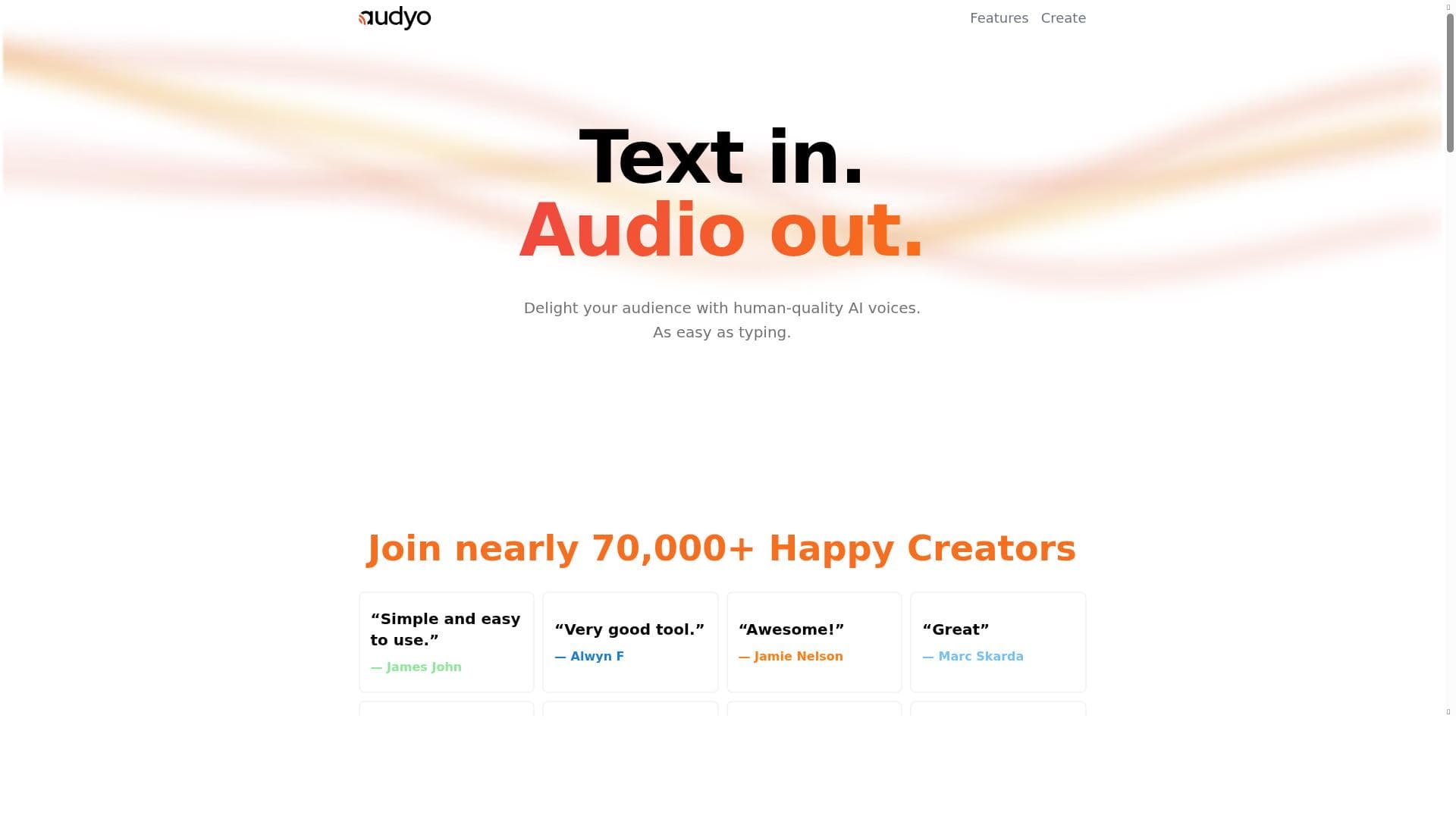
Audyo transforms voice content creation by letting users generate and edit human-like speech simply by typing, eliminating complex audio editing. Ideal for podcasters, educators, and marketers, it offers multi-speaker support and phonetic tuning, making voice production faster, easier, and highly customizable.
Description
Audyo is an AI-powered tool designed to create and edit human-like voices by typing.
Detailed Description
Audyo is an innovative AI-powered audio creation and editing tool that revolutionizes the way users generate human-like voice content. Unlike traditional audio editing software that relies on waveform manipulation, Audyo allows users to create and edit audio simply by typing text, making the process intuitive and accessible to both novices and professionals. Its core purpose is to streamline voice content production by enabling users to write their scripts and instantly convert them into natural-sounding speech, with the added ability to edit the spoken words directly rather than dealing with complex audio waveforms. This approach dramatically reduces the time and technical skill required to produce high-quality voice recordings. One of Audyo's standout features is its document-like audio creation interface. Users can compose audio by typing text as if writing a document, which the AI then converts into speech with remarkable human-like intonation and clarity. Editing is equally straightforward: instead of manipulating audio clips, users simply edit the text to change the spoken content, making corrections or adjustments as easily as editing a word processor document. This text-based editing paradigm eliminates the need for specialized audio editing knowledge and accelerates the revision process. Audyo also supports speaker switching, allowing users to assign different voices to various parts of the script. This feature is particularly useful for creating dialogues, podcasts, audiobooks, or any content requiring multiple characters or narrators. Additionally, the tool provides phonetic tweaking capabilities, enabling users to fine-tune pronunciations to ensure accuracy and naturalness, which is critical for brand names, technical terms, or foreign words. These controls give users precise command over the audio output, enhancing the overall quality and listener experience. The tool is ideally suited for content creators, podcasters, educators, marketers, and businesses that require fast, high-quality voice content without investing in professional voice actors or complex audio editing software. For example, podcasters can quickly generate episode scripts and produce polished audio, educators can create engaging voiceovers for e-learning materials, and marketers can develop compelling voice ads or presentations. Its ease of use and powerful features make it a valuable asset for anyone looking to produce voice content efficiently. Audyo operates on a freemium pricing model, allowing users to access basic features for free with options to upgrade for enhanced capabilities or higher usage limits. This model makes it accessible to individuals and small teams while providing scalability for larger organizations or more intensive projects. Pricing details and plan specifics can be found on their website, but the freemium approach ensures users can try the tool without upfront investment. Compared to traditional audio editing tools and other text-to-speech platforms, Audyo stands out due to its unique text-based editing interface and multi-speaker support. While many text-to-speech tools offer voice synthesis, few provide the ability to edit audio by simply modifying text or switch between multiple speakers seamlessly within the same project. This combination of features positions Audyo as a versatile and user-friendly solution in the voice content creation market. However, potential users should consider that, like most AI-generated voice tools, the naturalness and emotional expressiveness may vary depending on the complexity of the script and language nuances. Additionally, while phonetic tweaking improves pronunciation, it may require some trial and error to perfect certain words. Integration options may also be limited compared to more established platforms, which could be a consideration for users needing extensive workflow automation. Despite these minor limitations, Audyo offers a compelling blend of ease, flexibility, and quality for a wide range of voice content applications.
Tool Features
- Create audio like writing a document
- Edit words instead of waveforms
- Switch speakers
- Tweak pronunciations with phonetics
Description
✦
Audyo transforms voice content creation by letting users generate and edit human-like speech simply by typing, eliminating complex audio editing. Ideal for podcasters, educators, and marketers, it offers multi-speaker support and phonetic tuning, making voice production faster, easier, and highly customizable.
Audyo is an AI-powered tool designed to create and edit human-like voices by typing.
Detailed Description
Audyo is an innovative AI-powered audio creation and editing tool that revolutionizes the way users generate human-like voice content. Unlike traditional audio editing software that relies on waveform manipulation, Audyo allows users to create and edit audio simply by typing text, making the process intuitive and accessible to both novices and professionals. Its core purpose is to streamline voice content production by enabling users to write their scripts and instantly convert them into natural-sounding speech, with the added ability to edit the spoken words directly rather than dealing with complex audio waveforms. This approach dramatically reduces the time and technical skill required to produce high-quality voice recordings. One of Audyo's standout features is its document-like audio creation interface. Users can compose audio by typing text as if writing a document, which the AI then converts into speech with remarkable human-like intonation and clarity. Editing is equally straightforward: instead of manipulating audio clips, users simply edit the text to change the spoken content, making corrections or adjustments as easily as editing a word processor document. This text-based editing paradigm eliminates the need for specialized audio editing knowledge and accelerates the revision process. Audyo also supports speaker switching, allowing users to assign different voices to various parts of the script. This feature is particularly useful for creating dialogues, podcasts, audiobooks, or any content requiring multiple characters or narrators. Additionally, the tool provides phonetic tweaking capabilities, enabling users to fine-tune pronunciations to ensure accuracy and naturalness, which is critical for brand names, technical terms, or foreign words. These controls give users precise command over the audio output, enhancing the overall quality and listener experience. The tool is ideally suited for content creators, podcasters, educators, marketers, and businesses that require fast, high-quality voice content without investing in professional voice actors or complex audio editing software. For example, podcasters can quickly generate episode scripts and produce polished audio, educators can create engaging voiceovers for e-learning materials, and marketers can develop compelling voice ads or presentations. Its ease of use and powerful features make it a valuable asset for anyone looking to produce voice content efficiently. Audyo operates on a freemium pricing model, allowing users to access basic features for free with options to upgrade for enhanced capabilities or higher usage limits. This model makes it accessible to individuals and small teams while providing scalability for larger organizations or more intensive projects. Pricing details and plan specifics can be found on their website, but the freemium approach ensures users can try the tool without upfront investment. Compared to traditional audio editing tools and other text-to-speech platforms, Audyo stands out due to its unique text-based editing interface and multi-speaker support. While many text-to-speech tools offer voice synthesis, few provide the ability to edit audio by simply modifying text or switch between multiple speakers seamlessly within the same project. This combination of features positions Audyo as a versatile and user-friendly solution in the voice content creation market. However, potential users should consider that, like most AI-generated voice tools, the naturalness and emotional expressiveness may vary depending on the complexity of the script and language nuances. Additionally, while phonetic tweaking improves pronunciation, it may require some trial and error to perfect certain words. Integration options may also be limited compared to more established platforms, which could be a consideration for users needing extensive workflow automation. Despite these minor limitations, Audyo offers a compelling blend of ease, flexibility, and quality for a wide range of voice content applications.
Frequently Asked Questions
What is Audyo?
Audyo is an AI-powered tool that enables users to create and edit human-like voice audio by typing text, allowing for easy and intuitive voice content production without traditional waveform editing.
How much does Audyo cost?
Audyo offers a freemium pricing model, providing basic features for free with optional paid plans for enhanced capabilities and higher usage limits. Detailed pricing information is available on their website.
Who is Audyo best for?
Audyo is ideal for content creators, podcasters, educators, marketers, and businesses looking to quickly produce high-quality voice content without needing advanced audio editing skills or professional voice actors.
What are the main features of Audyo?
Key features include creating audio by typing text like writing a document, editing spoken words directly instead of waveforms, switching between multiple speakers within a project, and tweaking pronunciations using phonetic controls.
Does Audyo offer a free trial?
Yes, Audyo operates on a freemium model that allows users to access basic features for free, effectively serving as a free trial with options to upgrade for additional functionality.
What integrations does Audyo support?
Currently, Audyo primarily functions as a standalone platform focused on text-based audio creation and editing. Specific integration options are limited, but users can export audio files for use in other applications.
How does Audyo work?
Audyo converts typed text into natural-sounding speech using AI voice synthesis. Users create and edit audio by typing and modifying text, assign different voices to speakers, and adjust pronunciations with phonetic inputs to produce polished voice content.
Reviews
0 reviews
No reviews yet. Be the first to share your experience.
Sponsored Tools











































Recommended Tools
Stay updated on latest Ai tools
Get the latest insights, Join our newsletter
Read and trusted by 50,000+ readers
Join the biggest AI Community
Our community and staff are here to help!
Your feedback will help Alice AI improve in future versions.








Submit your Tool


PoweredByAI.app is an AI Tools Directory helping individuals, businesses, and creators discover the best AI tools for writing, coding, design, productivity, and more.
© 2026 , Product of011BQ. All rights reserved.