Featured in:Best AI Writing Tools
Get featured →🚀 Zaprep: Your Socials on Steroids. Start free — automate 1,000 DMs/month & turn engagement into leads. with 1,000 automated DMs/month.



✦
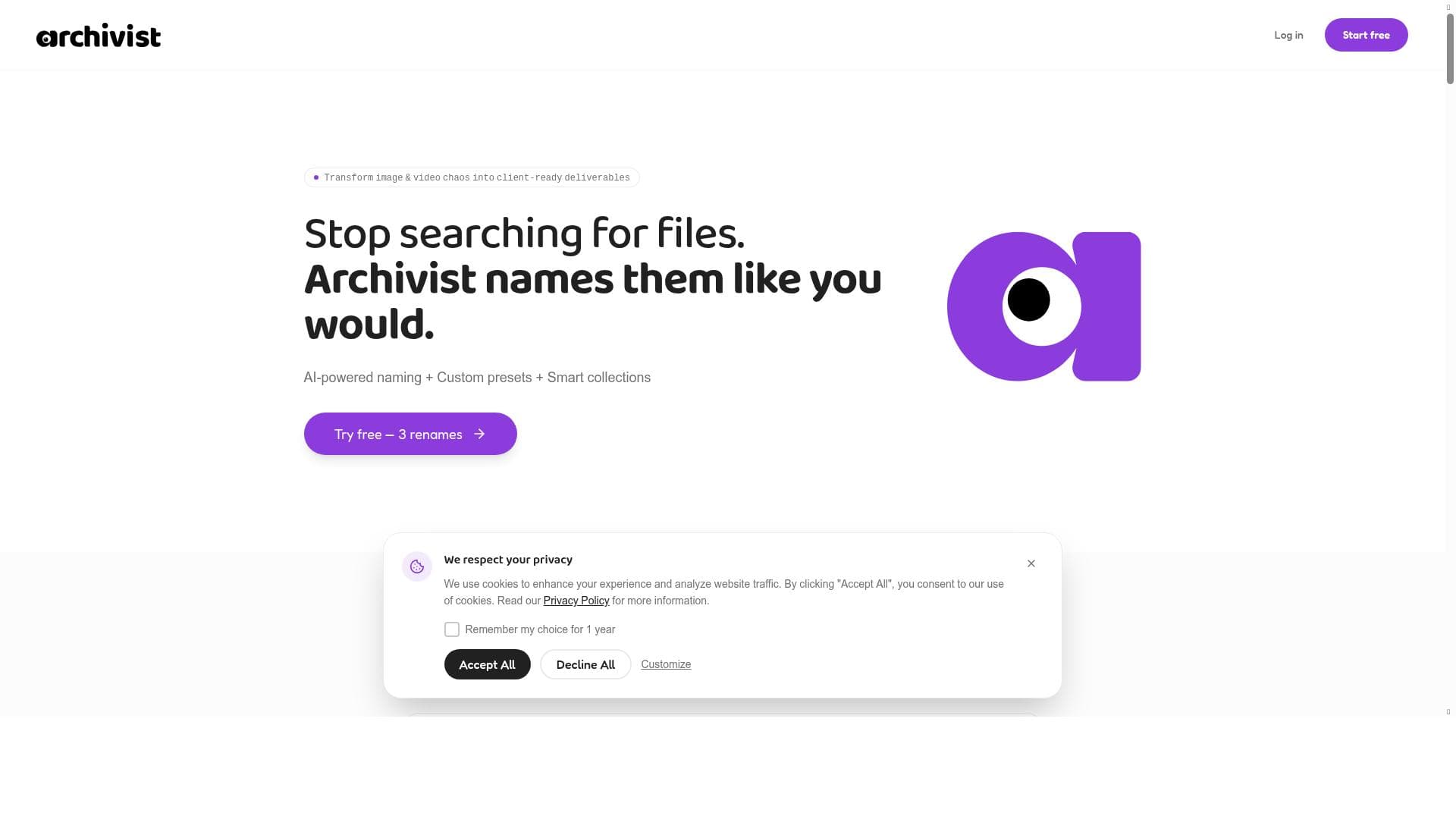
Archivist revolutionizes how AI-generated images are managed by automatically renaming and organizing files using AI-powered content analysis combined with customizable naming presets. It’s perfect for digital artists, designers, and content creators who want to quickly find, organize, and share their AI-generated images without the hassle of cryptic filenames.

Description
If you use AI image tools like DALL-E, Midjourney, or Canva, you know the frustration: your downloads folder becomes a graveyard of cryptically named files. DALL-E_2024-03-15_14-23-45_xyz789.png tells you nothing about what's inside. Finding that "purple wave image from last week" means opening 50 files and wasting 20 minutes. Archivist solves this problem with intelligent file naming that combines AI analysis with your custom organization system.
Detailed Description
Archivist is an innovative AI-powered tool designed to solve a common yet frustrating problem faced by users of AI image generation platforms such as DALL-E, Midjourney, and Canva: the chaotic and unmanageable nature of downloaded image files. When generating multiple images, users often end up with a downloads folder filled with files named by default with cryptic, non-descriptive strings like "DALL-E_2024-03-15_14-23-45_xyz789.png." These filenames provide no meaningful context, making it difficult and time-consuming to locate specific images later. Archivist addresses this challenge by employing advanced AI image analysis combined with customizable organizational presets to automatically rename and categorize image files in a way that is both intuitive and searchable. At its core, Archivist uses AI to analyze the content of each image, extracting key visual elements, themes, and attributes. This analysis informs the generation of intelligent, descriptive filenames that reflect the image’s content rather than arbitrary codes or timestamps. Users can further tailor the naming conventions through custom presets, allowing them to incorporate personal or project-specific organization schemes. Beyond renaming, Archivist also offers smart collections, which automatically group related images based on shared characteristics or user-defined criteria. This feature streamlines browsing and management of large image libraries. Archivist supports batch processing, enabling users to efficiently rename and organize hundreds or thousands of images in one operation, saving significant time and effort. Additionally, the tool facilitates client delivery by generating shareable links to curated collections, simplifying collaboration and feedback processes. This makes Archivist particularly valuable for creative professionals who need to manage and present large volumes of AI-generated imagery. Ideal users of Archivist include digital artists, graphic designers, marketing teams, content creators, and agencies who regularly work with AI-generated images. Anyone who struggles with disorganized downloads folders or inefficient file management workflows will find this tool beneficial. For example, a designer generating multiple concept images for a campaign can quickly locate and share the best options with clients without sifting through dozens of cryptically named files. Archivist’s customizable presets also make it adaptable across industries and project types, from social media content creation to game asset management. Archivist operates on a freemium pricing model, allowing users to access core features at no cost with options to upgrade for enhanced capabilities or higher usage limits. This approach makes it accessible for individual creators and small teams while providing scalability for larger organizations. Compared to manual file renaming or generic file management tools, Archivist’s AI-driven approach offers a significant productivity boost by automating a tedious task with precision and contextual understanding. While some alternatives may offer tagging or metadata management, Archivist’s unique combination of AI image analysis and custom naming presets sets it apart. However, users should consider that the accuracy of AI-generated names depends on the quality and clarity of the images themselves; highly abstract or ambiguous visuals may result in less precise naming. Additionally, as with any AI tool, there may be occasional misinterpretations requiring manual adjustments. Archivist’s current focus is primarily on image files generated by popular AI tools, so users working with other file types or non-AI-generated images may find limited functionality. Integration options are evolving, so users should verify compatibility with their existing workflows. In summary, Archivist is a powerful and user-friendly solution for anyone overwhelmed by disorganized AI-generated image files. By combining intelligent AI analysis with customizable organization systems, it transforms chaotic downloads folders into well-structured, searchable libraries. This not only saves time but also enhances creative workflows and client interactions, making Archivist an essential tool for modern digital creators leveraging AI imagery.
Tool Features
- AI-powered image analysis and naming
- Custom naming presets
- Smart collections
- Client delivery with shareable links
- Batch processing
Description
✦
Archivist revolutionizes how AI-generated images are managed by automatically renaming and organizing files using AI-powered content analysis combined with customizable naming presets. It’s perfect for digital artists, designers, and content creators who want to quickly find, organize, and share their AI-generated images without the hassle of cryptic filenames.
If you use AI image tools like DALL-E, Midjourney, or Canva, you know the frustration: your downloads folder becomes a graveyard of cryptically named files. DALL-E_2024-03-15_14-23-45_xyz789.png tells you nothing about what's inside. Finding that "purple wave image from last week" means opening 50 files and wasting 20 minutes. Archivist solves this problem with intelligent file naming that combines AI analysis with your custom organization system.
Detailed Description
Archivist is an innovative AI-powered tool designed to solve a common yet frustrating problem faced by users of AI image generation platforms such as DALL-E, Midjourney, and Canva: the chaotic and unmanageable nature of downloaded image files. When generating multiple images, users often end up with a downloads folder filled with files named by default with cryptic, non-descriptive strings like "DALL-E_2024-03-15_14-23-45_xyz789.png." These filenames provide no meaningful context, making it difficult and time-consuming to locate specific images later. Archivist addresses this challenge by employing advanced AI image analysis combined with customizable organizational presets to automatically rename and categorize image files in a way that is both intuitive and searchable. At its core, Archivist uses AI to analyze the content of each image, extracting key visual elements, themes, and attributes. This analysis informs the generation of intelligent, descriptive filenames that reflect the image’s content rather than arbitrary codes or timestamps. Users can further tailor the naming conventions through custom presets, allowing them to incorporate personal or project-specific organization schemes. Beyond renaming, Archivist also offers smart collections, which automatically group related images based on shared characteristics or user-defined criteria. This feature streamlines browsing and management of large image libraries. Archivist supports batch processing, enabling users to efficiently rename and organize hundreds or thousands of images in one operation, saving significant time and effort. Additionally, the tool facilitates client delivery by generating shareable links to curated collections, simplifying collaboration and feedback processes. This makes Archivist particularly valuable for creative professionals who need to manage and present large volumes of AI-generated imagery. Ideal users of Archivist include digital artists, graphic designers, marketing teams, content creators, and agencies who regularly work with AI-generated images. Anyone who struggles with disorganized downloads folders or inefficient file management workflows will find this tool beneficial. For example, a designer generating multiple concept images for a campaign can quickly locate and share the best options with clients without sifting through dozens of cryptically named files. Archivist’s customizable presets also make it adaptable across industries and project types, from social media content creation to game asset management. Archivist operates on a freemium pricing model, allowing users to access core features at no cost with options to upgrade for enhanced capabilities or higher usage limits. This approach makes it accessible for individual creators and small teams while providing scalability for larger organizations. Compared to manual file renaming or generic file management tools, Archivist’s AI-driven approach offers a significant productivity boost by automating a tedious task with precision and contextual understanding. While some alternatives may offer tagging or metadata management, Archivist’s unique combination of AI image analysis and custom naming presets sets it apart. However, users should consider that the accuracy of AI-generated names depends on the quality and clarity of the images themselves; highly abstract or ambiguous visuals may result in less precise naming. Additionally, as with any AI tool, there may be occasional misinterpretations requiring manual adjustments. Archivist’s current focus is primarily on image files generated by popular AI tools, so users working with other file types or non-AI-generated images may find limited functionality. Integration options are evolving, so users should verify compatibility with their existing workflows. In summary, Archivist is a powerful and user-friendly solution for anyone overwhelmed by disorganized AI-generated image files. By combining intelligent AI analysis with customizable organization systems, it transforms chaotic downloads folders into well-structured, searchable libraries. This not only saves time but also enhances creative workflows and client interactions, making Archivist an essential tool for modern digital creators leveraging AI imagery.
Frequently Asked Questions
What is Archivist?
Archivist is an AI-powered tool that automatically analyzes and renames AI-generated image files to make them easier to organize, find, and share. It uses intelligent image analysis combined with customizable naming presets to transform cryptically named downloads into meaningful, descriptive filenames.
How much does Archivist cost?
Archivist offers a freemium pricing model, allowing users to access basic features for free with options to upgrade for additional capabilities or higher usage limits. Specific pricing details and premium plan features can be found on their website.
Who is Archivist best for?
Archivist is ideal for digital artists, graphic designers, marketing teams, content creators, and agencies who frequently work with AI-generated images and need a more efficient way to organize, locate, and share their files.
What are the main features of Archivist?
Key features include AI-powered image content analysis and intelligent file naming, custom naming presets tailored to user preferences, smart collections that group related images, batch processing for handling large volumes of files, and client delivery via shareable links.
Does Archivist offer a free trial?
Archivist operates on a freemium model, meaning users can start using the core features for free without a time-limited trial. Premium features may require upgrading to a paid plan.
What integrations does Archivist support?
While Archivist primarily focuses on AI-generated image files from tools like DALL-E, Midjourney, and Canva, integration options are evolving. Users should check the latest documentation or website for supported platforms and workflow compatibility.
How does Archivist work?
Archivist uses AI algorithms to analyze the visual content of each image file, extracting descriptive elements that inform automatic renaming. Users can customize naming conventions and organize images into smart collections. Batch processing allows efficient handling of many files, and shareable links facilitate client collaboration.
Reviews
0 reviews
No reviews yet. Be the first to share your experience.
Sponsored Tools







































Recommended Tools
Stay updated on latest Ai tools
Get the latest insights, Join our newsletter
Read and trusted by 50,000+ readers
Join the biggest AI Community
Our community and staff are here to help!
Your feedback will help Alice AI improve in future versions.







Submit your Tool


PoweredByAI.app is an AI Tools Directory helping individuals, businesses, and creators discover the best AI tools for writing, coding, design, productivity, and more.
© 2026 , Product of011BQ. All rights reserved.